

Documentation Index
Fetch the complete documentation index at: https://docs.nuwebgroup.com/llms.txt
Use this file to discover all available pages before exploring further.
- [NG-8486] Improve logic of access code validity, when multiple successive access codes are configured for an event
- [NG-8455] Prevent double restocking of items when refunding split payments
- [NG-7685] Resolved an edge case where refunds through Barclays ePDQ would error unexpectedly
- [NG-8206] Ensure the admin sidebar remains expanded until manually collapsed
- [NG-8447 & NG-8478] Allow a seated space’s comments + tags to be added as fields to event media
- [NG-8445] Updates to our default cookie policy template
- [NG-7361] Added discount lines to Szamlazz invoices
- [NG-8491] Resolved a UI issue when configuring an event’s access control zone
- [NG-8471] Resolved intermittent 504 gateway timeout errors on the admin dashboard for larger companies
- [NG-8460] Ensure items can be downloaded via box office success screen when the order is configured for non-eticket fulfilment
- [NG-7399] Added event dates and times to the items list on a customer profile
- [NG-7502 & NG-8400] Included the day of week in dates across the system, when displaying event date information, and ensured day of week only appears before the month
- [NG-7695] Added rate limiting information to the API documentation
- [NG-7776] Removed sibling event names from order listings in admin, when viewing the list as a child company
- [NG-7800] The current sale item is no longer presented in the list of available sale items for bundles
- [NG-7847] Ensured that the logic for determining whether to collect customer data in box office, uses the customer profile and not the box office user’s profile
- [NG-8199] Multi-event orders with data capture now show ‘next’ and ‘previous’ buttons when viewed in the admin UI
- [NG-8258] Ensured that when completing an already expired order from the reservations UI, stock is correctly deducted again
- [NG-8370] Updated the API /order-items endpoint to return refunded and cancelled items, rather than just valid ones
- [NG-8441] Venues, seating plans, and inventory items are now ordered by name
- [NG-8453] Default new event schedules to permit staff rebooking/move dates
- [NG-8454] Updated the wording on event copy form to standardise the use of ‘copy’ instead of ‘duplicate’ across all languages
- [NG-8462] Restored the warning about absorbed fees on the refund UI, when any fees have been hidden/absorbed during the original transaction.
- [NG-7674] Resolved an error that would occur when pressing the <enter> key whilst changing company via admin
- [NG-7314] Prevent customer address being cleared during update customer API call when address fields are omitted
- [NG-8435] Routine rotation of certificates used to sign Apple wallet passes
- [NG-8446] Temporarily disabled the events list within company level sales dashboards to mitigate a critical performance issue.
- [NG-8431] Resolved an issue affecting a small number of customers where some items weren’t displaying correctly when accessing the shop via the Facebook in-app browser.
- [NG-8294] Removed unusable actions shown on the list of disabled discount codes in admin
- [NG-7798] Hide invoice reminder email option when manual payment emails are disabled
- [NG-8225] Reseller fee invoices will now show the fee payout period for marketplace gateway fees, and the period in which all other reseller fees were captured
- [NG-8408] Ensure Curlec payments are processed correctly in the background
This patch consisted of infrastructure configuration changes only
- [NG-8428] Fixed performance regression in the shop when manually selecting seats in an area using an access code
- [NG-8403] Resolved a UI issue with customer group displays.
- [NG-8382] Ensured bundled items within timeslots maintain accurate availability during add/remove basket actions.
- [NG-8222] Improvements to internal error reporting tooling
- [NG-8324] Improve performance of event listing page when customer groups is enabled
- [NG-8409] Significant performance improvement to the
GET /v1/ordersendpoint when used with thelastUpdatedorcursorparameters. - [NG-8237] Removed console log from event dashboard
- [NG-8241] Fixed date formatting on season ticket assignment panel
- [NG-8247] Redirect to the correct menu tab when creating new menu items
- [NG-8345] Fixed event time formatting on schedule dashboard
- [NG-7308] Resolve 403 when attempting to assign a user permissions, when they have permissions in another company
- [NG-8030] Added event breadcrumbs to data capture settings page
- [NG-7899] Added item holder customer id to attendance report
- [NG-8304] Removed past events from the admin global search
- [NG-8341] Fixed editing handpicked event blocks not showing all selected events
- [NG-7639] UI improvements around deleting and restoring of charity donations in admin
- [NG-8187] Exclude expired orders from discount code uses counts
- [NG-8240] Prevent showing stale sale item group reserved numbers
- [NG-8099] Added a new legend for reserved seats in the admin, to more easily differentiate between reserved and sold seats
- [NG-8384] Prevent deleted seats being shown on the event seating plan dashboard
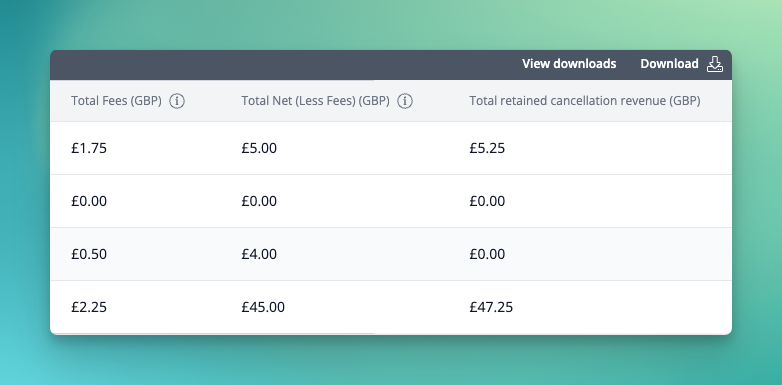
- [NG-8386] Updated header names across sales reports to better reflect their function in-line with common reporting and accounting terminology
- [NG-8293] Send Szamlazz corrective invoices to original invoice contact
- [NG-8376] Fixes for timeslot mass update suggestions when the timeslot start date falls into the previous/next UTC date
- [NG-8391] Added a new
net totalfield to sales reports that represents the total income minus any refunds, to provide net revenue reporting
- [NG-8310] Fix to discount codes item restrictions not being applied correctly when requiring all items are in the basket
- [NG-8161] Resolved issue when mass updating timeslots across a schedule
- [NG-8343] Prevent seating plan blocks being duplicated when resizing an area
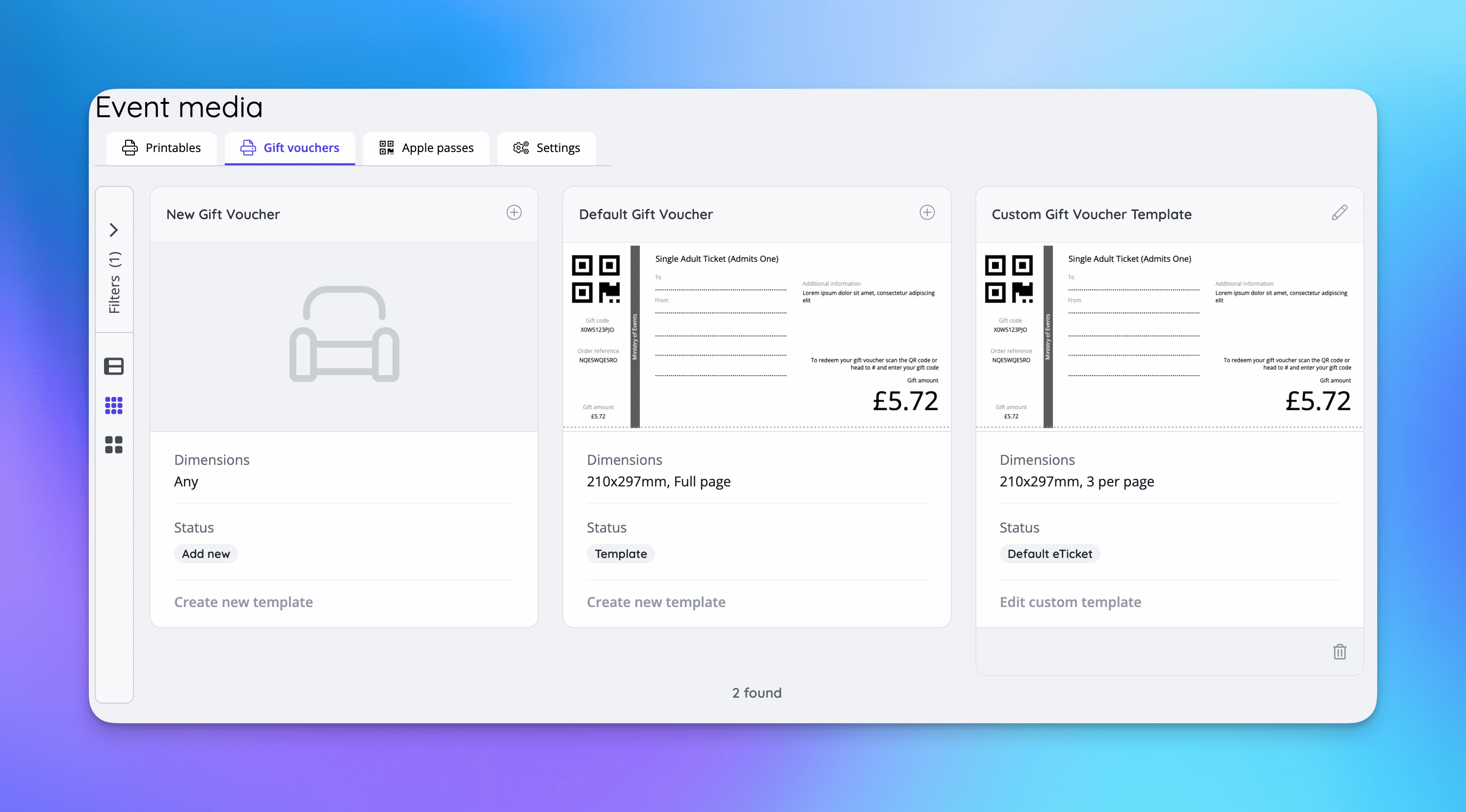
- [NG-8363] Gift vouchers in box office event media
- [NG-8337] Resolved an issue where admin users were unable to pay for invoices that had previous payment attempts made by another user
Below you will find the summary notes for the 37th release of the Nuweb core platform.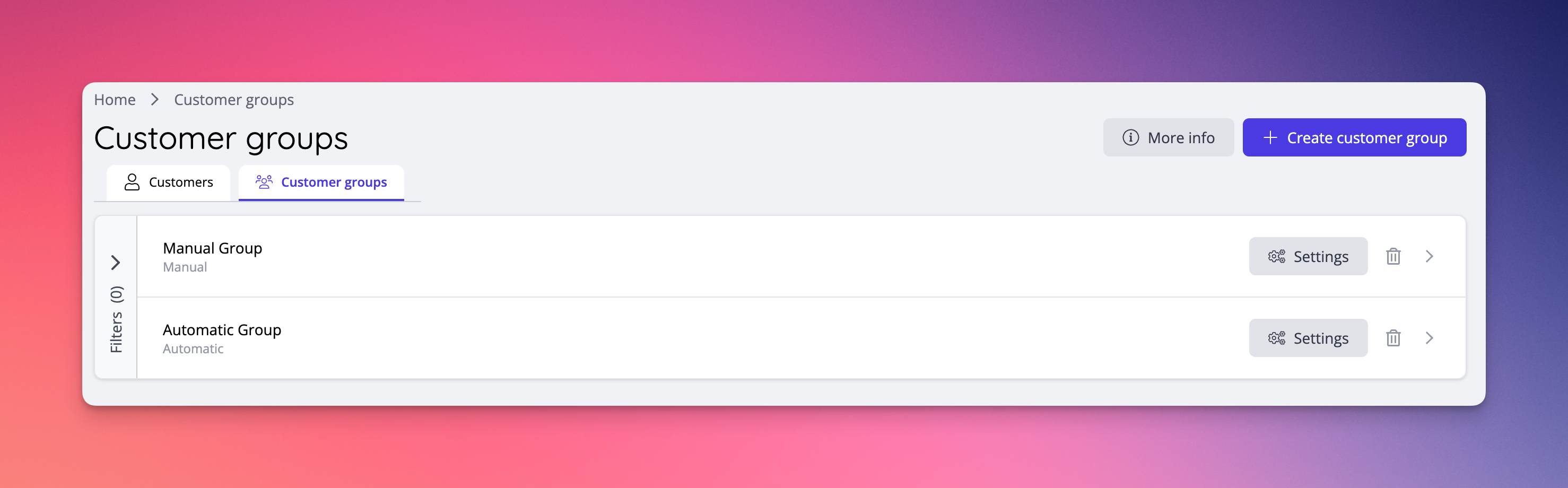
During release 37 a conscious effort has been made to deploy minor bug fixes and quality improvements as and when they are ready, rather than withholding them all until the full release. This change in process will continue throughout 2025 to reduce the delivery time for any reported issues.
🚀 New Features
Customer Groups
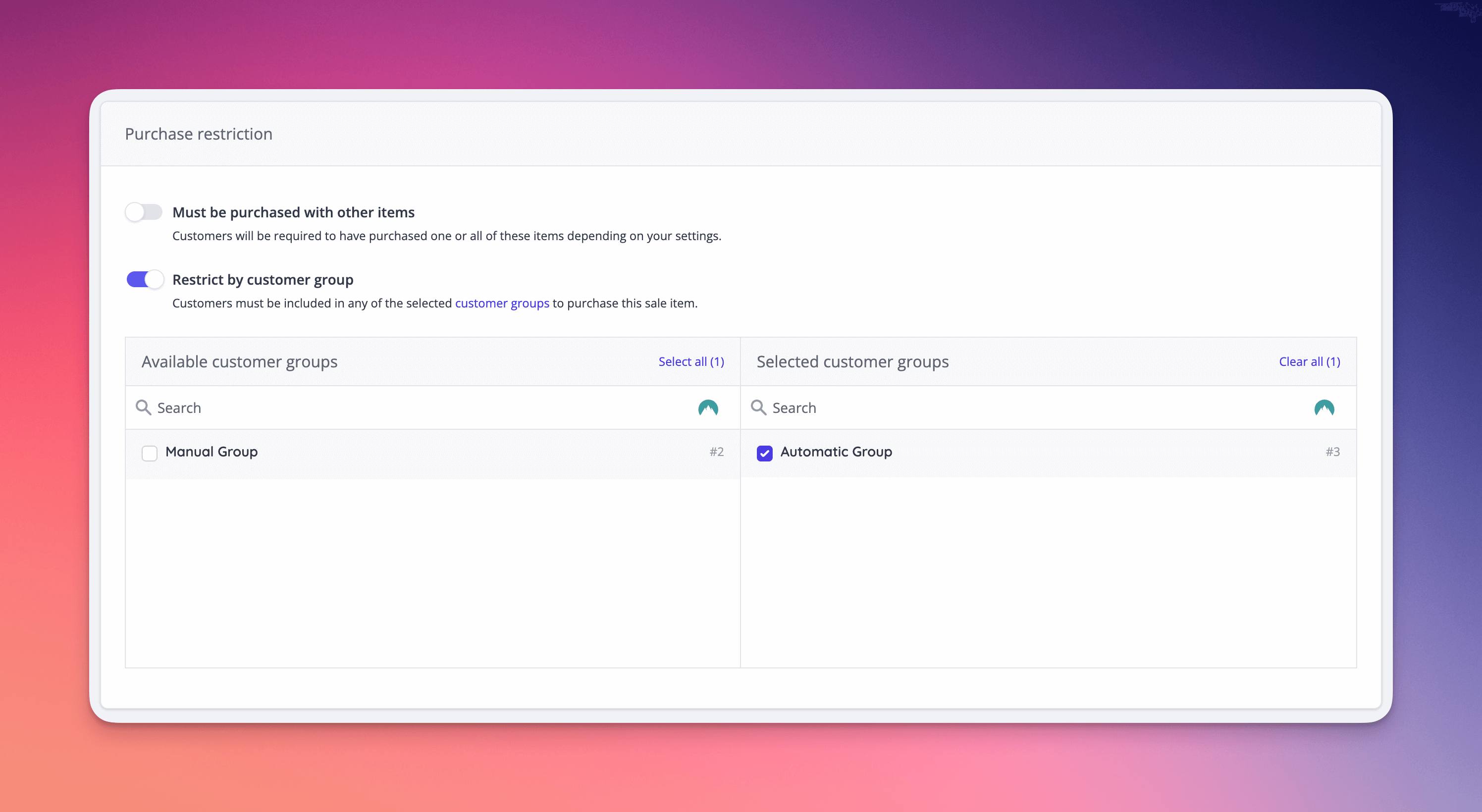
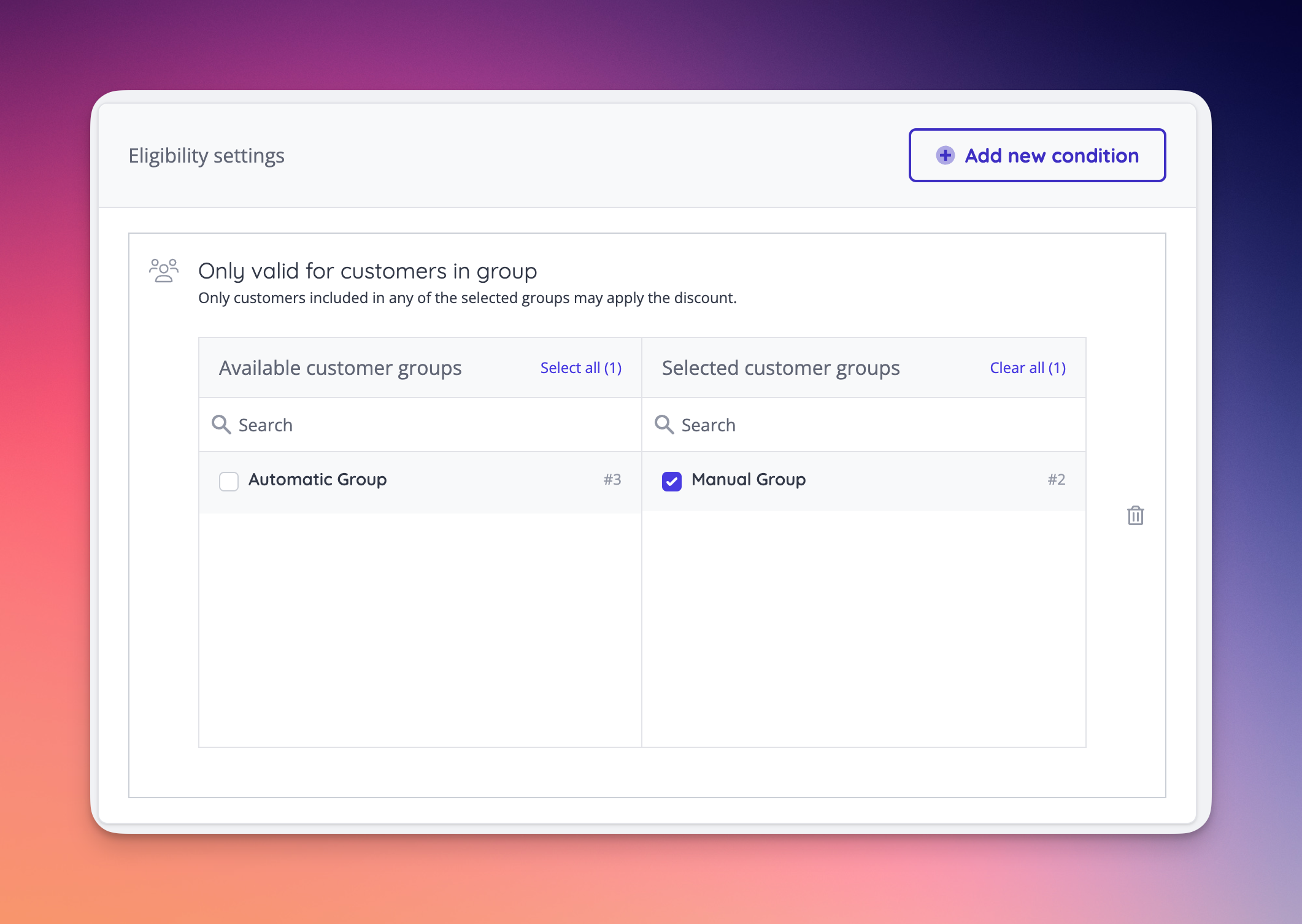
- Customers can now be added to groups based on a range of criteria relating to their purchase history. These groups can then be used to enforce purchase limitations, and offer discounts, for your most engaged, loyal and enthusiastic customers.
- Groups can either be manual (you handpick the members) or automated (you define the criteria):
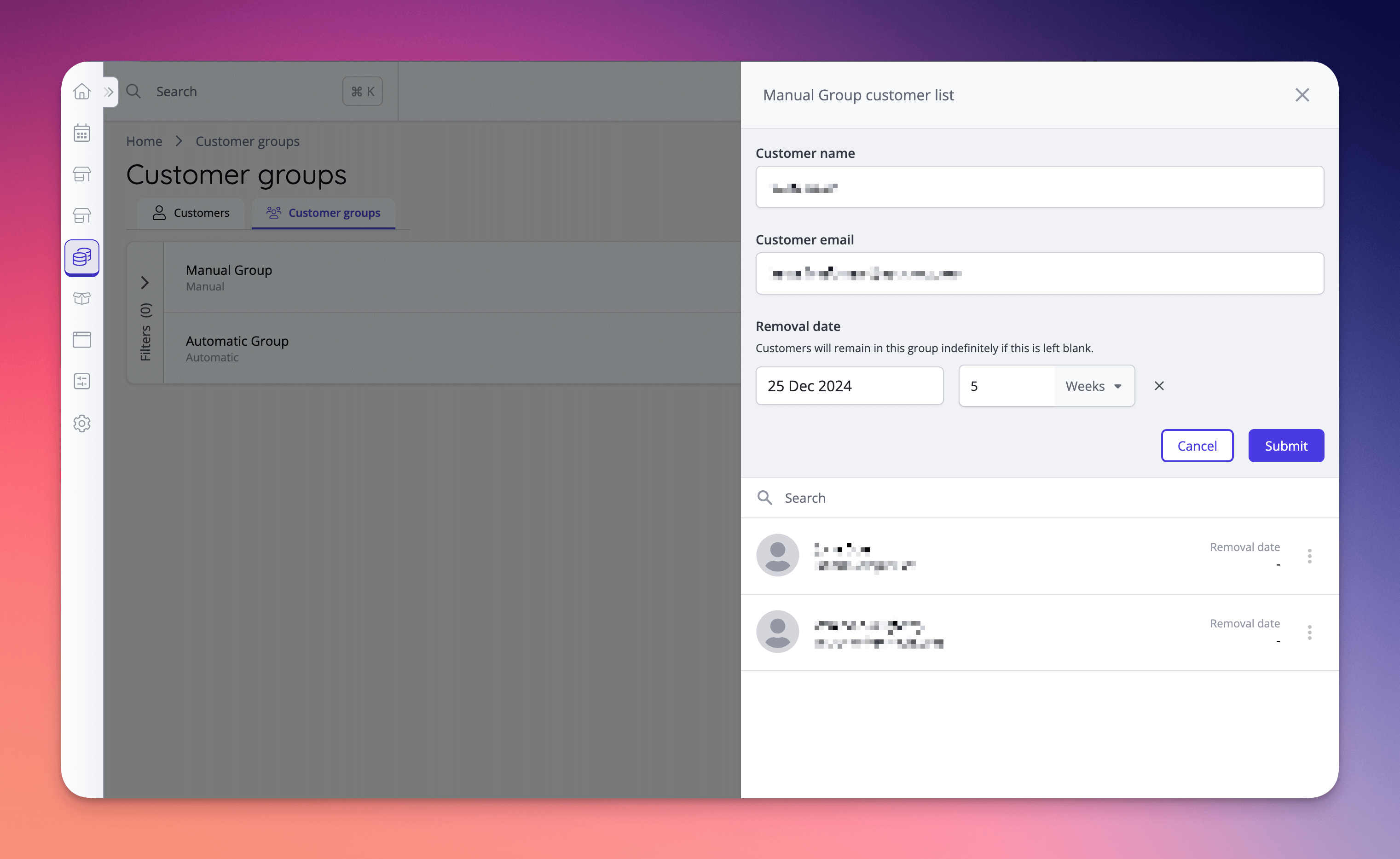
- Manual groups allow customers to be added or removed manually. Removal dates can be set when adding customers to remove the need for a manual removal process.
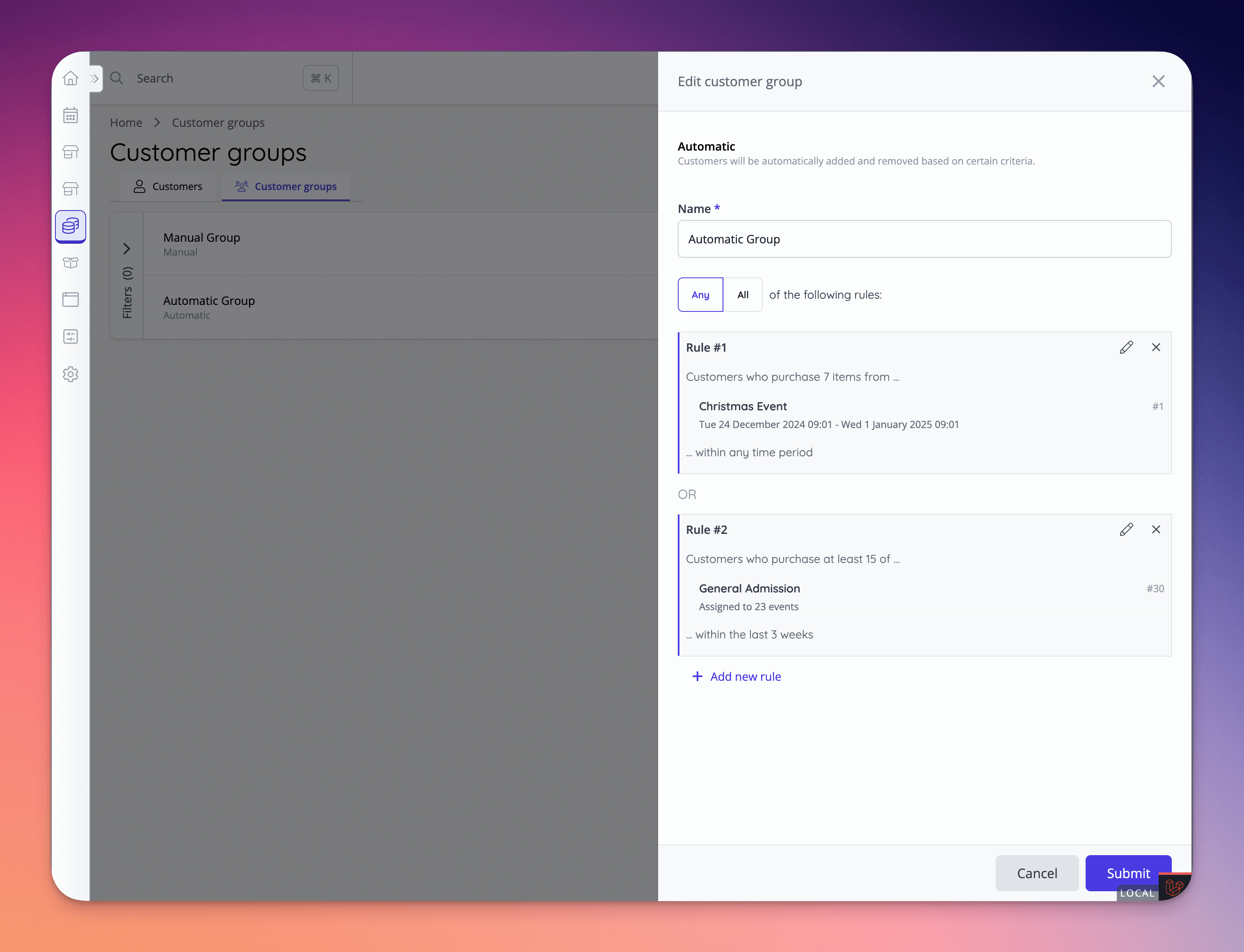
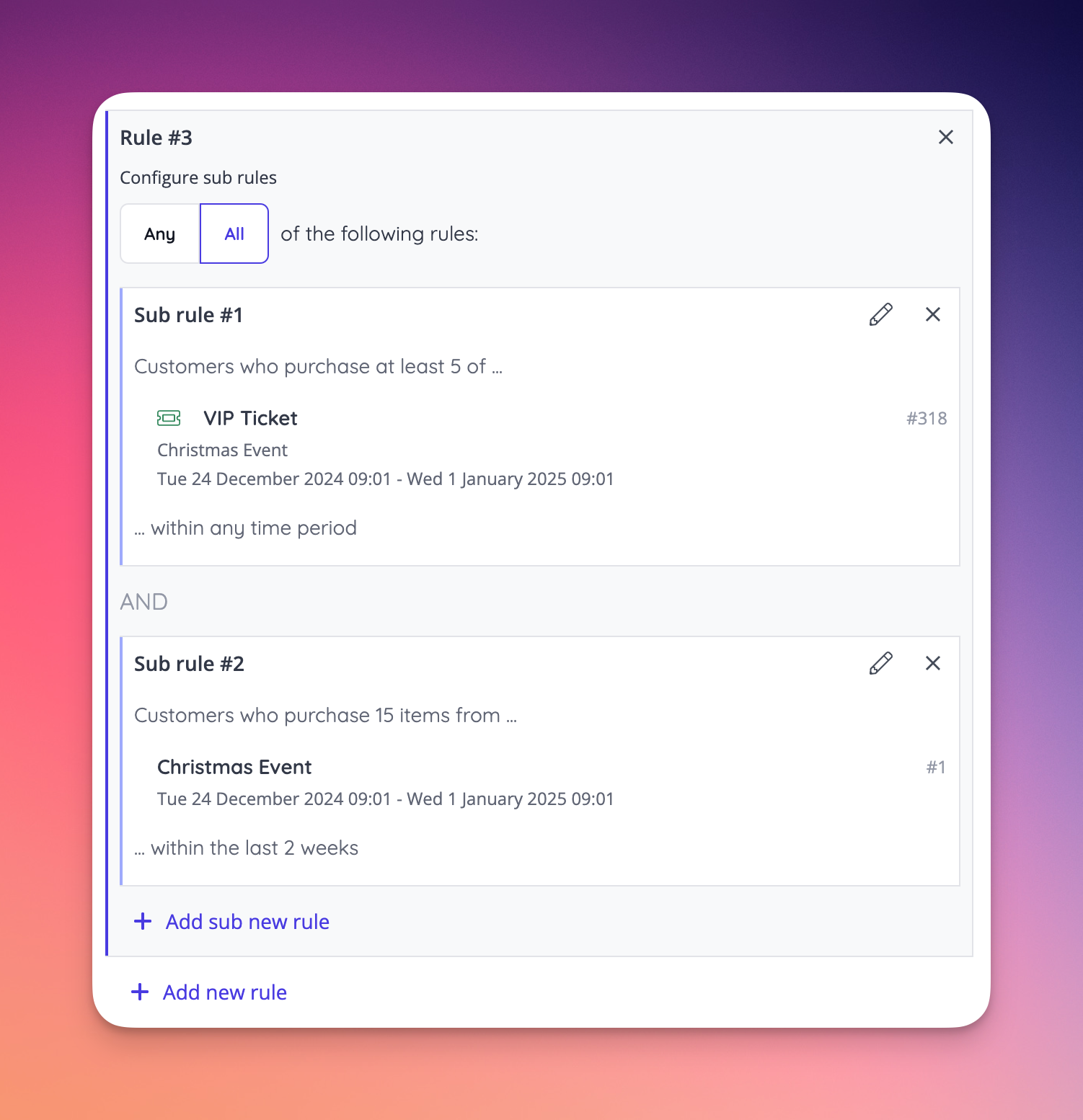
- Automated groups can define a number of rules, based on past purchasing behaviour of the customer, across a specific timeframe, to determine whether they are valid members of that group.
- Customer groups can be used as a purchasing restriction for any sale or inventory item.
- Customer groups can be used as an eligibility setting for a discount code.
Gift voucher event media
Event level seat visibility controls
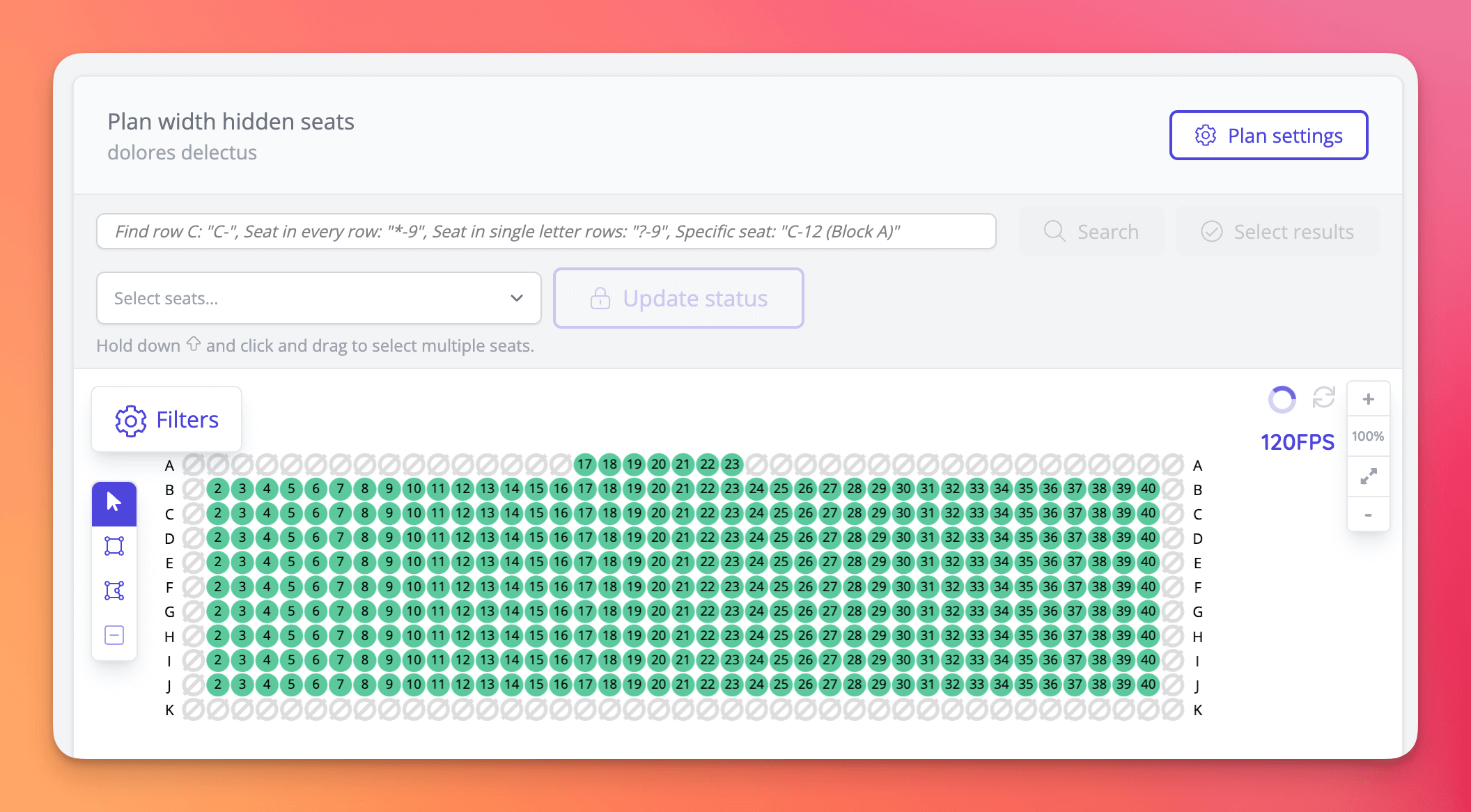
- It is now possible to display hidden seats on the event seating plan dashboard [NG-7027 & NG-8050]
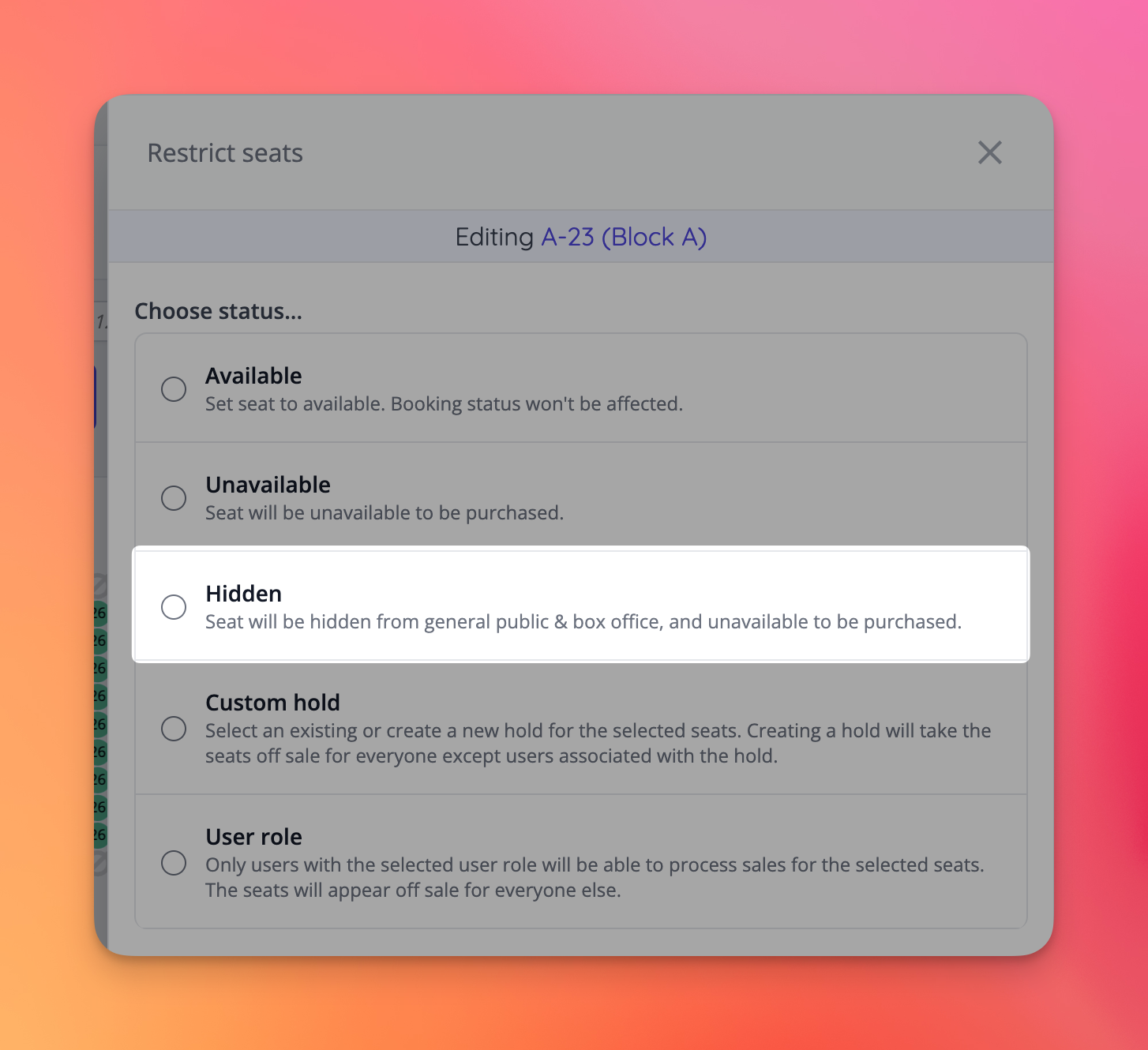
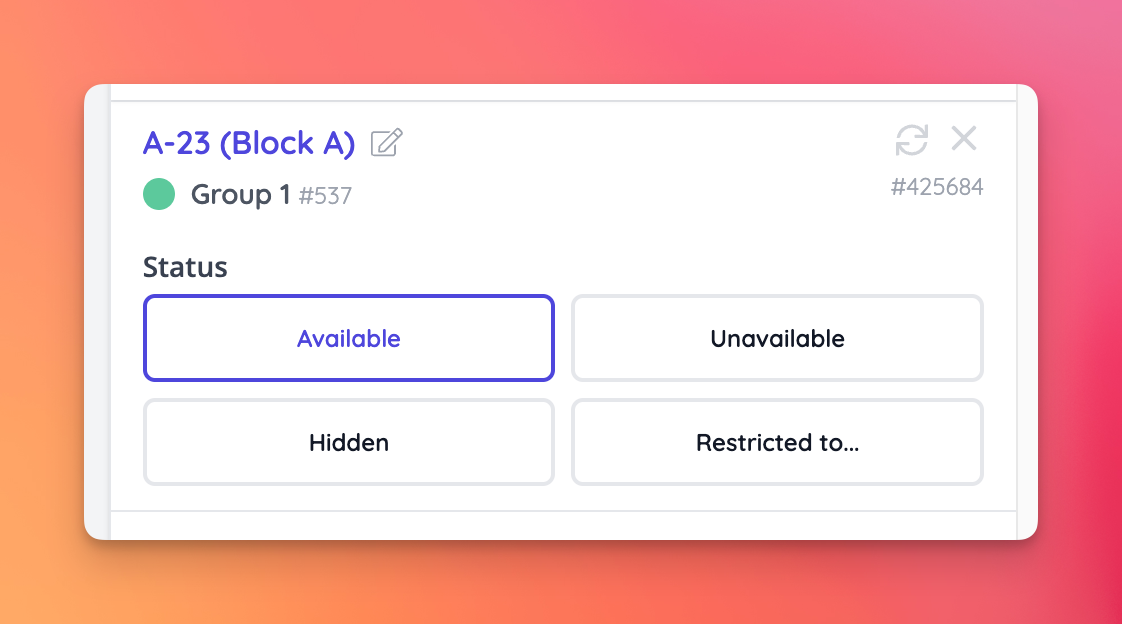
- Seats may now be set as hidden within the update status modal, allowing you to hide/display seats on a per event basis without the need to update the seating plan for all events
- Seat status can also be changed via the selected seat settings
🔌 Integrations
- Integrated with Curlec payment gateway by Razorpay [NG-7481]
- Upgraded Stripe Terminal to the server-side integration, making in-person payments more widely available as this integration does not require the card reader to be able to communicate with the box office device over a local network [NG-7484]
- Upgraded our existing DTCM integration to the new DET V2 API, with the added support of partial refunds & the ability to manually synchronise orders processed in offline mode [NG-8066] [NG-8052] [NG-4598]
- Added support for Cash App payments via Stripe Connect [NG-7227] & removed Giropay [NG-7717]
✨ Enhancements
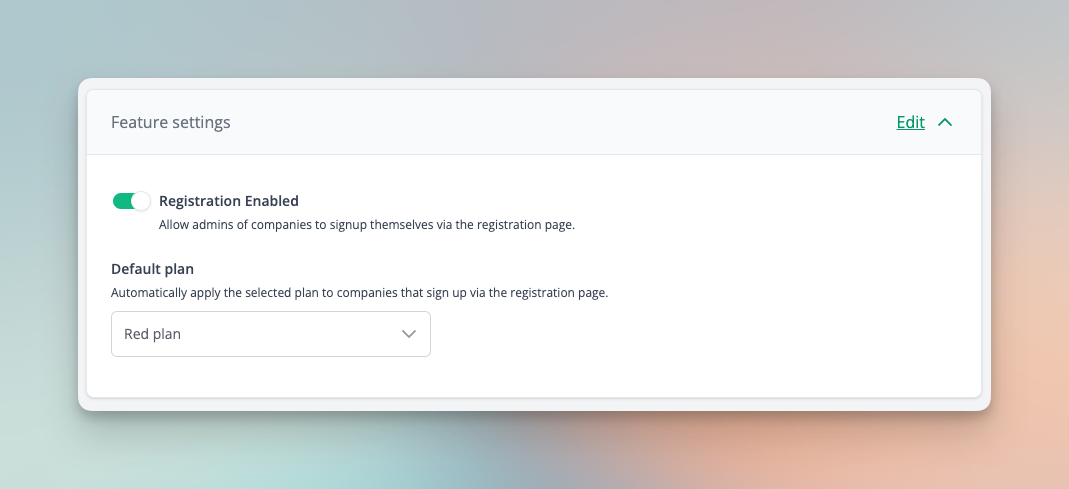
- A default plan can now be selected and automatically applied to companies during self-service registration [NG-7938]
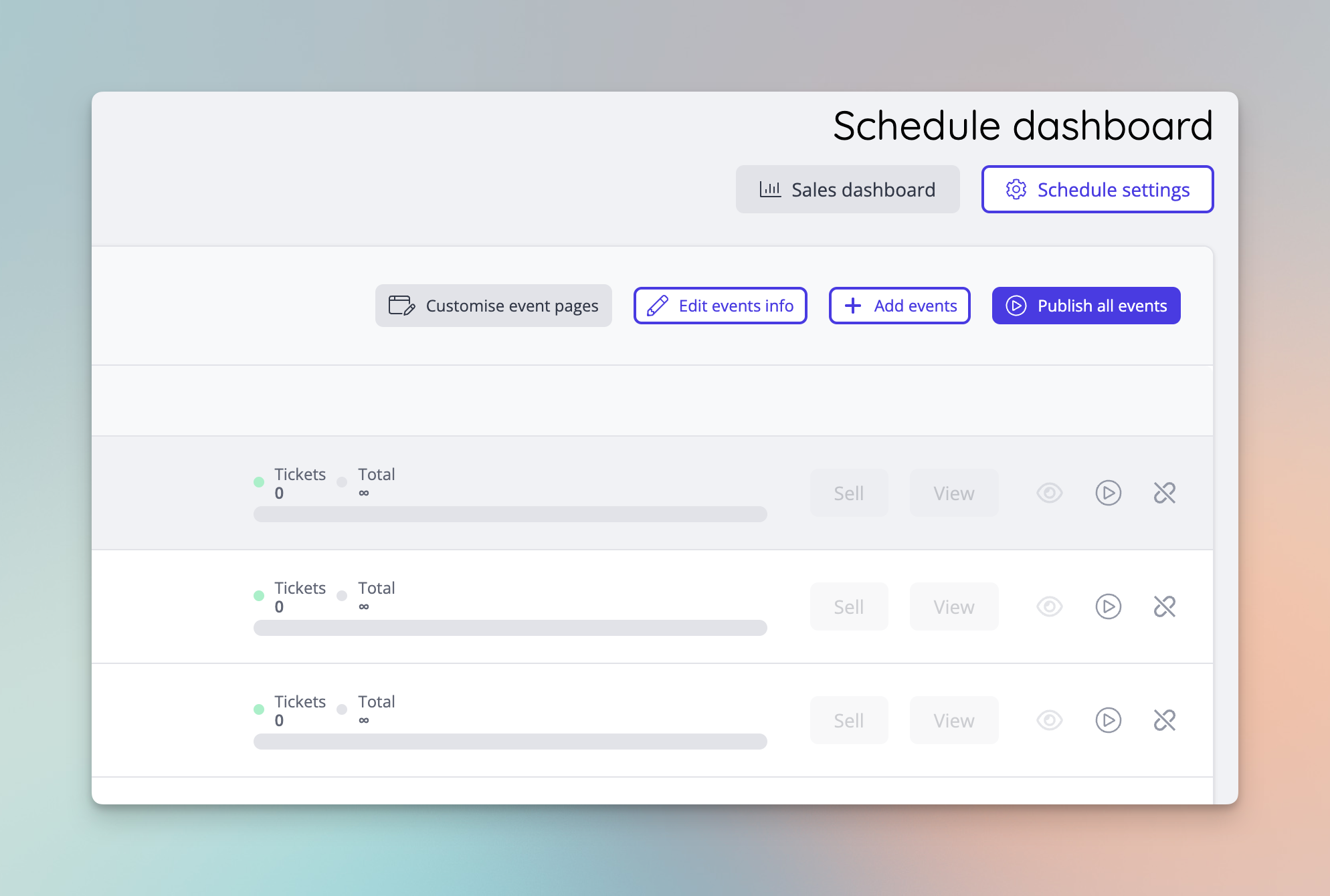
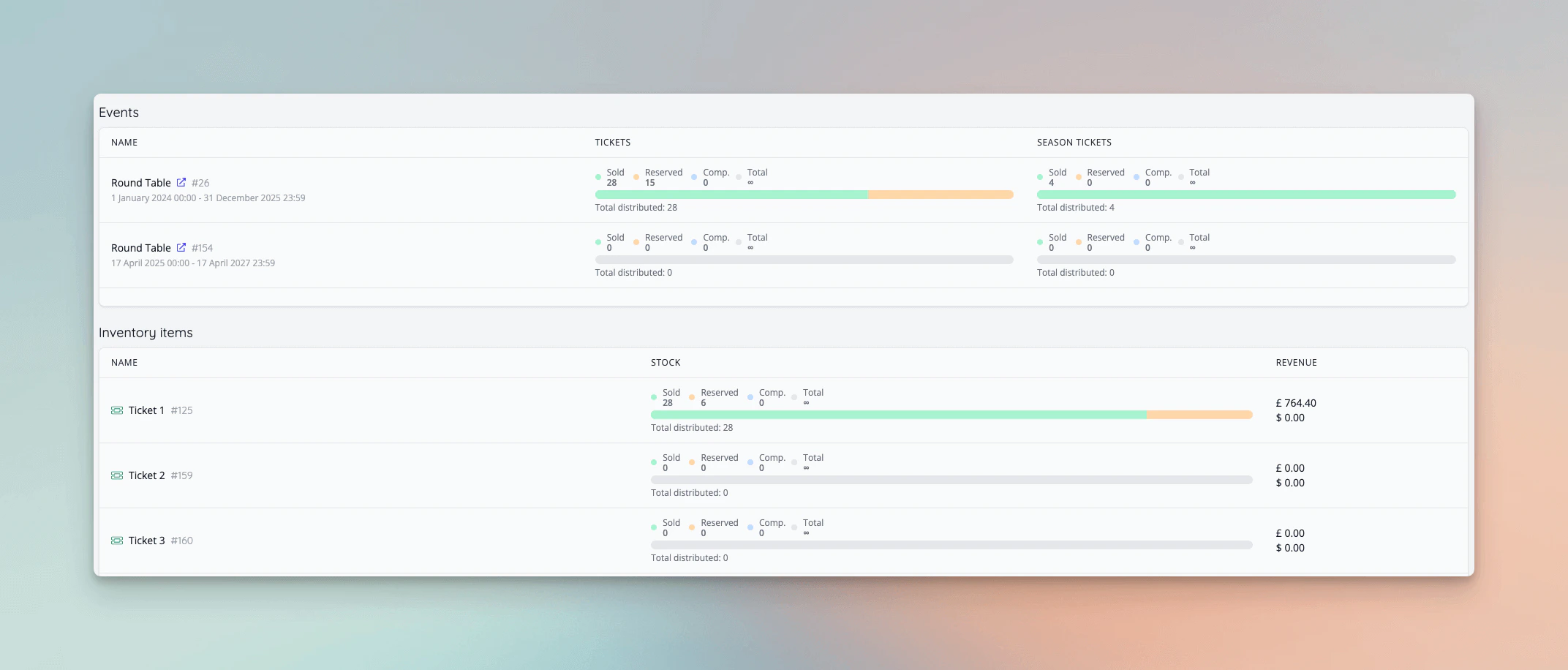
- The event sales dashboard has been expanded to event schedules, and a company level sales dashboards has been added [NG-7937 & NG-8173]
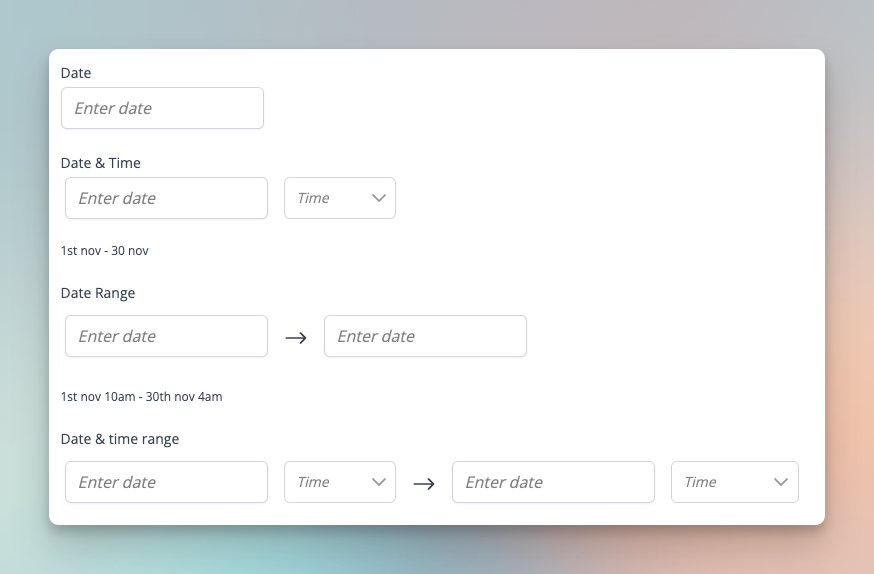
- Date, date time, date range, and date time range field support added for data capture [NG-6382 & NG-6404]
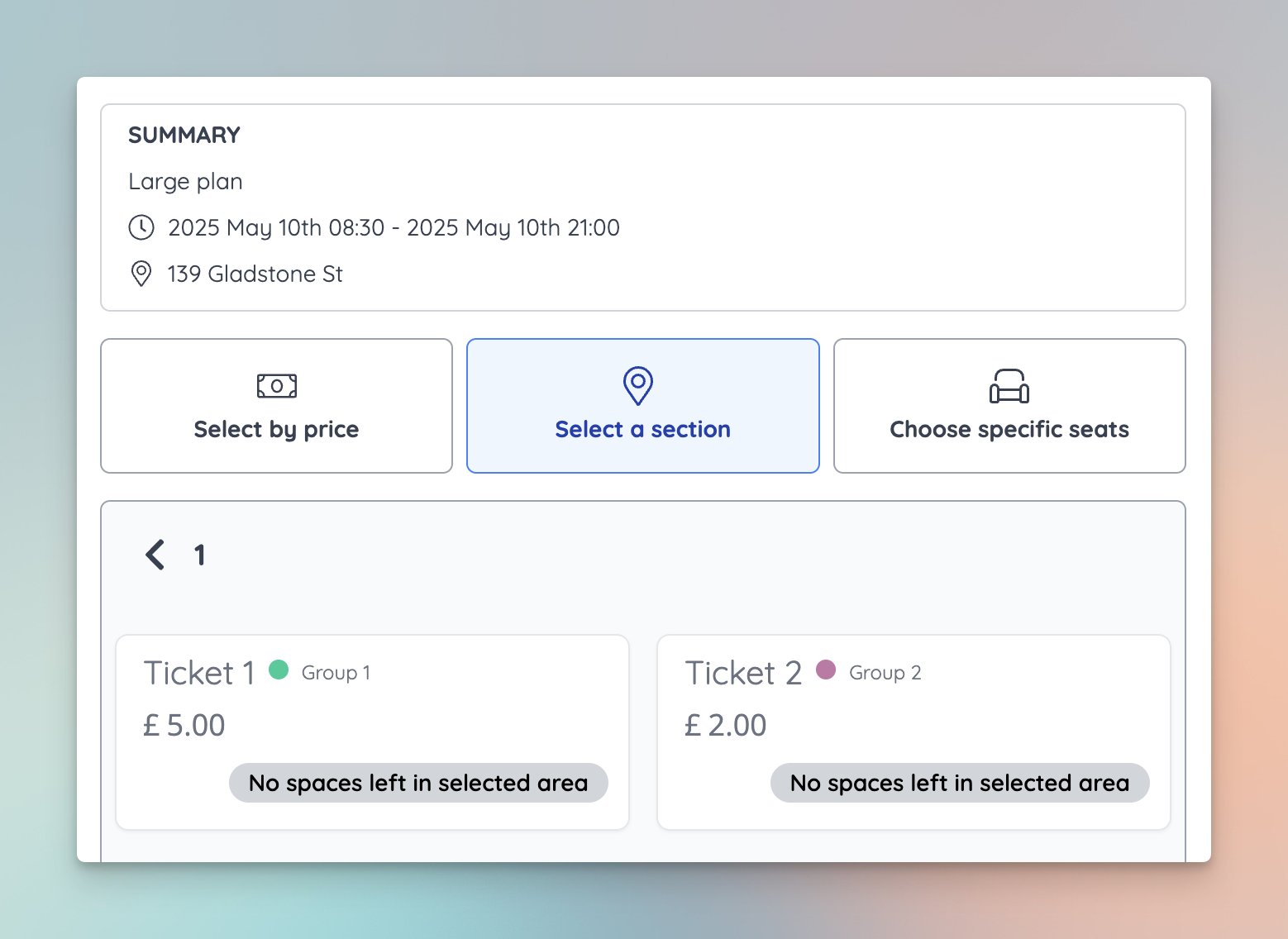
- Improved visibility of which tickets are available / unavailable within specific areas of a seating plan when selecting your seats / tickets within the shop [NG-7687]
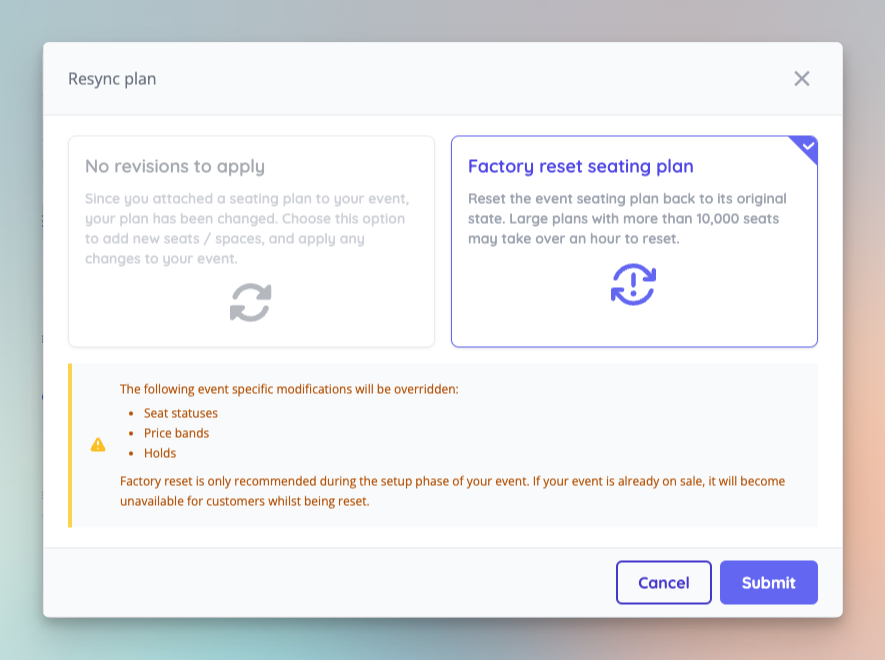
- The sync seating plan options have been updated to make clearer the behaviour of a factory reset (previously force resync) [NG-7027 & NG-8050 & NG-8252]
- Allow searching by ID for events, sale items, items and schedules when setting up access/discount codes [NG-7908]
- Add new menu item type to add a link to the donations browse page [NG-7701]
- New Currency: Libyan Dinar (LYD) [NG-8174]
🧹 Housekeeping
- The attendance page now has a default filter applied to only display tickets, products, guest lists, and season tickets. All other item types can be added to the filter as required. [NG-7930]
- Prevent checkout using deposit if the only items in the basket are donations [NG-7729]
- Resolved an intermittent issue that some users were experiencing on large seating plans, whereby they would incorrectly be shown a message claiming another user was editing the same plan, so changes could not be saved [NG-8261]
- Improved the reliability of auto-refresh on sales dashboard widgets [NG-8253]
- Prevented sidebar being hidden when modals are displayed [NG-7634]
- Email logs now display child company names and other small UI improvements[NG-7758]
- Resolved an issue where you can’t create a custom report from a time slot’s attendance report [NG-6563]
- Any changes made to the seating plan will now need to be synced to the event before appearing in shop [NG-8163]
- Reduced the size of images displayed in the shop charity donations page [NG-7878]
💻 Technical
- Reduced the amount of work done within database transactions to improve database resource utilisation and reduce lock contention [NG-8015]
- Optimisations to non-safe HTTP method requests to prevent view specific data from being prepared [NG-8208]
- Add to basket action optimisations to reduce number of queries that get run when applying order fees [NG-7679]
- Improvements to how stock modifications are applied in certain areas of the system to prevent race conditions [NG-7636]
🧑💻 API
Changes to the API have been documented in the changelog on the API documentation homepage.- Improved the storage mechanism of external email message IDs for better tracking [NG-8271]
- Start capturing SES Message ID on outbound emails to allow for advance tracking features in the future [NG-7986]
- Resolved an issue with season tickets not scanning correctly where the same barcode is reused across multiple schedules [NG-7879]
- Updated the attendance UI to only display tickets, products, season tickets, and guest lists as default. All other item types can be viewed using the new item type filter. [NG-7930]
- Prevent deleted and trial-ended companies from accessing the API [NG-8246]
- Prevented historic events being displayed when creating sub-schedule groups [NG-7853]
- Box office user role restricted seat colours will only generate once, not on every seating plan update call[NG-8212]
- Enabled notifications about orphan seats in shop/box office in iframes [NG-8263]
- When clicking on a seated event block, that’s part of a schedule, you’re now taken to the date selector rather than locked inside a seat selector [NG-8008]
- Ensure the ‘Invoice payments in shop’ feature flag is respected when manual payments are enabled [NG-7570]
- UI fix when changing to a mixed event schedule [NG-8045]
- Prevent generation of unnecessary fee sale item + currency combinations within reports where fee sale items can be added as headers [NG-8190]
- Improved checks that ensure Stripe receipts are sent to the customer rather than box office user in some specific scenarios [NG-7989]
- Separated out sales numbers for held / unheld spaces on the sales dashboard [NG-7681 & NG-7682]
- Improvements to how label changes are applied to seating plan blocks [NG-8013]
- Update discount/access code reports and data importers to show new restrictions and item types [NG-7536]
- Ensure holder names and order names are shown correctly on the attendance report [NG-7928]
- Disallow booking individual seats setting can now be changed after it’s been synced to an event [NG-7862]
- Hebrew translations added [NG-8001]
- Hidden on sale / off sale badges on sale items that have been deleted [NG-7639]
- Resolved an issue where imported payment links would send 1 email per line item rather than 1 per reservation [NG-8182]
- Resolved a bug where self-closing
\<meta ... />tags are unable to be stored in company settings metadata [NG-4172] - Updates to the password reset API endpoint [NG-7889]
- Improvements to how Banorte payment meta data is recorded within the payment tracker [NG-7784]
- The rebooking settings form now correctly shows the latest values [NG-8153]
- The system no longer considers actions performed on scheduled intervals, on behalf of admin users (such as sending scheduled reports) as login attempts [NG-7631]
- Resolved an issue causing some customers names to be reset back to “Guest Customer” [NG-8169]
- Reset ‘add to basket’ button state after adding to basket [NG-7498]
- Set charity donations to be hidden when off sale by default [NG-7805]
- Removed duplicate label in event page customisation pricing settings [NG-8003]
- Removed charity level donations from the event dashboard assign item modal [NG-8158]
- Resolved an intermittent issue with batch emails causing some emails to be sent to customers multiple times [NG-8167]
- Resolve an issue where discount codes with child codes became uneditable [NG-8177]
- Fixed error in the seating plan allocation report when attempting to add the purchaser phone number header [NG-8016]
- Reduce number of deadlocks encountered when adding to basket during high traffic events [NG-7985]
- Ensure charity donations from child events are show on the basket charity donations page during checkout on the parent company [NG-8049]
- Allow sale items to be searched by date for adding to discount/access codes [NG-7908]
- Added a new ‘Is Guest’ flag to the customer profile UI in admin to help identify which customers have not configured a full user profile in the platform [NG-8043]
- Allows sale items to be searched by date in global admin search [NG-7913]
- Seating plan editor now handles errors more gracefully, and can log you back in case your session timed out [NG-7890]
- Show account balance even where topups are not enabled [NG-7704]
- Updated the attendance report’s default fields to include holder name, purchaser name, display name for seated tickets, and the event start/end date + time [NG-7931]
- Updated the access control URLs provided for each of the zones from an event’s access control dashboard, to provide a more substantial default report [NG-4933]
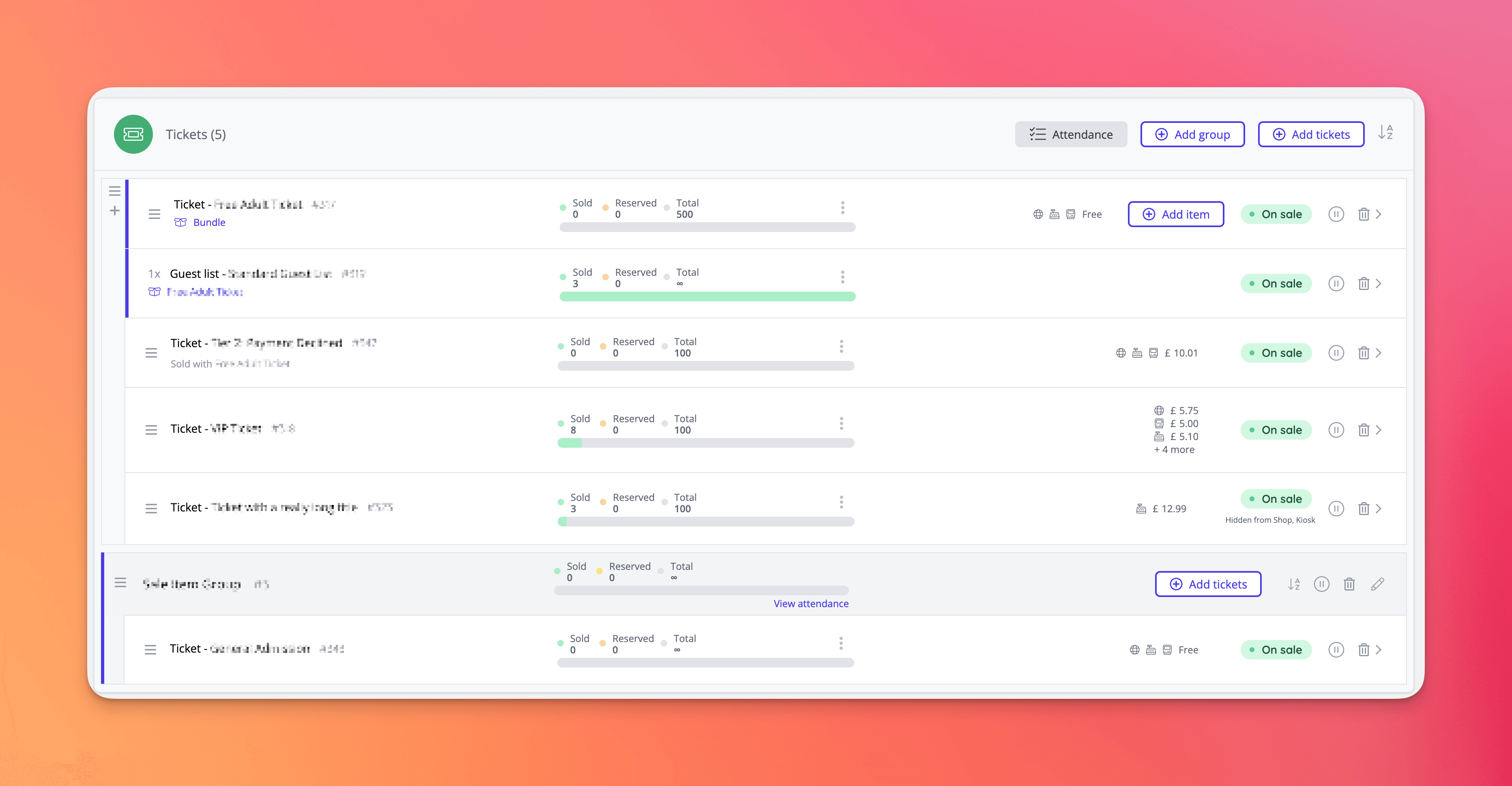
- Improvements to the purchasing experience of bundled items [NG-7690]
- When a bundle parent is set to ‘hide when out of stock’, it now correctly hides if any children are out of stock
- When a bundled item has less stock available than what is required to provide the bundle, the bundle is now taken off sale and cannot be selected by customers
- The maximum selectable quantity of a bundle now considers the required quantities of children, instead of just the overall stock of the children
- Prevented multiple companies being marked as ‘actively selected’ when creating a new admin user in multiple companies, in quick succession [NG-7994]
- Updated What3words integration to accommodate to their pricing & feature changes from 25th November 2024 [NG-8002]
- Gift voucher support added to event media designer [NG-7519 & NG-7503]
- Fixed some language translation values [NG-7561]
- Resolved an issue, when a large seating plan was exported right after an update has happened, which has resulted in the exported file to have all not loaded seats missing [NG-8053]
- Fixed alignment help text within manual payment settings [NG-6690]
- Enrich Hyperpay transactions with additional meta data [NG-7934]
- Provided a sensible fallback option for the default company selection for a user, preventing users from ending up in a state of having no active company selected in admin [NG-7888]
- Improved My Account currency switcher experience on mobile [NG-7721]
- Make sure profile options show in header on mobile when main menu is hidden [NG-7686]
- Improvements to count-up functionality on the sales dashboard when new value exceeds 1,000 [NG-7910]
- The
transaction_idandtransaction_totalfields can now be removed from the transaction report as they are no longer mandatory fields [NG-7995] - Hebrew is now available as a language [NG-7996]
- Resolved a race condition present in our user abilities caching layer when switching between companies [NG-7799]
- Fixed incorrect locale being used to retrieve data capture responses when sending scheduled reports [NG-7604]
- Added new transaction report fields to allow reconciliation of individual item type totals on a per transaction basis [NG-7984]
- Removed incorrect title text on admin menu index [NG-8005]
- Performance improvements for checkout completion when an order contains a child access code [NG-7946]
- Tunisian Dinar is available as a currency [NG-7896]
- Updated the display of order items on the attendance page to provide the full context of seating plan spaces (row + block details) in addition to the seat name [NG-7552]
- Resolved an issue with wallet topups not always appearing in the topup modal [NG-7954]
- Fix issue with reports if a custom field is added with no value set [NG-7710]
- Allow inventory item purchases to be restricted to a certain number per customer, event, or schedule [NG-7883]
- When assigning sale items with fulfilment enabled, the
can_be_fulfilledstatus is now carried across to the new assignment [NG-7915] - Fix large seating plan area availability with access codes [NG-7855]
- Allowed company and language selectors to display long lists without hiding the last value NG-7865]
- Can change charity donation image display in theme settings [NG-7881]
- Updated date formatting in box office browse page [NG-7882]
- Prevent eligibility settings extending off-screen [NG-7638]
- Improved item label UI for seated events [NG-6652]
- Displayed self-serve refund value in weeks and month [NG-7731]
- Added modal title to ‘more info’ modal [NG-7643]
- Improved image padding on article blocks for mobile screens [NG-7462]
- Basket panel buttons now submit new customer form as well as begin checkout [NG-7662]
- Display menu items as unavailable where parent or grandparent is a button type item [NG-7732]
- Prevent long lists of event browse filters extending off the screen [NG-7664]
- Stopped availability calls on scheduled event seating plans when viewing a different event [NG-7909]
- Resolved an error in custom reports when trying to calculate total values on custom fields with empty values [NG-7710]
- Deployed performance improvements in checkout after observing speed issues with a minority of live accounts that have unique (and large) parent/child configurations [NG-7945]
- Capacity bars can now display updated numbers [NG-7894]
- Excluded label settings now get applied on seating plan imports [NG-7795]
- When customers are imported via the order item importer, they’re now marked as guests by default [NG-7884]
- When guest customers attempt to login or register, we redirect them to the password reset form with appropriate messaging, rather than display error messages about not being recognised [NG-7884]
- Event media editor ticket data issue is now resolved when the company had no data capture set up [NG-7904]
- Prevent charity donation checkout step from being presented to users when completing a deposit payment, or read only payment link order [NG-7877]
- Ensure access code usage is recorded correctly across all of the new access code item types, and that access codes are detached from an order if they are not required [NG-7875]
- 🌐 Croation, Khmer and Korean translations added, alongside translation manager overrides [NG-7880]
Below you will find the summary notes for the 36th release of the Nuweb core platform.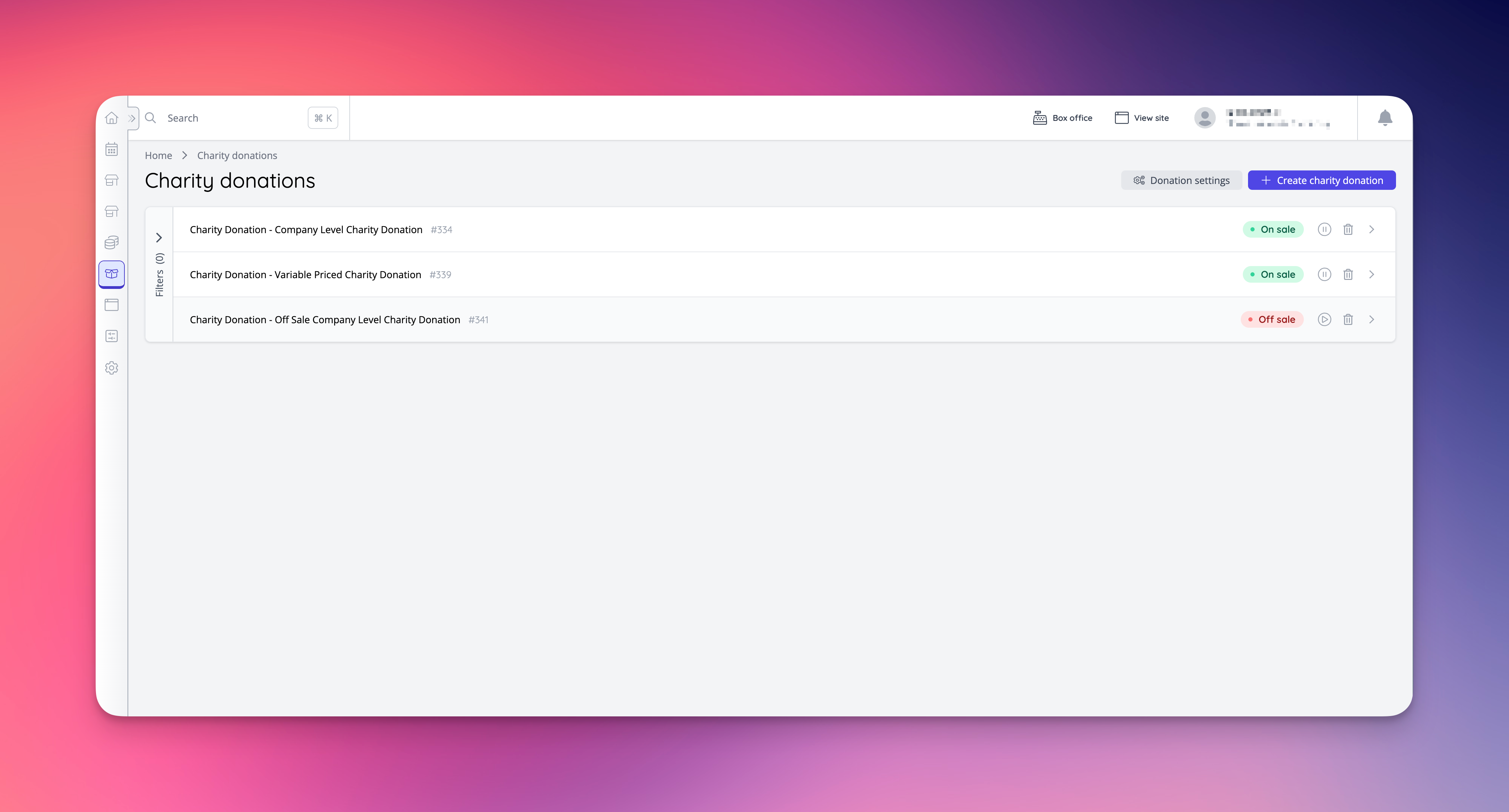
🚀 New Features
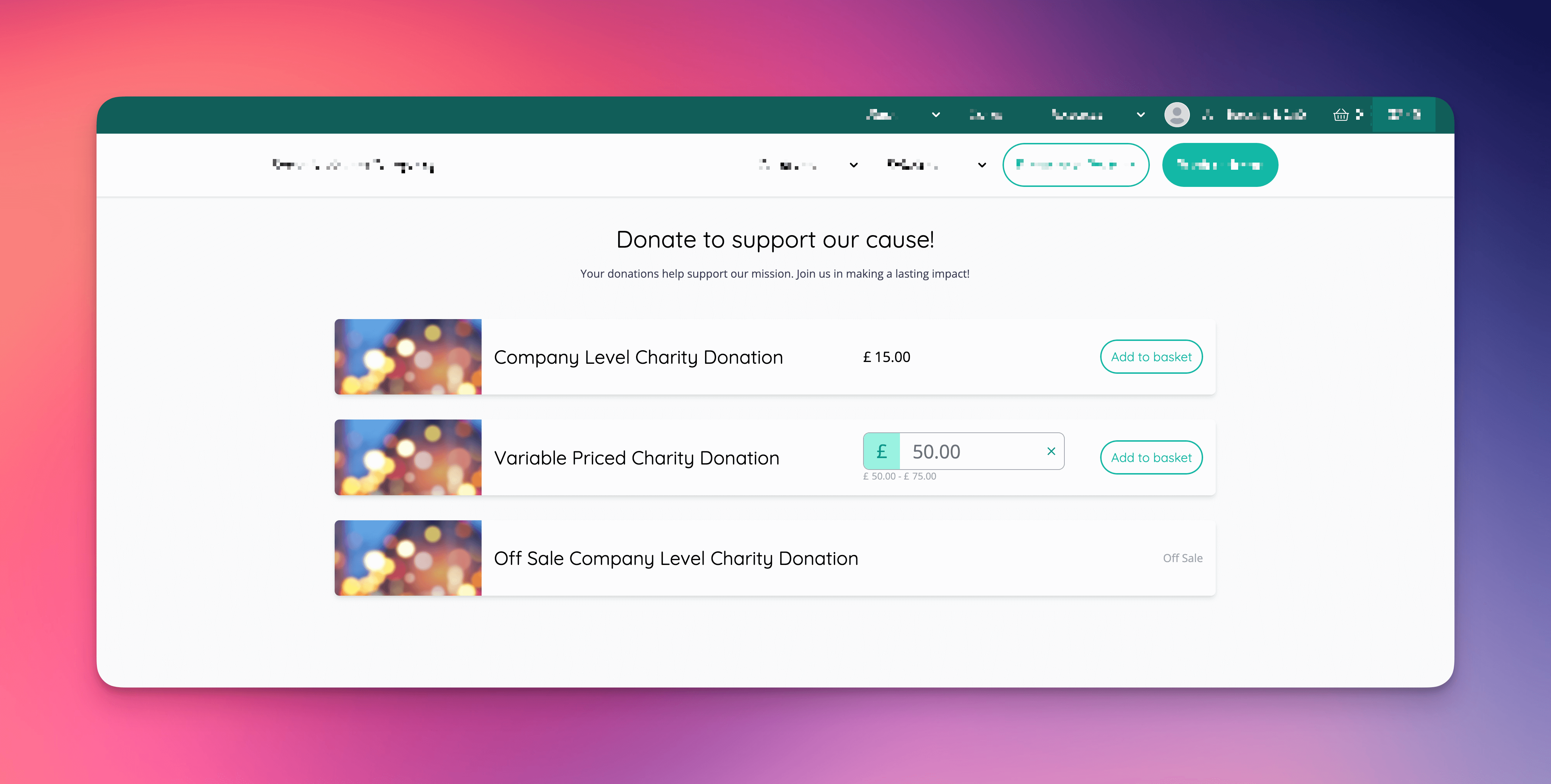
Charity donations- Company level donations can now be created.
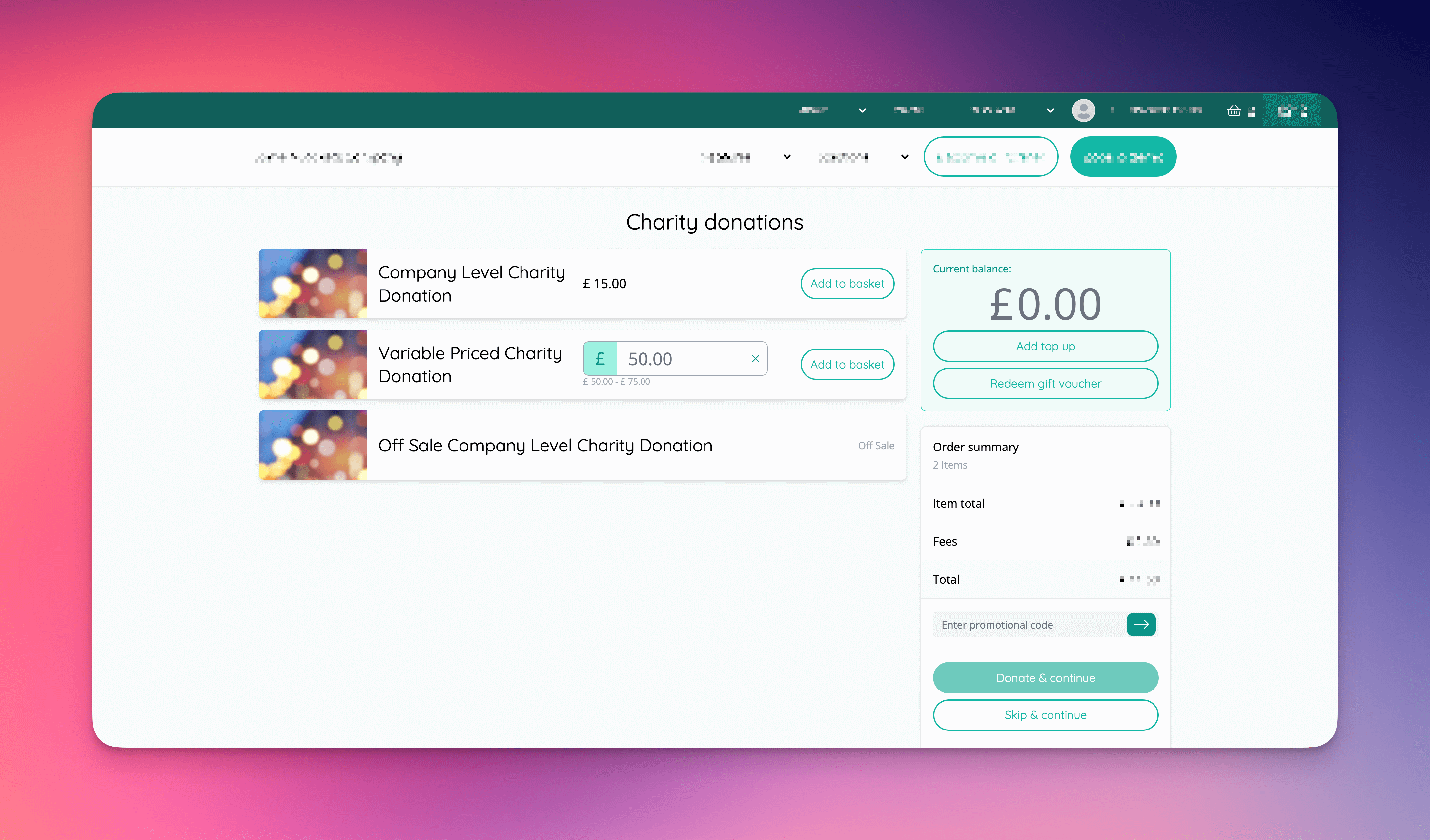
- Included a new customisable charity donation browse page in Shop.
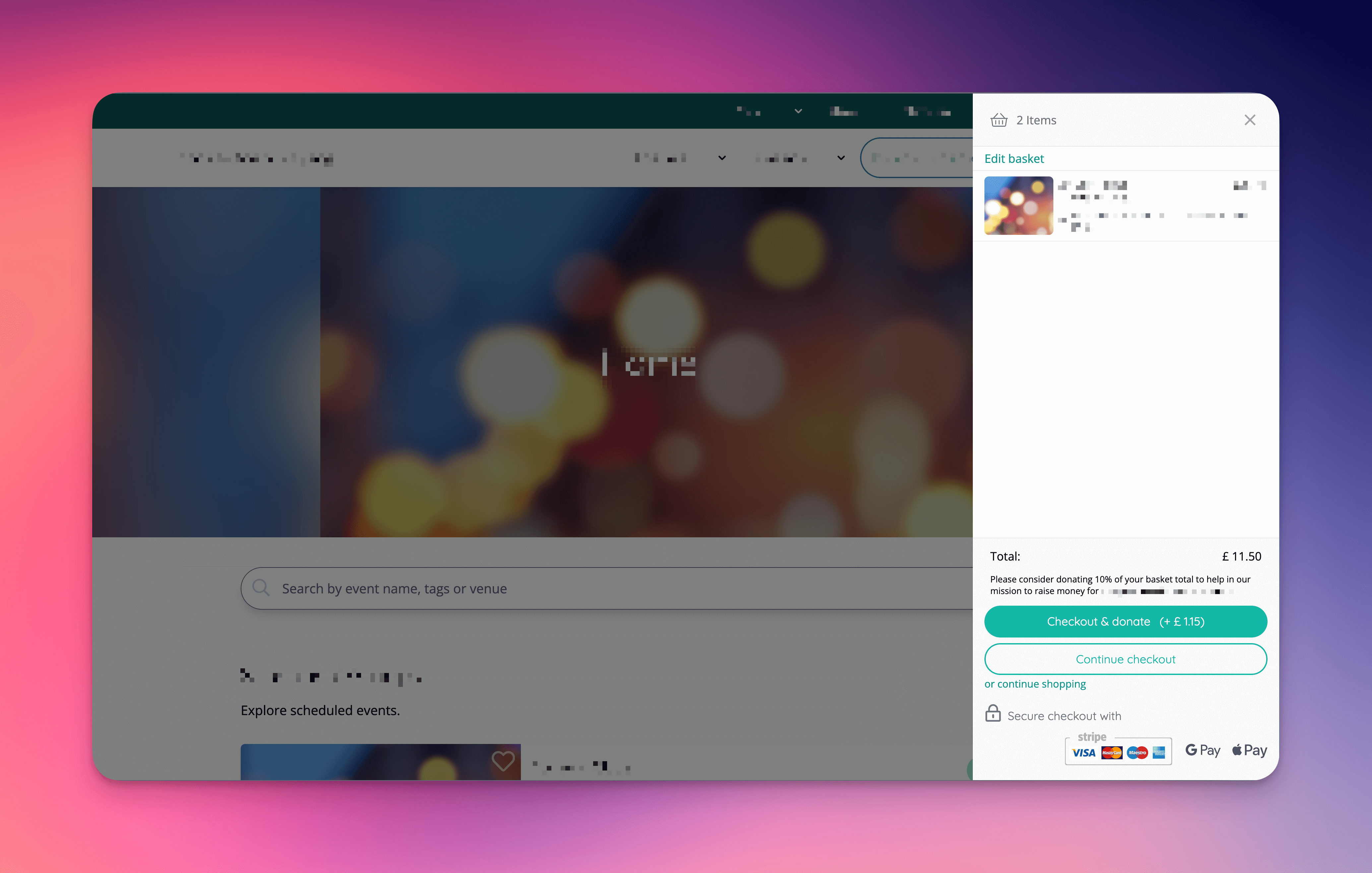
- Included a charity donation step in checkout where company level or event level charity donations are presented to the customer.
- Suggested donations can be enabled to provide an easy method of donating during faster checkouts.
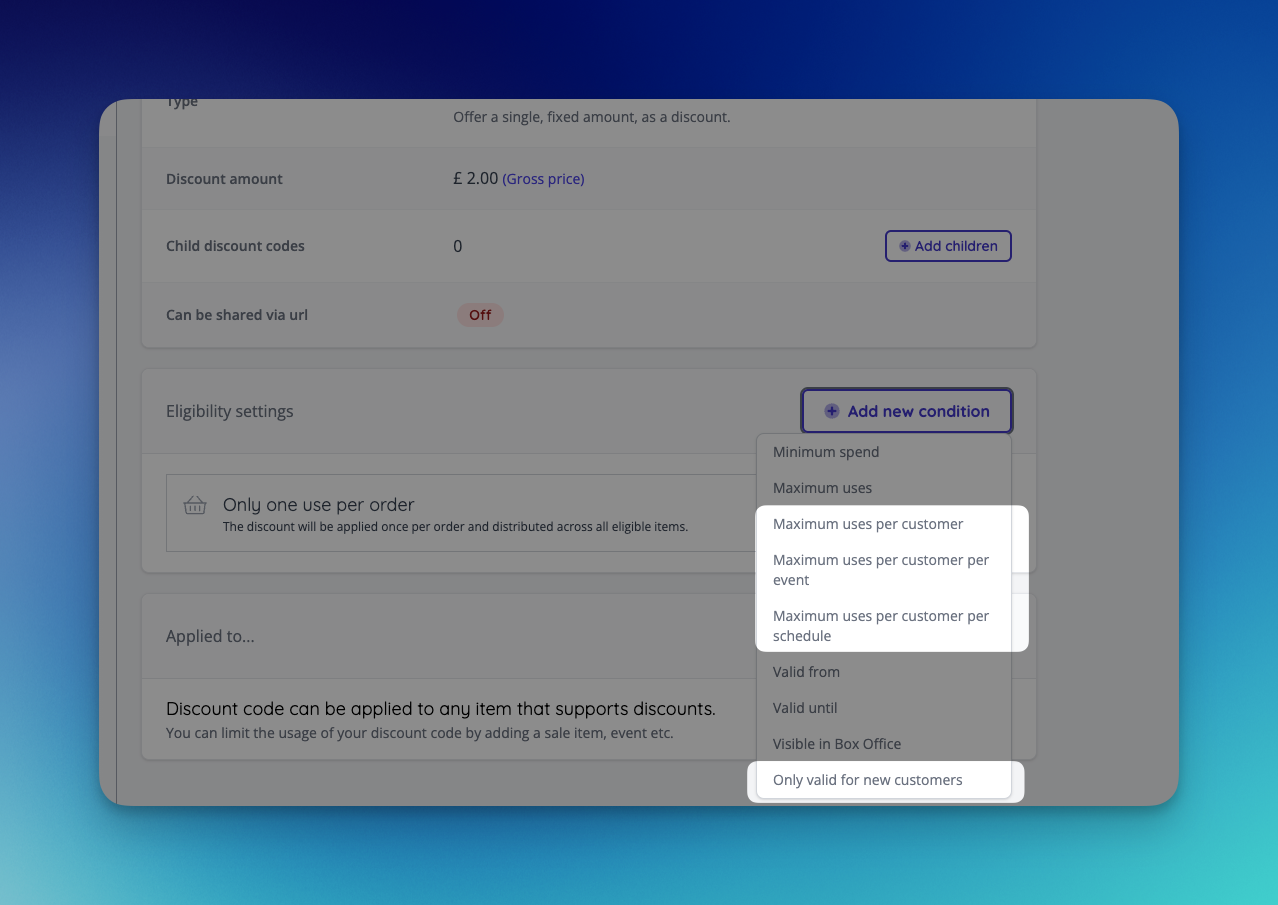
- Add new restrictions for discount codes:
- Replace “One use per customer” with “Maximum uses per customer”. Any existing discounts with one user per customer enabled have been migrated to have “Maximum uses per customer” enabled and set to 1 use.
- Also add Max uses per customer per event, and per schedule.
- Allow new customers only restriction, which will only allow the discount for customer’s who have not placed an order.
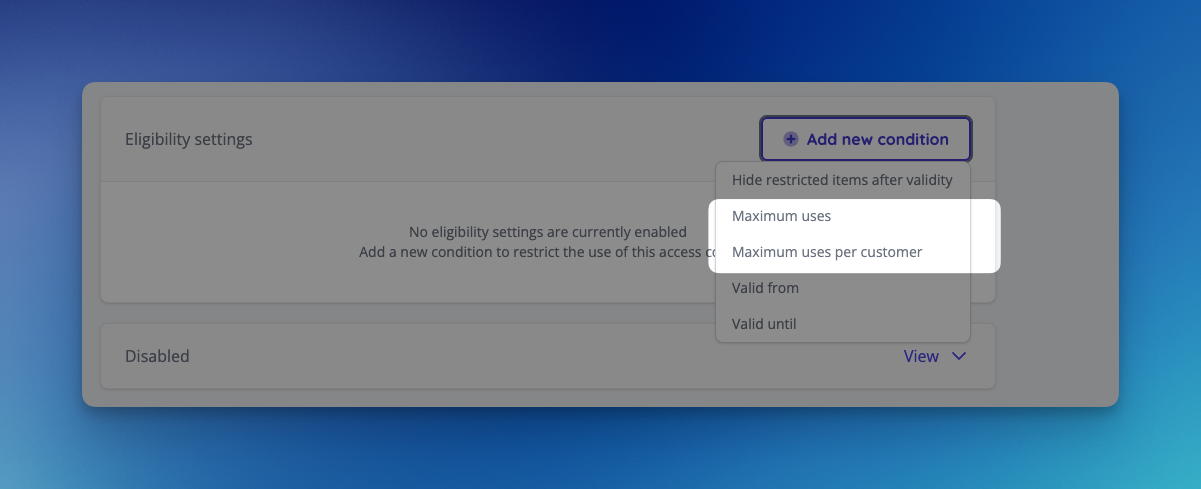
- Add new eligibility settings to access code.
- Similar to discount codes, one user per customer has been replaced with maximum uses per customer.
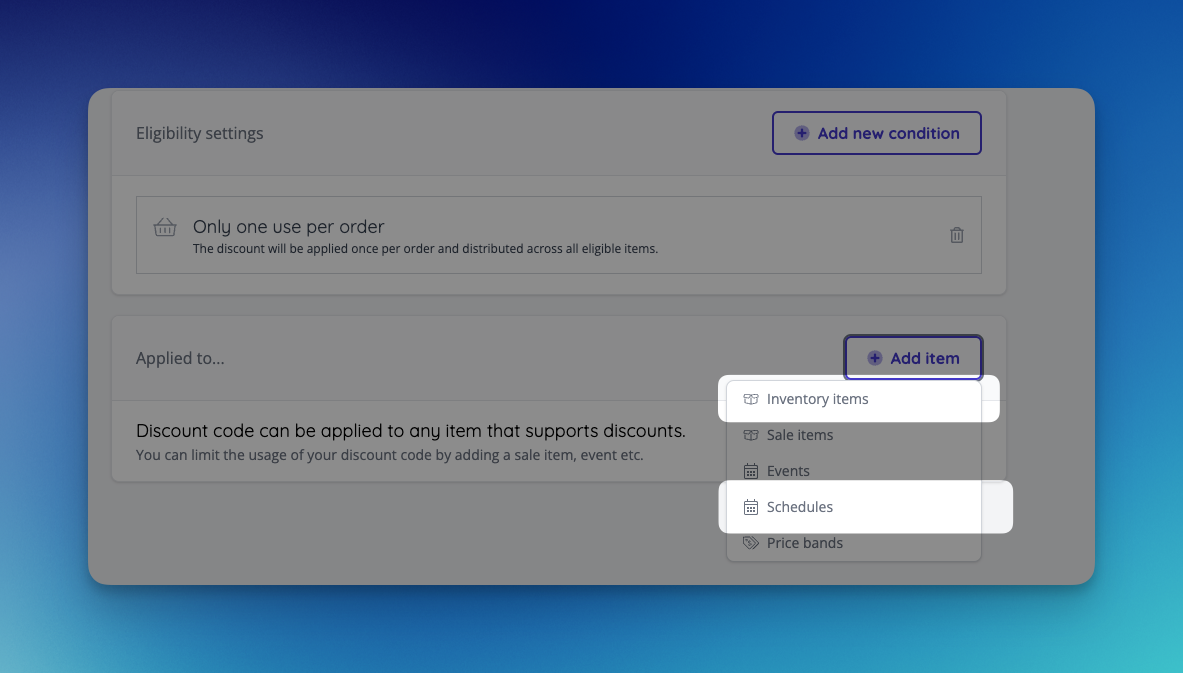
- Allow fixed and percentage discounts to be applied to inventory items and schedules.
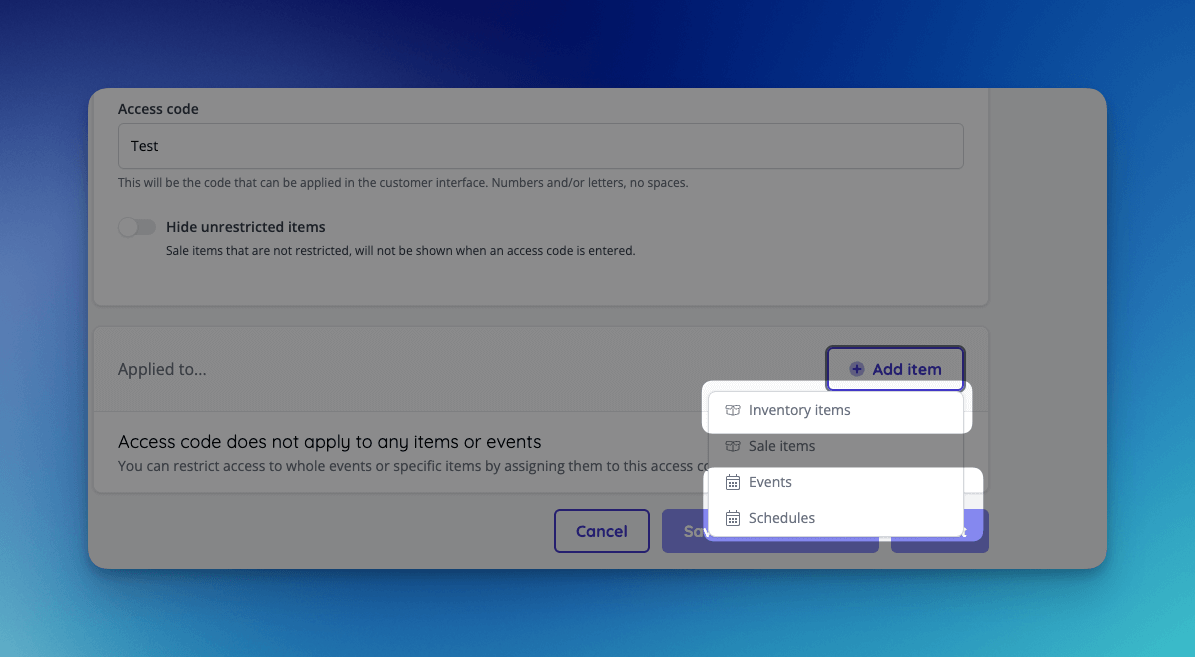
- Allow access codes to be applied to inventory items, events and schedules. Any sale item attached to the inventory item, event or schedule applied to the access code will be restricted.
- General improvements to the checkbox selectors across access and discount codes
- Ensure any number of items can be selected
- Improvements around new items not loading after selecting a certain number from the available side
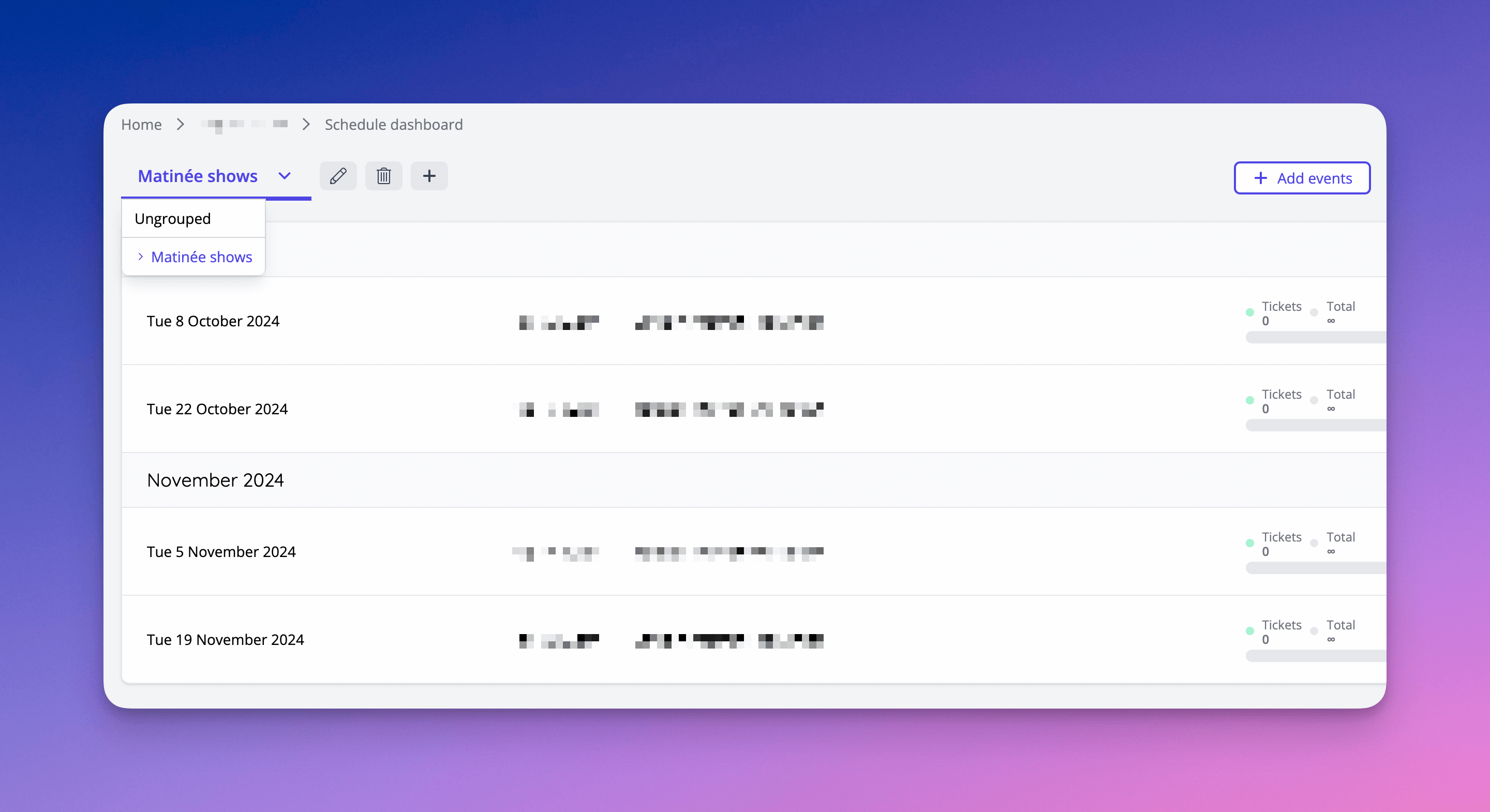
- Repeat and mixed schedule events can now be grouped together in Admin, with each group using different listing page settings, event info and sale items.
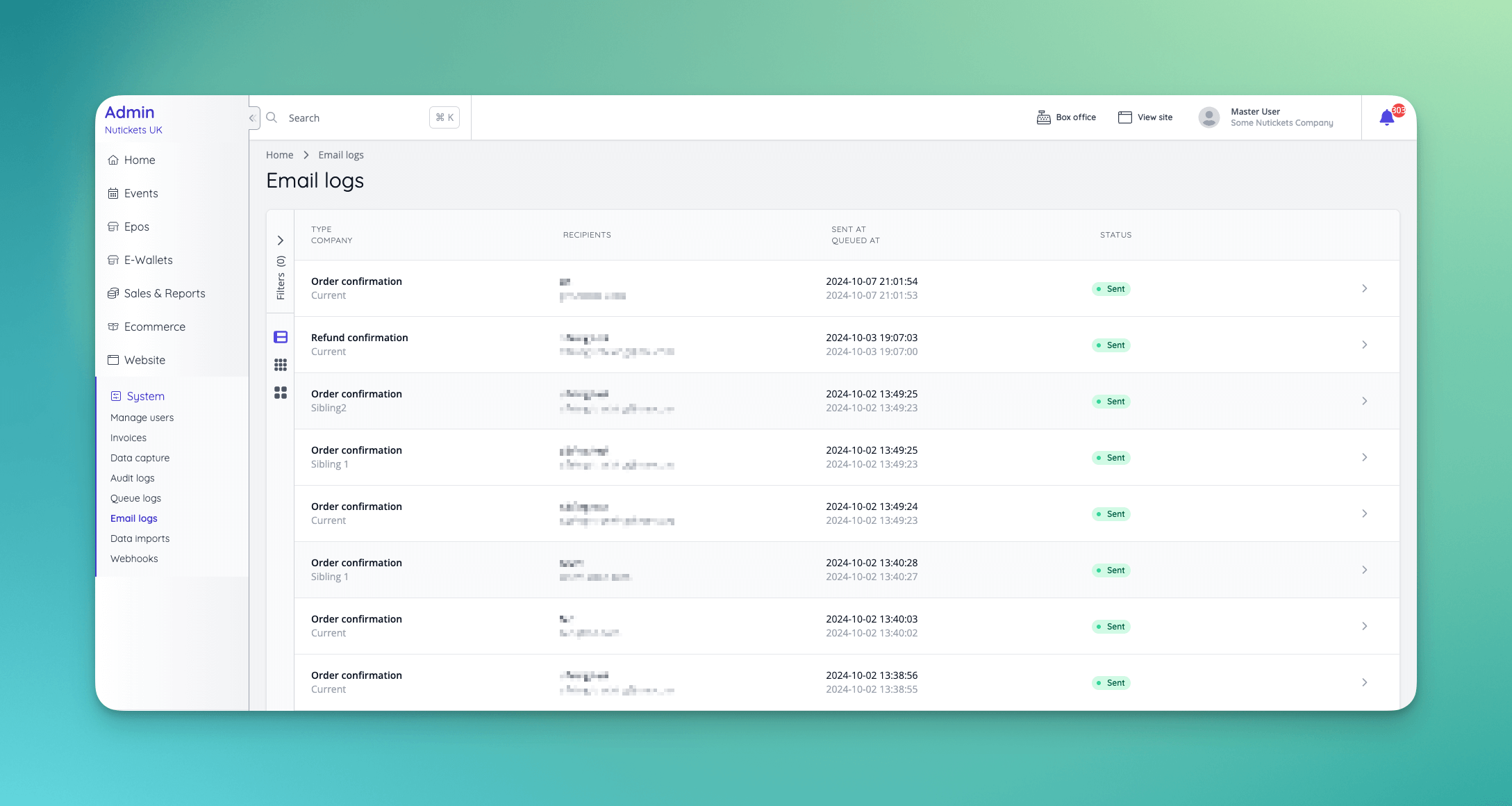
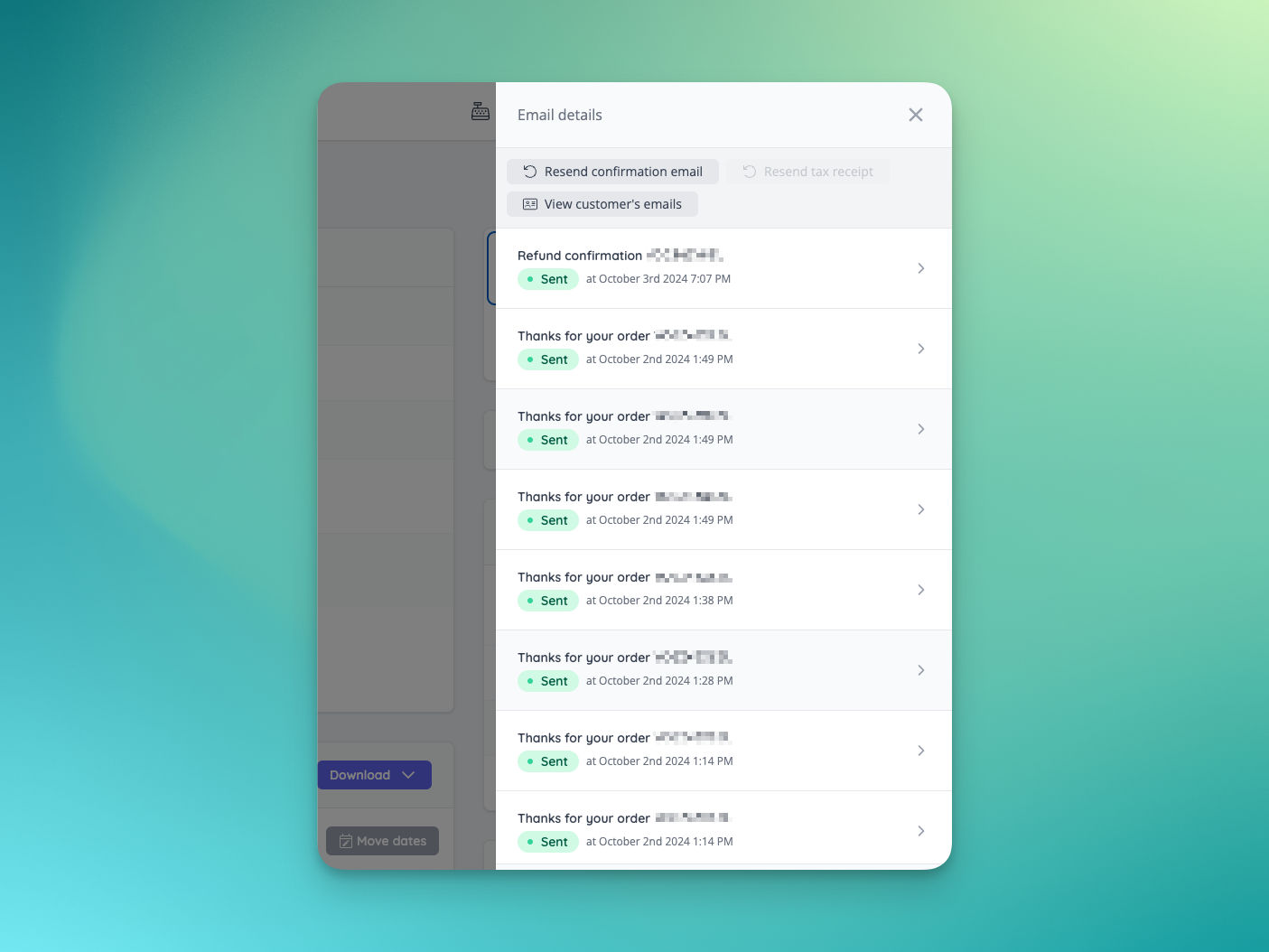
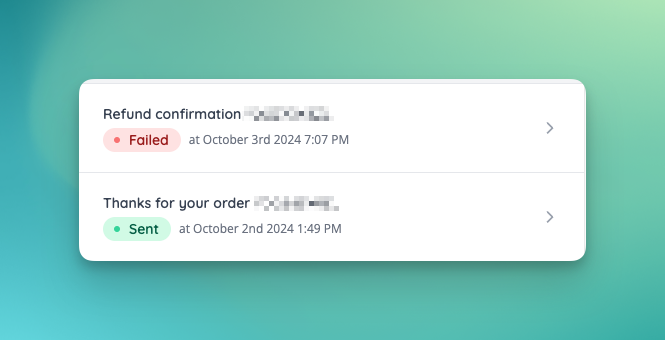
- The system will now track outgoing emails, with a centralised email logs list.
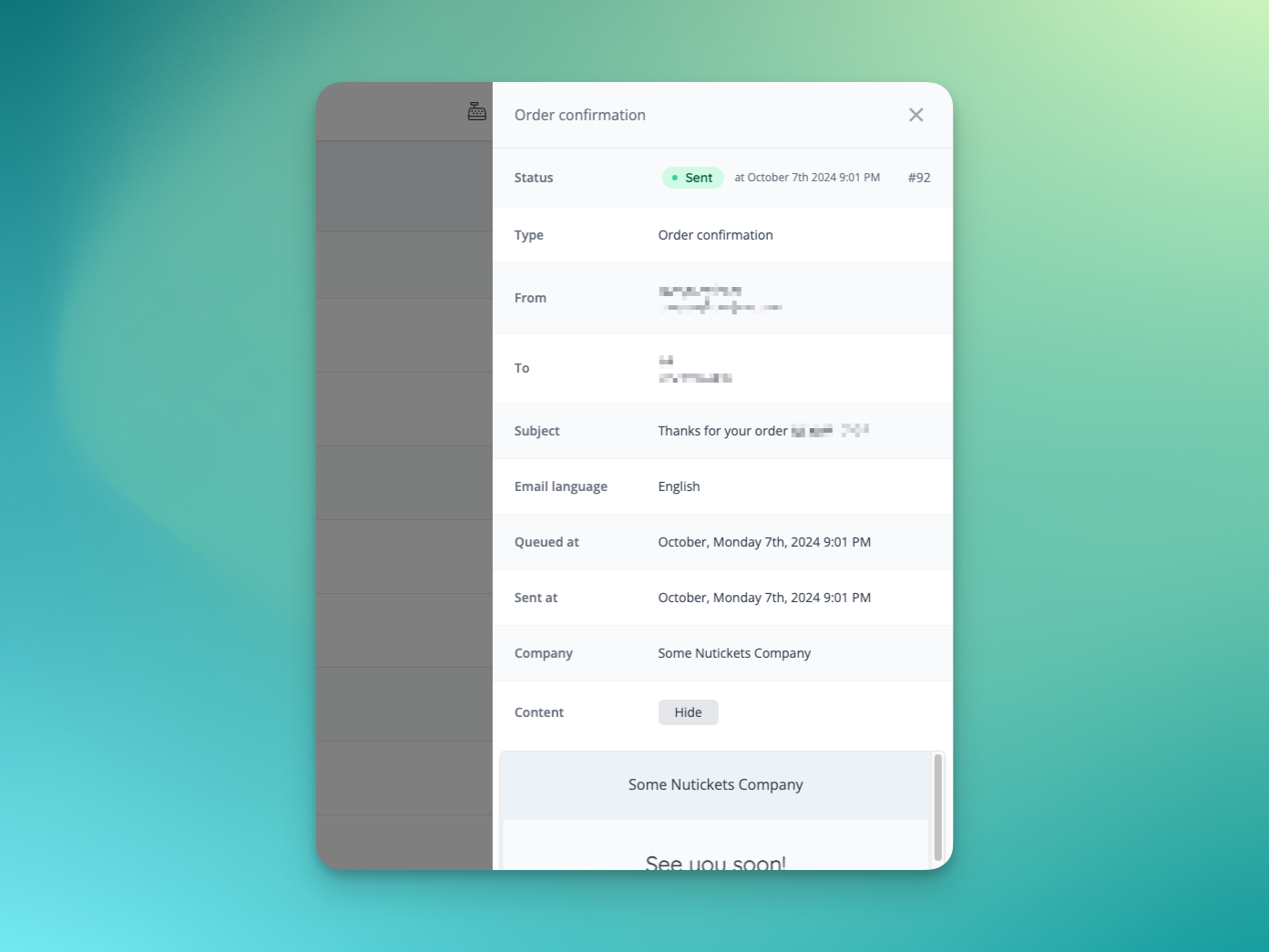
- Email logs can be viewed in more detail.
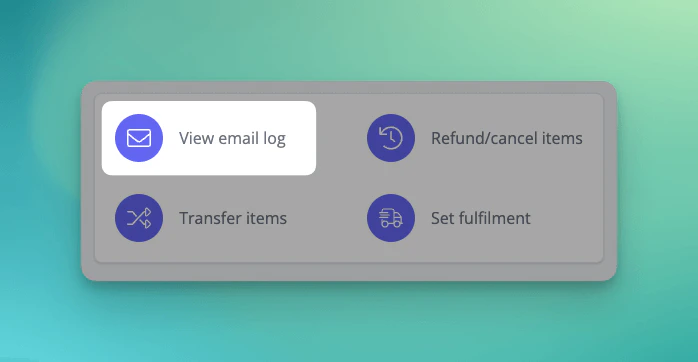
- Email logs are now surfaced against reservations, orders and customers.
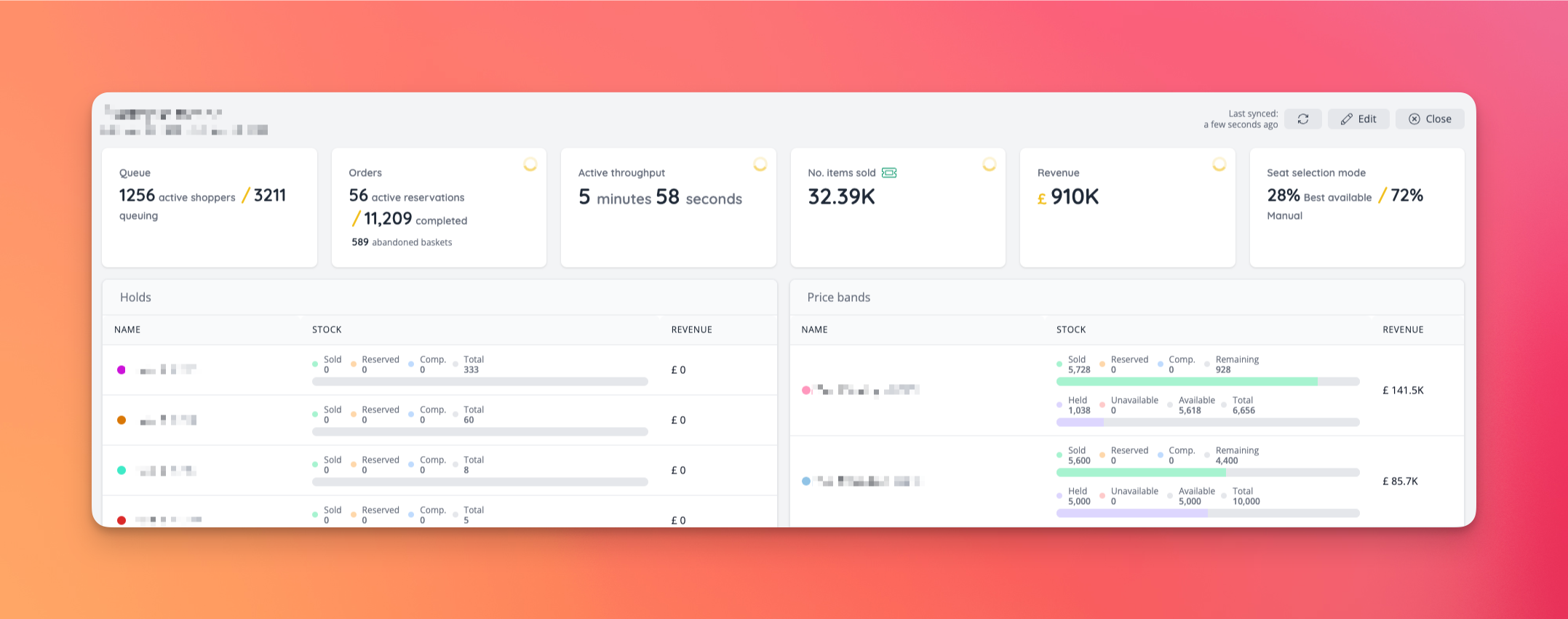
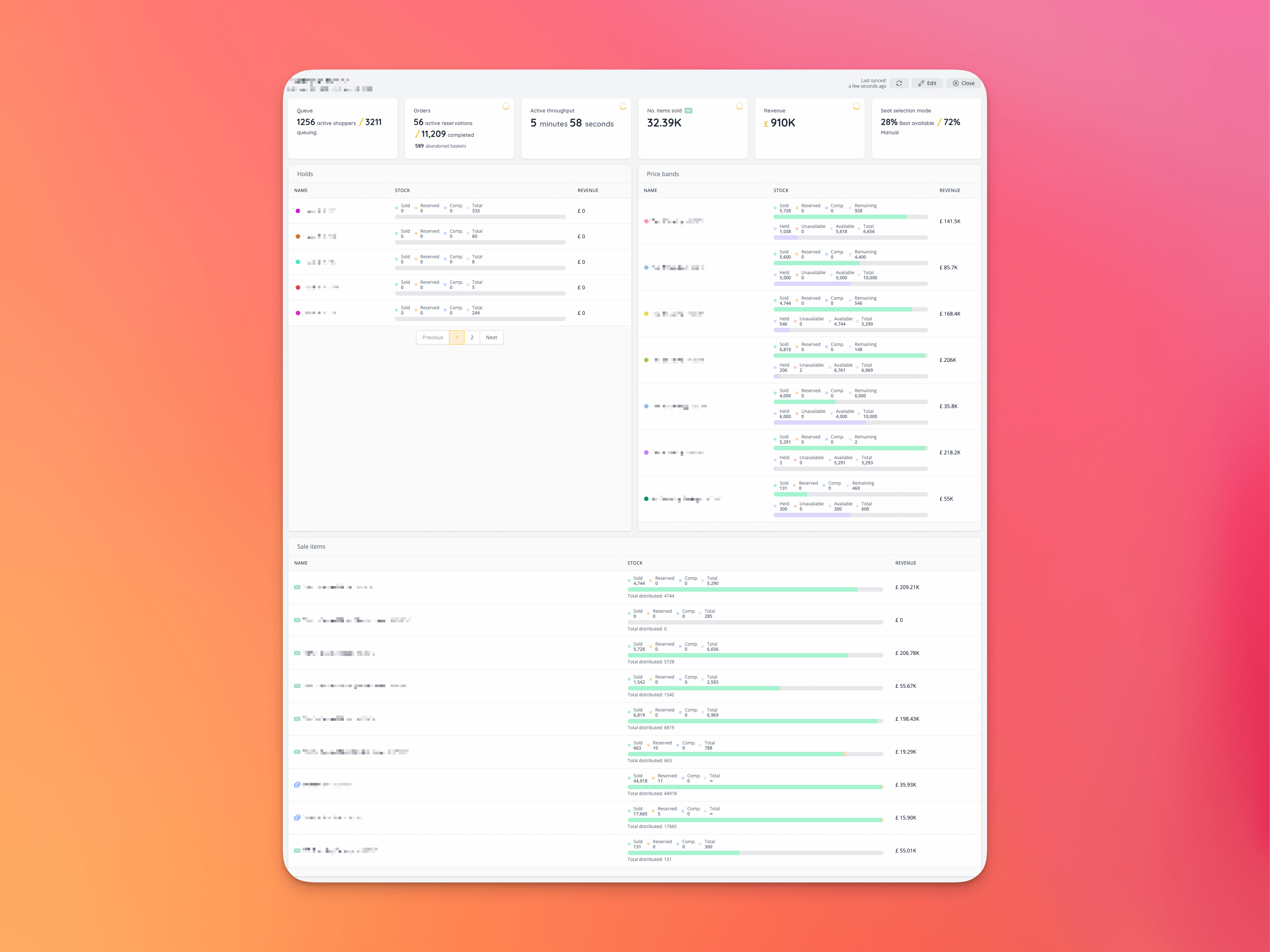
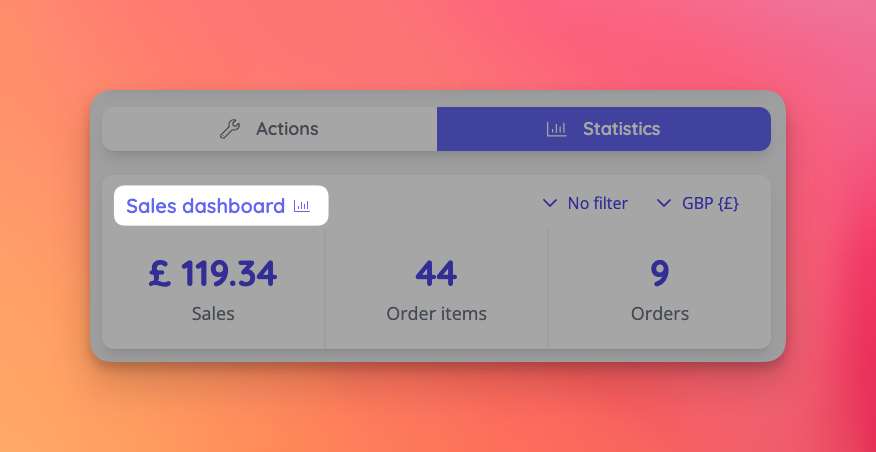
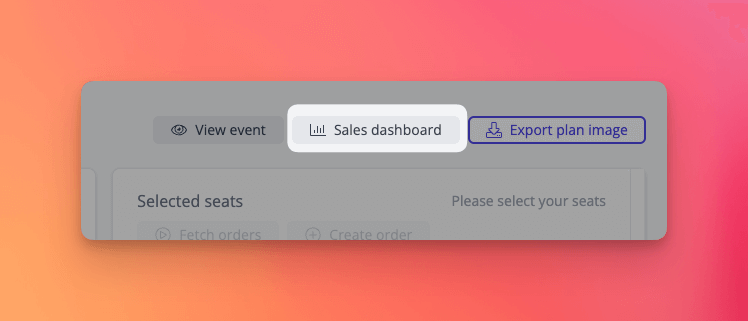
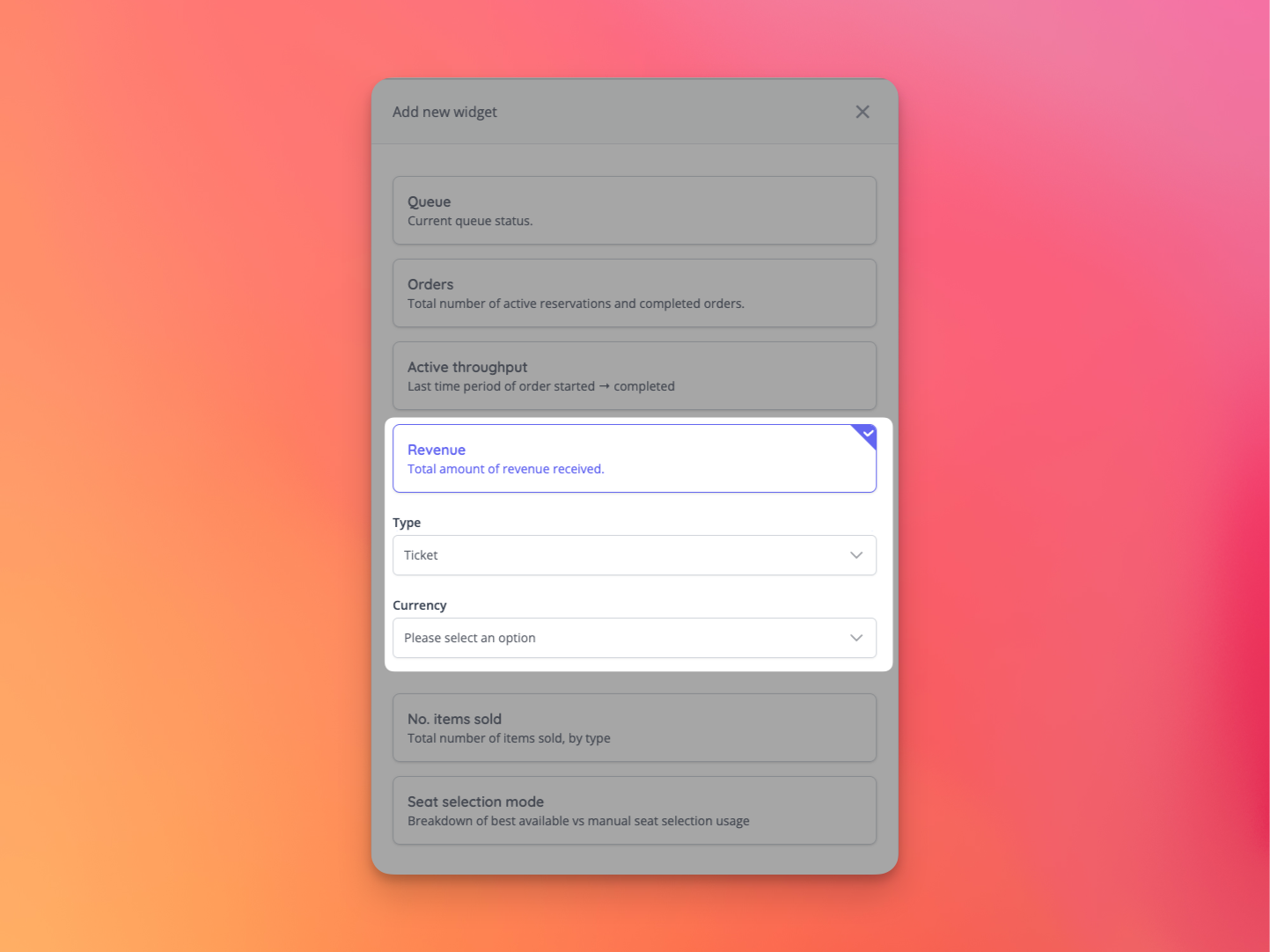
- A new customisable sales dashboard has been added. You may configure widgets that make sense for your event, allowing you to monitor your sales in real time.
- The sales dashboard can be accessed via links on the event dashboard, or event seating plan dashboard.
- Widgets may be added and customised to show the data that is important to you.
✨ Enhancements
- Allow access code validation to be skipped when using the move dates rebooking feature via admin [NG-7467]
- Order notes and order item notes can now be added to the attendance report [NG-7507]
- We now track which order item caused which order fees to be added in order that these values can be reconciled in reports [NG-7499]
- Specific fee item totals can now be added as individual columns to the event sales report, orders report, and attendance report [NG-7500 & NG-7499]
- AppView settings now will be passed down to child company events, if they are set on the parent company’s domain [NG-6828]
- Create tickets from time slots will now open ticket assignment settings [NG-7414]
- New setting added to seating plan label settings: “Push seat label position”, where a calculated label can be shifted by the number of set positions [NG-7585,NG-7586]
- Seating plan refreshing period decreased on events when best available is used [NG-7062]
🎨 User Interface (UI/UX)
- Added new product bubbles template block [NG-6586]
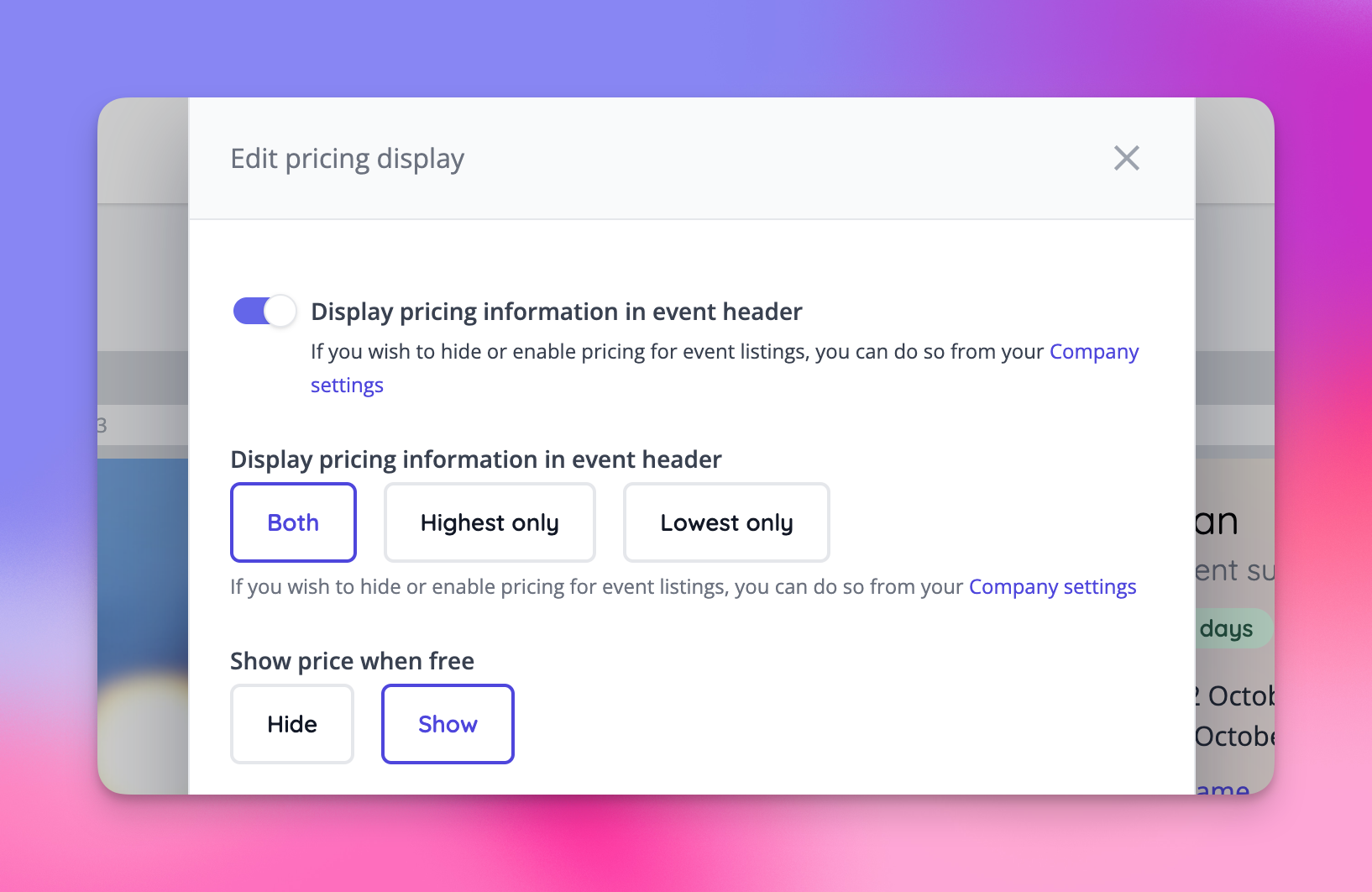
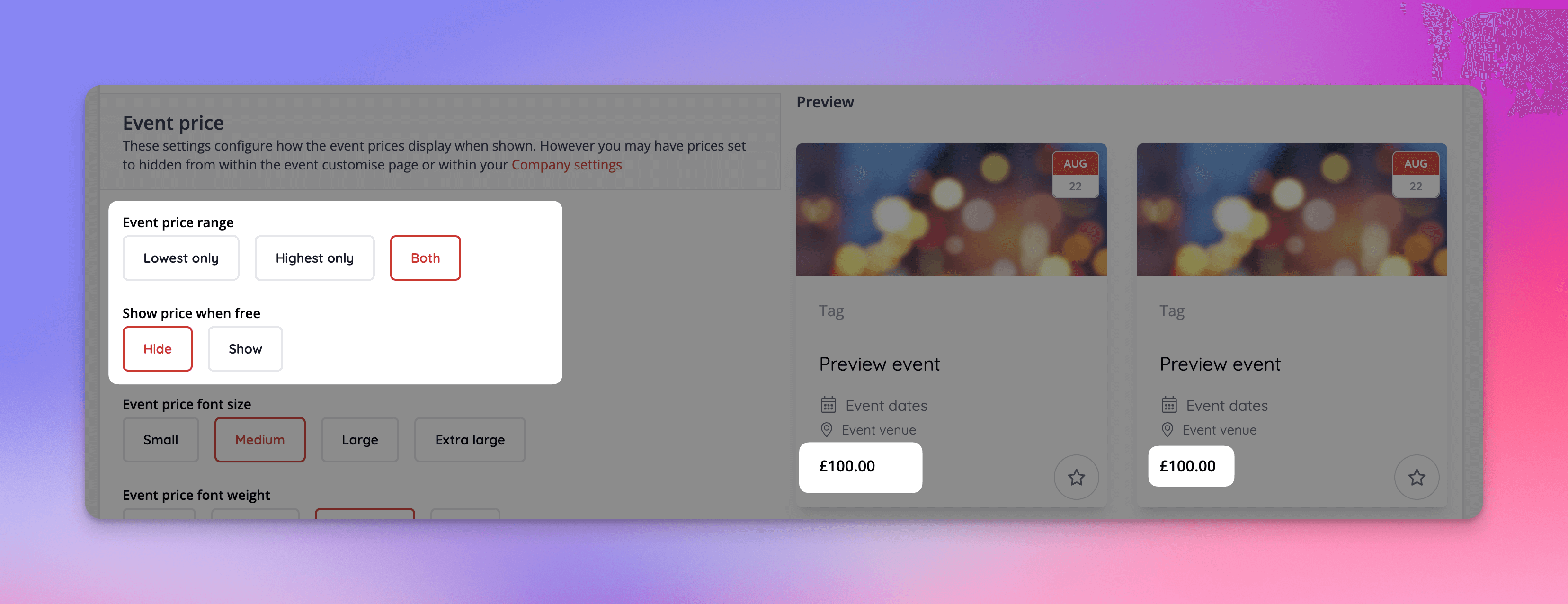
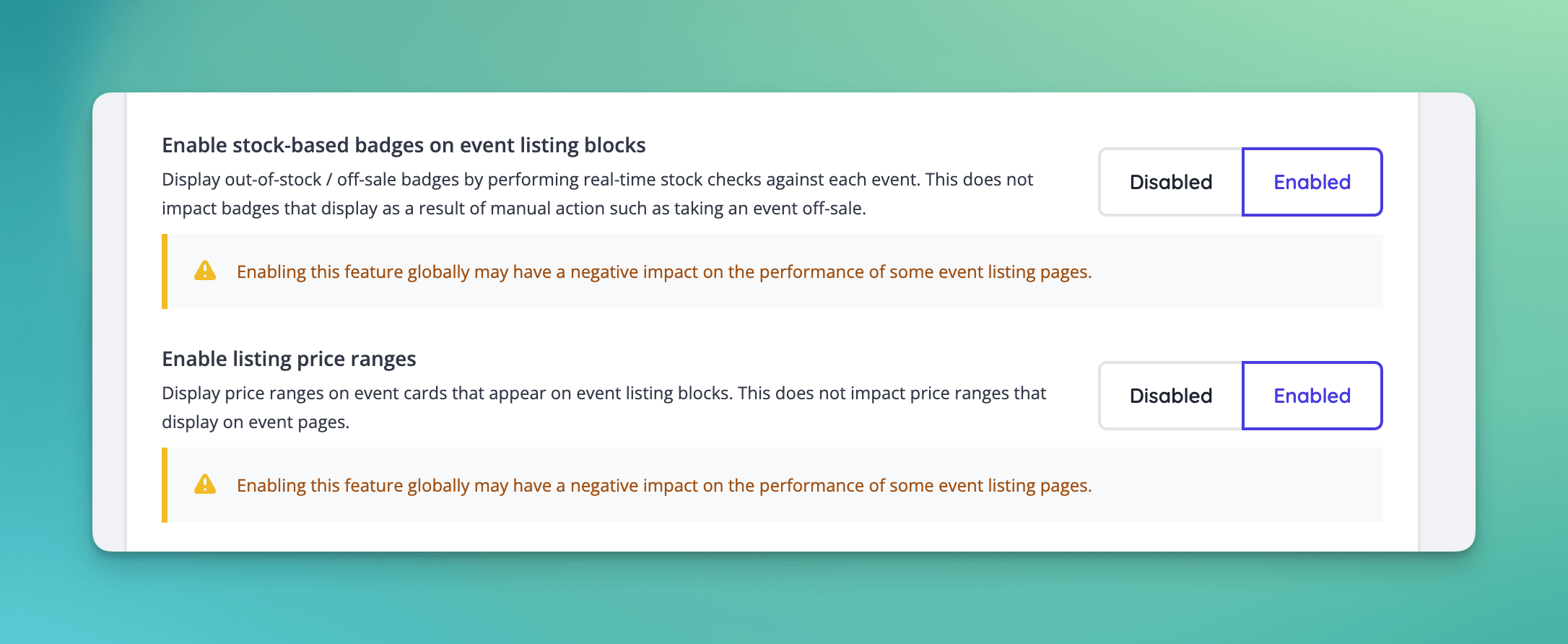
- Allow control over high/low pricing on event page [NG-7013]
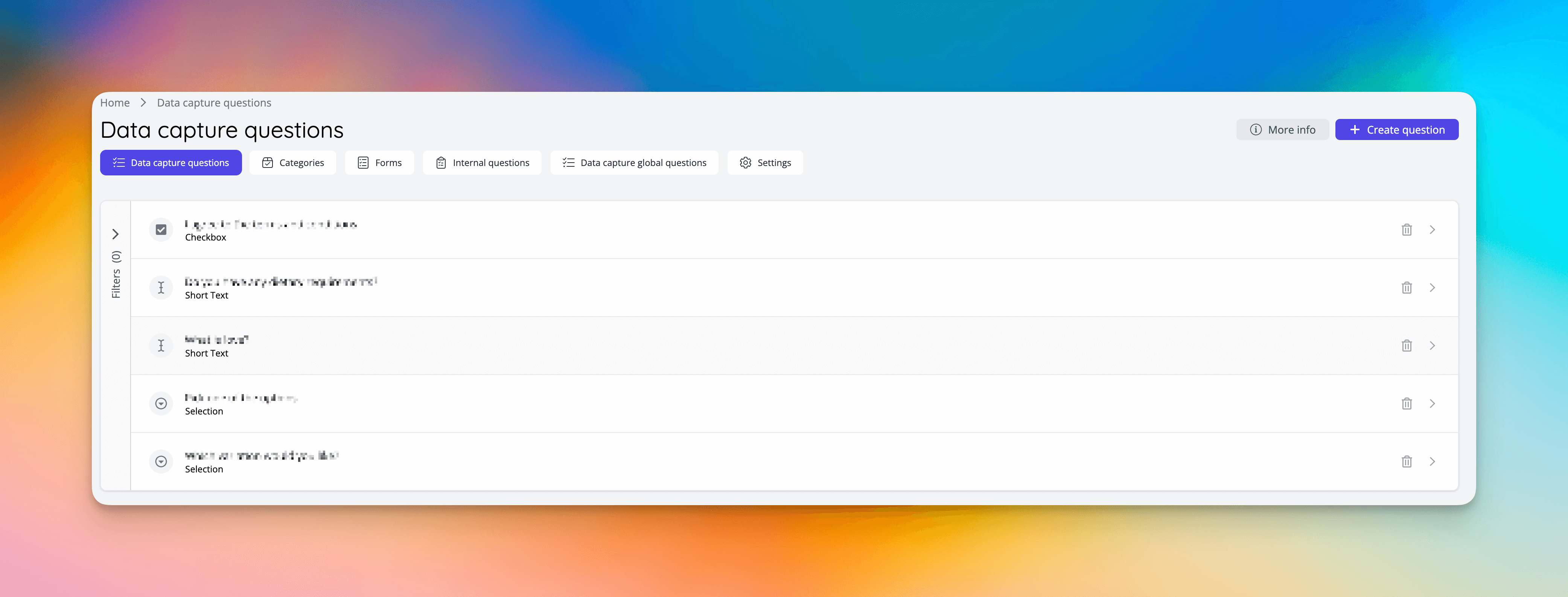
- Data Capture section index page improvements [NG-7510]
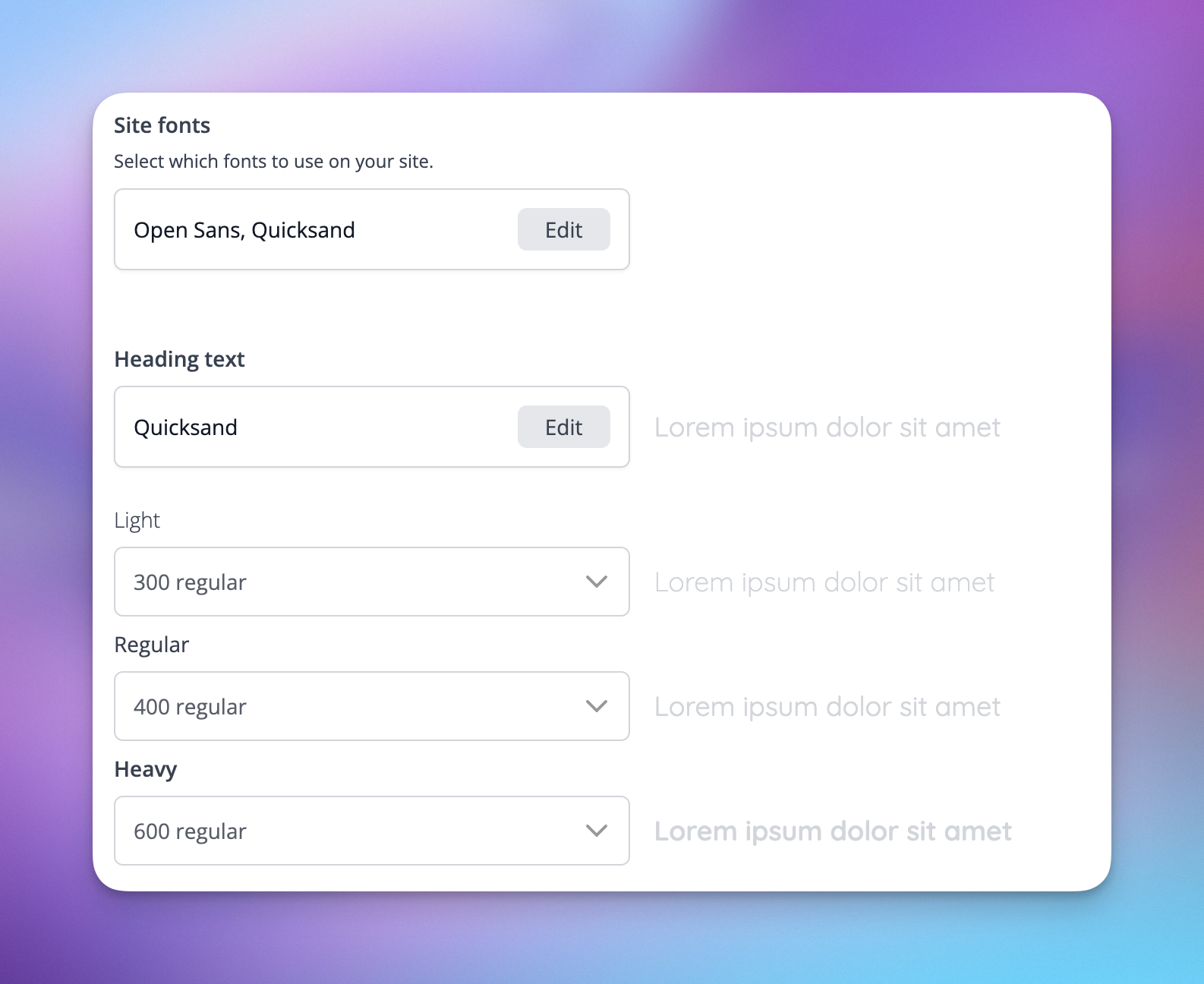
- Improved font settings in admin, including new settings for the headers and footer, and global font setting options [NG-7058]
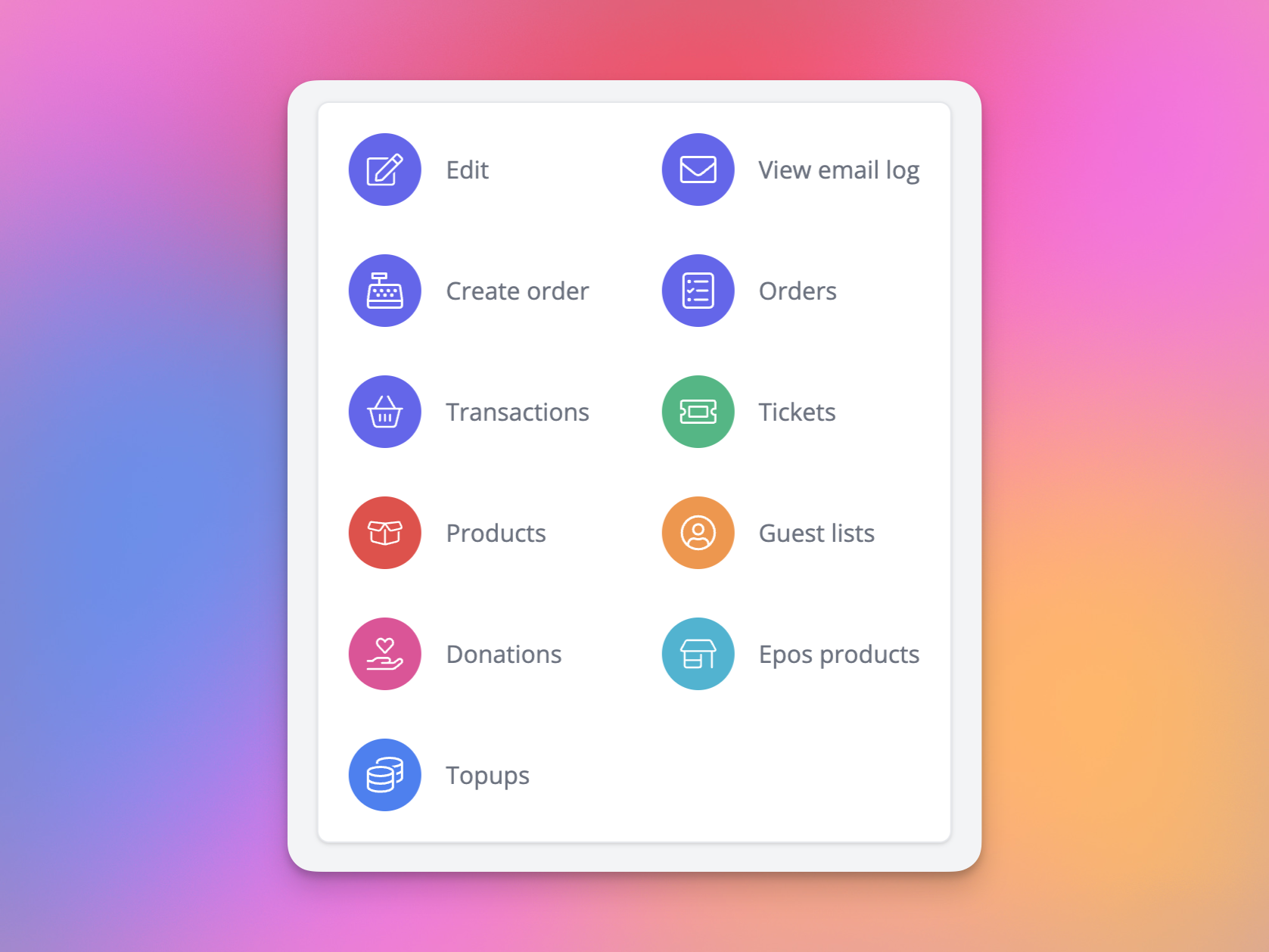
- Customer details page updated with improved action panel, and customer order item details moved to slide-over panels [NG-7539]
🧹 Housekeeping
- When searching for a data capture question to include on event media, the question IDs are now included for ease of use [NG-7342]
- Added company ID to company selector when editing a Hub user [NG-7315]
- Only data capture questions belonging to the current company are returned in question selectors when designing event media. Child company questions will no longer be selectable. [NG-7342]
- When moving a booking between seats via the admin UI, a ‘seat reallocation’ activity log entry will be created [NG-7467]
- Reduced the time it takes for cached template block content changes to be reflected on the live website [NG-7306]
- Ical event downloads will now show the native ‘Add to calendar’ prompt on iOS [NG-2942]
- Sale item suffixes, as well as prerequisite settings, are now copied when assigning sale items to a new event or timeslot [NG-6916]
- It’s now possible to create a cash out for users via the epos app, where the user exists as a customer of a sibling or parent company, but holds a wallet with your company [NG-6700]
- Provided a clear message, with CTA, when users attempt to register instead of log in [NG-7723]
- Allowed
hide unavailable eventsandgroup repeating eventsfilters on browse page to be used together, when some repeating events have no remaining stock [NG-7146] - Improved consistency of date + time formatting on event media and various UI surfaces displaying date ranges [NG-7767]
- Resolved an issue when creating companies using reseller plans that have multiple fee types per company [NG-7838]
- Improved compatibility of blended gateway fees when applied to topups and epos products [NG-7324]
- Performance improvements when loading holds via box office [NG-7597]
- Improvements the GA hold stock allocation experience when the GA space’s status is made unavailable / available [NG-7714 & NG-7641]
- Improved self-serve refund interface, with added help texts regarding deposit payments, and self-serve refund button hidden before order is fully paid [NG-6945]
- Seat gate/stair & tag settings now won’t disappear, when a mixed selection of seats with restricted settings will use the restricted setting [NG-7627]
- Basket panel has been temporarily removed on seating plans when using box office, this has now been restored [NG-7648]
- “Was price” now correctly displayed for general admissions in shop in all currencies [NG-7551]
- Events with seating plans and holds set up before the general admission hold updates now are compatible with the new UI and settings [NG-7724]
- Add to basket bar display issues fixed on certain android tablets and iPads [NG-7418]
- General admissions stock now update correctly when seating plan updates in box office [NG-7222]
- Event media thumbnails now saved in high quality even on screens with lower than pixel density 2 [NG-7052]
- Create n tickets from seating plan settings now will redirect back to plan settings correctly [NG-7047]
💻 Technical
- Moroccan Dirham is now available as a currency [NG-7329]
- Korean is now available as a language [NG-7261]
- Kuwaiti Dinar is now available as a currency [NG-7583]
- Croatian is now available as a language [NG-7722]
- It’s now possible to define custom (advanced) robots.txt entries for individual companies [NG-7371]
🧑💻 API
Changes to the API have been documented in the changelog on the API documentation homepage.Below you will find the summary notes for the 35th release of the Nuweb core platform.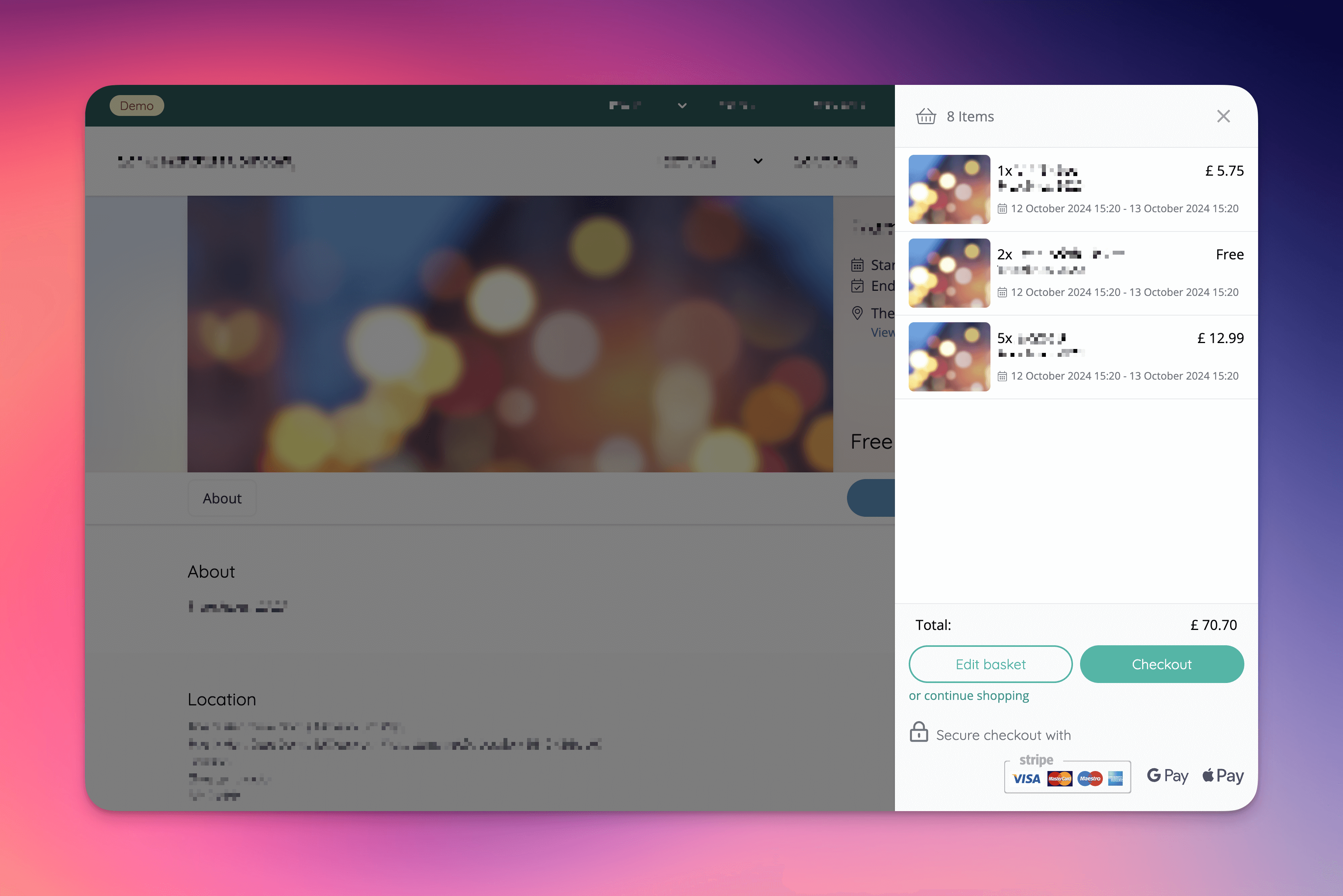
🚀 New Features
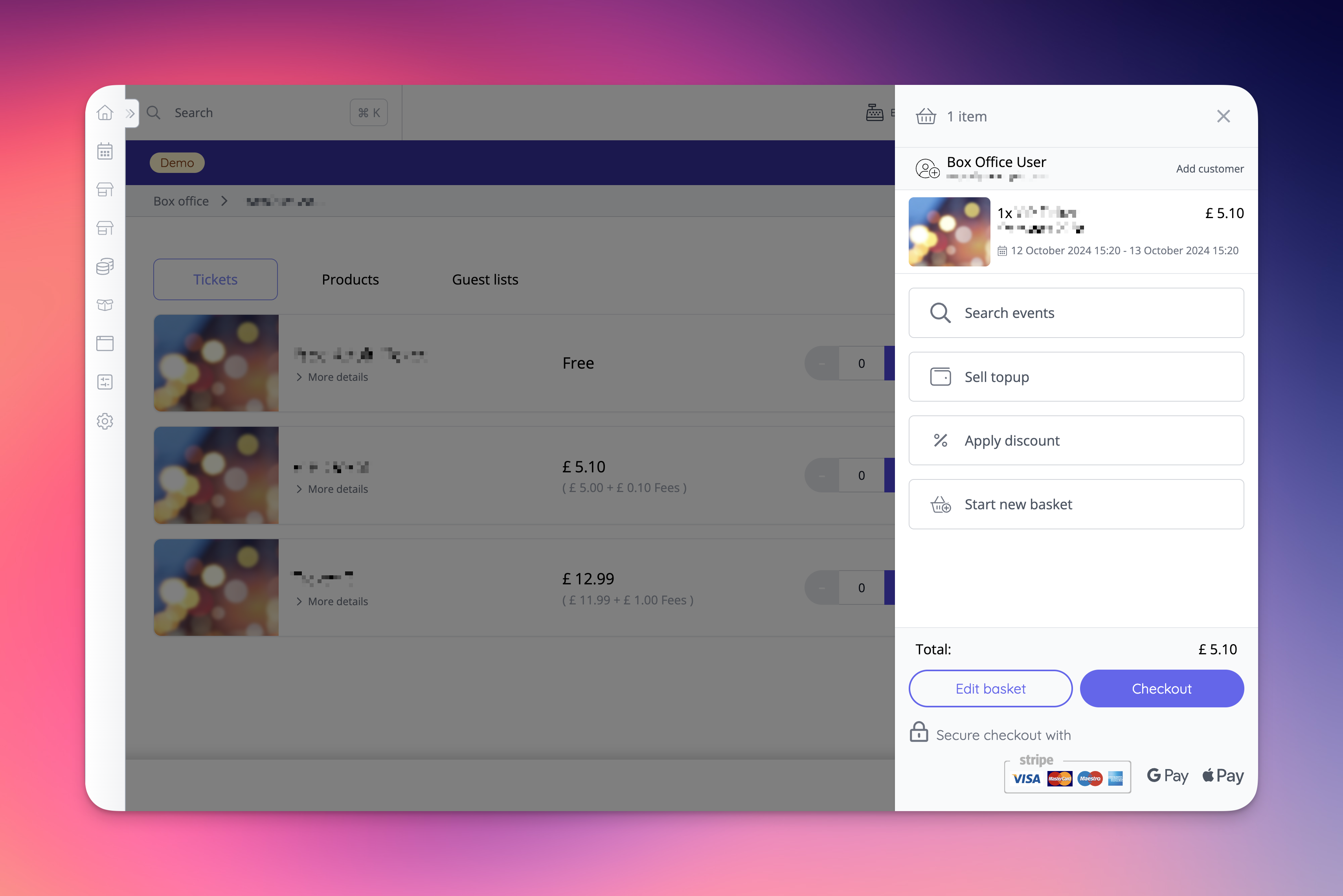
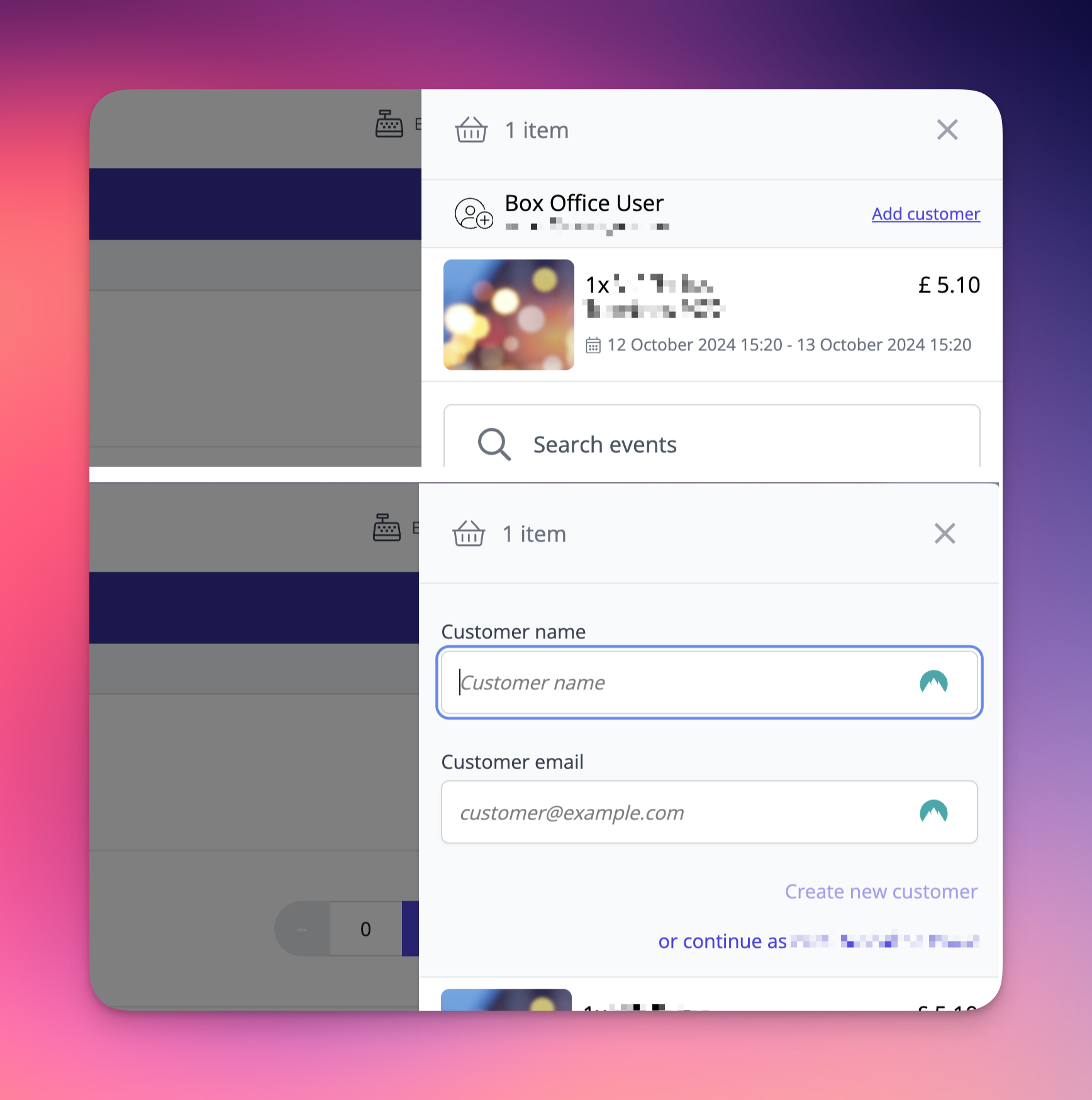
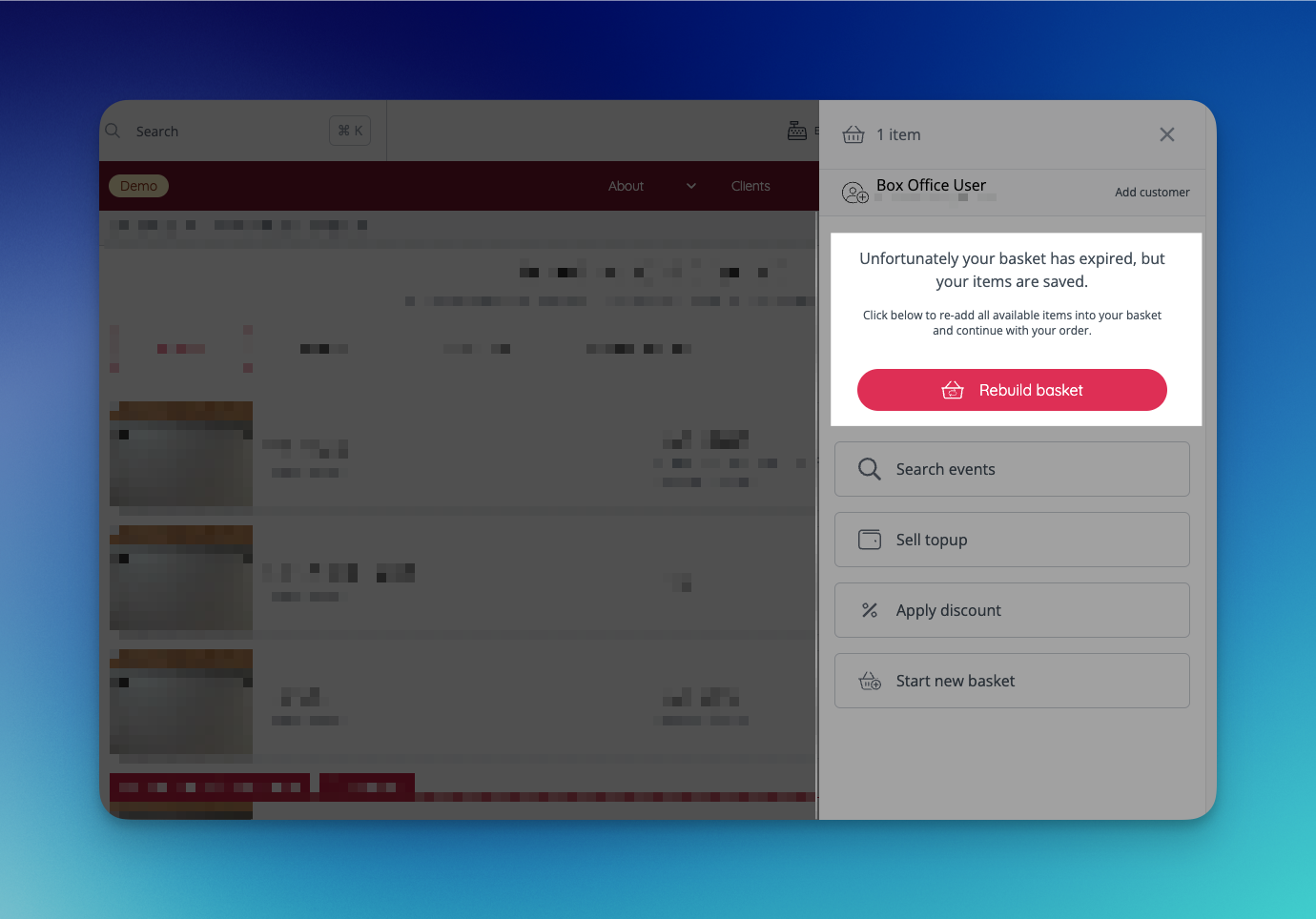
Basket Panel- Customer can now be set directly in the basket panel before adding items, or at any point during checkout.
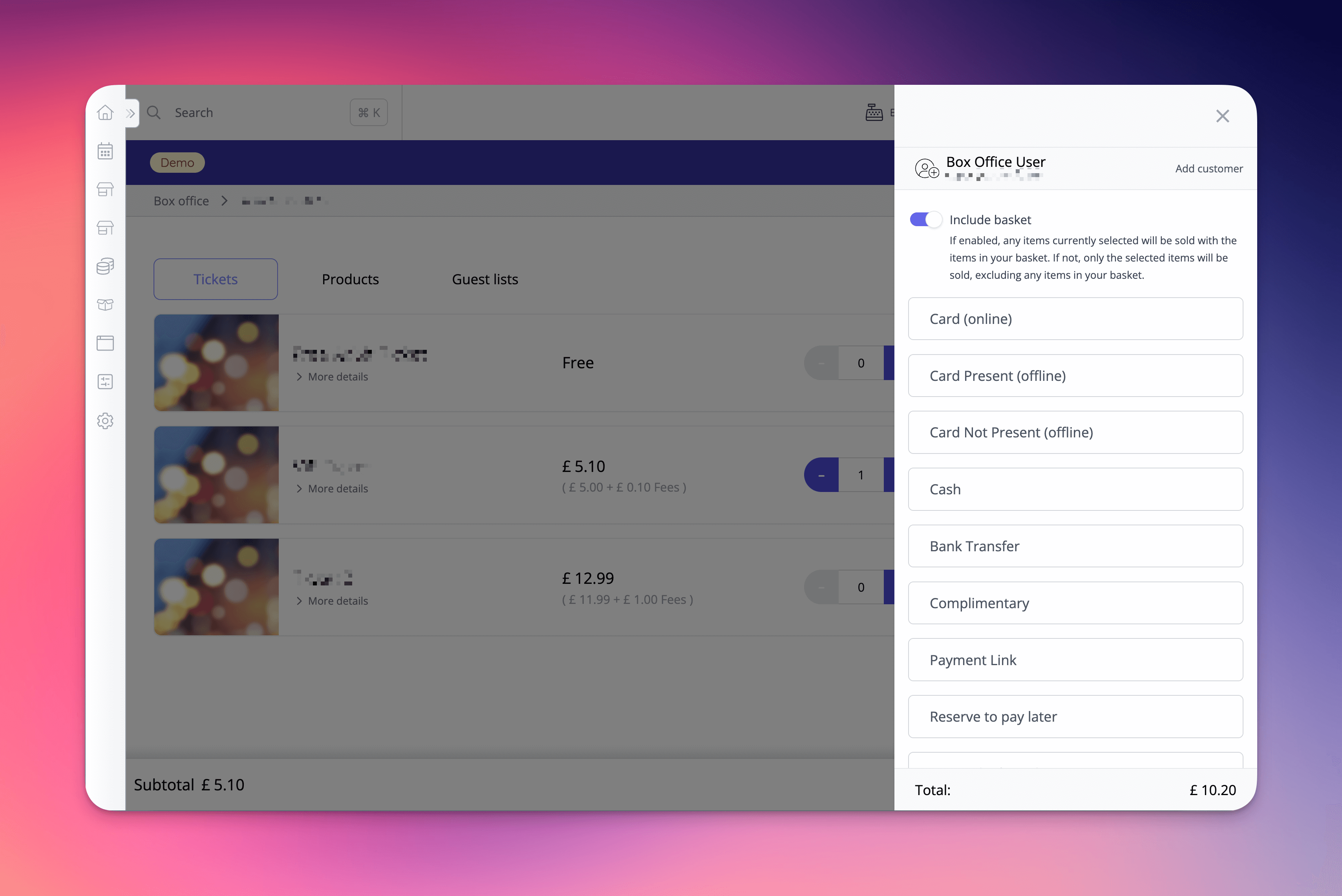
- Instant checkout also presents within a panel, allowing a customer to be assigned before completing the purchase.
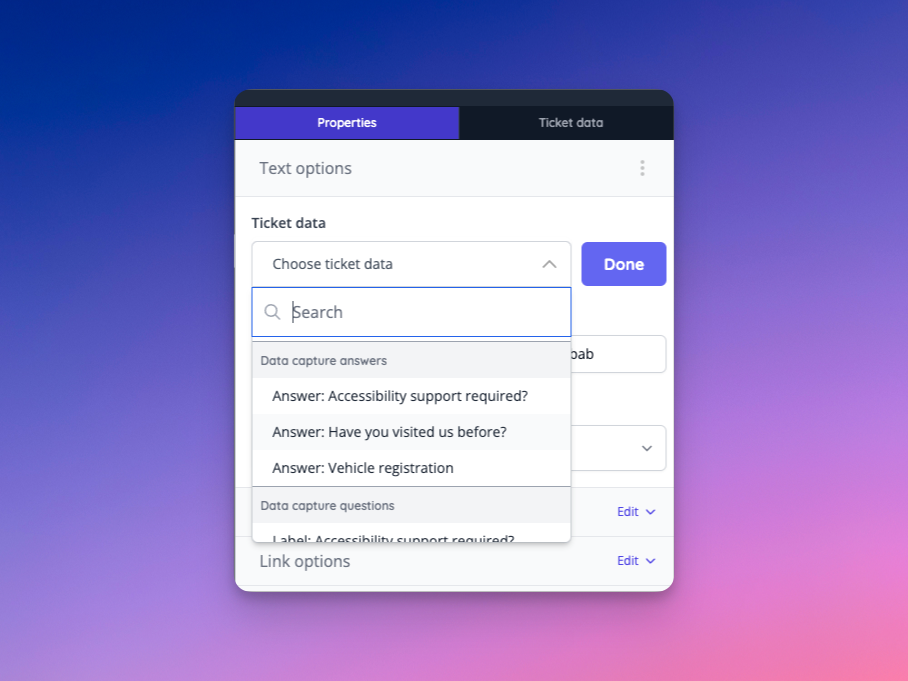
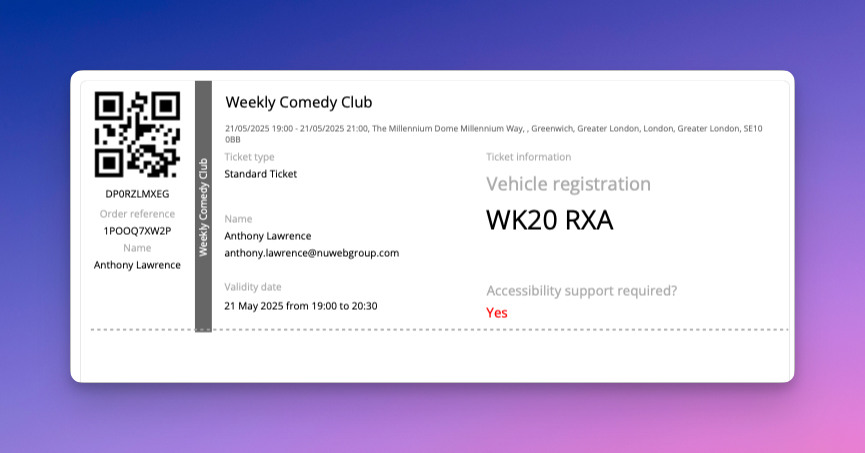
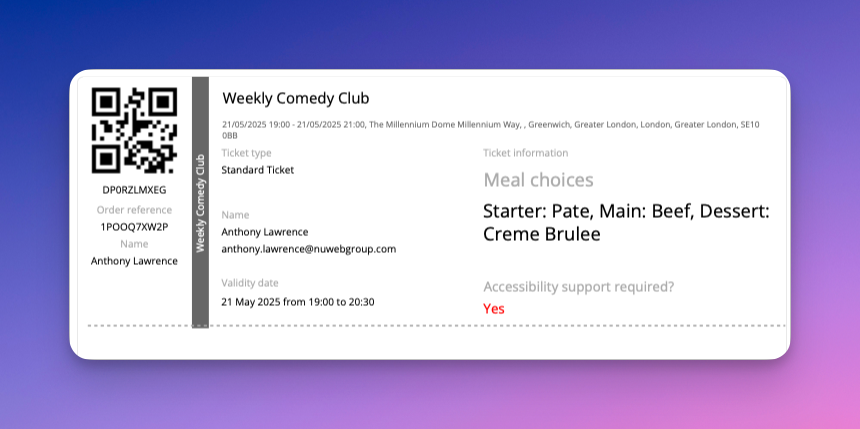
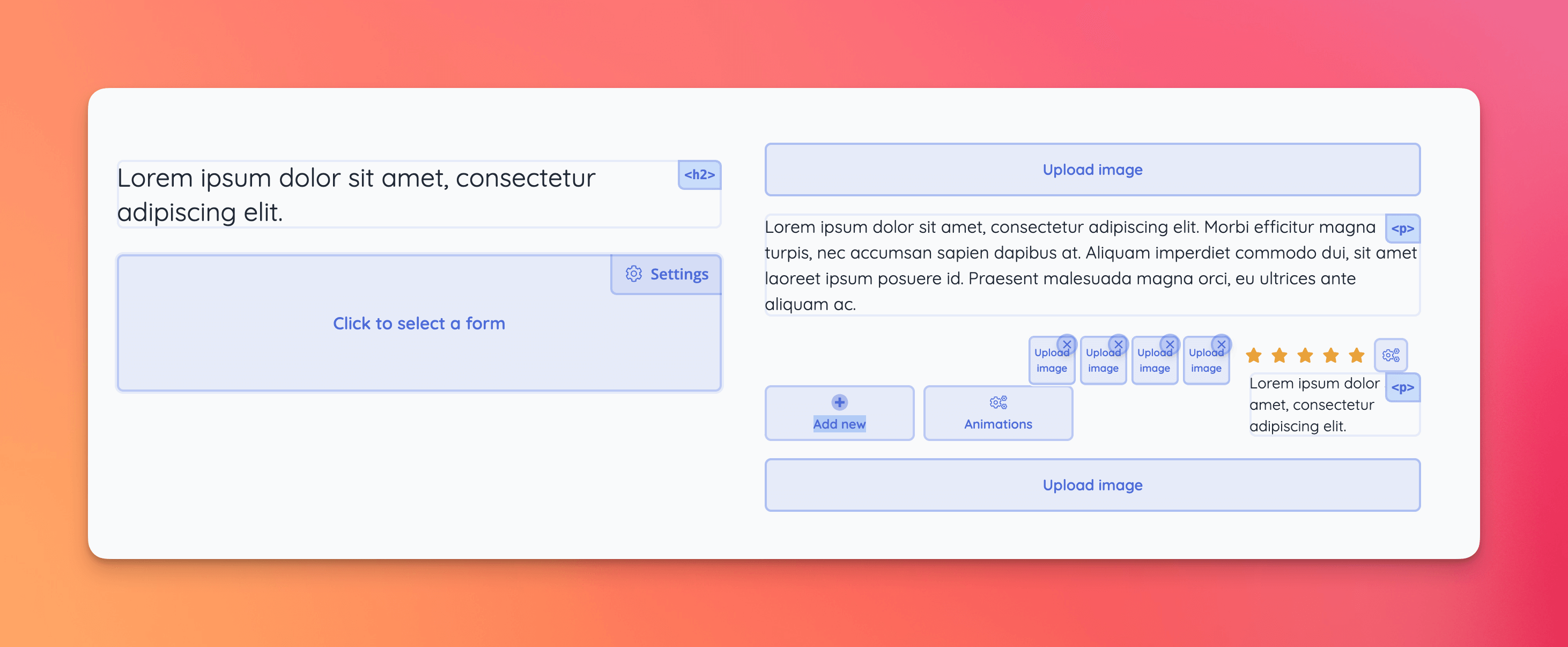
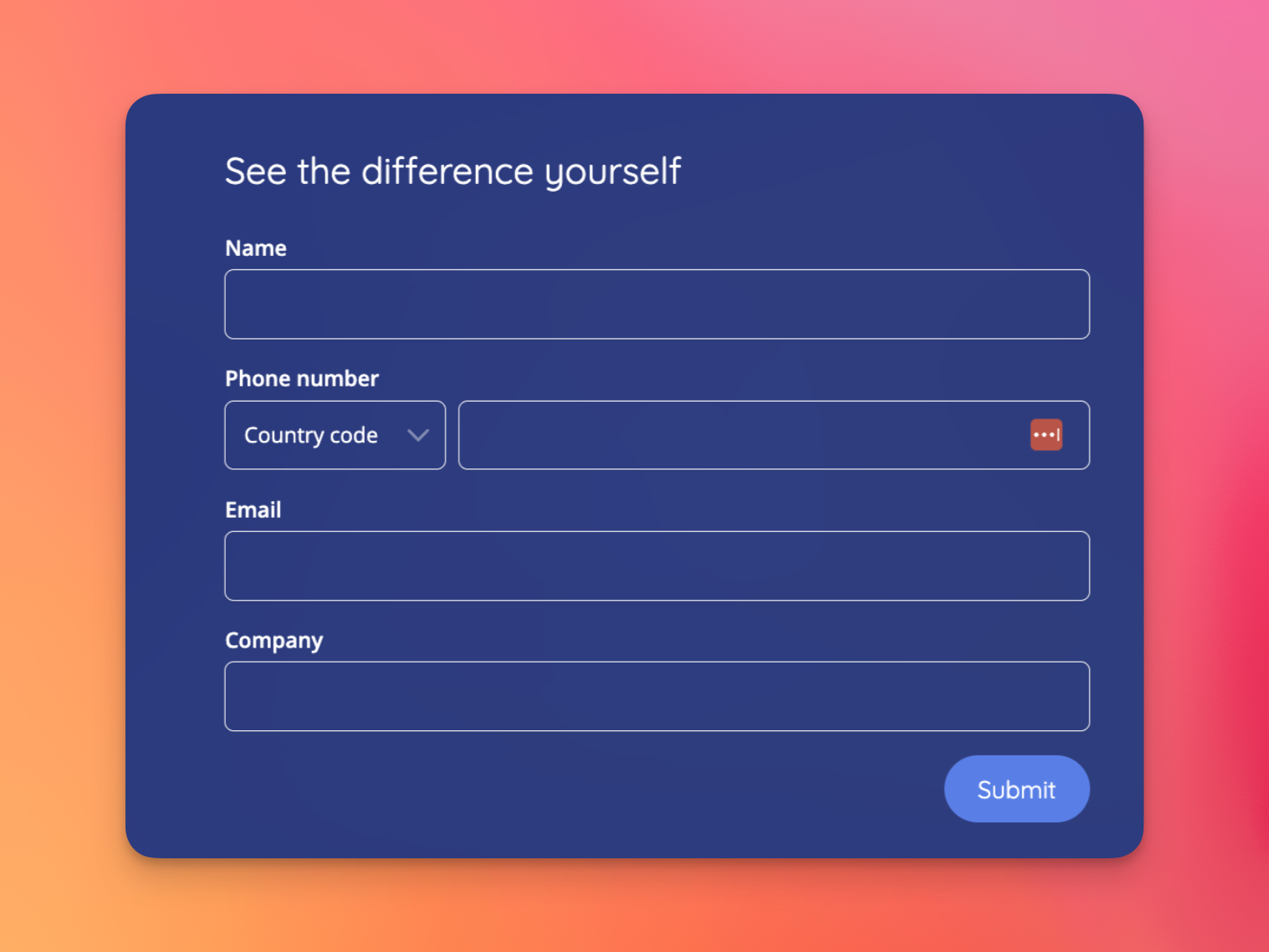
- You can now add data capture questions to event media templates [NG-7251]
- Any event level or item level data capture questions can be added to event media, globally.
- Any yes/no or true/false answers are displayed as localised ‘Yes’ or ‘No’
- Multi-select answers are also handled by joining all answers together giving you full visibility of a customer’s choices, on the ticket.
- Where answers exceed the drawn text box, the text is automatically resized to include a customer’s answer
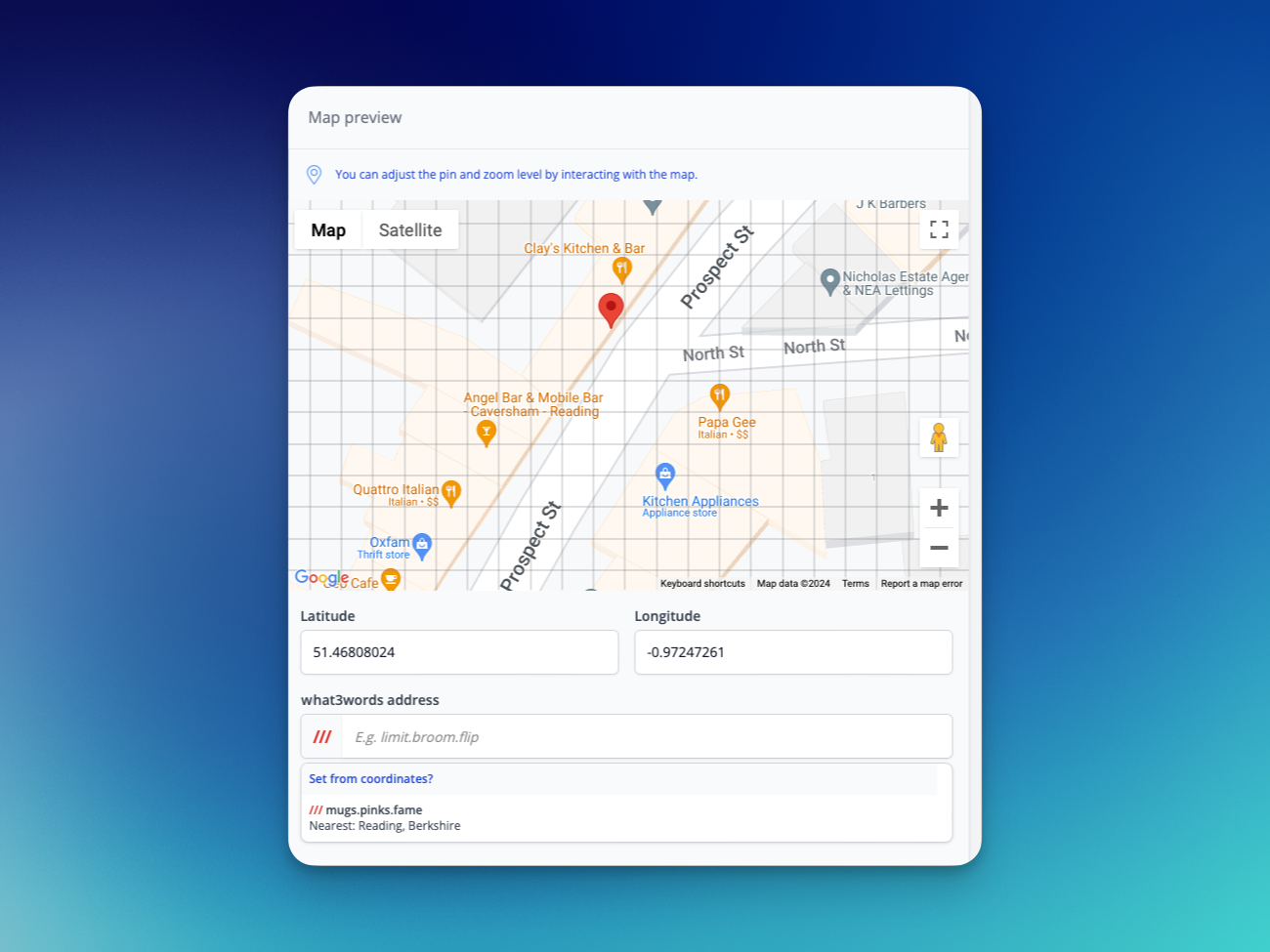
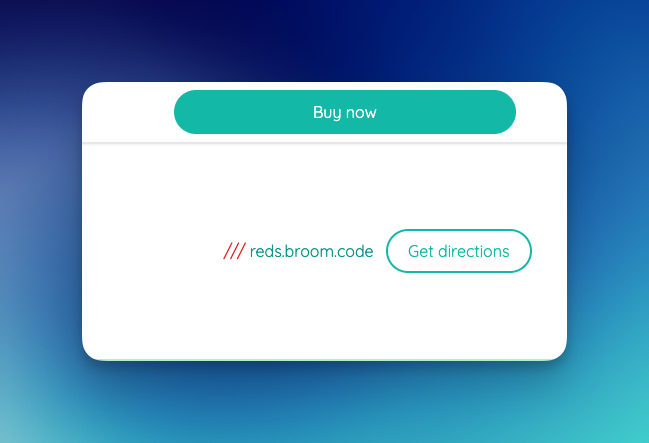
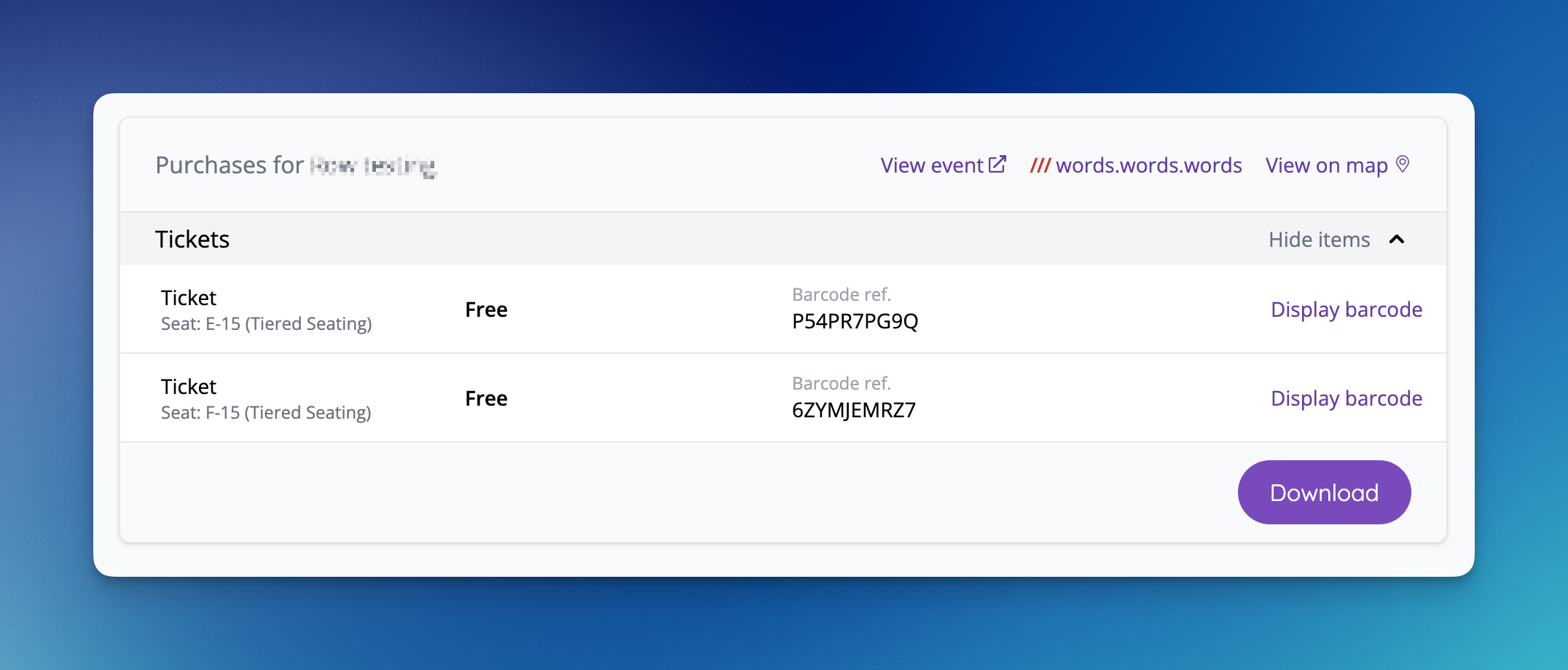
- what3words support added to venues [NG-6736 & NG-7212]
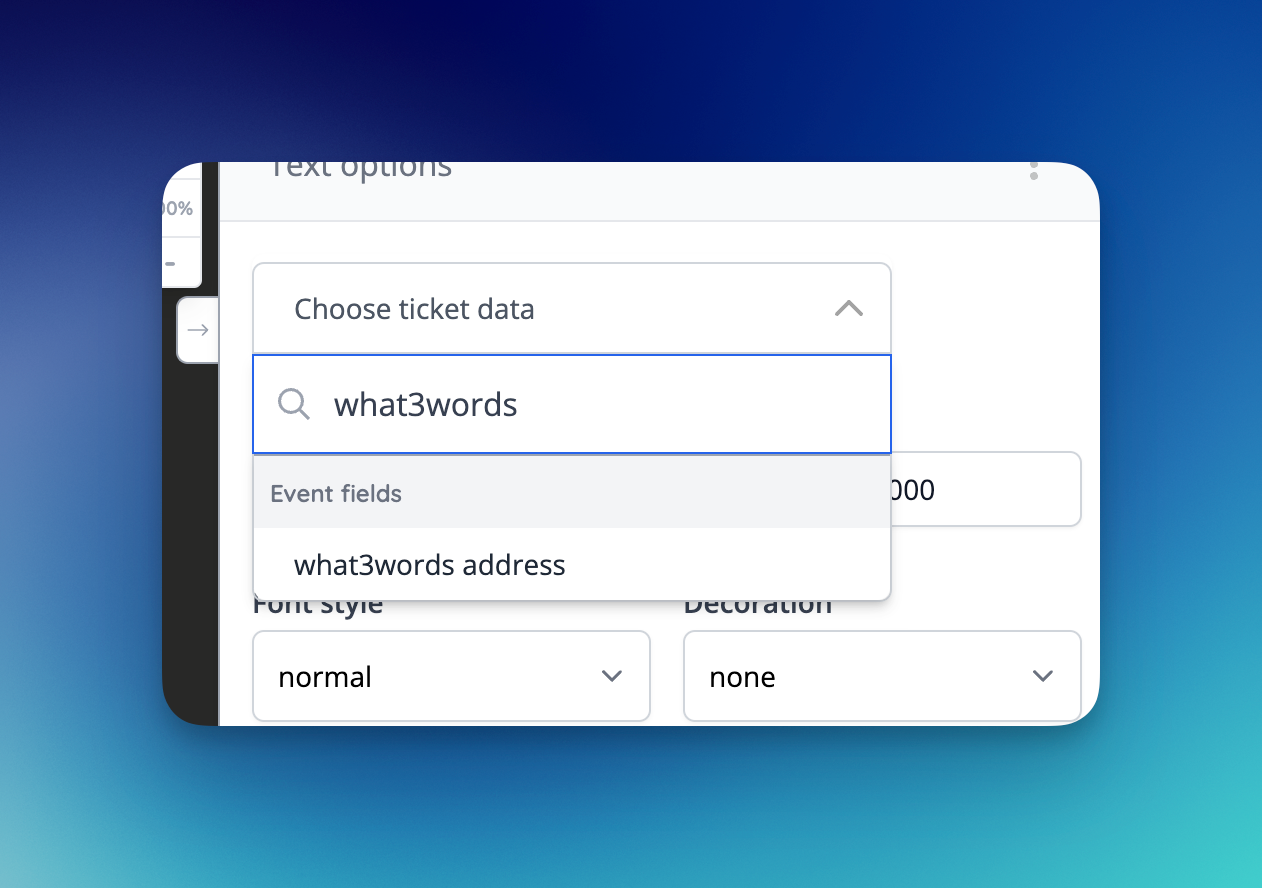
- what3words address can be added via event media to tickets [NG-7265]
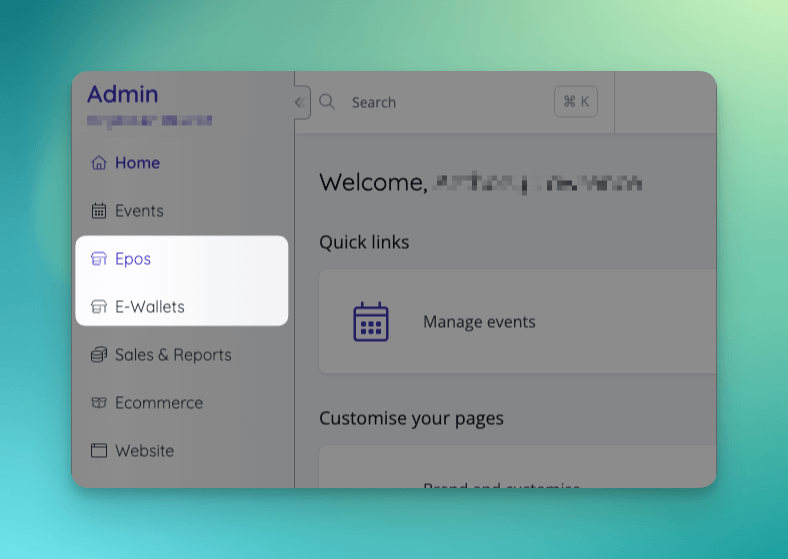
- Epos has entered general availability, with a new app, fresh UI, and better management of feature flags for epos + account balance users [NG-6568]
- It’s now possible to configure account to use account balances/ewallets without also enabling epos (formerly cashless)
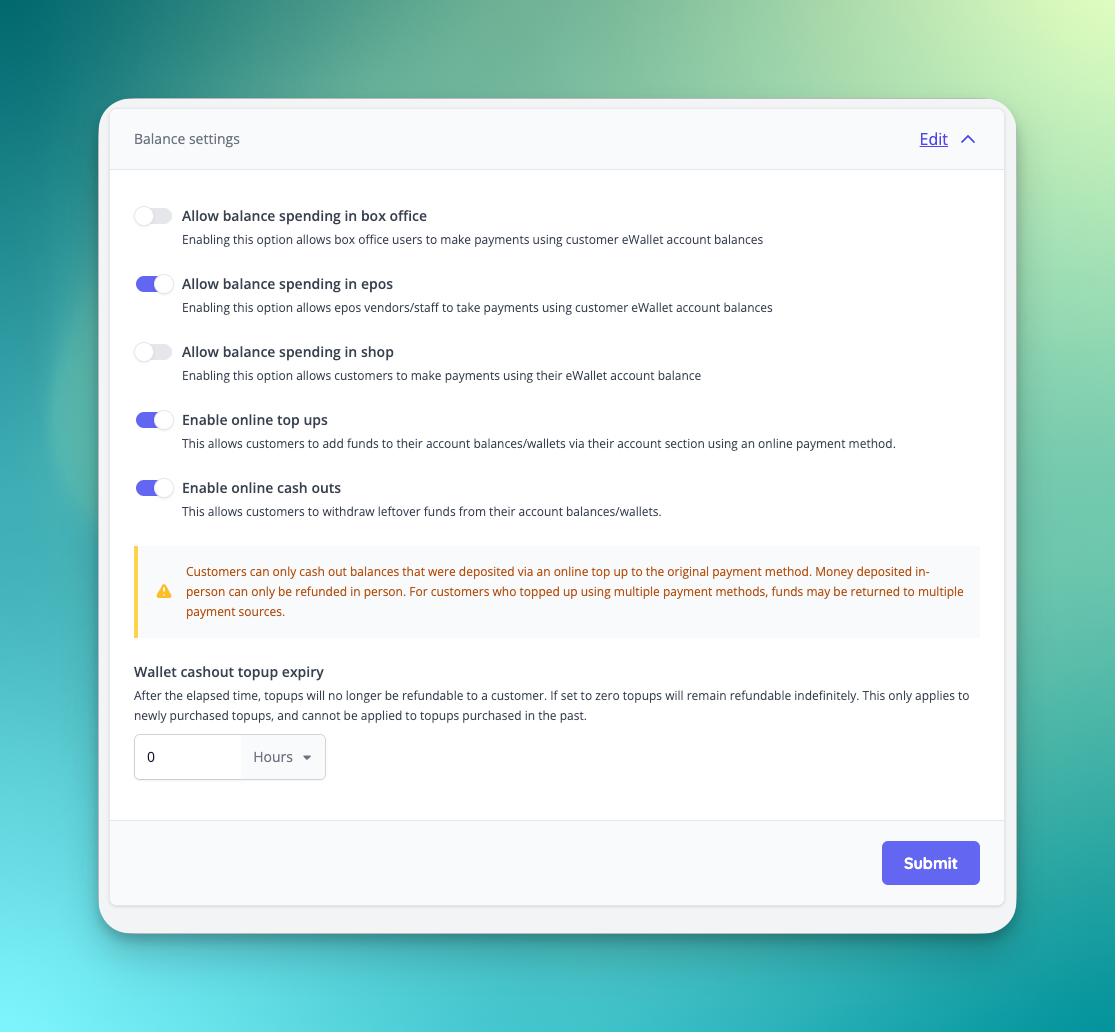
- The balance spending settings are now located in the payment settings UI alongside other balance spending options.
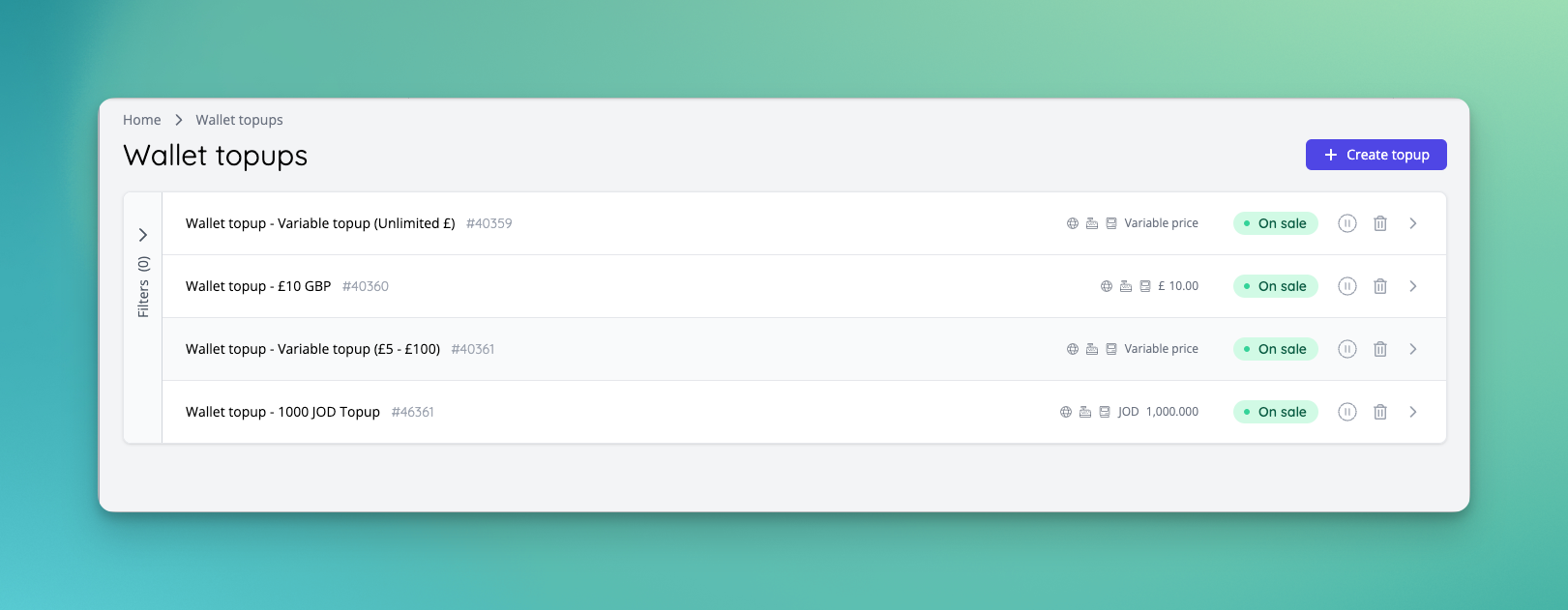
- Wallet topups can now be created for any currencies, allowing you to sell topups for any wallets, even if they aren’t defined as the active currency for epos.
- Wallet topups can now be marked as ‘expiring’ which means they can only be cashed out for a set period of time after they are purchased
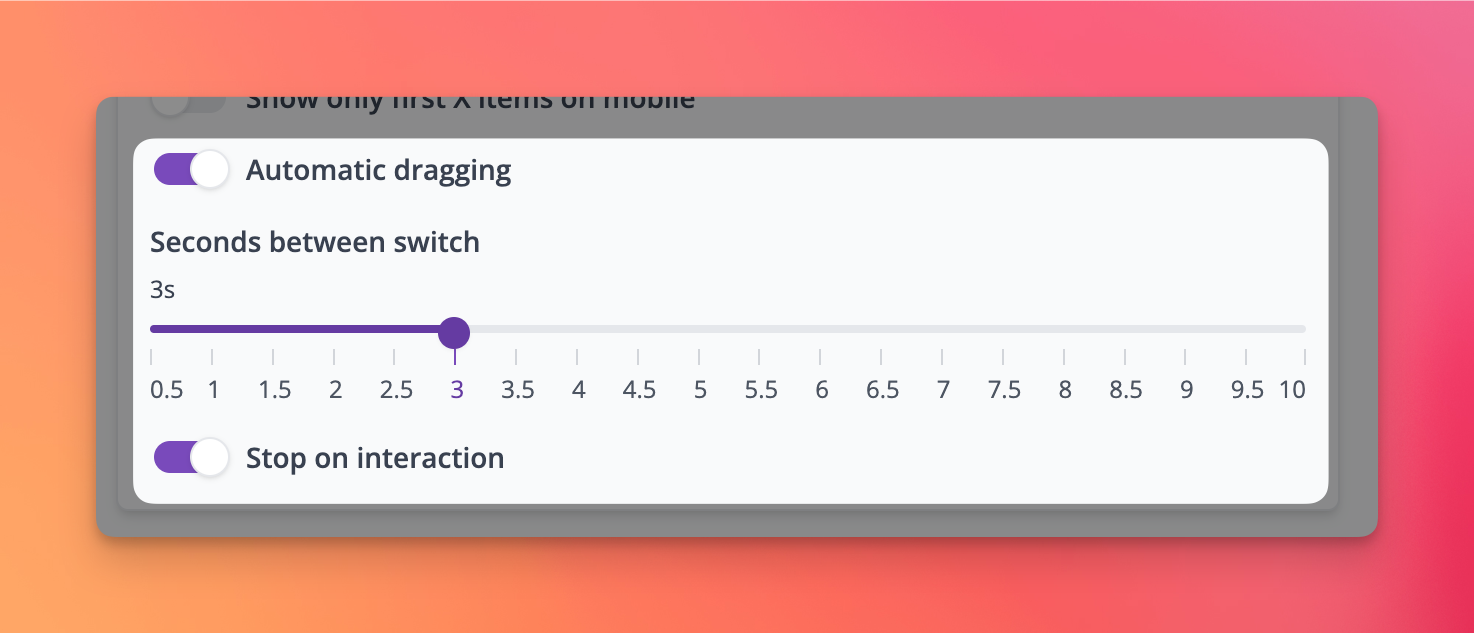
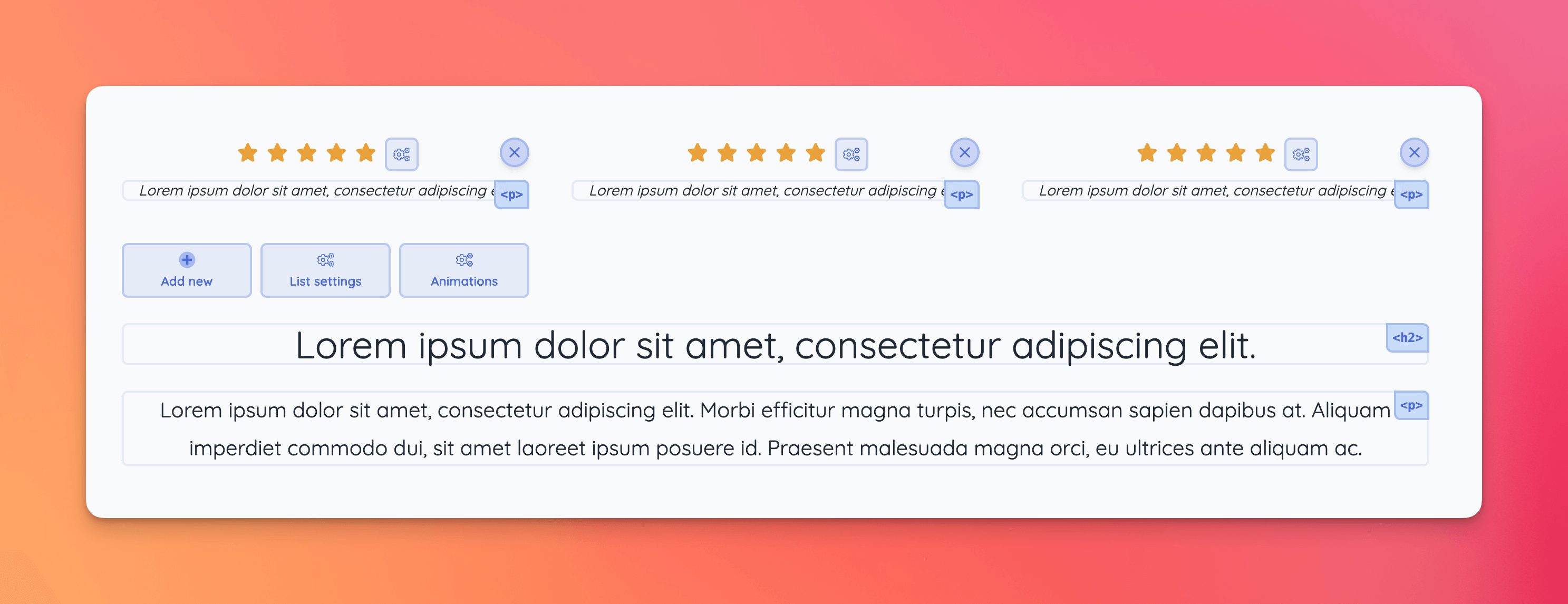
- New blocks have been added with slider options:
- Every previous template block with draggable features now has a slider option, where the text / image blocks move automatically [NG-6739]
- New slider event block layout has been added [NG-6740]
- Header with reviews template block has been added to our selection of template blocks [NG-6585]
- New form layout is available with more review and image options [NG-6585]
- On template blocks Form B & C now a transparent form option is available to allow a dark background on the template block with white transparent fields [NG-6585]
🔌 Integrations
- Integrated with Banorte Payworks to accept VISA/MC payments via the Mexican banking system [NG-7005]
- Change “Card (online)” / “Card (offline)” to “SZEP (online)” / “SZEP (offline)” in Szamlazz invoices for SZEP payments [NG-7079]
- Created an option to enable tracking of our shop for people who are using our system in a mobile app using webView or in an iframe, by listening to postMessage calls [NG-7383]
✨ Enhancements
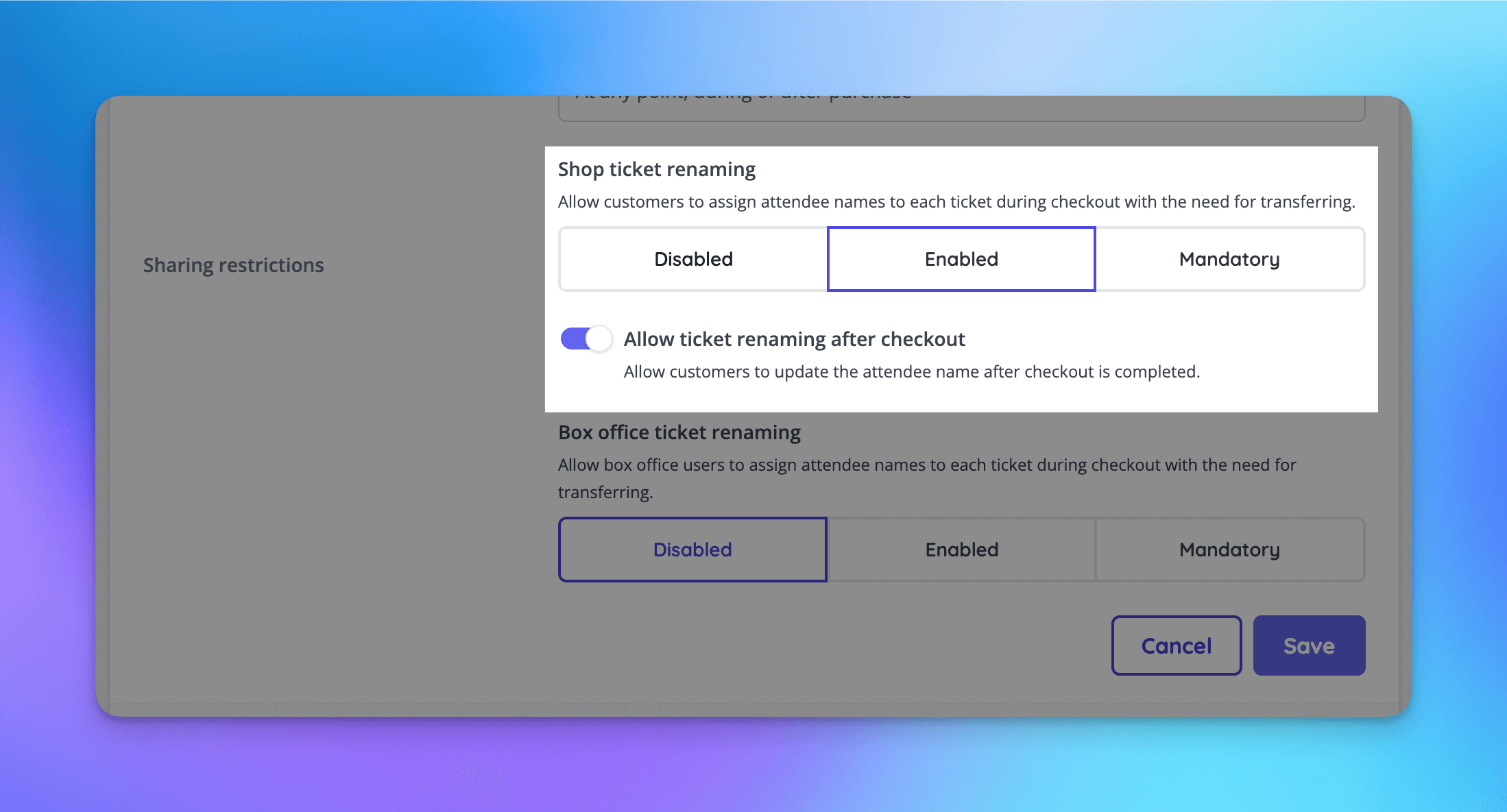
- Allow ticket renaming after checkout [NG-6621]
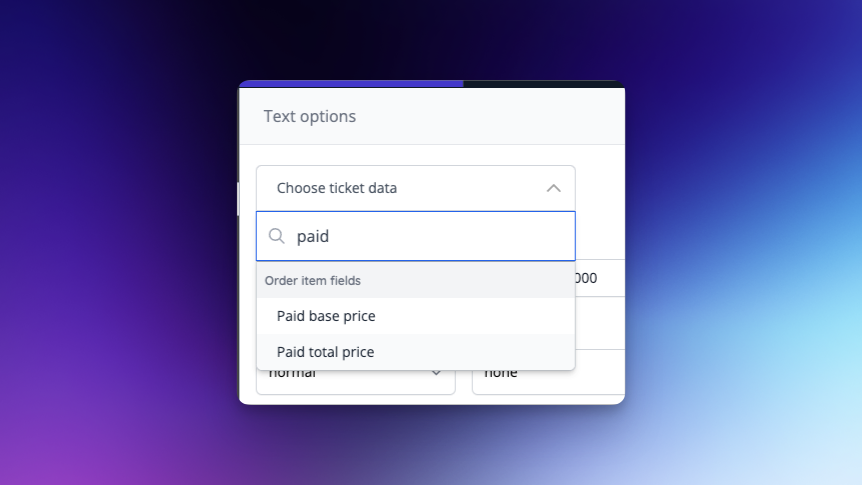
- “Paid” prices (aka “Face Value’) can now be added to event media designs, ensuring that complimentary items display no value, and allowing fees to be removed [NG-7205]
- Extended the “Rebuild basket” functionality to be available in box office mode [NG-7326]
- Allow plans to be used for only features rather than features and fees together [NG-7019]
- Allow use of a plan with no fees set
- Allow custom fees to be set for a company that is set to use a plan, rather than using plan fees
- It is now possible to filter Event Sales Reports, Order Reports, and Attendance reports using event schedules, instead of having to select each individual event [NG-7011]
- You can now change the target date when adding repeats to a schedule [NG-6297]
- It is now possible to group Event Sales Reports using schedules, and sub-schedule groups [NG-7011]
- Improved the functionality of the date filter on event sales reports - the default behaviour is now that this only applies to order completion dates. Two new filters have been added to aid with filtering based on event start and end dates [NG-7151].
- Allow the gateway payment reference to be viewed in admin on the order page and transaction/order reports [NG-7016]
- When using the order item importer, a new
reseller_feefield has been provided to allow you to specify the exact fee that was paid, when importing historic orders [NG-7096] - Introduced a new concept of ‘ignorable fields’ to data importers. Going forward, any new fields added to importers that are not mandatory, do not need to be provided in uploaded files and will be ignored. This avoids future updates to data importers breaking existing, established practices by our users [NG-7096]
- Ensure the totals row on the order and transaction report works correctly when use negatives for refunds is enabled [NG-6777]
- It’s now possible to group zone reports by the minutes, hours, or quarter hours that the scans occurred within, allowing for useful reporting on access control hot spots [NG-7012]
- Display event capacities on the event list page on mobile view [NG-6741]
- Allow refund to balance and cancellation of orders/order items via the API [NG-7009]
- Allow a limit to be set on how long topups can be cashed out for [NG-6994]
- Added a new ‘show active reservations’ filter to the reservations index [NG-6034]
- Added a new ‘has events’ filter to the venues index [NG-6374]
- Added the ability to specify a payment method when manually completing active reservations via admin [NG-6986]
- Also improved the default behaviour when opting to “Skip payment method” during manual completion.
🎨 User Interface (UI/UX)
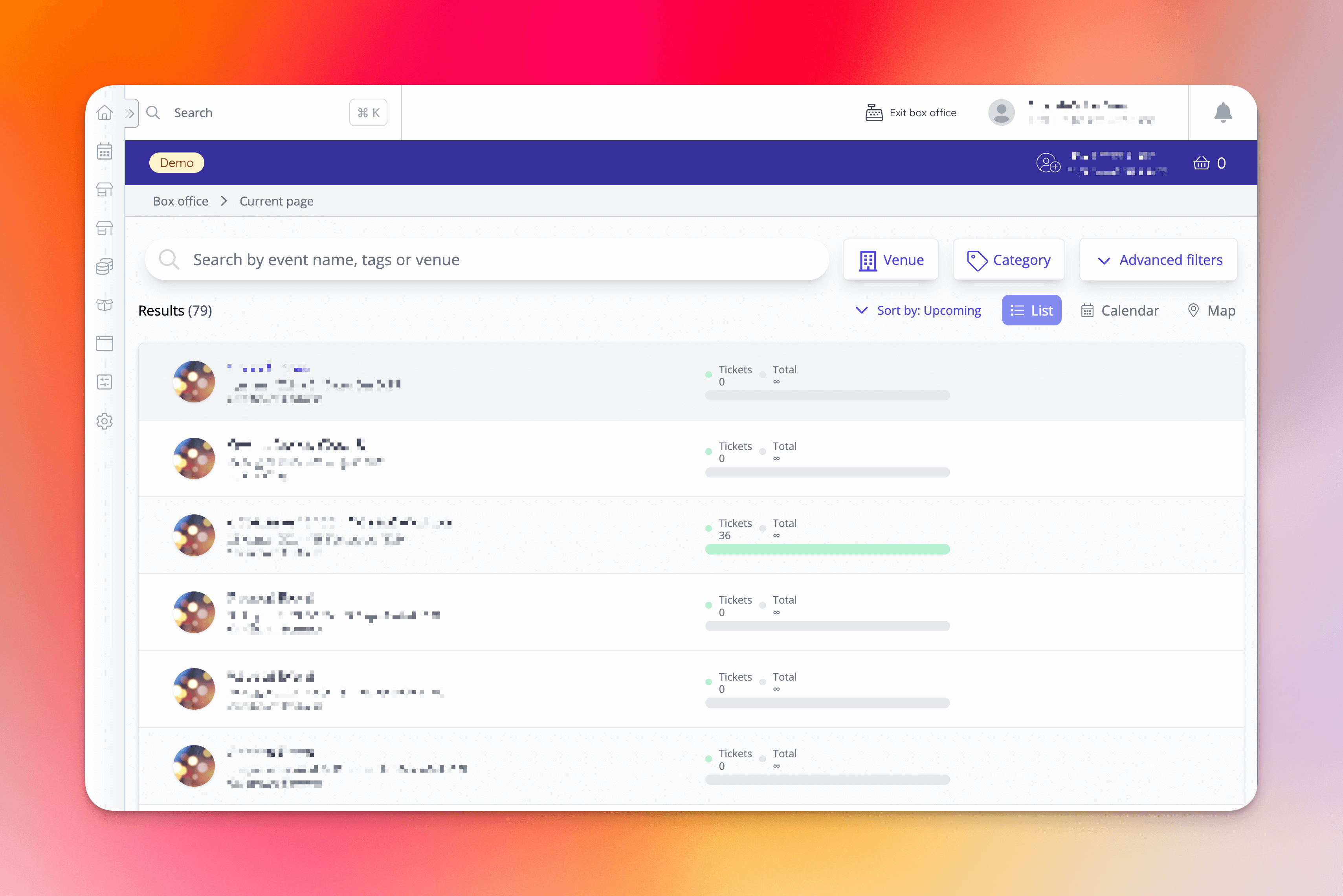
- Box office homepage has received some simplification [NG-6454]
- TikTok has been added to the social media link options, and to our icon selection [NG-6970]
- Added customisation options to control displayed price on event blocks [NG-7385]
🧹 Housekeeping
- Improve performance of self serve refunds page [NG-6264]
- Adjusted the wording of “reserve to pay on site” to read “reserve to pay later” to better reflect the usage of this feature [NG-7004]
- Sale item name suffixes are now visible when viewing an item’s inventory page [NG-6954]
- It is no longer possible to ‘refund’ free orders [NG-6885]
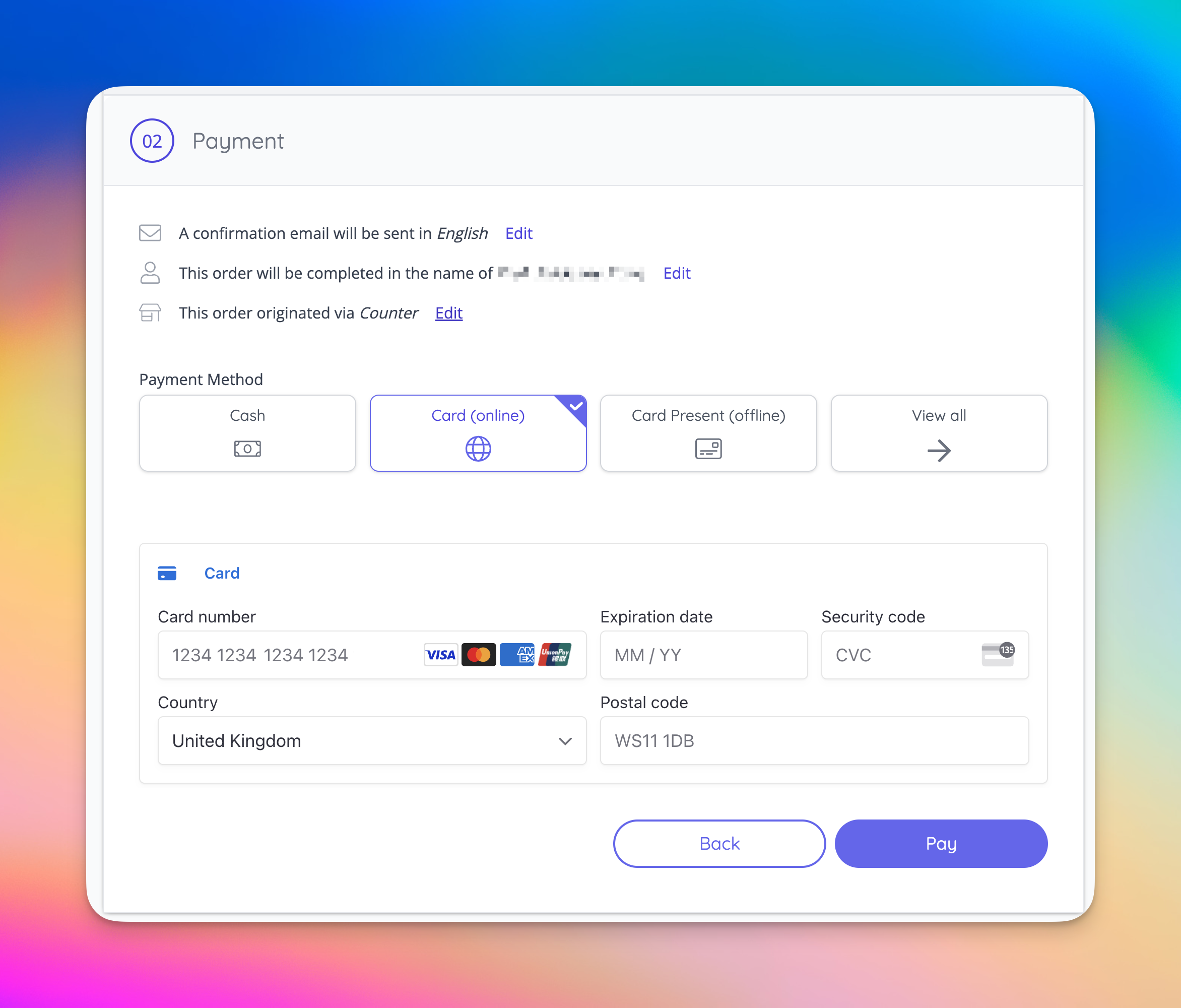
- It is now possible to set custom labels for the payment buttons in checkout (with different labels available for payment in full, ‘pay’, ‘confirm & page’, and deposit payments) [NG-7204]
- Improved the reseller fee calculations, where fees are absorbed, on data imports to present the same calculation results as when creating a sale item [NG-7096]
- Ensure users with created by them permissions on custom reports are able to edit/delete their reports [NG-7059]
- Whitespace is now trimmed from the start/end of any values within a data import file [NG-7303]
- When clicking ‘Add Ticket’ on the Sale Item Group UI, the ticket is correctly added to the sale item group, immediately [NG-7044]
- Sale items are considered unsharable by default, unless sharing is explicitly enabled [NG-6992]
- When disabling a schedule listing page, the listing title is no longer used in search results [NG-6921]
- Any boolean (yes/no) fields will be reported as a localised version of ‘Yes’ or ‘No’ rather than 1s and 0s, or hard coded English strings [NG-7149]
- Automatic scan out times are now timezone aware, removing the need to set these using UTC timestamps [NG-7001]
- Ensured that where events share the same start time/date, they do not appear on multiple pages on the ticket shop event listing page [NG-6463]
- New box office seating plan hold selector is now filtered to only show holds related to the event being sold [NG-7263]
- Users can now only see all GA holds in box office if they are a super user for the current company, rather than a super user for any company [NG-6952]
- Improved usage of blended gateway fees with epos products [NG-7324]
- Resolved deposit payments stuck in ‘processing’ state [NG-7076]
- Prevent approving/rejecting cancelled events to avoid confusion [NG-6657]
- Resolve errors when paying off the remaining balance of a deposit payment reservation, where fulfilment fees are involved [NG7283]
- Global search now accepts numerical inputs as valid search criteria for event names, and not just event IDs [NG-6776]
- When switching between time slots on manage seating plan page, sometimes the seat statuses loaded from a previously loaded time slot, this now has been resolved [NG-7070]
- Seating plan stats now will load much faster on bigger plans in the editor [NG-7214]
- Images in our template blocks weren’t appearing if the language used was Mexican Spanish or American English [NG-7259]
- Disabled the option to set fulfilment status for order items that have been refunded or cancelled [NG-6804]
- Moving sale items, page blocks and other draggable lists now won’t select texts accidentally on the page [NG-6908]
- For 3rd party embed integrations a new helper function has been added to be able to delete all iframe data by calling
nuResetAllData()[NG-7029] - Time slots with no names now don’t repeat their times twice in event media [NG-7033]
- Resolved an issue where you couldn’t upload a background image to a template block in Safari [NG-6919]
- Stale payment attempts (“Pending” transactions) cleaned up during order completion are no longer included in the “Transaction” headings on the order report, for split payments [NG-6875]
- When clicking Create order from the manage seating plan page, the currently selected seats will get selected in box office, even if they are inside an area [NG-6857]
- Circular block row label positioning has been improved, and seat positioning fixed when turning off the automatic radius setting in seating plans [NG-7093]
- Seating plan image export sizes have been reduced in Firefox to circumvent a bug in the browser, that doesn’t allow downloading the image [NG-7233]
💻 Technical
- We’ve made a number of improvements surrounding outbound email handling across our platform. In a number of scenarios involving large outbound emails, these should process faster for customers on average [NG-7334]
- When dispatching emails, we’ve added separate processing queues for transactional and bulk emails. Transactional emails now receive a priority pass through the system, ensuring they’re processed, dispatched, and delivered as quickly as possible [NG-7334]
- When updating the page settings of a schedule of events, this update is now queued for background processing, resulting in a faster submission for users with no chance of the request timing out before completion [NG-6871]
- Optimisations to the process of syncing documents to Szamlazz [NG-6135]
- Internal: improved performance & usability when inspecting API logs via hub [NG-6412]
- Improved performance of view reservation page in admin, particularly for larger baskets [NG-7333]
🧑💻 API
Changes to the API have been documented in the changelog on the API documentation homepage.Below you will find the summary notes for the 34th release of the Nuweb core platform.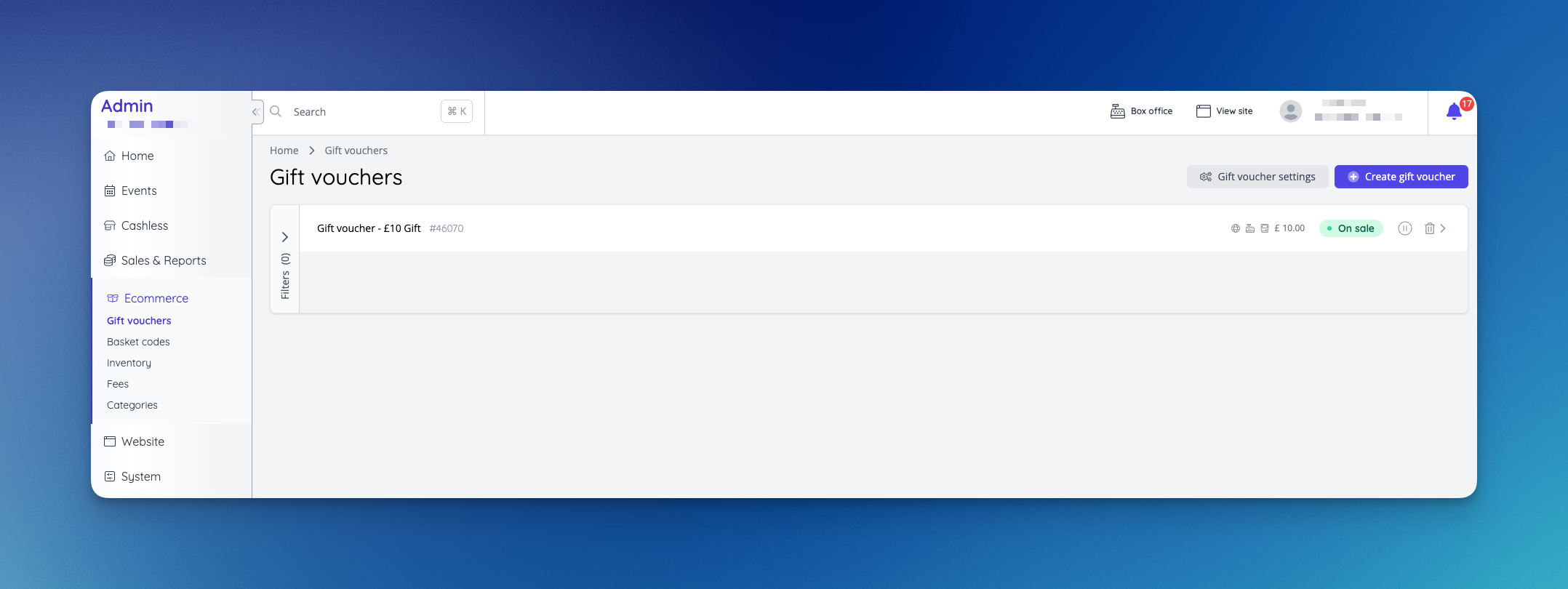
🚀 New Features
🧧 Gift Vouchers- A new page has been added for managing/creating gift vouchers [NG-6755]
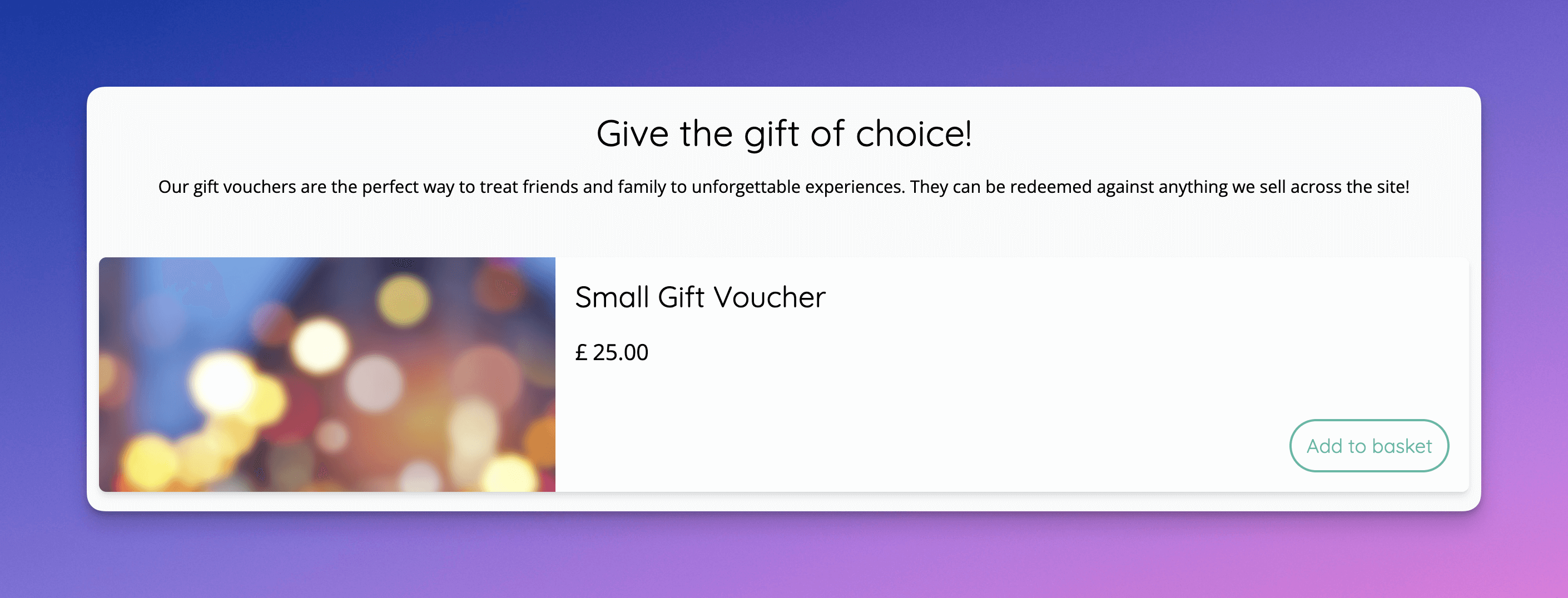
- Gift voucher can be sold via the ticket shop and box office [NG-6753]
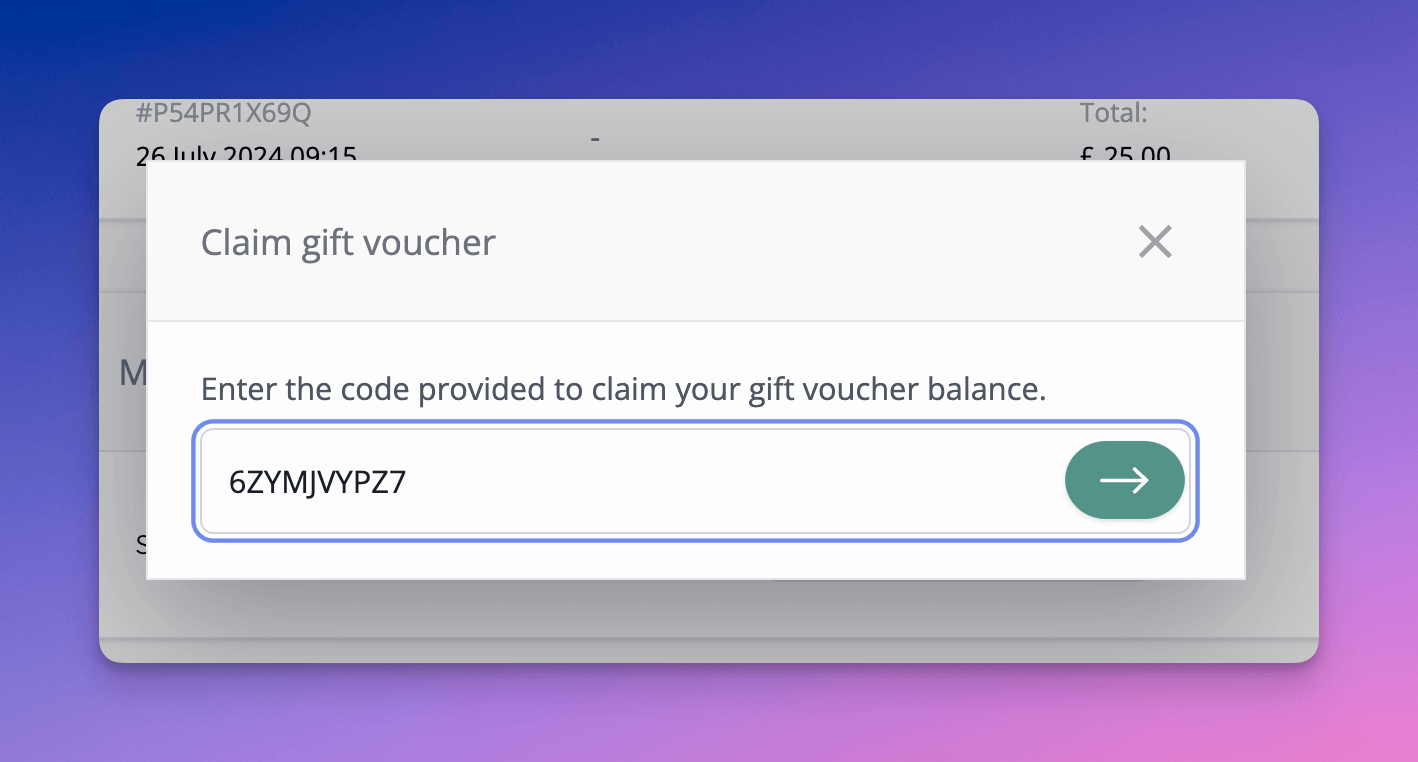
- Gift vouchers can be claimed in a customers account by entering the barcode [NG-6757]
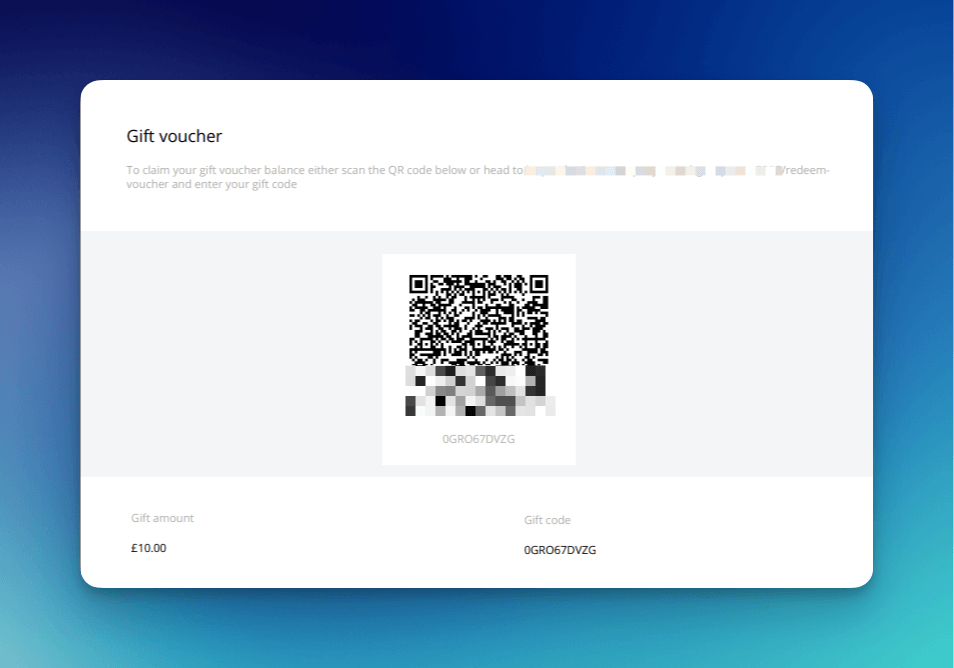
- Allow gift voucher to be downloaded, and redeemed via a URL, or by scanning a QR code
- Allow transferring of gift vouchers during checkout, and automatically redeem the balance when the voucher is claimed
- Add new report for gift vouchers to show each voucher and whether it has been claimed or not, and also add total claimed/unclaimed to the sales reports
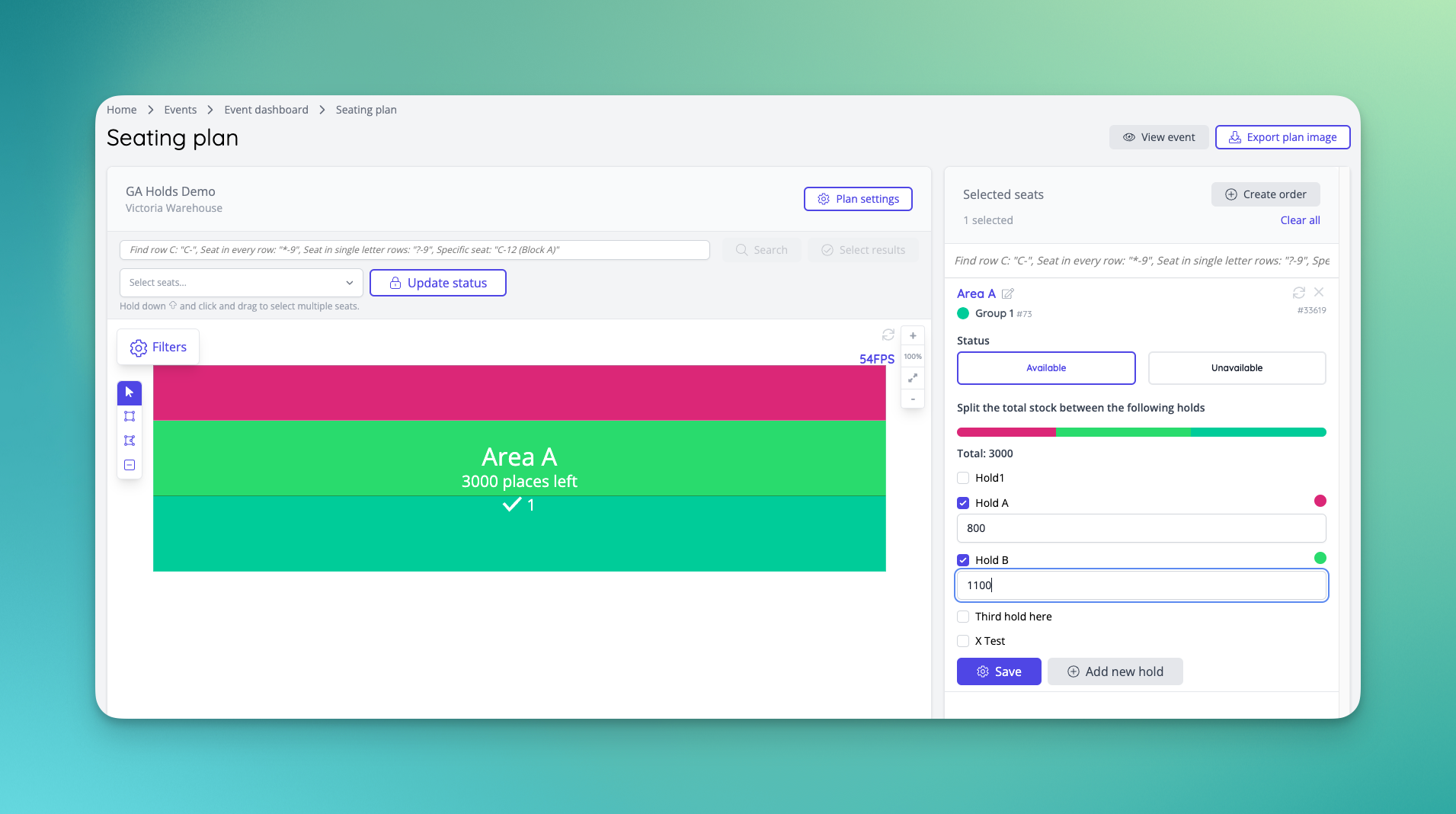
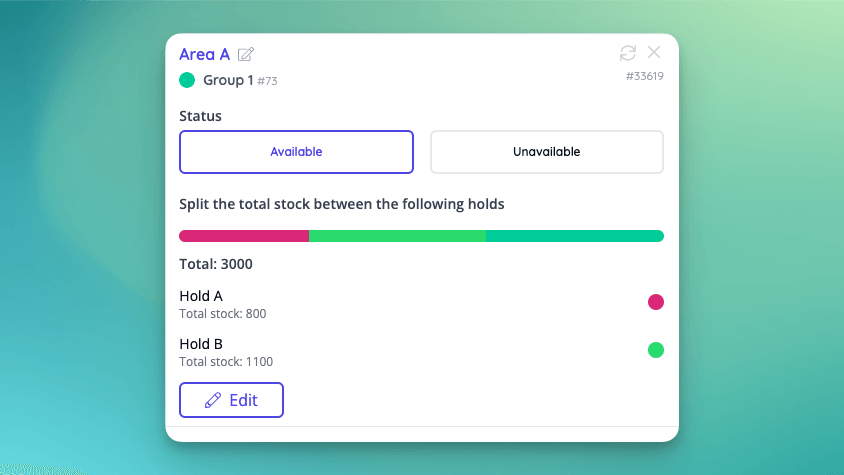
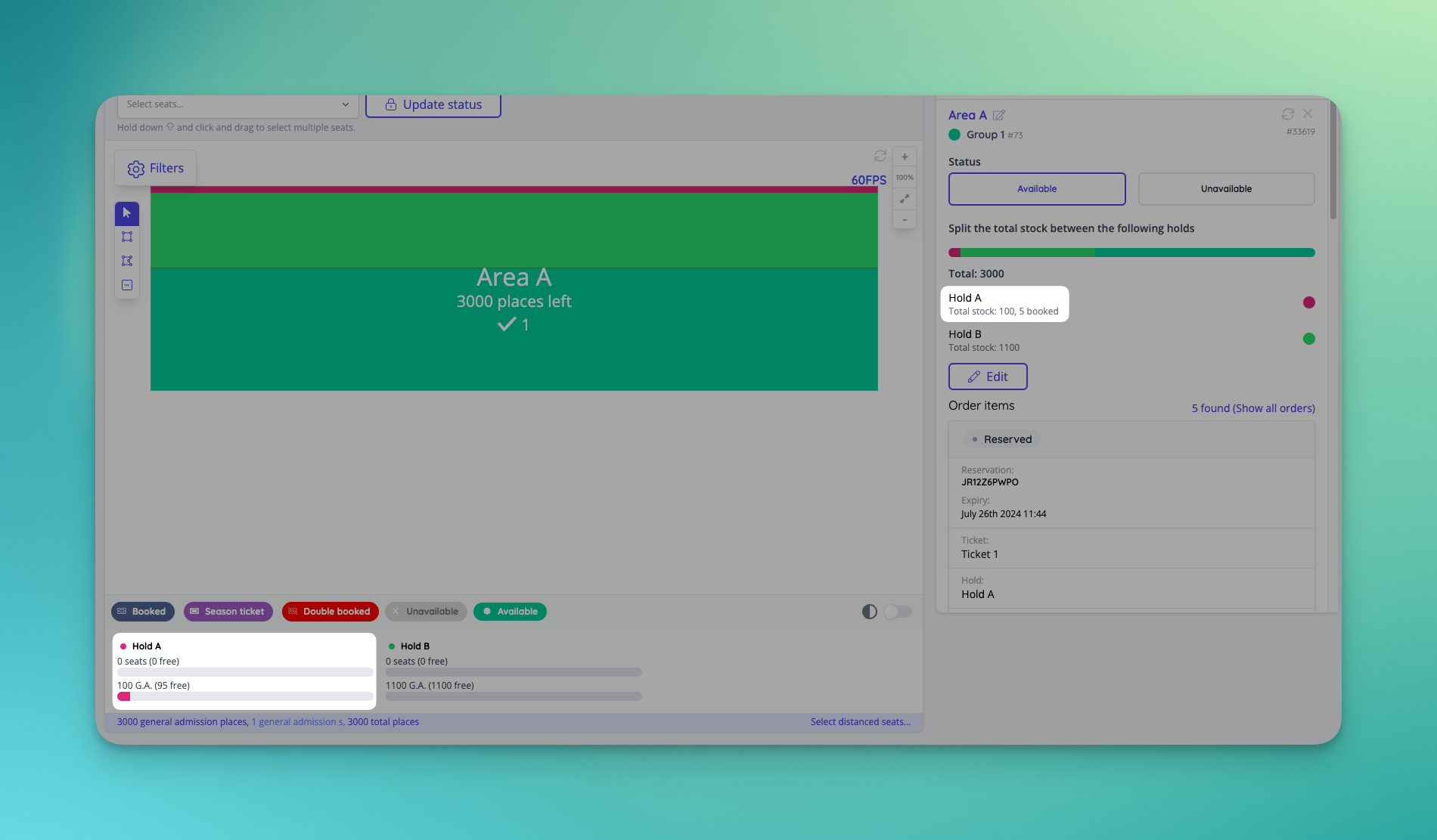
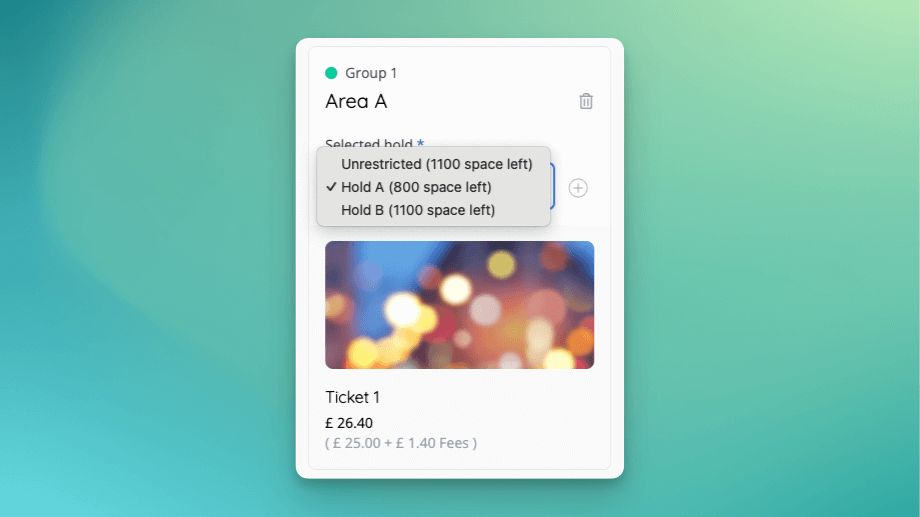
- It’s now possible to setup one or more holds on general admission spaces. Each hold can have a specific capacity allocated to it. Any remaining unallocated capacity will remain available for any customer to purchase from.
- Sold capacity / sales figures surfaced in the seating plan dashboard
- Box office receives an update to allow users who have access to multiple holds to be able to select which hold stock should be consumed from
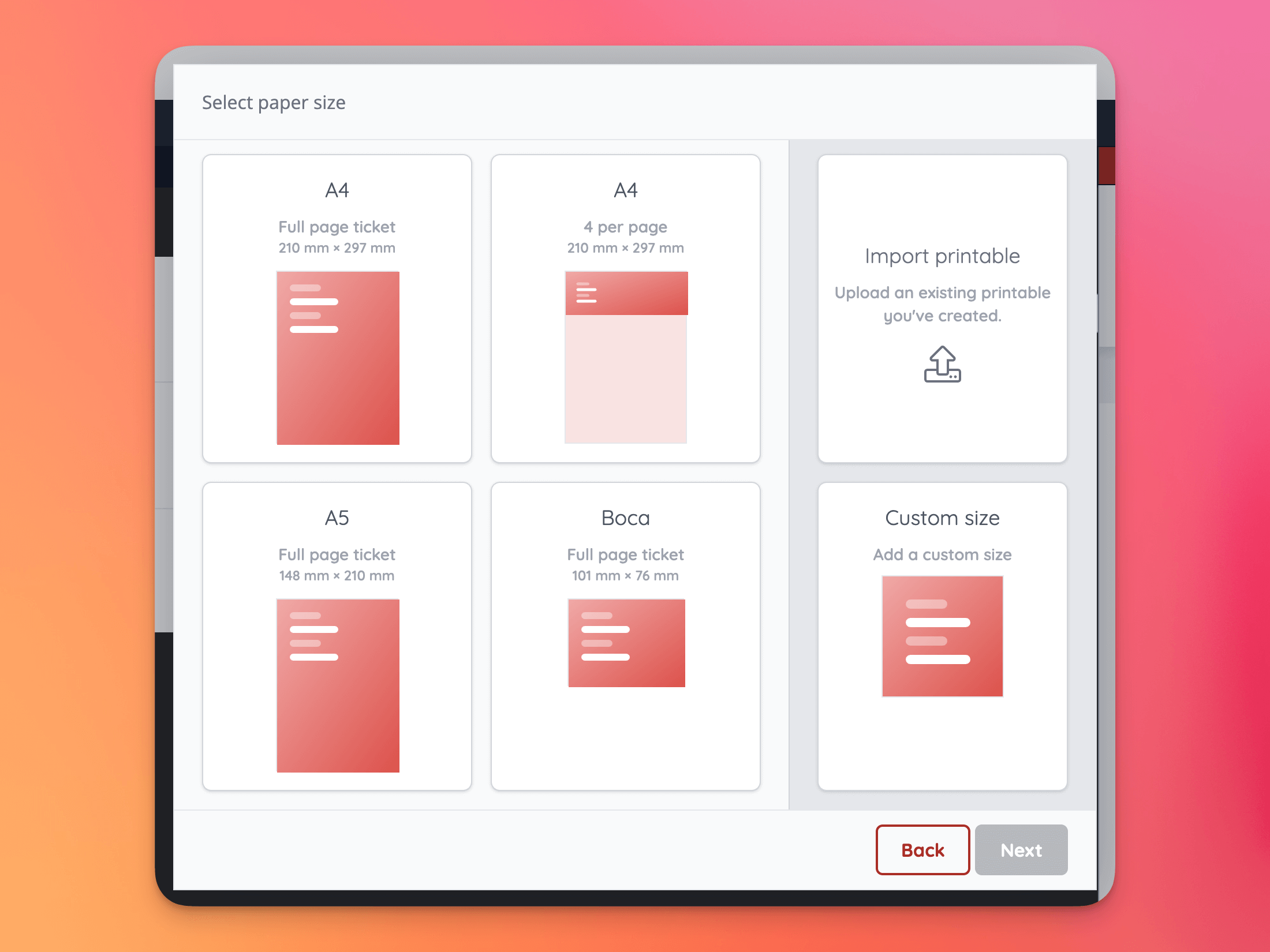
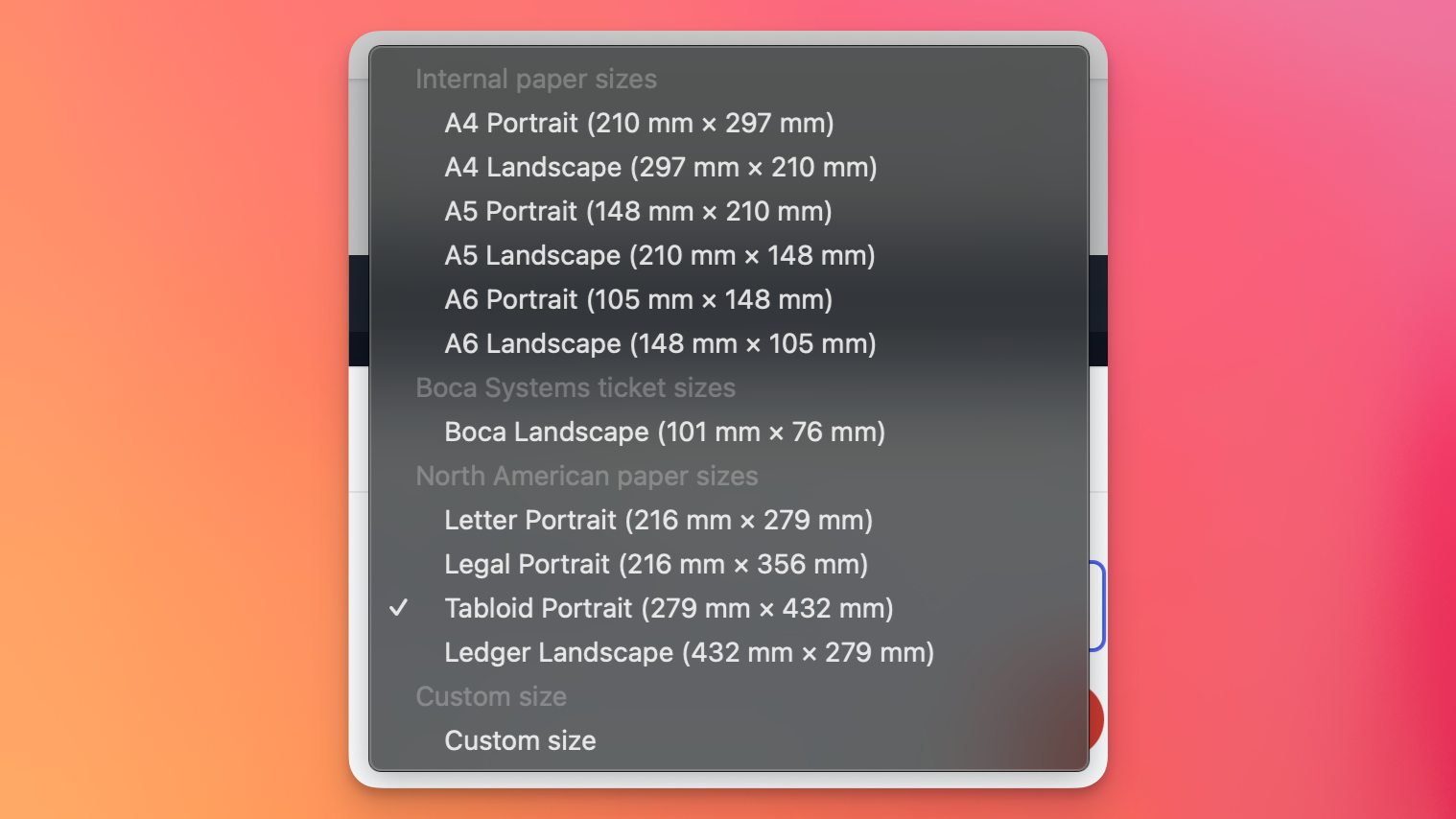
- Event media receives an update to preset paper sizes, where North American paper formats are now predefined options [NG-6737 & NG-6861]
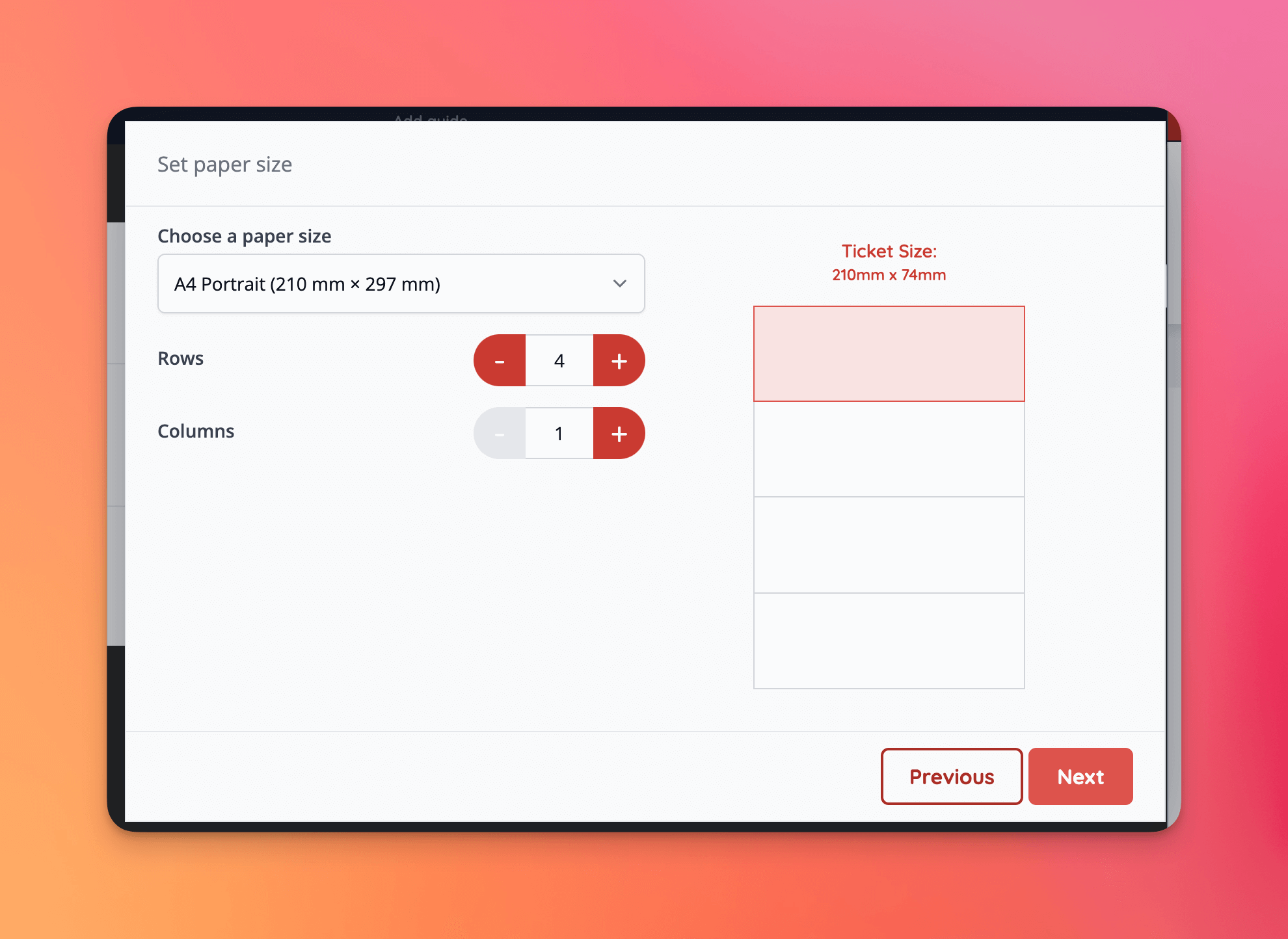
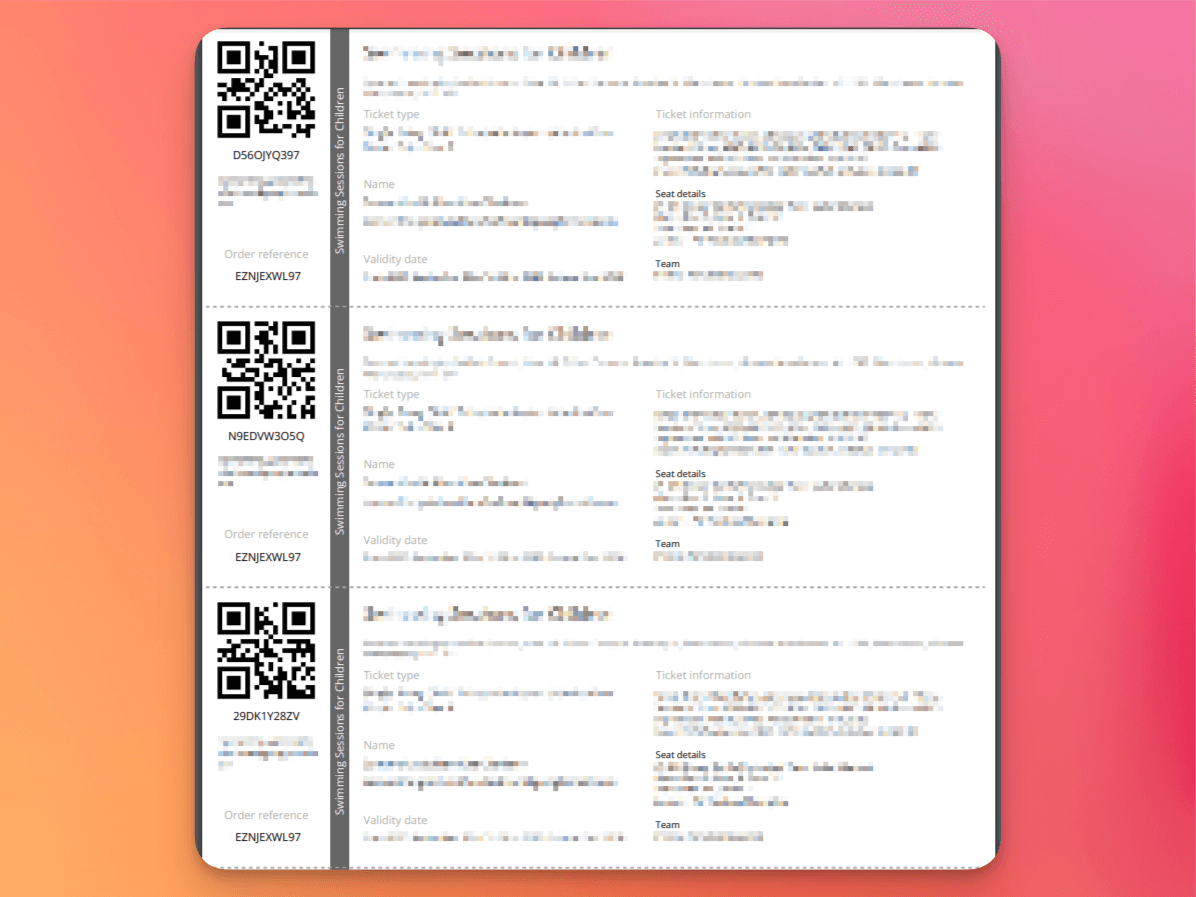
- Rows and columns can now be specified to allow multiple printable event media to be combined on a single page
- Reseller fee invoice generation now supports the
eWalletpayment methods [NG-6451]
✨ Enhancements
- Deposit payments, rolled up fees, and reseller plans are no longer in closed beta and can be activated on all accounts [NG-6884]
- The attendance page now only shows valid items by default, however a new filter has been added to show invalid items [NG-6396]
- The attendance report that can be viewed from this page honours this setting
- Add a new
net_base_pricefield to sales reports, along with the ability to group results by this value [NG-6735] - When viewing the attendance page (/order-items) it’s now possible to search for items using the holder’s name, as well as the customer’s [NG-6915].
- Apple passes can now be toggled on or off per account, venue, event and/or sale item [NG-6730]
- When creating repeating events using the event creation wizard, internal question answers are now applied to all events in the schedule [NG-6862]
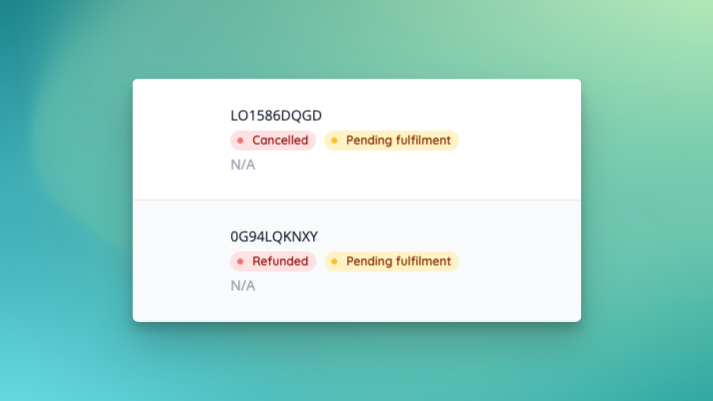
- The event dashboard statistics now handle cancelled and refunded tickets slightly differently [NG-6509]
- Cancelled tickets remain present in total income, but are removed from total ticket numbers
- Refunded tickets are removed from total income
- It is now possible to search order items using a customer name or the reservation name [NG-6915]
- Added support for processing offline SZÉP payments in box office, as well as tracking online/offline SZÉP payments in Számlázz [NG-6639]
- Added filtering for reservation creation date on the order reports & ensured existing order completion date filters are carried through when using the “view as report” quick links [NG-6075]
- New option for all template blocks to add a video as a background [NG-6379]
- Added text align options to WYSIWYG editors in admin where applicable [NG-6738]
- Areas now will display their included price ranges in shop, and seat tooltips are visible on mobile devices [NG-6445]
🎨 User Interface (UI/UX)
- Feedback messages have a new cleaner design [NG-6796]
- Sale items list received some cosmetic improvements [NG-6806]
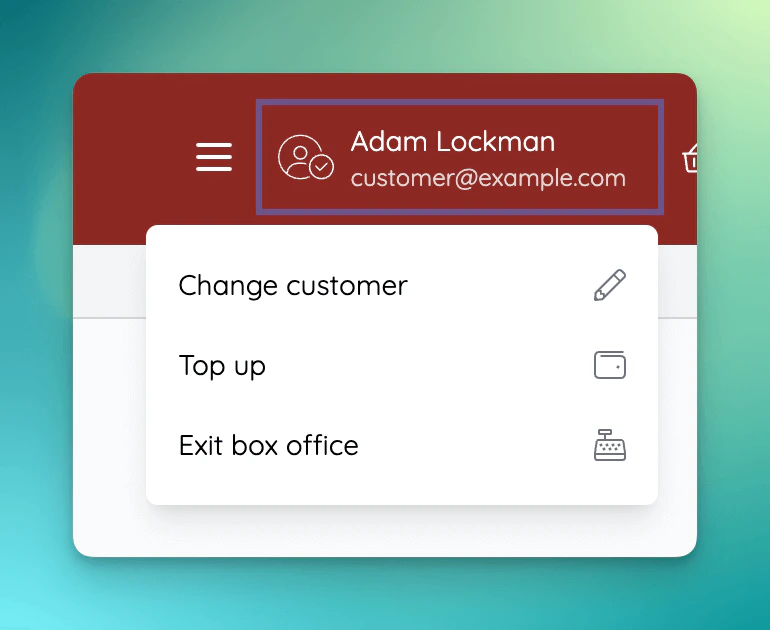
- Updated box office user panel, and added an option to be able to top up without purchasing a sale item [NG-6742]
🧹 Housekeeping
- When viewing an events calendar for a schedule, show the correct number of events in the calendar title [NG-6159]
- Only create customers at the processing stage during an order item import, rather than during validation [NG-6719]
- When grouping events into scheduled groups, prevented duplicate groups appearing on the results page when multiple events share the same exact start date+time [NG-6006]
- Added new filters to the inventory items page to allow viewing delete inventory items, and items without sale item assignments [NG-6414]
- We now display the child company associated with inventory items, when viewing with a parent company [NG-4408]
- Added the ability to restore deleted inventory items [NG-6414]
- Restored the table name to the list of seating plan fields available in event media [NG-6702]
- The default reports list now only shows reports if the associated features are enabled [NG-6396]
- If seating plans are turned on for a company, the attendance reports will now include space data by default [NG-6396]
- Existing custom reports will be unaffected.
- When viewing the event browse page in the shop (either via search or viewing a specific schedule ID), the calendar title will now correctly display the total number of events [NG-6159]
- It is now possible to remove the description from a schedule [NG-6343]
- When using the ‘quick sell’ function in box office, you are no longer shown a validation error about a customer’s email address being incorrect [NG-6845]
- Improved prominence of access code input when no items are available [NG-6765]
- Fixed an issue where reports sometimes didn’t generate if you removed all financial fields but included the purchase price field, when grouping item sales by purchase price [NG-6735]
- Improved visibility of ‘recommended’ badge on payment gateways in admin [NG-6679]
- ‘Add ticket’ notification now opens assignment modal rather than taking user to the create ticket sale item form [NG-6203]
- Improved how scheduled report frequency is stored when switching between frequency types [NG-6538]
- Allow clicking through to newly created customers after order item import [NG-6719]
- Improved scheduling of ‘once’ scheduled reports [NG-6519]
- Automatic XE currency conversion now supports conversions between currencies with a different minor unit value (e.g. 2dp → 3dp) [NG-6696]
- Improved the reliability and speed at which updated exchange rates are automatically applied across company sale items when XE integration is enabled, by ~80% [NG-6906]
- Added a new Total base column per currency to sales reports [NG-6734]
- Loading indicator added when searching for users during box office checkout [NG-6569]
- Allow order item import without customer address being provided [NG-6626]
- Resolved an issue with country phone code selector not showing countries with multiple phone codes correctly [NG-6811]
- Allow data capture responses to be viewed on a cancelled order [NG-6395]
- Improved the display of background job progress to show completed times in the users local timezone [NG-6722]
- Add warning if address cannot be imported for row during order item import [NG-6832]
- Prevent complimentary orders from being refunded to a customers account balance [NG-6803]
- Allow ticket renaming to be enabled without sharing [NG-6805]
- Fixed quotes with pagination template block not paginating [NG-6209]
- Improved usability of usage fee component [NG-5358]
- Improved ability to search for events/sale items/price bands when assigning discount codes [NG-6275]
- Add account balance refund headers to sales reports [NG-6813]
- Improved reliability of auto-generated invoice reference numbers in the hub [NG-5614]
- If item is not able to be transferred in the shop, ensure the messaging is clearly explaining why [NG-6805]
- Scheduled reports previous run now respects the actual previous run time rather than estimating it based on the recurring schedule [NG-6830]
- Improved compatibility of event purchase notification emails within parent/child company setups [NG-6449]
- Ensure you cannot cash out online topup amounts after doing a refund to balance [NG-6251]
- Remove some permission from the system default box office role (Apply discounts and issue refunds) [NG-6820]
- Allow more than 50 items to be added to an access code [NG-6317]
- Improved the speed of loading a customer report, specifically where customers have a high volume of order items [NG-6624]
- When updating sale item groups, it’s now possible to remove stock and make it unlimited via a mass update across a schedule [NG-6672]
- Ensure cashouts show the correct value when reseller fees have been set on topups [NG-6996]
- Removed the ability to enable ‘forced minimum quantity’ on addon tickets, as this behaviour was incompatible [NG-6273]
- When mass updating timeslots, the time based comparisons now correctly use the company’s timezone rather than UTC [NG-6182]
- When assigning existing tickets to timeslots, the on sale dates are now copied and shifted relative to the event start date [NG-6904]
- Data capture questions that are applied to all items in an event, are no longer collected on fees [NG-6850]
- Adding text/shapes/icons etc to seating plans now cause revisions to be generated and synced [NG-6711 & NG-6836]
- Reduced loading times for event dashboard statistics [NG-7034]
- Resolved inconsistencies between order total and payment totals for imported orders [NG-6869]
- Ensure that pay on site reservations do not expire when being reactivated multiple times [NG-6809]
- Cleared link added to a template block image, after changing it to link when it’s not applicable [NG-6557]
- Our compression tool sometimes caused a corrupted seating plan export, so we’ve added a validation to exports to make sure all seating plan exports can be imported successfully [NG-6440]
- Updated seating plan preview images to be saved with a set aspect ratio for improved thumbnails [NG-6610]
- Updated refund page with additional explanations and help texts about items that are not refundable [NG-6450]
- Resolved an issue with selected seat counts on manage seating plan page [NG-6170]
- Improved messaging when a seat doesn’t have any tickets assigned under the currently selected currency [NG-6528]
- Updated Paragraph with images template block with multilingual images [NG-6818]
- Fixed a scenario where the mass update modal for events in schedule didn’t appear on the seating plan settings page [NG-6438]
💻 Technical
- We’ve improved how our queues are allocated processes worker processes to allow us to scale background jobs more dynamically based on the current load on the system [NG-6767]
- Deployed a CDN for user supplied imagery to improve response times by serving images from edge locations [NG-6713]
- Other general performance improvements [NG-6641] [NG-6793] [NG-7000] [NG-6567] [NG-6251]
- Manage seating plan page loading improvements for all seating plans, but especially for ones over 30k seats [NG-6709]
🧑💻 API
Changes to the API have been documented in the changelog on the API documentation homepage.Below you will find the summary notes for the 33rd release of the Nuweb core platform.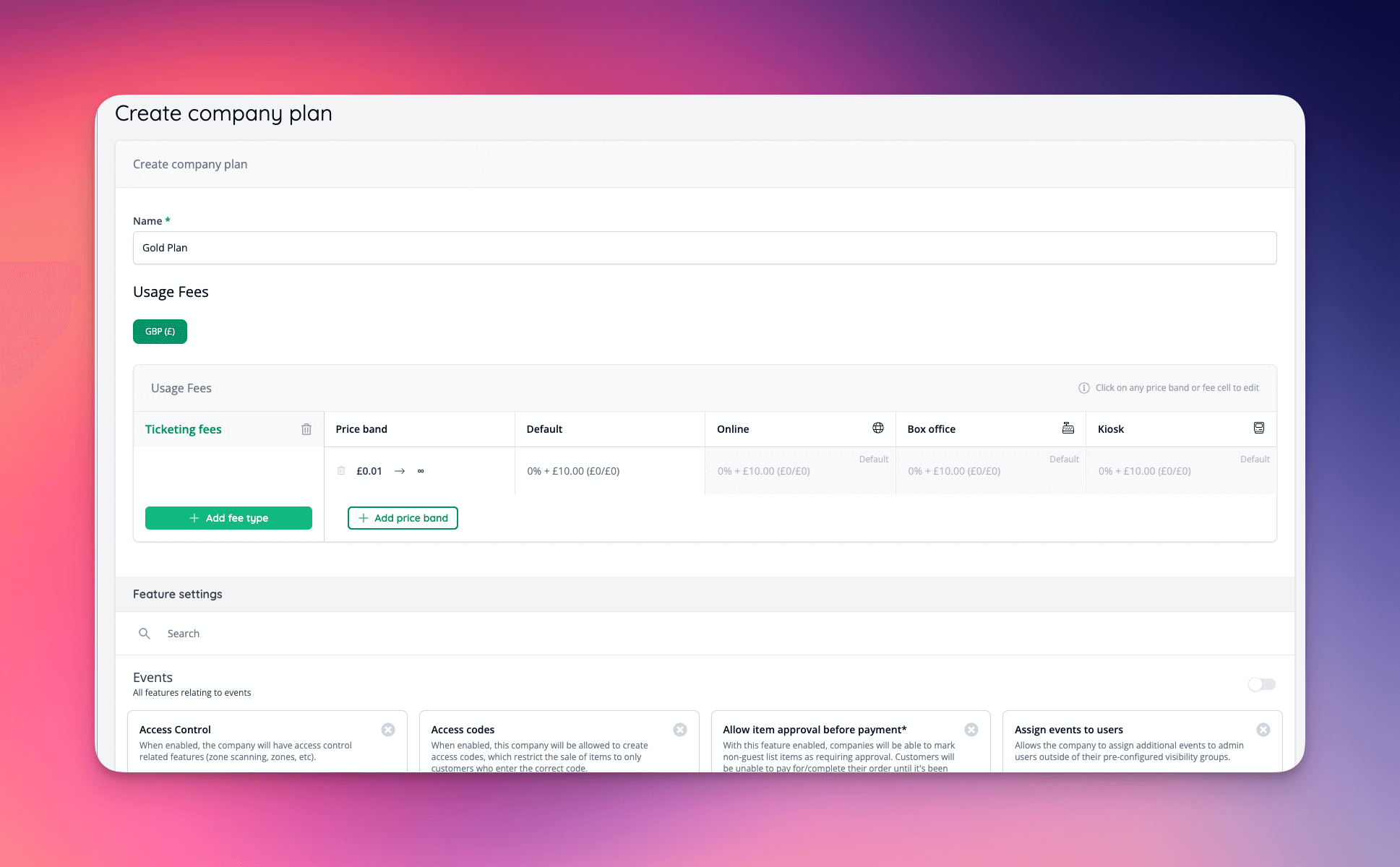
🚀 New Features
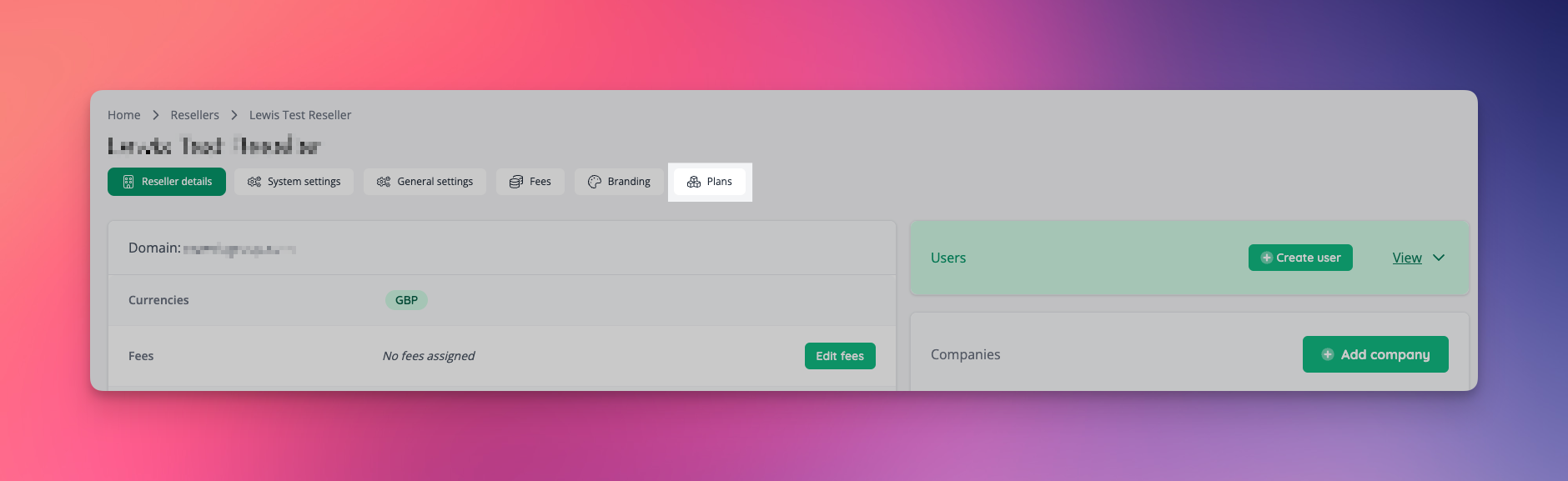
Company Plans- Company plans can now be created on a per-reseller basis
- Add new plans section to reseller page if enabled
- When a plan is edited, features and fees are synced to any companies on the plan
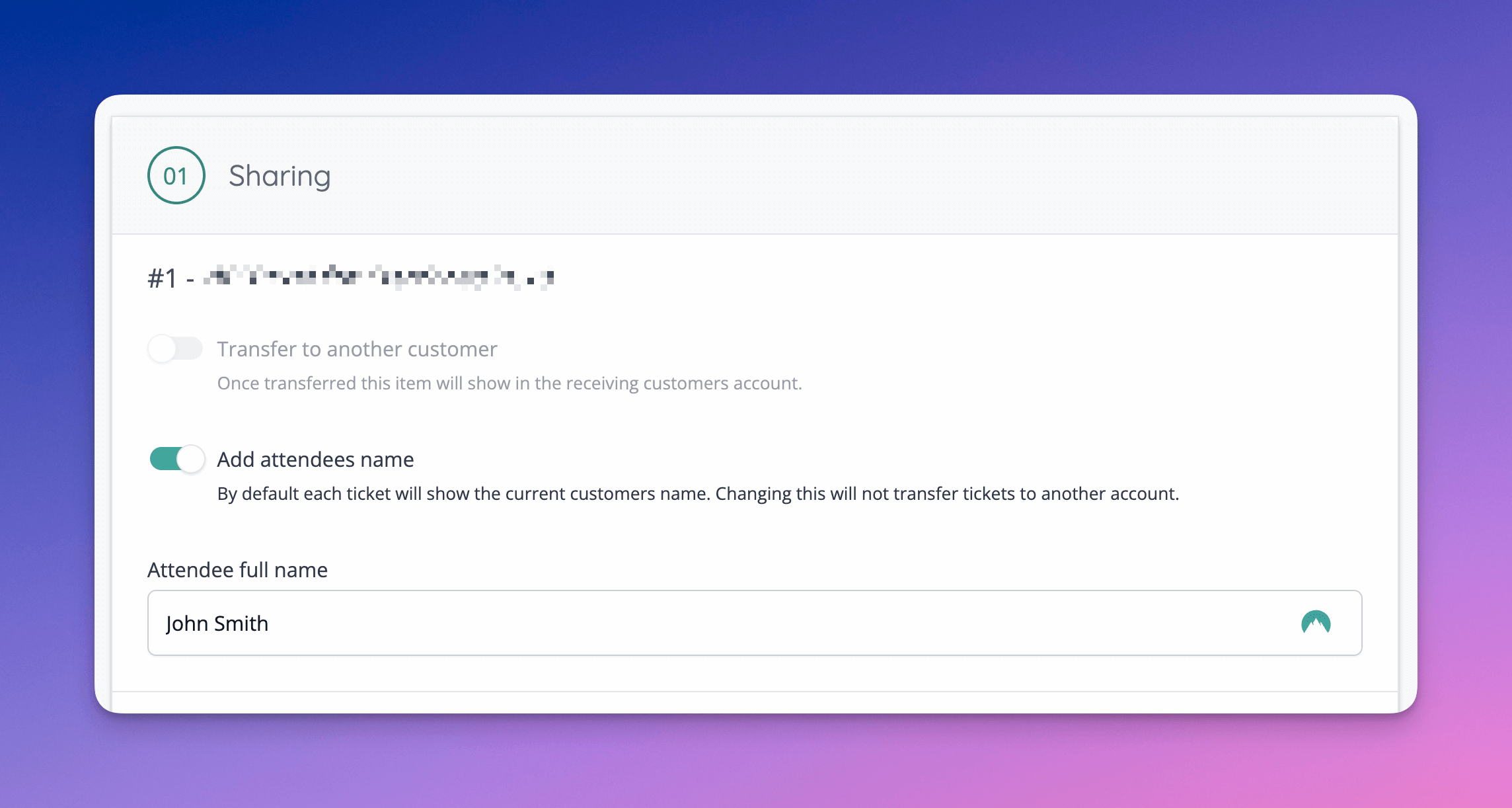
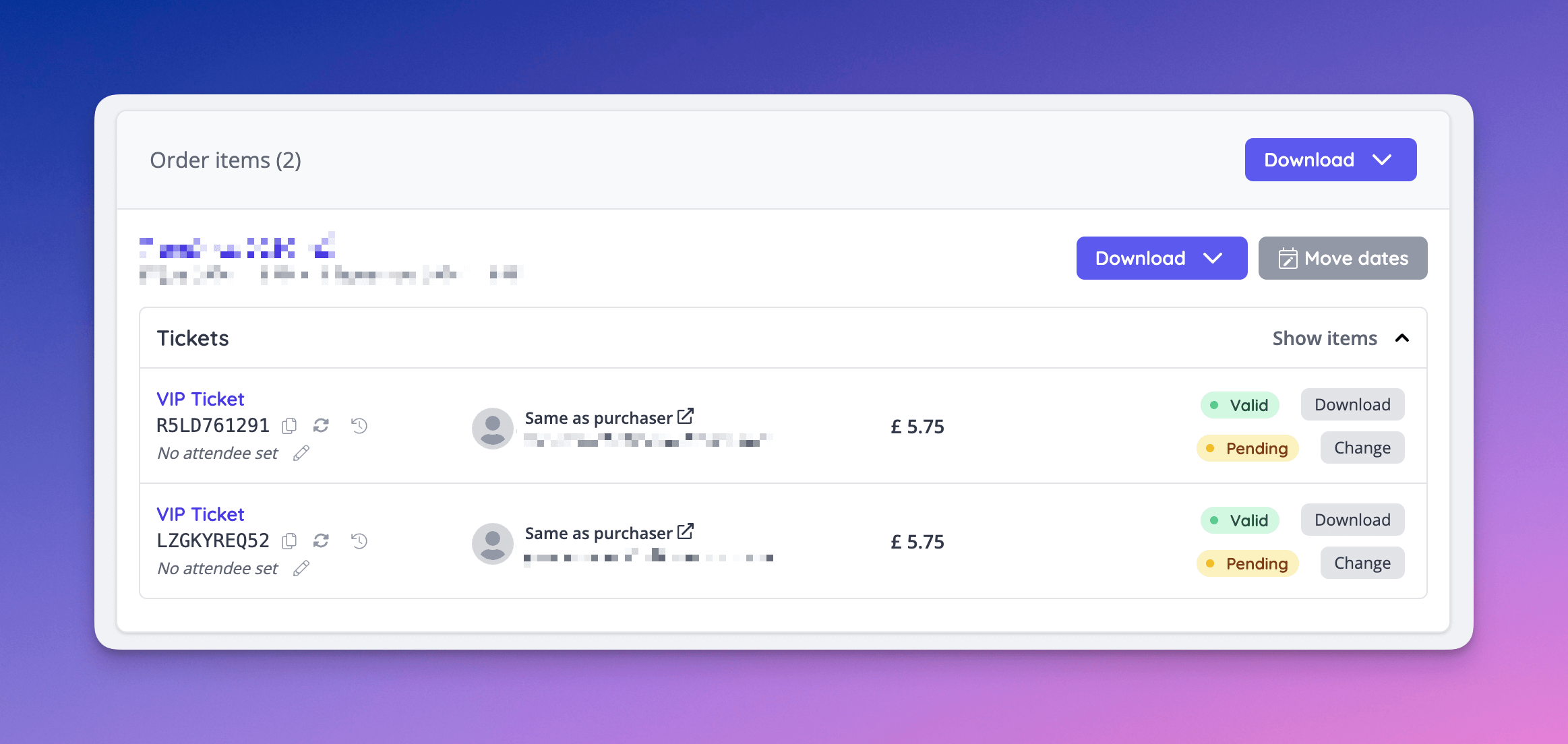
- Allow named tickets without a transfer [NG-6354]
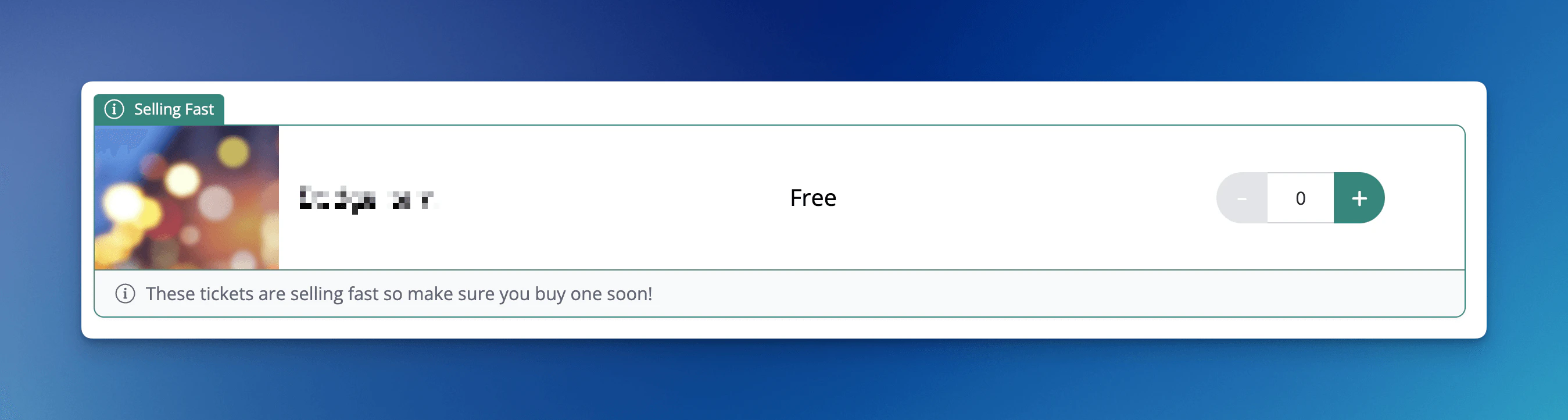
- Each sale item can now display a custom sale badge, which is useful for applying urgency nudges (“selling fast”, “last few remaining”) to sale items to encourage customer purchases [NG-6375]
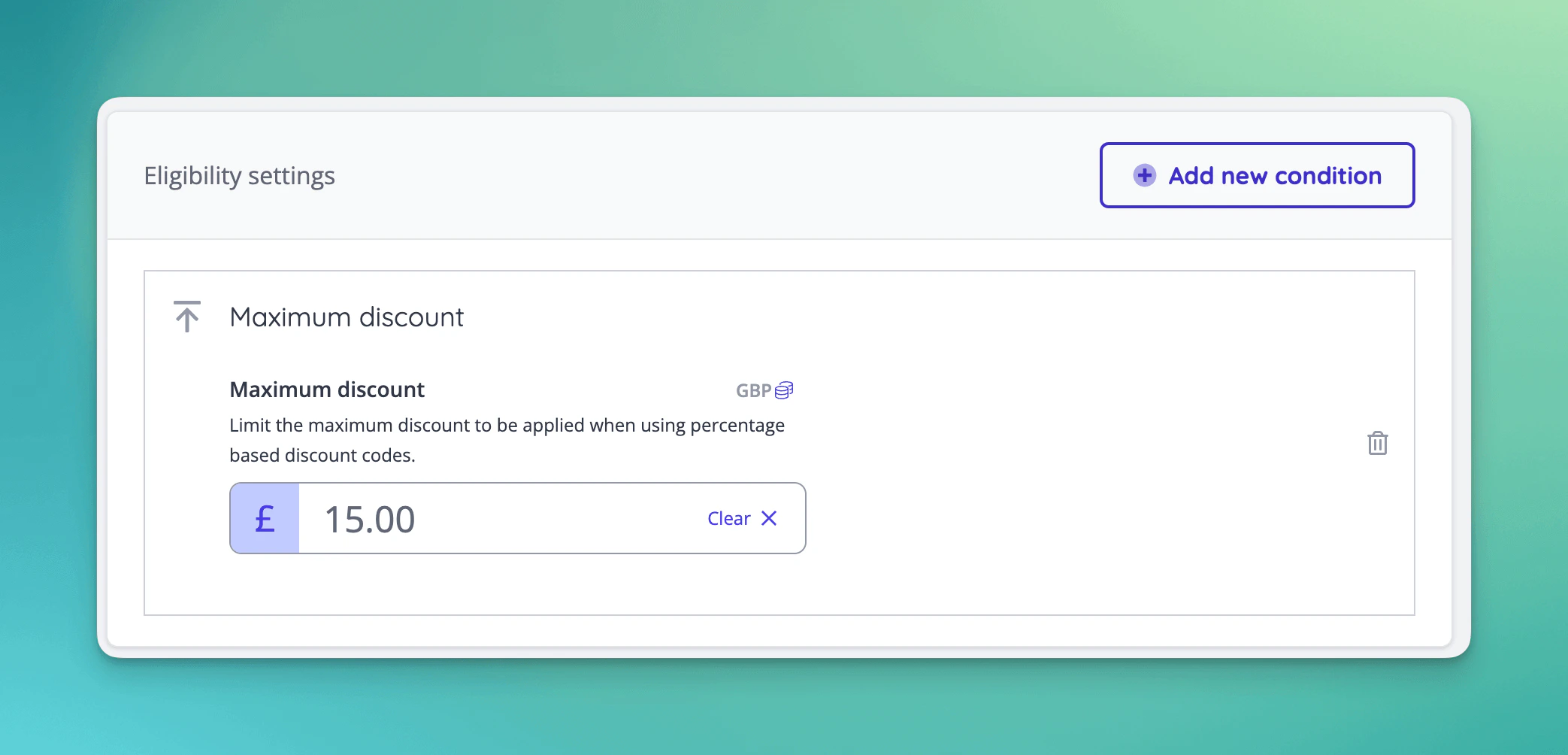
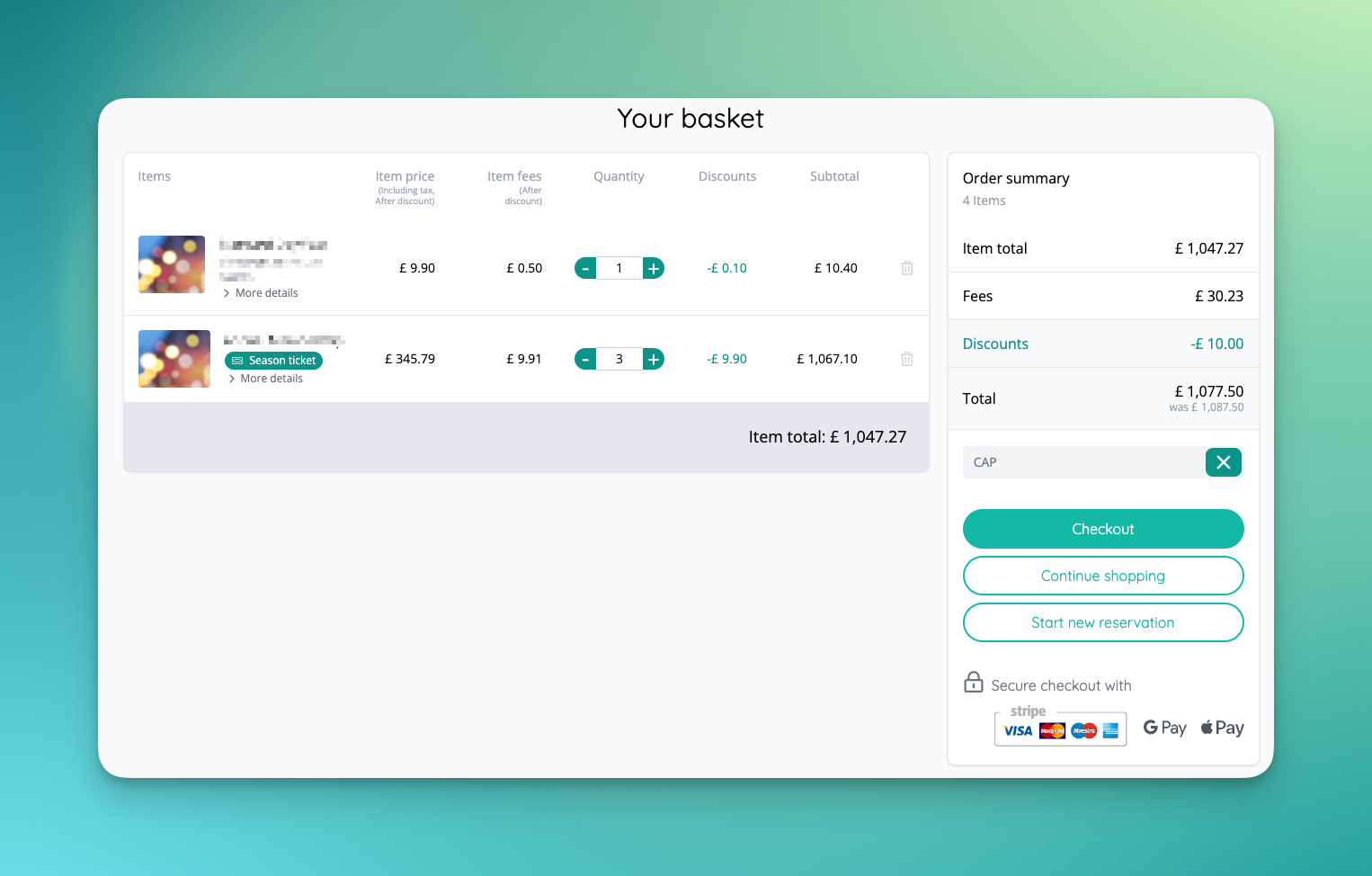
- Percentage based discount codes can now have a Maximum discount eligibility condition set, meaning that percentage discounts can be capped per currency [NG-5941]
✨ Enhancements
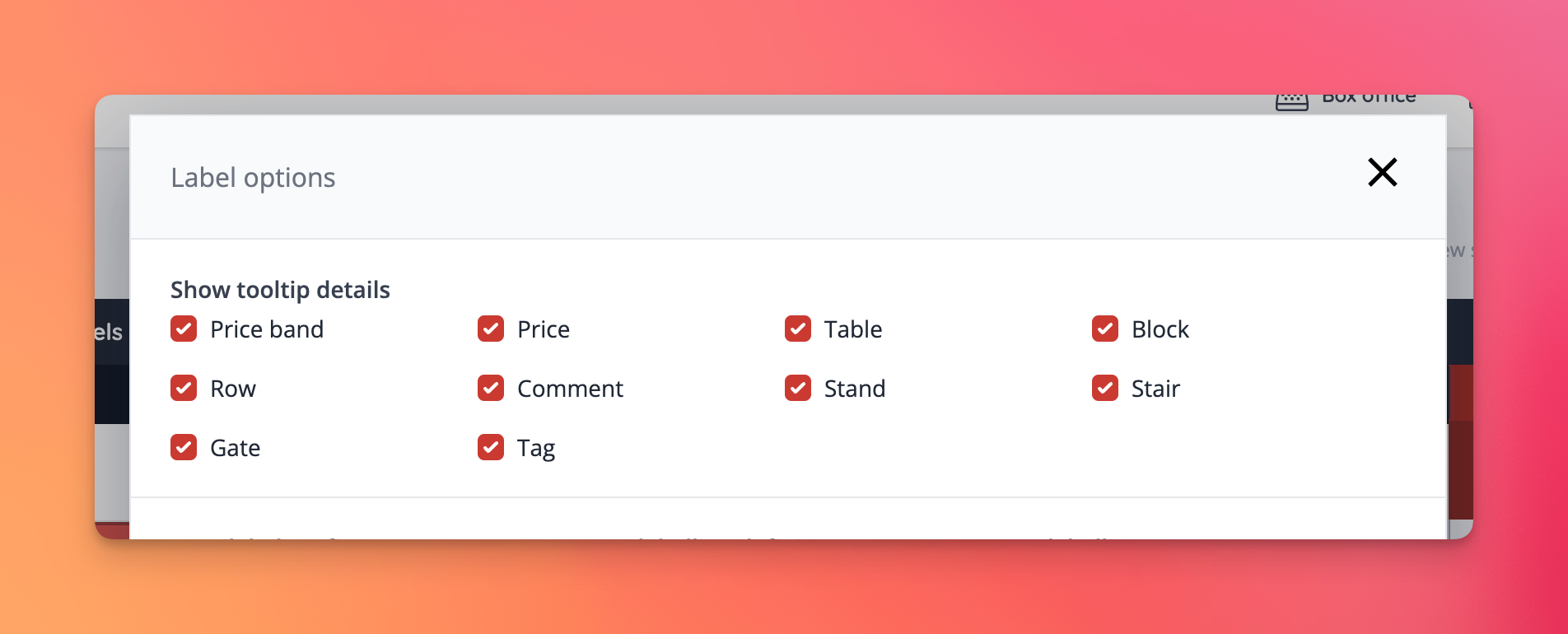
- Seating plan tooltips are now customisable through the seating plan editors advanced label settings modal [NG-6385]
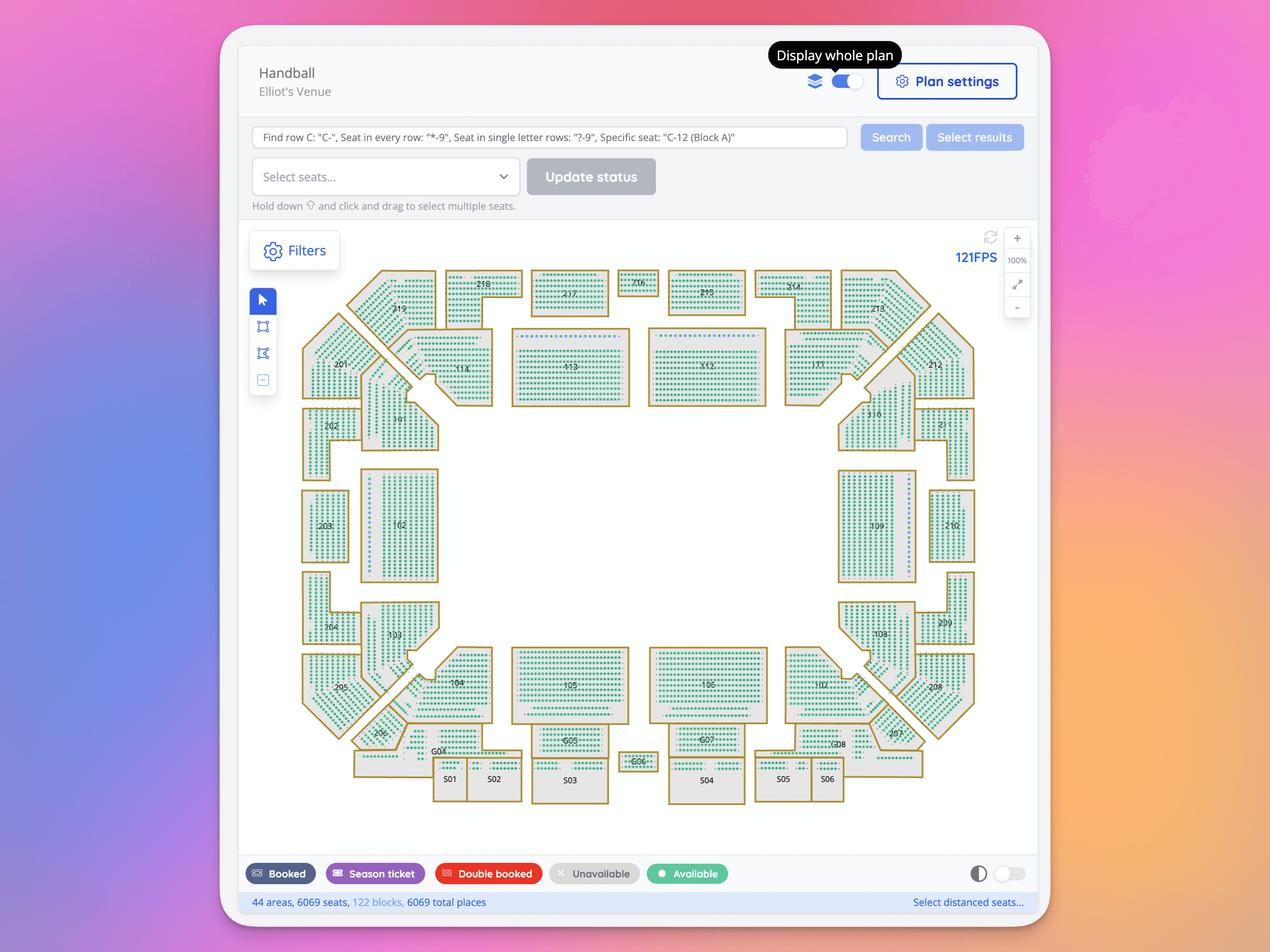
- New option added to the event seating plan dashboard to display all seats within large seating plans [NG-6363, NG-6364, NG-6484]
- Event seating plan dashboard now only reflects the state of the synced version of the seating plan [NG-6526]
- Allow importing order items as ‘reserve to pay on site’ [NG-6367]
- Allow searching of historic barcodes in Attendance view’s filters [NG-6391]
- Display historic barcodes (either through admin regeneration or ticket transfer) on the order item view [NG-6391]
- All template block images have been updated to be multi-locale compatible [NG-3694]
- Updated our access code and discount code importers to allow third-party access/discount codes to be imported as child codes. This makes importing 100,000s codes easier as they remain grouped together as a single item in the basket codes index pages [NG-6366]
- When viewing the event browse page using the calendar view, the “group repeating events” setting is ignored, ensuring all events are displayed across the full calendar UI [NG-6313]
- Added the queued job progress indicator to an event’s timeslot management UI [NG-6409]
- Allow updating of customers via data import [NG-6387]
- Added the option of providing a ‘comparable’ (or regular) price to items, showing customers what the full value of a sale item would have been. This feature allows bundles, members only, and early access tickets to have their true value properly showcased to customers [NG-6408, NG-6372, & NG-6407]
- Removed deleted/suspended hub users from appearing in account manager fields when creating/editing companies [NG-6472]
- Allow for setting primary payment gateways in both the online shop and box office [NG-6389]
- Add more granular permissions for editing companies in hub [NG-6362]
- Allow soft-deleting seating plans which are in use [NG-6401]
- Added feature flag to hide system roles for a company [NG-6388]
- Improved labelling of ‘all upcoming events’ in related sale item modal [NG-6523]
- Allow global reseller and system roles to be used on a data import [NG-6220]
- Added the ‘Shop Url’ header to company sales reports in hub [NG-6380]
- Added the ‘Event Url’ header to event sales reports in hub and admin [NG-6381]
- Added a feature for resellers to allow/disallow companies self-managing their payment mode (demo/live) [NG-6376] [NG-6377]
- Ensure tracking the fulfilment of ticket downloads [NG-6371]
- Improved user warning when attempting to add more than the number of available spaces to basket using Best Available [NG-6410]
🎨 User Interface (UI/UX)
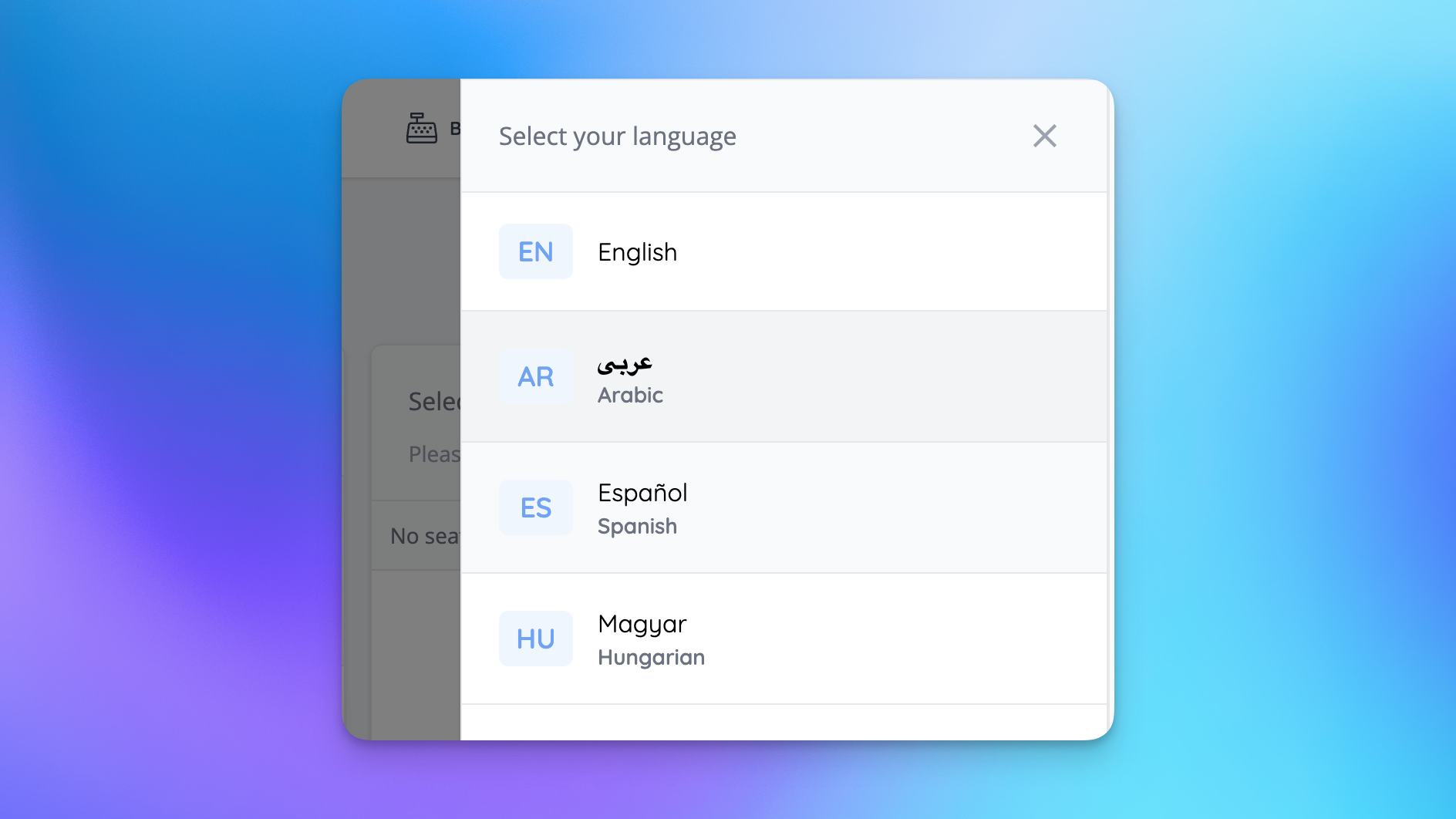
- Users with multiple languages enabled in hub & admin will see an updated language selector [NG-6340]
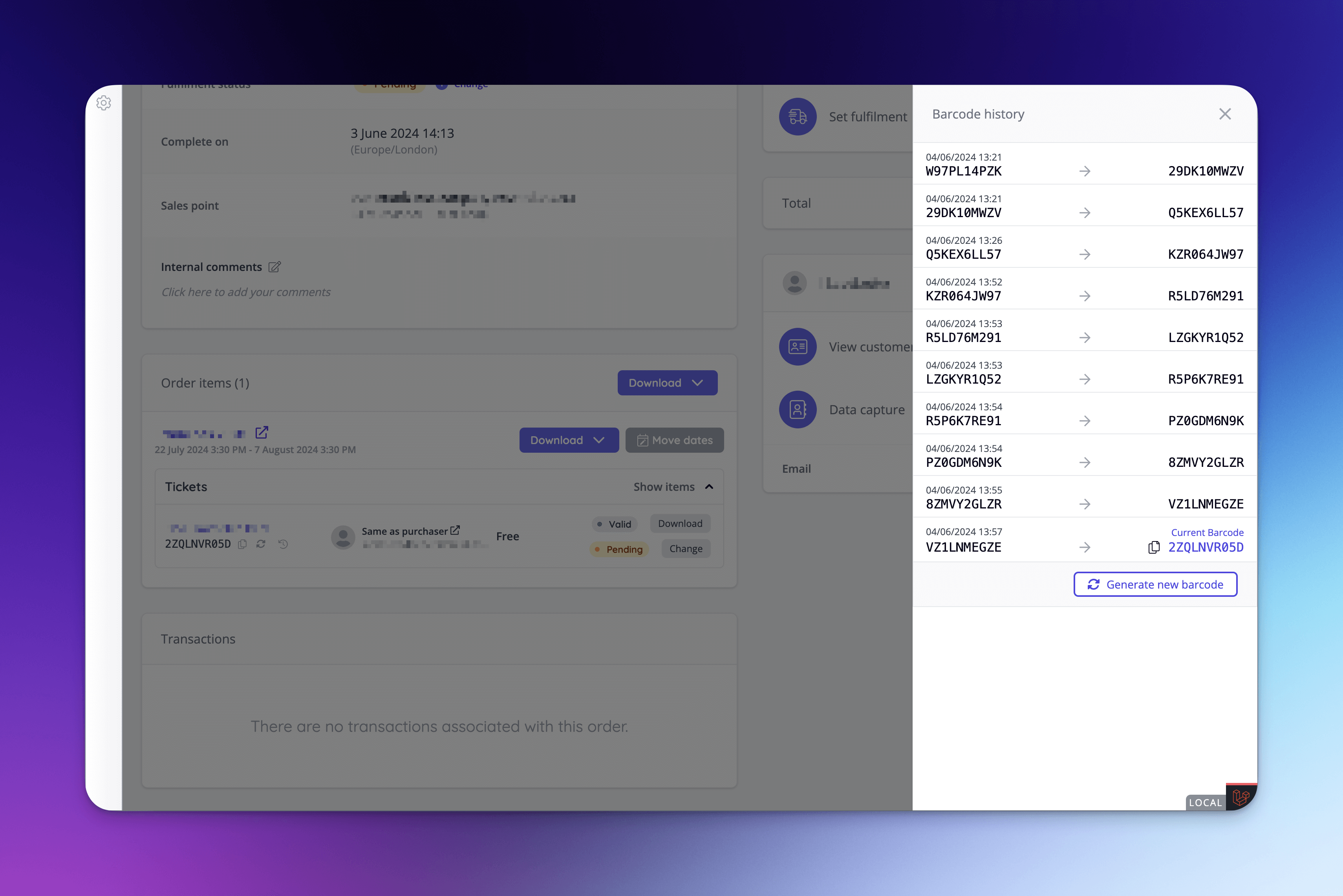
- Barcode history can now be found on each order page using the barcode history panel [NG-6439]
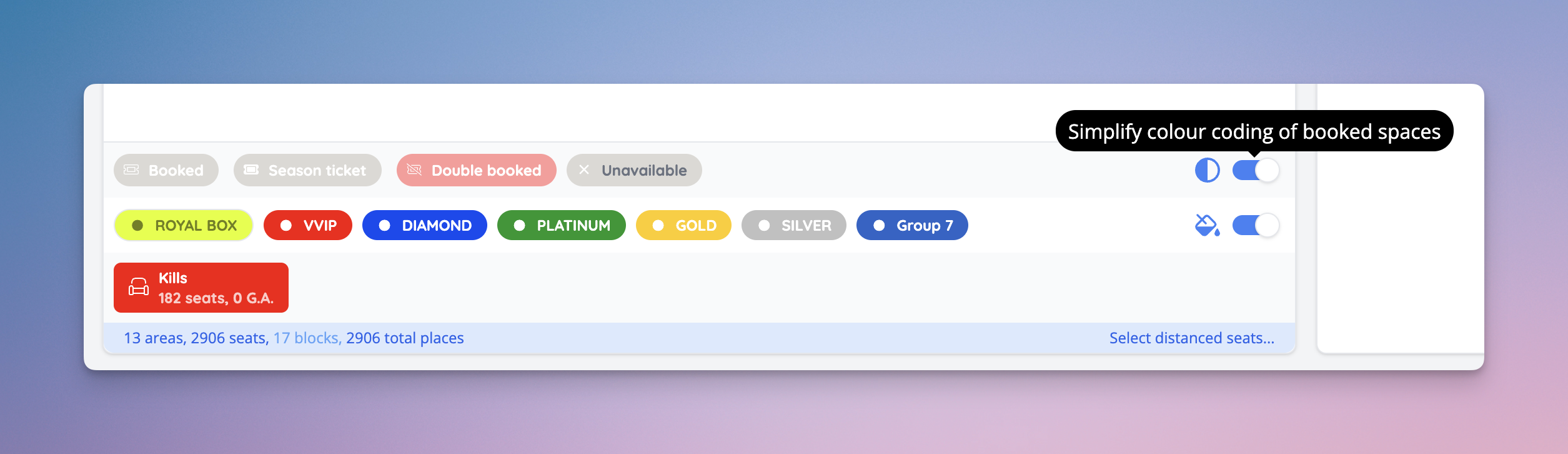
- Manage seating plan view has a new option to simplify booked spaces’ colours as monochrome [NG-6386]
- Users with access to multiple companies in admin will see an updated company selector [NG-6340]
- Added full screen view option to manage seating plan page [NG-6364]
- ‘Please select your seats’ and ‘Please select your tickets’ display now abides theme item image settings [NG-6397]
- Added reminders for address line 1 & 2 when using address search, to make sure users don’t forget to fill in their flat / apartment numbers [NG-6246]
- Embed seating plan integrations have received loading animations [NG-6373]
- Selected space counter has been added to shop seating plans [NG-6399]
- ‘Review pending orders’ setting has been added to sale item dropdown actions on the event dashboard, when the sale item has Awaiting approval enabled, and active reservations. [NG-6341]
🧹 Housekeeping
- Allow repeat events to be created in negative UTC timezones where the time value has passed in UTC [NG-6319]
- Fixed alignment of item restriction message [NG-4705]
- Ensure that historic barcode records are kept for item transfers [NG-6444]
- The old ticket generation method has been removed in favour of our customisable event media tooling [NG-6390]
- Resolved an issue where excess order fees were applied to baskets that contained bundled items - only the parent item should attract these fees, not every item in the basket [NG-6229].
- Allow deleting/restoring of venues which have events assigned to them [NG-6400]
- Removing generated dates when creating a repeat schedule was fixed [NG-6181]
- Changes to additional information on a sale item now triggers the related sale items modal [NG-6510]
- Suppressed the ‘No tickets onsale’ warning where timeslots exist [NG-6419]
- Fixed issue where item shows as belonging to user after double transfer [NG-4401]
- Assign some payment methods to the box office user system role [NG-6207]
- Resolved an edge case where downloadable items that require approval were not showing eTicket as an available fulfilment method during checkout [NG-6487]
- Resolved an edge case where some order items were not able to be downloaded via admin [NG-6470]
- Fixed an issue with topups not being shown correctly in customer wallet after purchasing a topup via box office [NG-6642]
- Simplified modifying eWallet spend when checking out [NG-6285]
- Improved initial page load performance of the admin order refund page by around 60% [NG-6124]
- Fixed aspect ratio of testimonial block image upload [NG-6531]
- Fixed cut-off text in time selector for scheduled reports [NG-6517]
- Allowed custom report descriptions to be deleted when editing custom reports [NG-4934]
- When viewing a seating plan in the shop, the list of price bands will now remove any price bands where no seats are available [NG-6329]
- New option to refund bundled children in order refund/cancel page [NG-6092]
- Fixed timeslots not showing correct localised time [NG-6146]
- Added a new timeslot scanning period option, which allows grace periods to be set by default [NG-6600].
- Fixed button alignment of data capture question form [6537]
- Improved the customer facing UI where a bundle contains mixed currencies and some of the bundled items are not available in their selected currency [NG-6094].
- Fixed issue where ‘wallet deduction’ was not updating to 0 when switching to a full card payment [NG-6646]
- Resolved an issue for Move dates, when a sale item wasn’t selected first, the seating plan didn’t render [NG-6276]
- Seating plan areas with no sale items attached or no on-sale items will now appear correctly as unavailable in shop [NG-6338]
- Resolved an issue on report downloads, where on slower connections the downloads failed to appear [NG-6411]
- Fixed parent companies dropdown when creating a company not initially displaying options [NG-6631]
- Several add-on related fixes has been done, including problems while creating add-ons, and creating add-ons in schedules [NG-6430]
- In certain browsers template block images didn’t load in the editor, this has been resolved [NG-6008]
- Improved seating plan image exports when the legends has not been included completely in the image [NG-6047]
- Adjusted compression settings for seating plan exports that has fixed certain seating plan export files to get corrupted [NG-6440]
- Resolved an issue with tax exclusive pricing generating no fee previews when creating new tickets [NG-6655]
- Fixed an issue where order/reservation event filter settings cannot be removed [NG-6345]
- Sale item drag handle size differences have been resolved & empty sale item group drag handles have been removed [NG-5211]
- Fixed incorrect timeslot label in related sale items modal [NG-6522]
🧑💻 API
Changes to the API have been documented in the changelog on the API documentation homepage.Below you will find the summary notes for the 32nd release of the Nuweb core platform.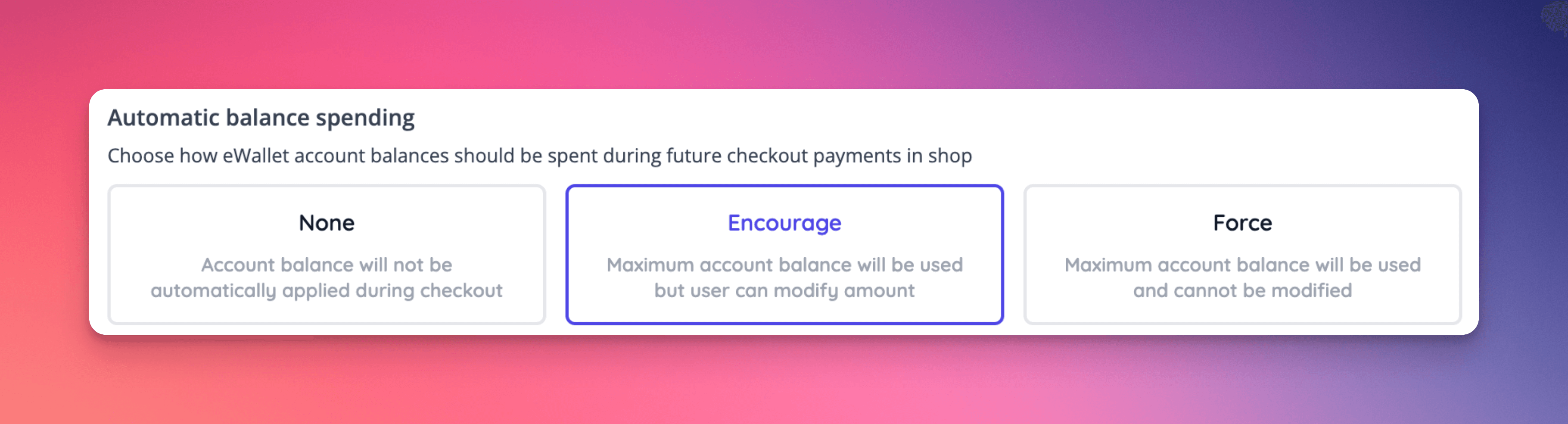
🚀 New Features
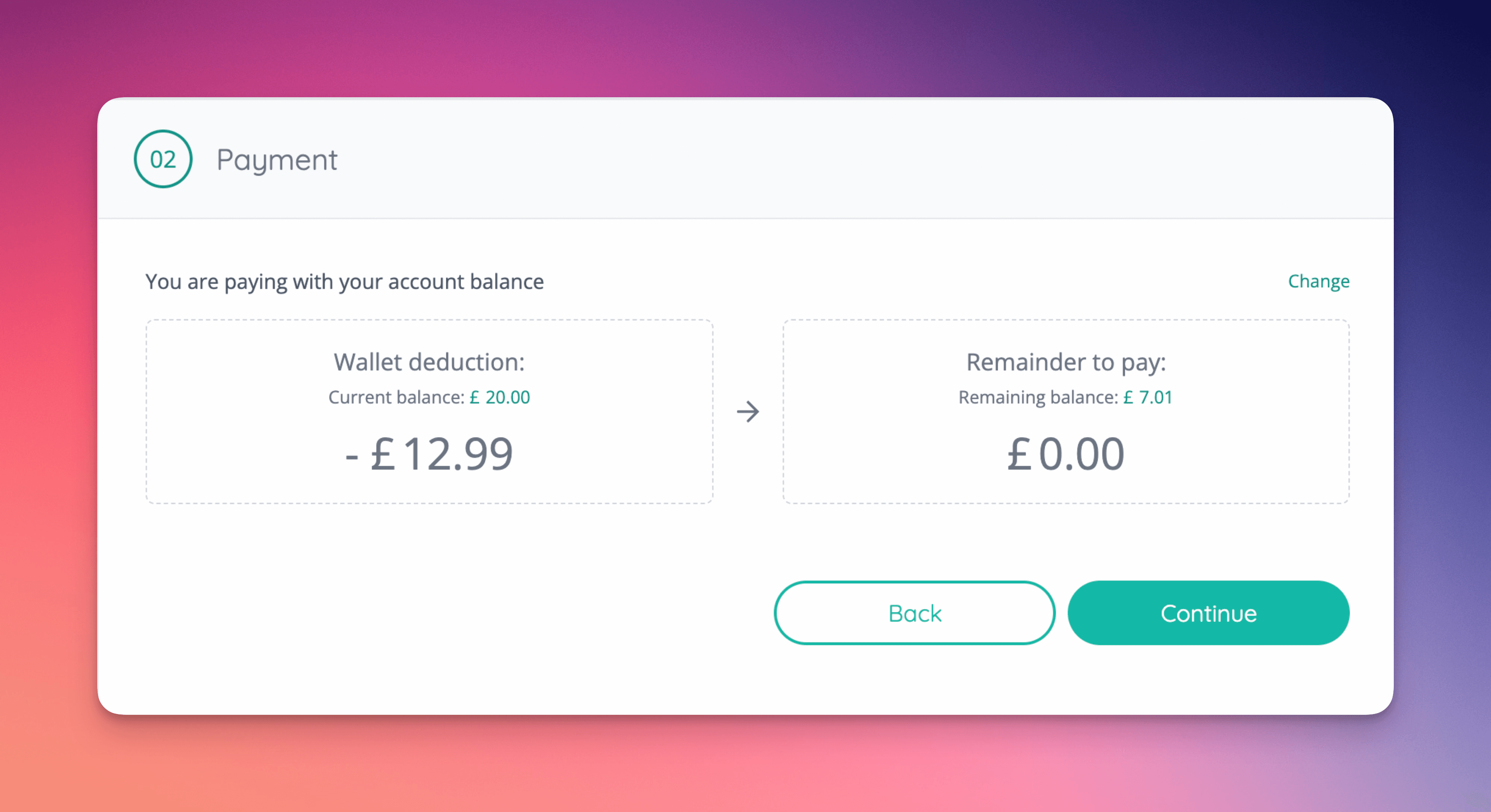
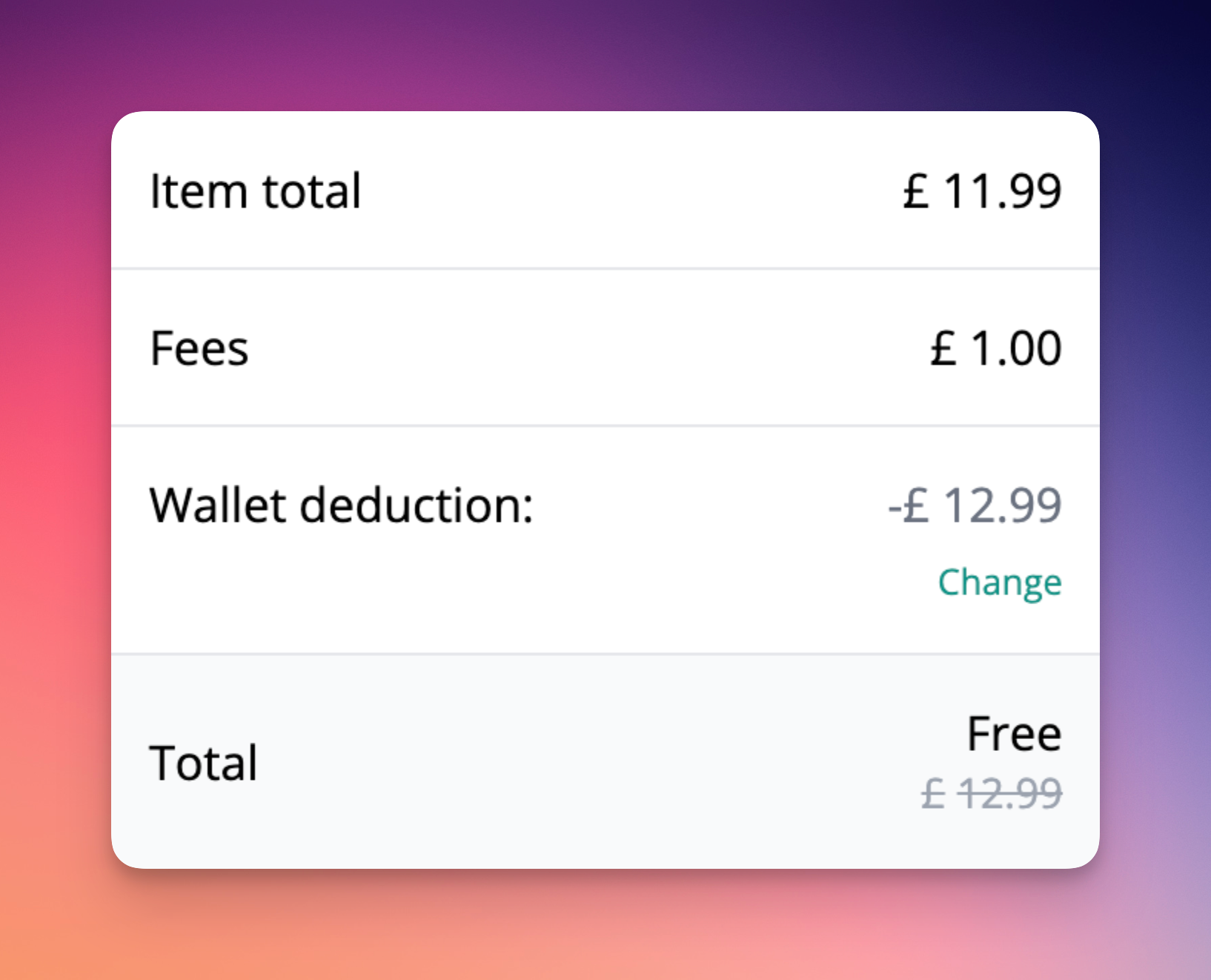
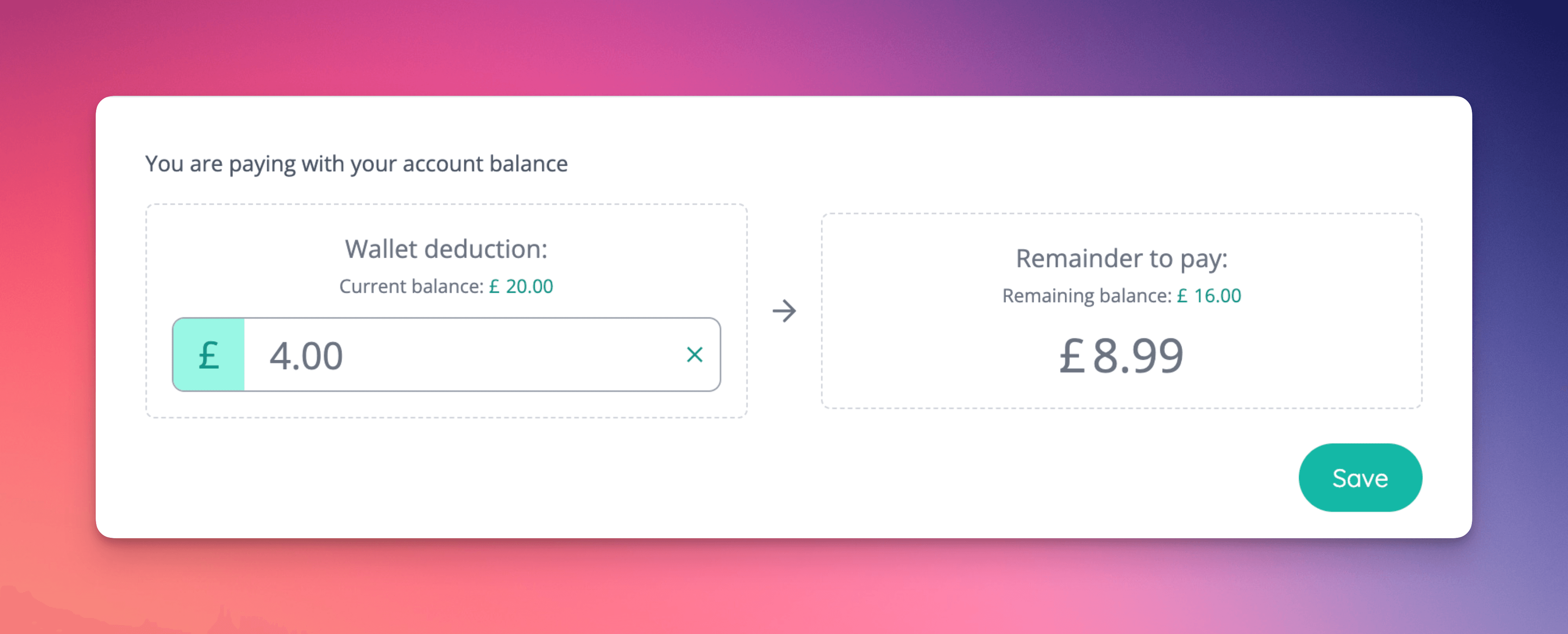
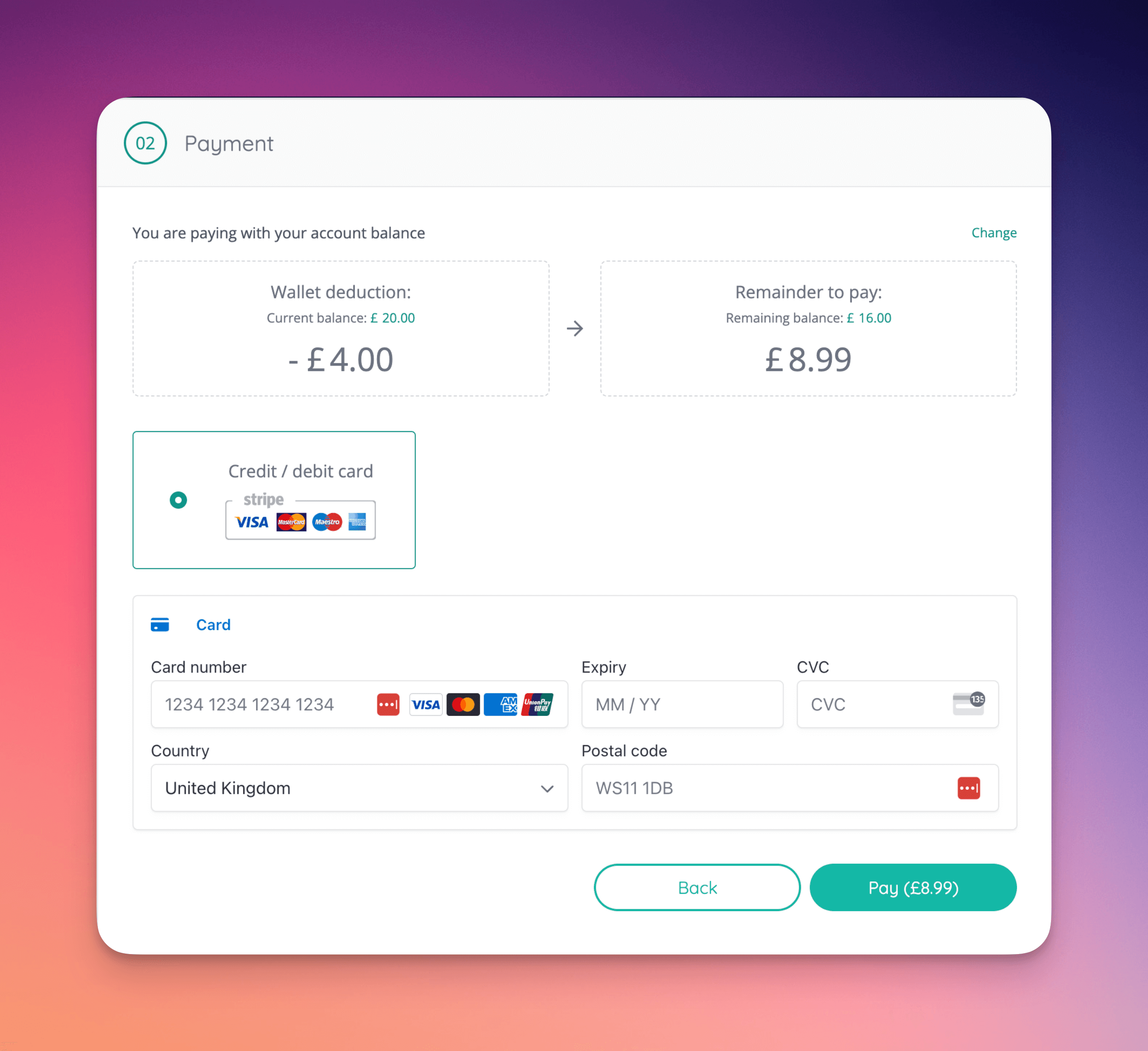
Encouraged balance spending [NG-5606]- You can now configure whether balance spending should be encouraged, or enforced within the shop.
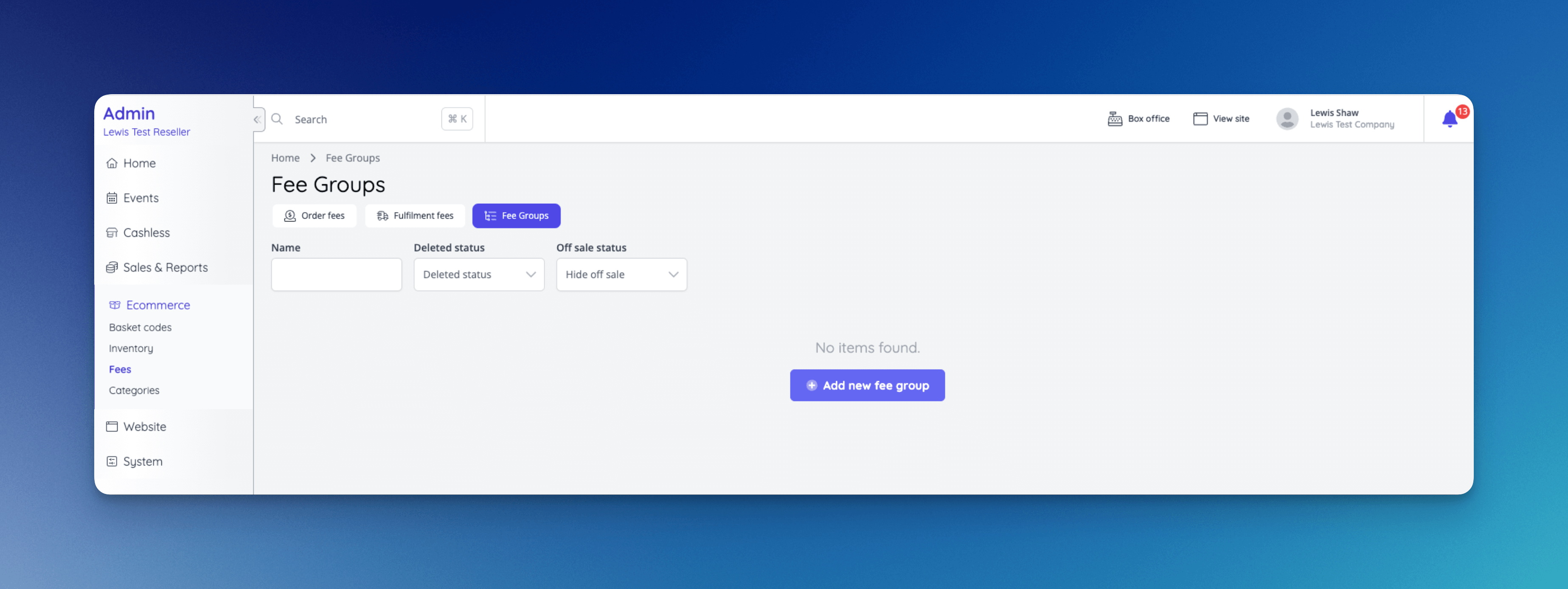
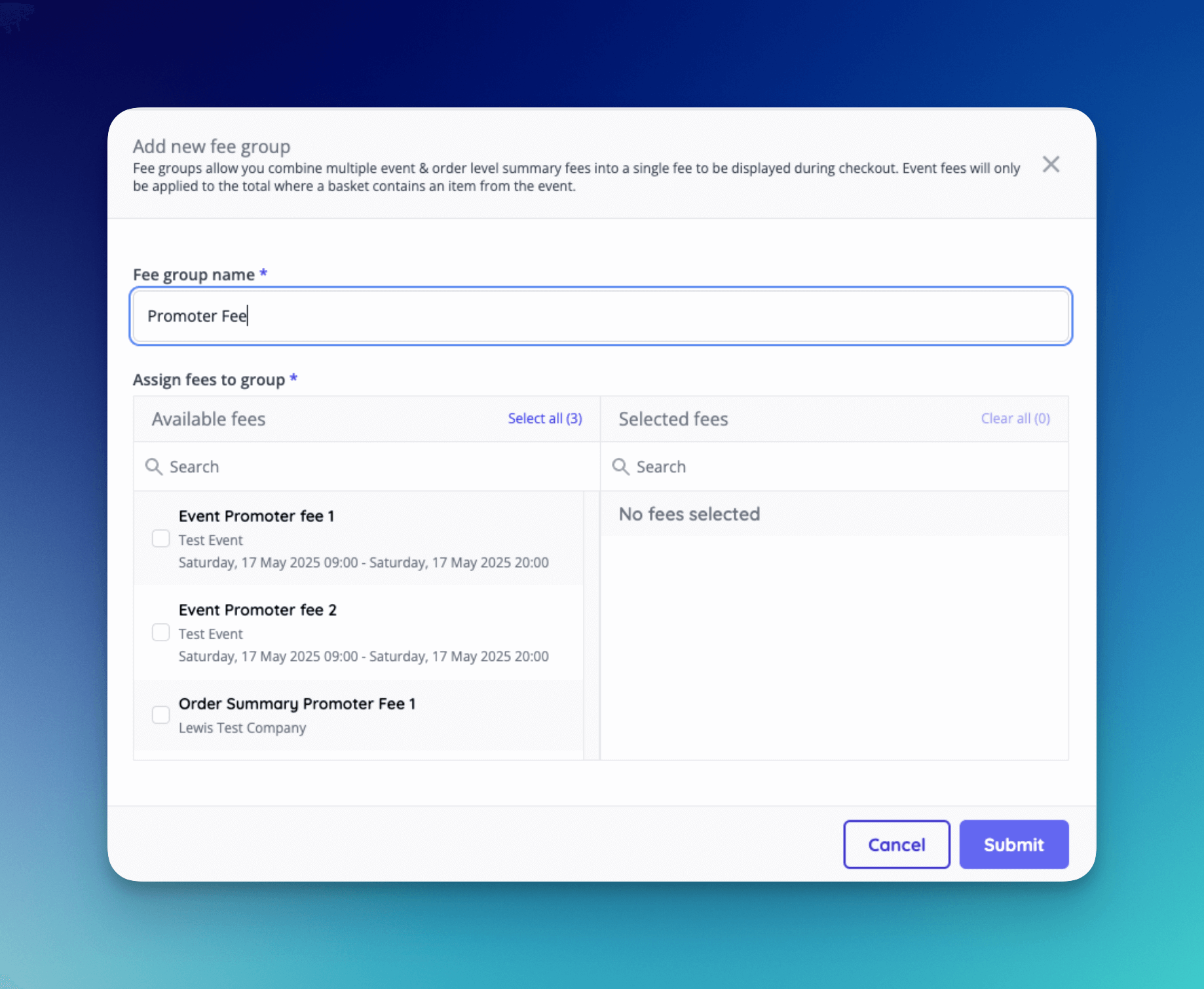
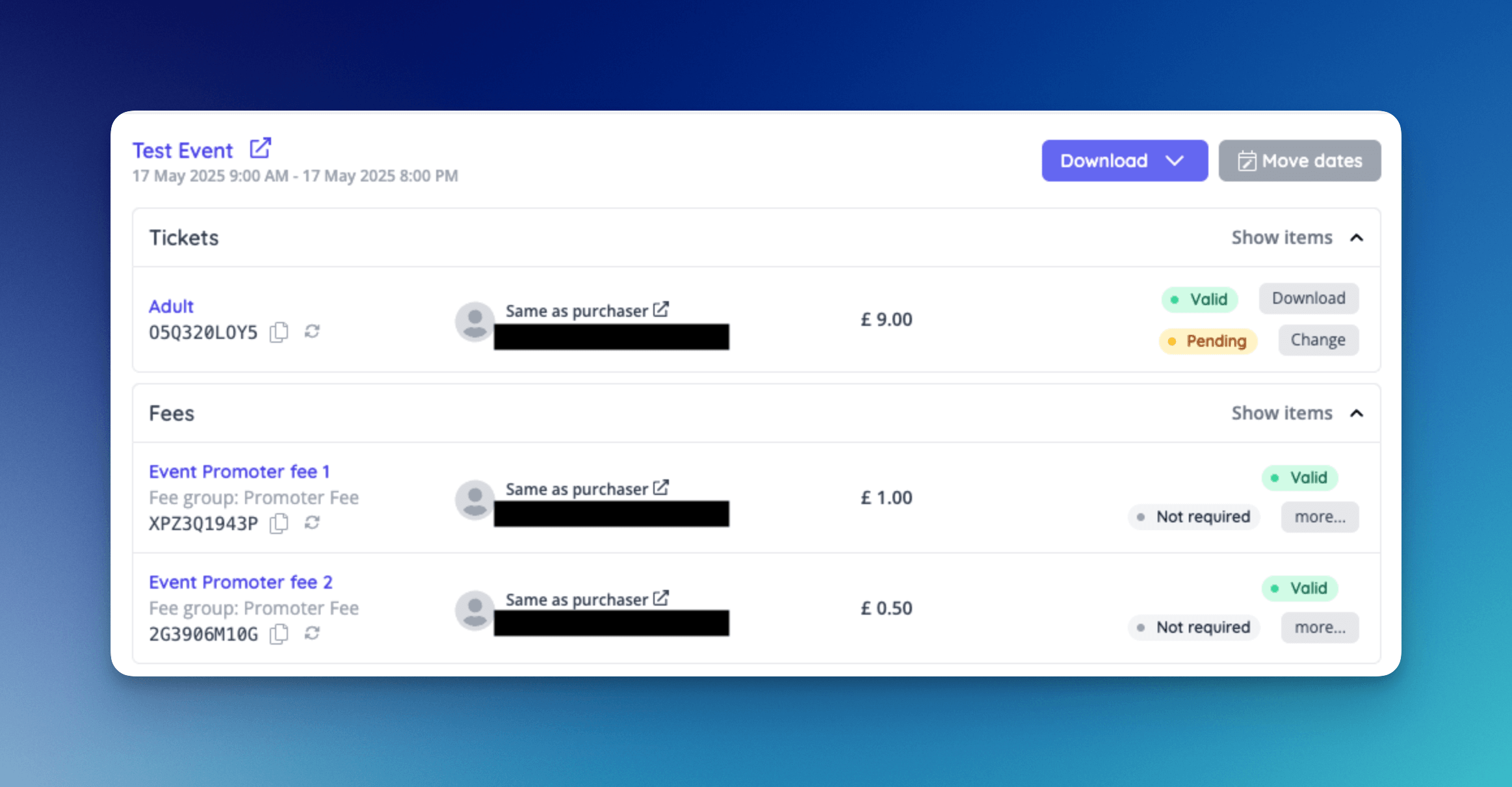
- Added a new page to manage fee groups in admin, allowing multiple summary level event and order fees to be displayed as a single fee in the basket.
- Allow summary level fees to be searched for and added to a fee group.
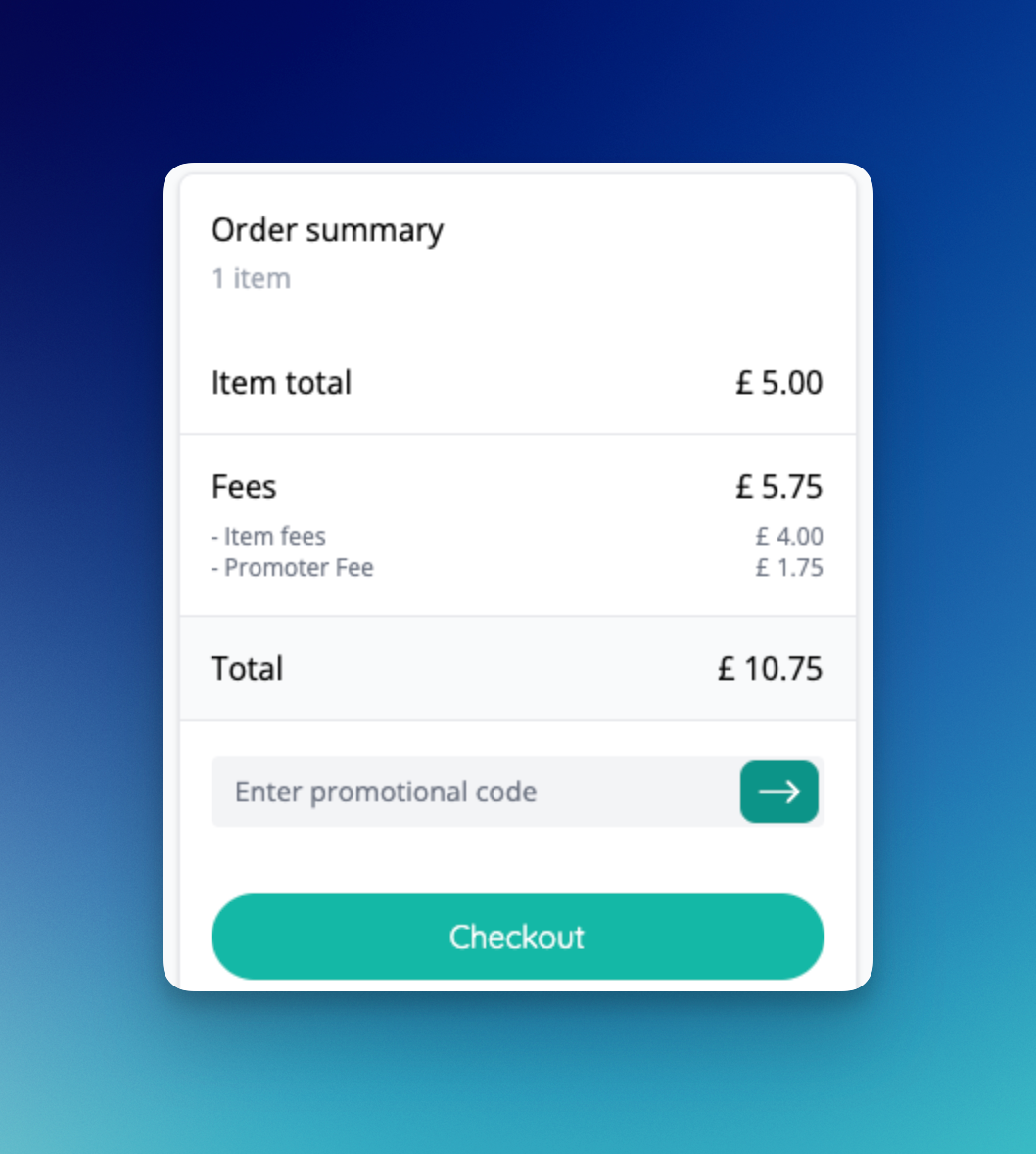
- Any fee that has a group will be displayed as the group name in the basket (In this example, Promoter fee is the group)
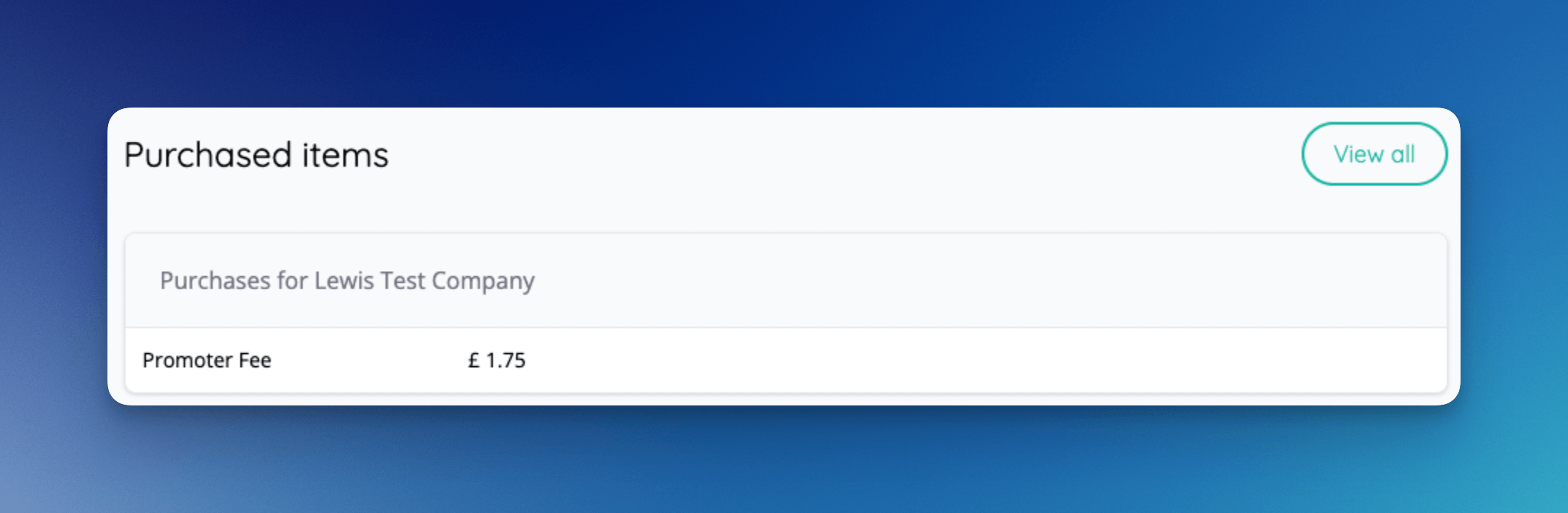
- Viewing an order in the account area on the shop will also show the group only.
- When viewing an order in admin, the fee group is displayed for any fees that are part of a group.
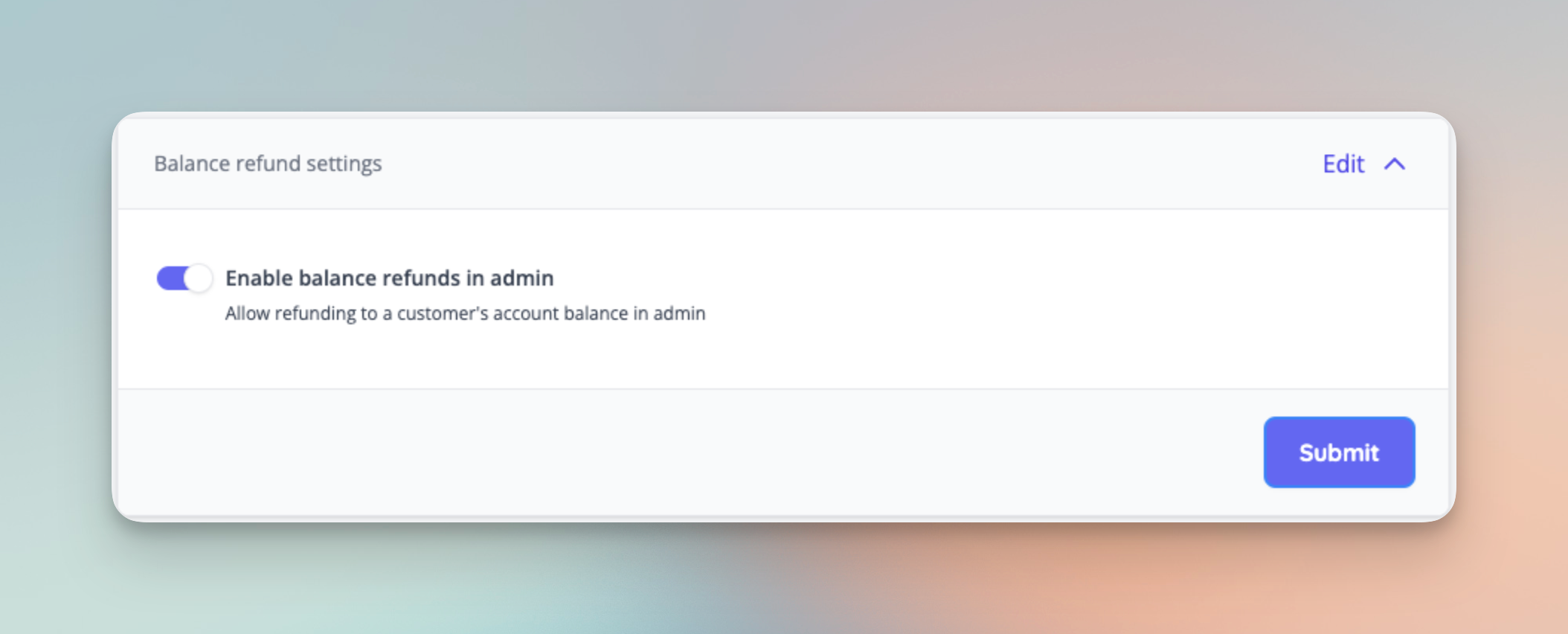
- Allow balance refunds to be enabled/disabled on the payment settings page. Note that “Balance spending in shop” must also be enabled to to be able to refund to balance.
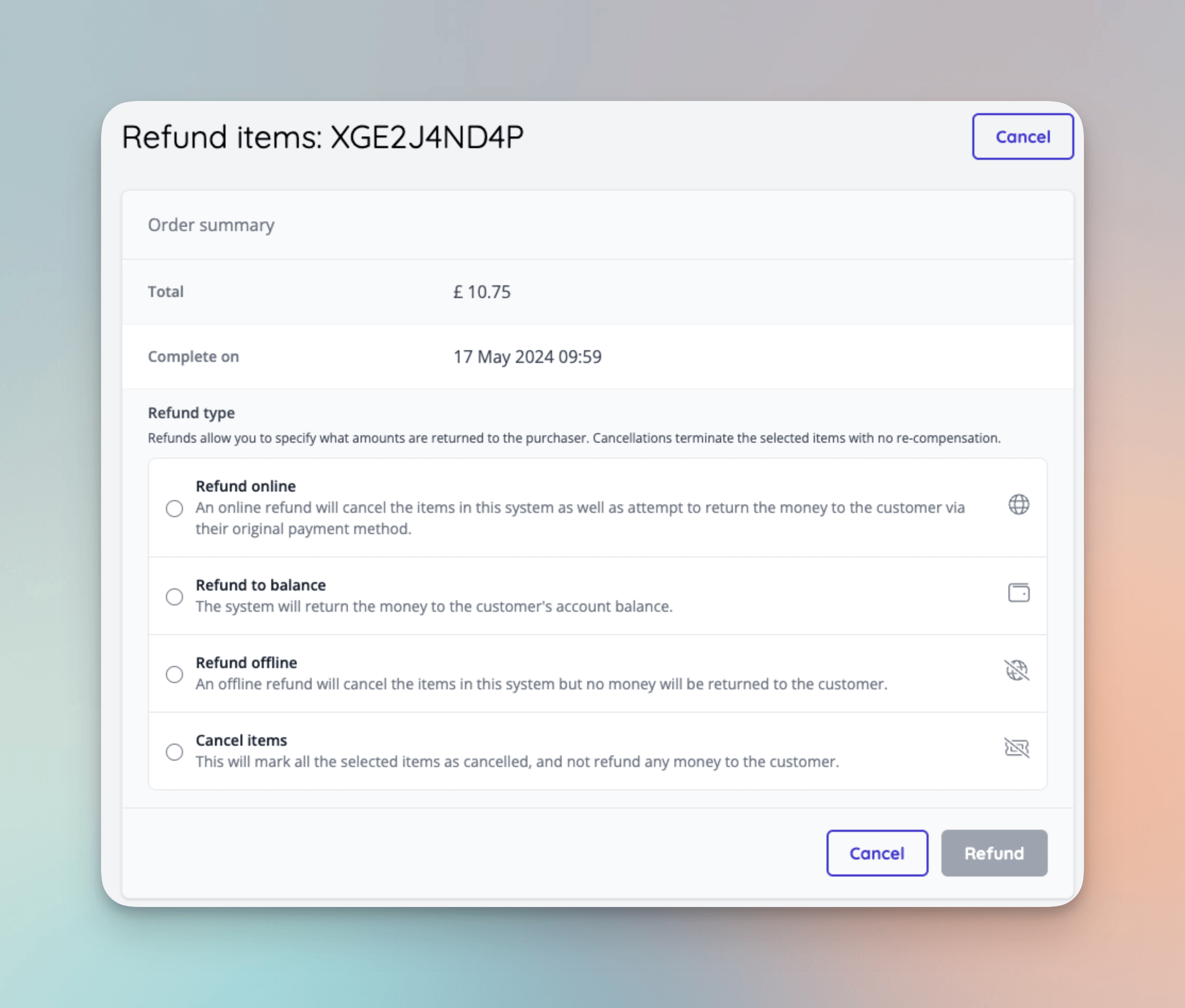
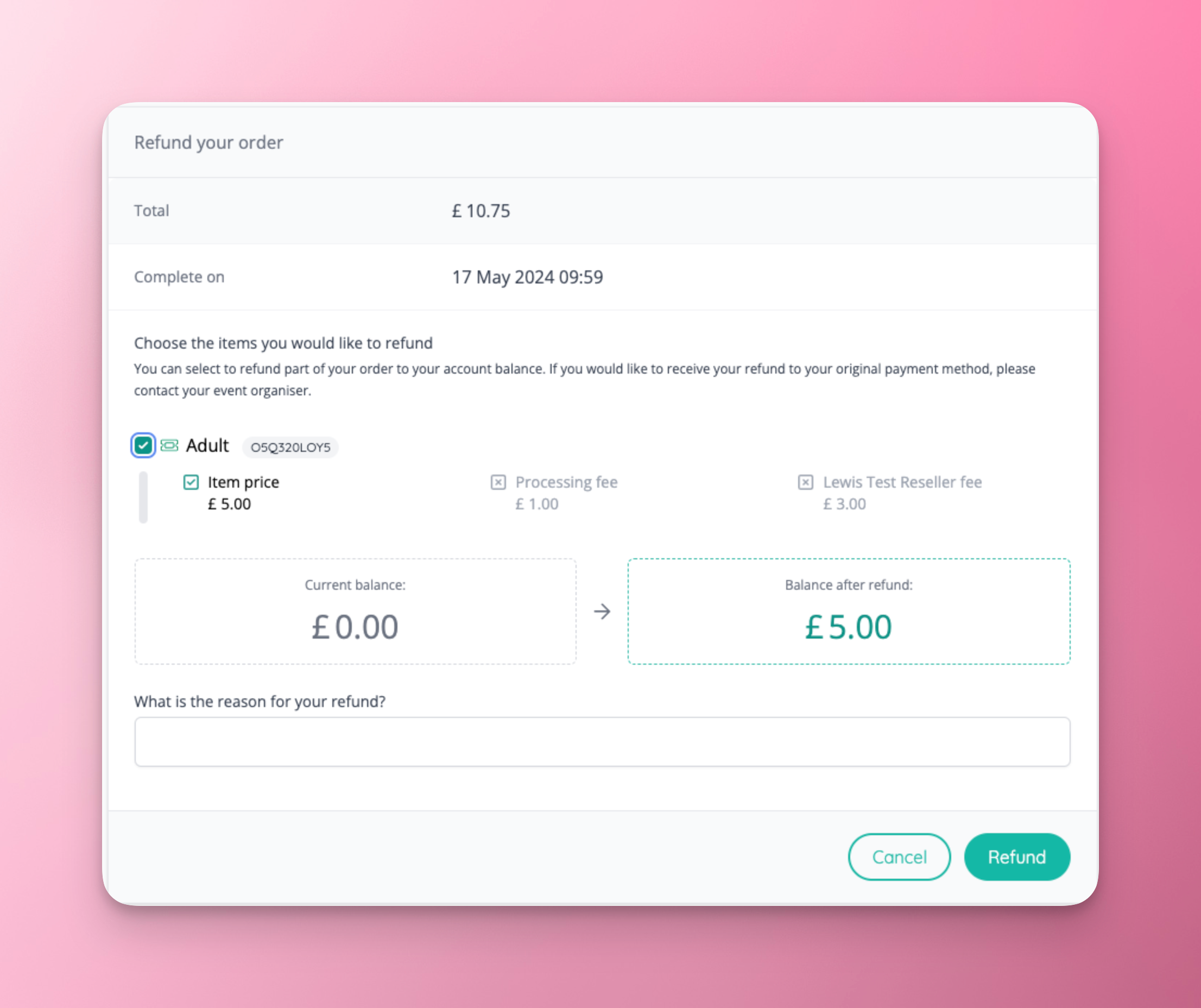
- The admin refund page has been updated to make it more clear, and refund to balance has been added as an option when enabled.
- The amount will then be refunded to the customer’s account balance, for them to spend in the shop.
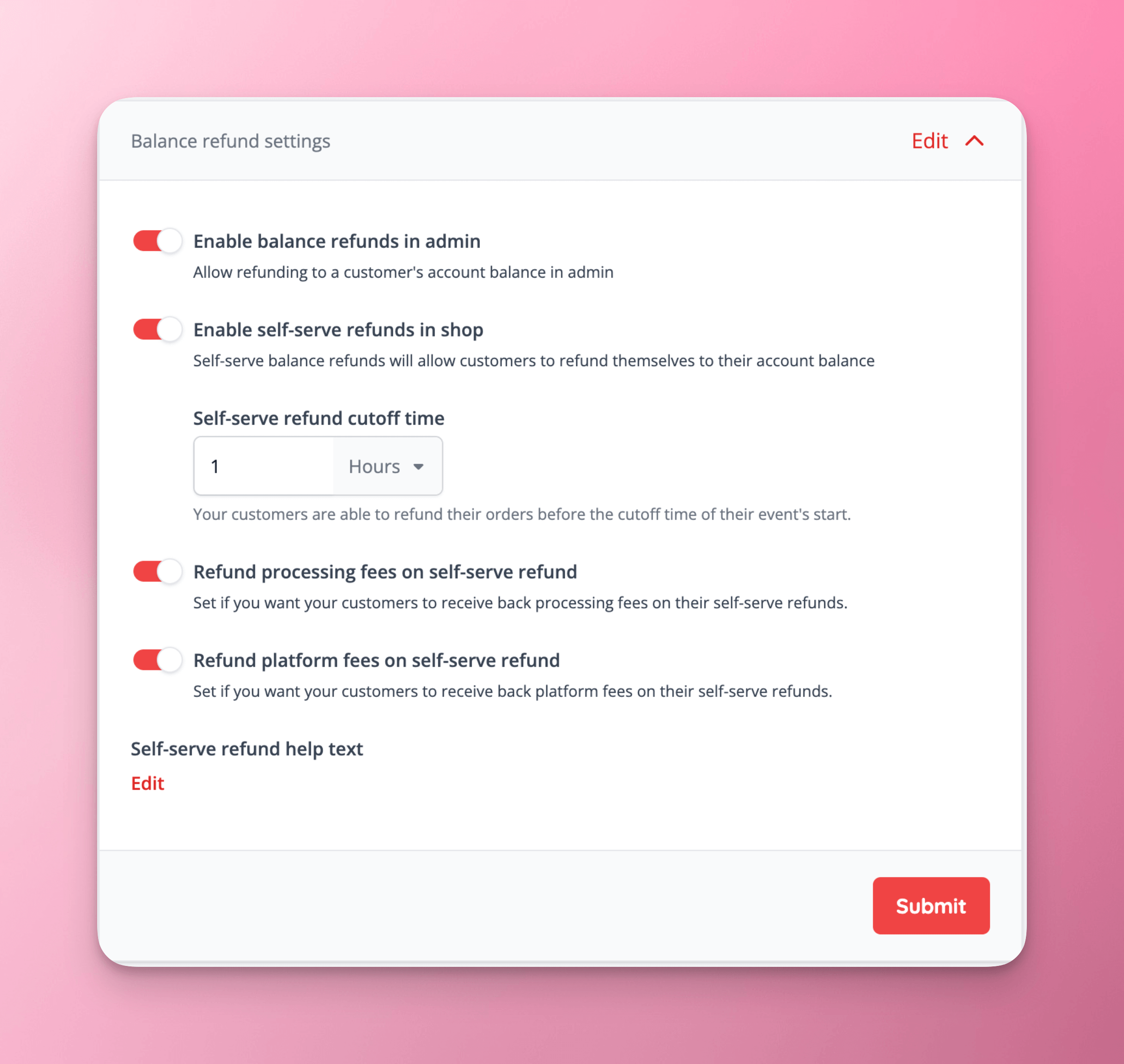
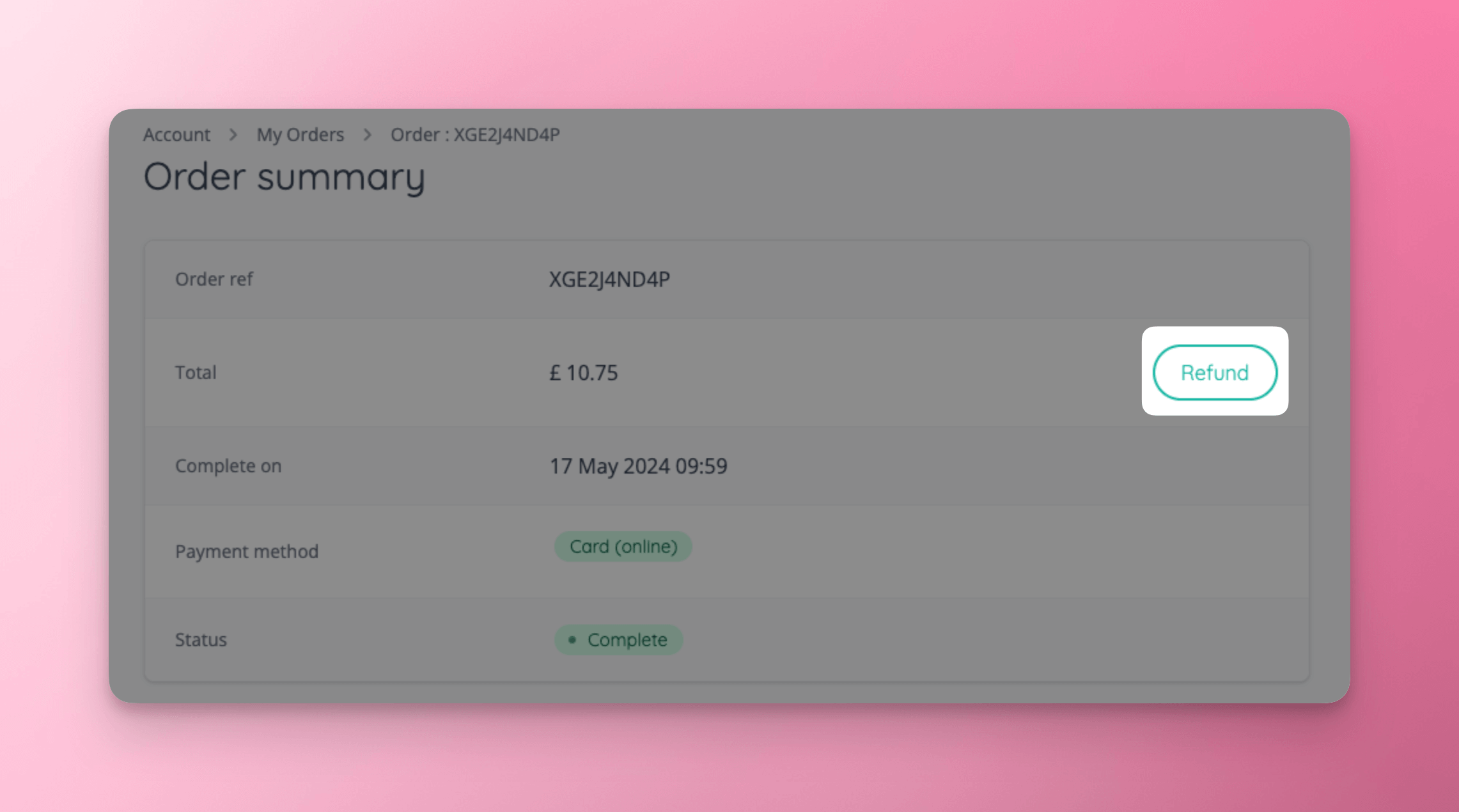
- This feature expands the balance refunds feature, and allows the customer to initiate a refund for ticket items only in the account section of the shop.
- A range of settings have been added to enabled/disable self serve refunds, as well as configure the cutoff for refunds, and settings around fee refunds.
- A refund button has been added when viewing an order in the shop, that is displayed when self serve refunds are enabled.
- When the customer clicks the refund button, they are shown an easy to use refund page, that tells them what will be refunded based on the self serve refund settings configured.
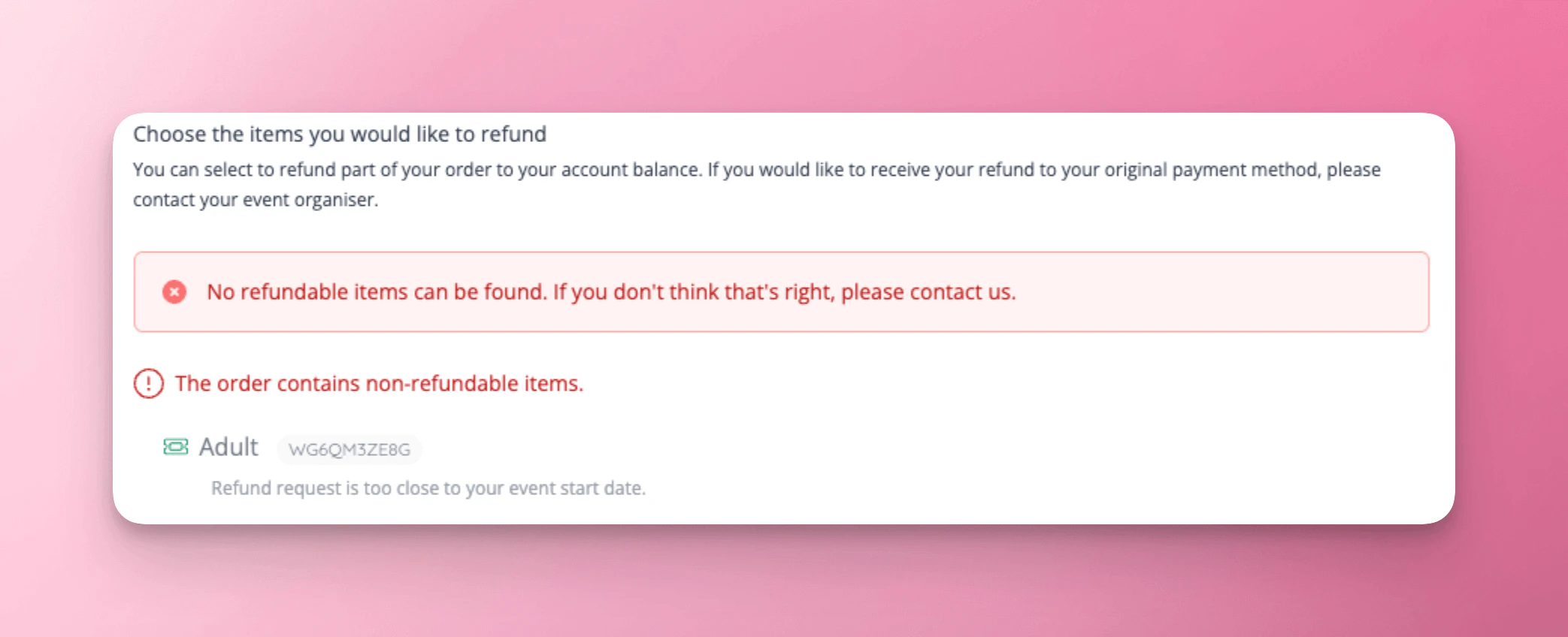
- When items are not refundable, for example if the remaining time until the event is beyond the cutoff, this is clearly displayed to the customer.
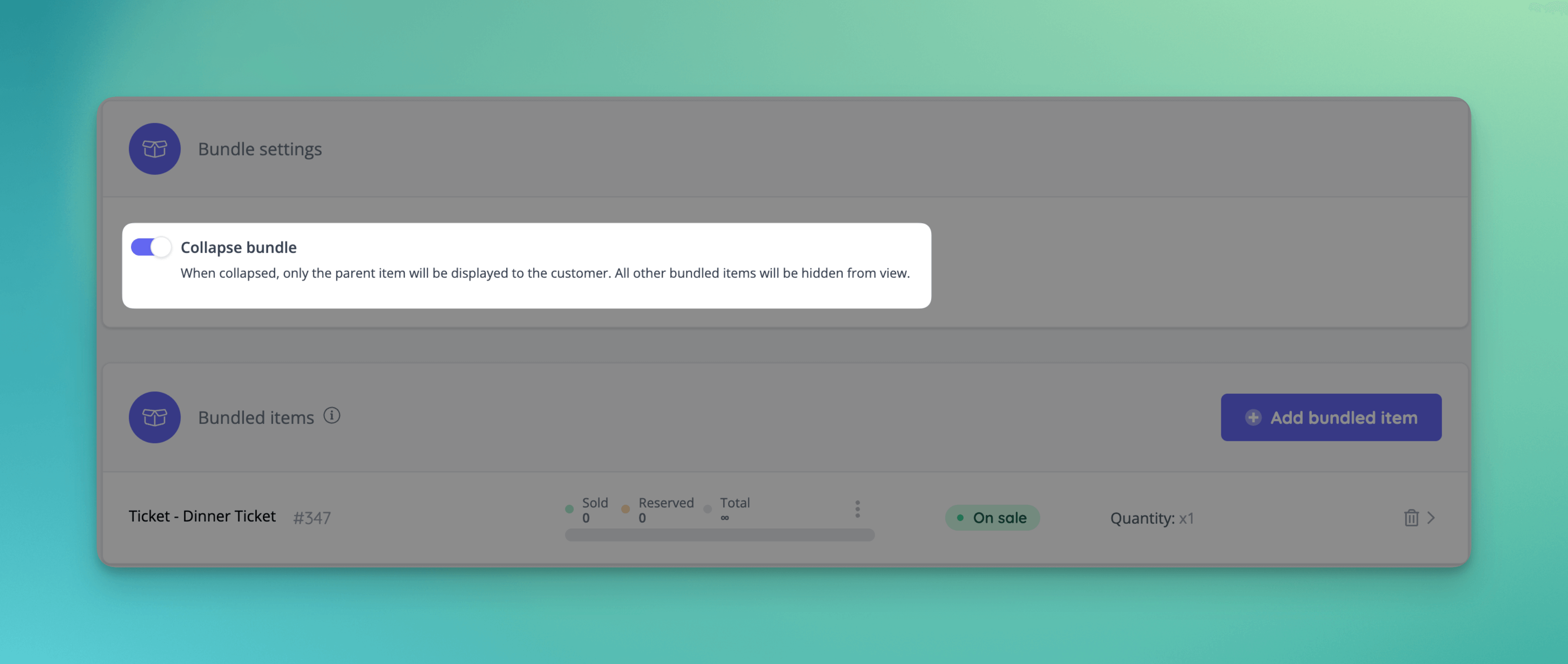
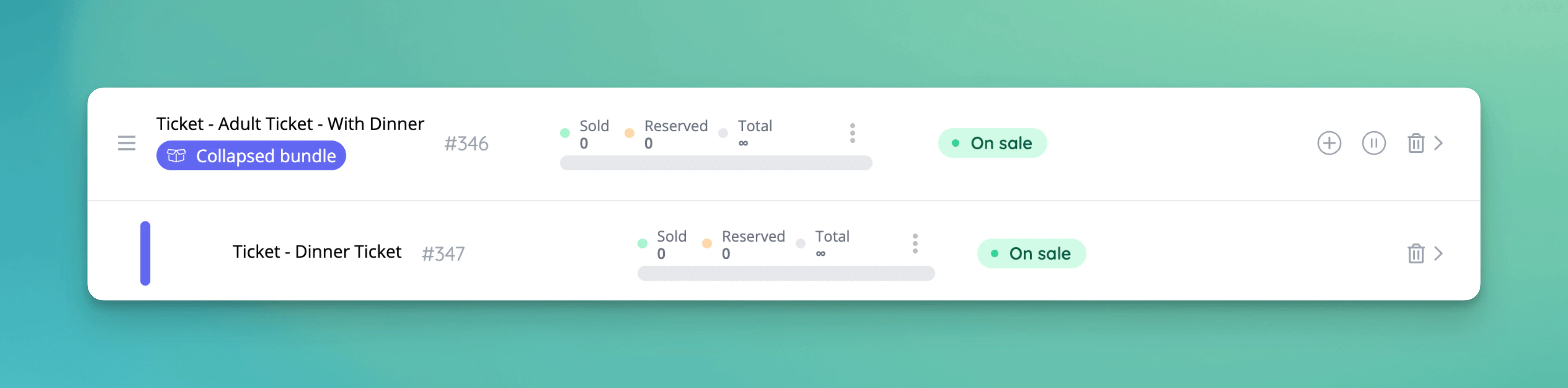
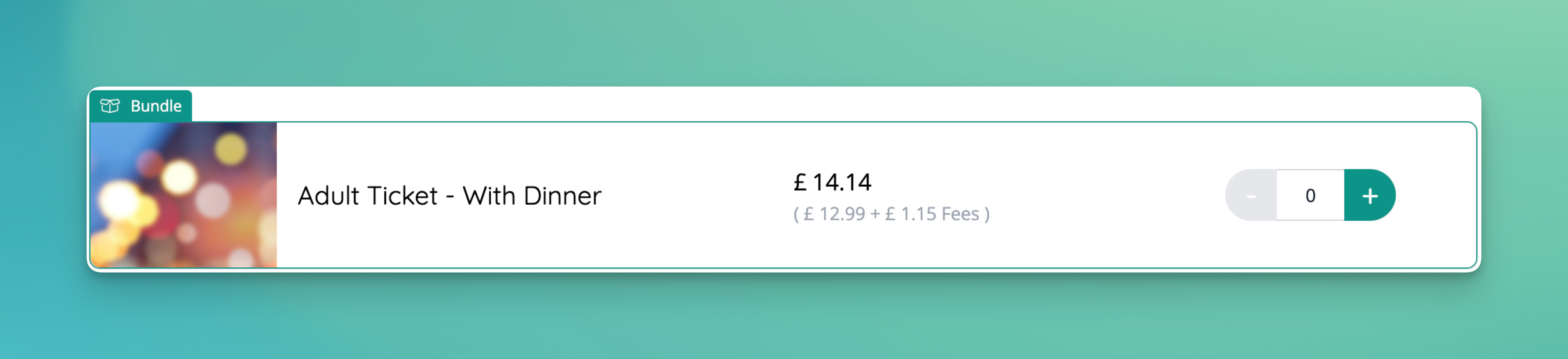
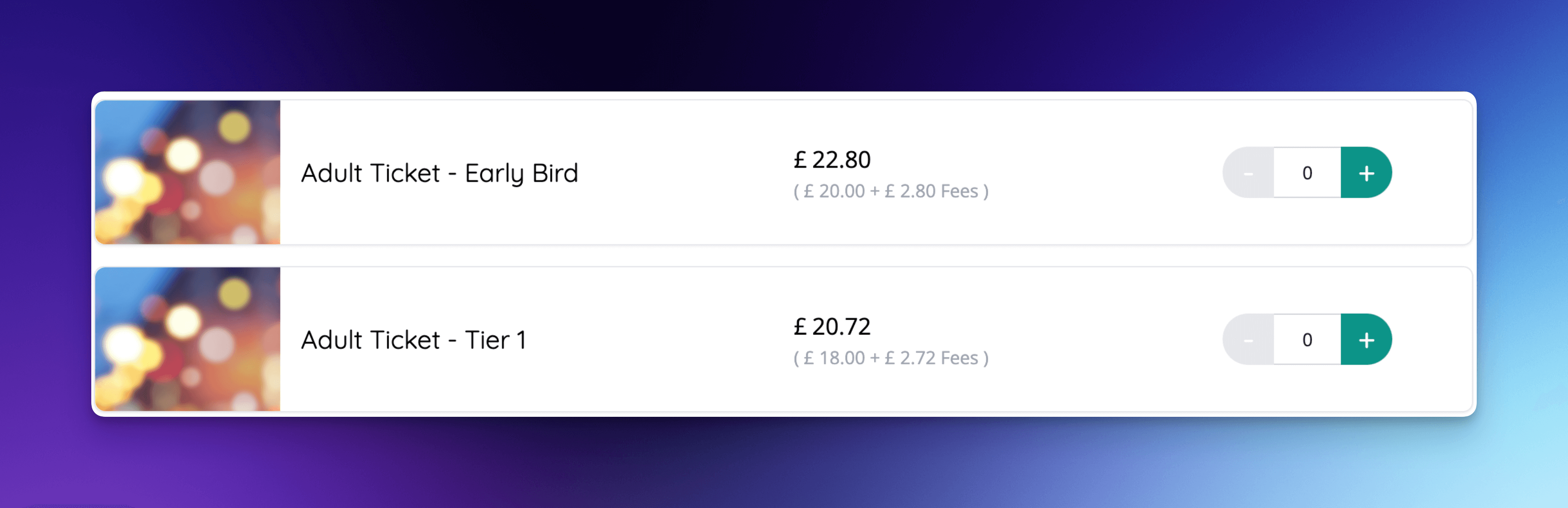
- It is now possible to mark bundles as ‘collapsed’, hiding its child items.
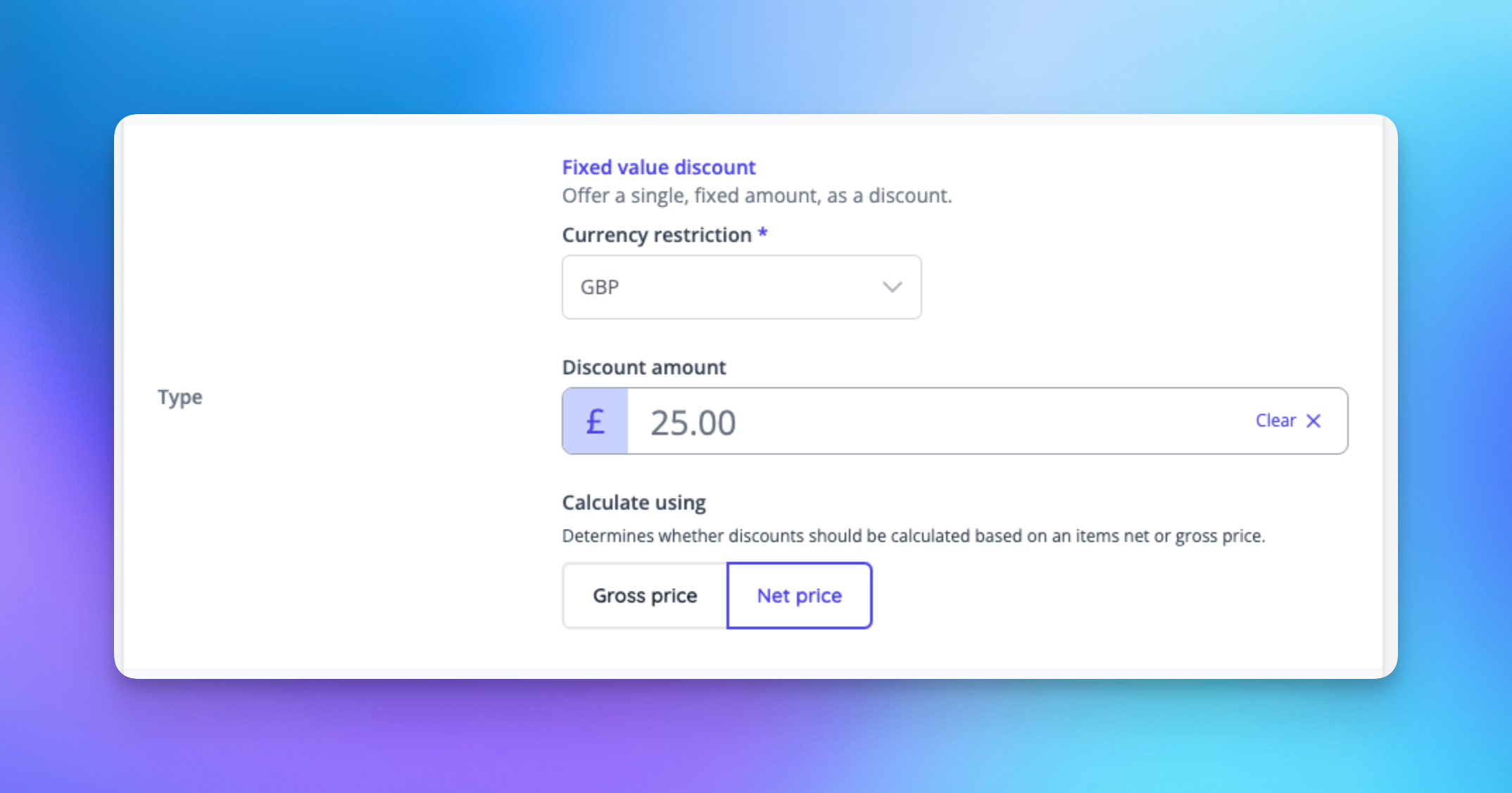
- It’s now possible to allow fixed discount codes to apply to the NET price of an item, before tax is applied.
- Discounts will then be applied in the basket before tax is applied to the discounted amount.
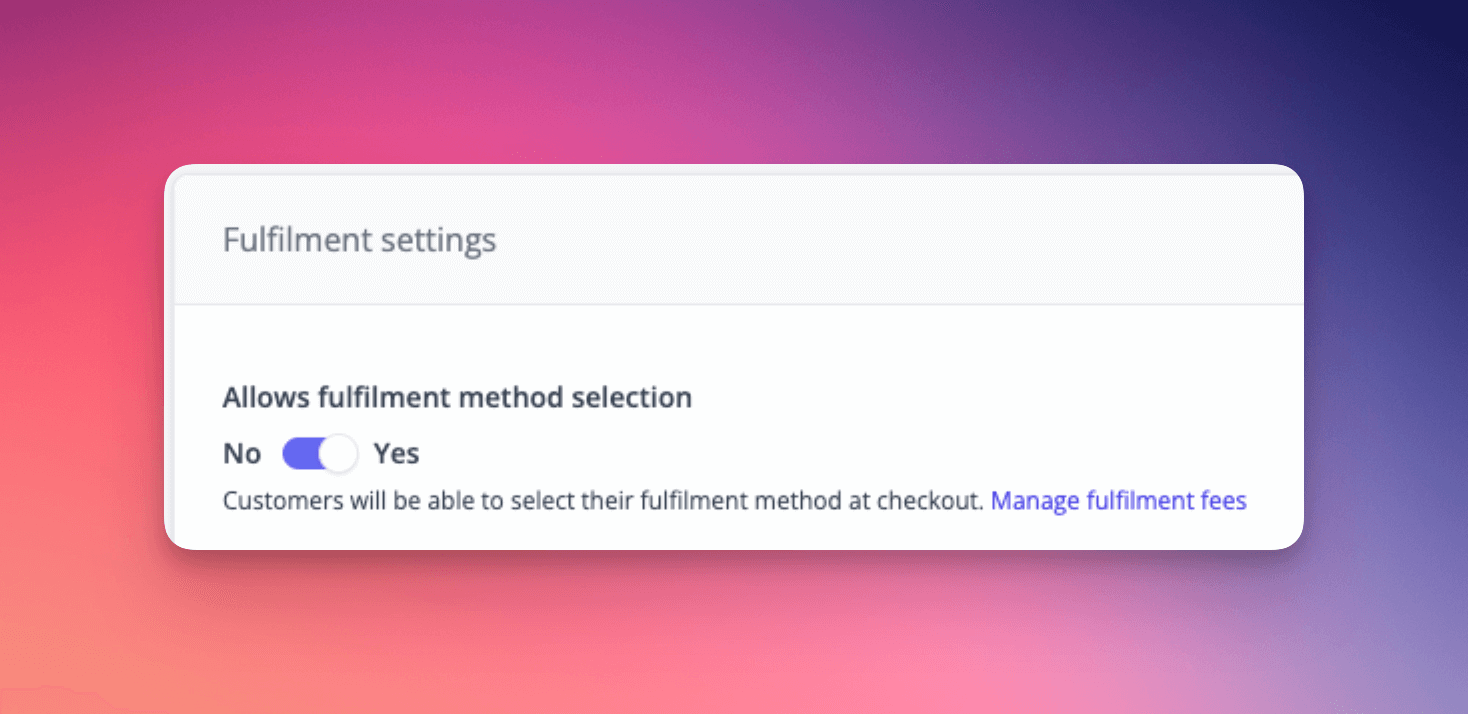
- Fulfilment can now be enabled/disabled per sale item to prevent the delivery step showing in checkout for items that do not require a delivery method to be selected.
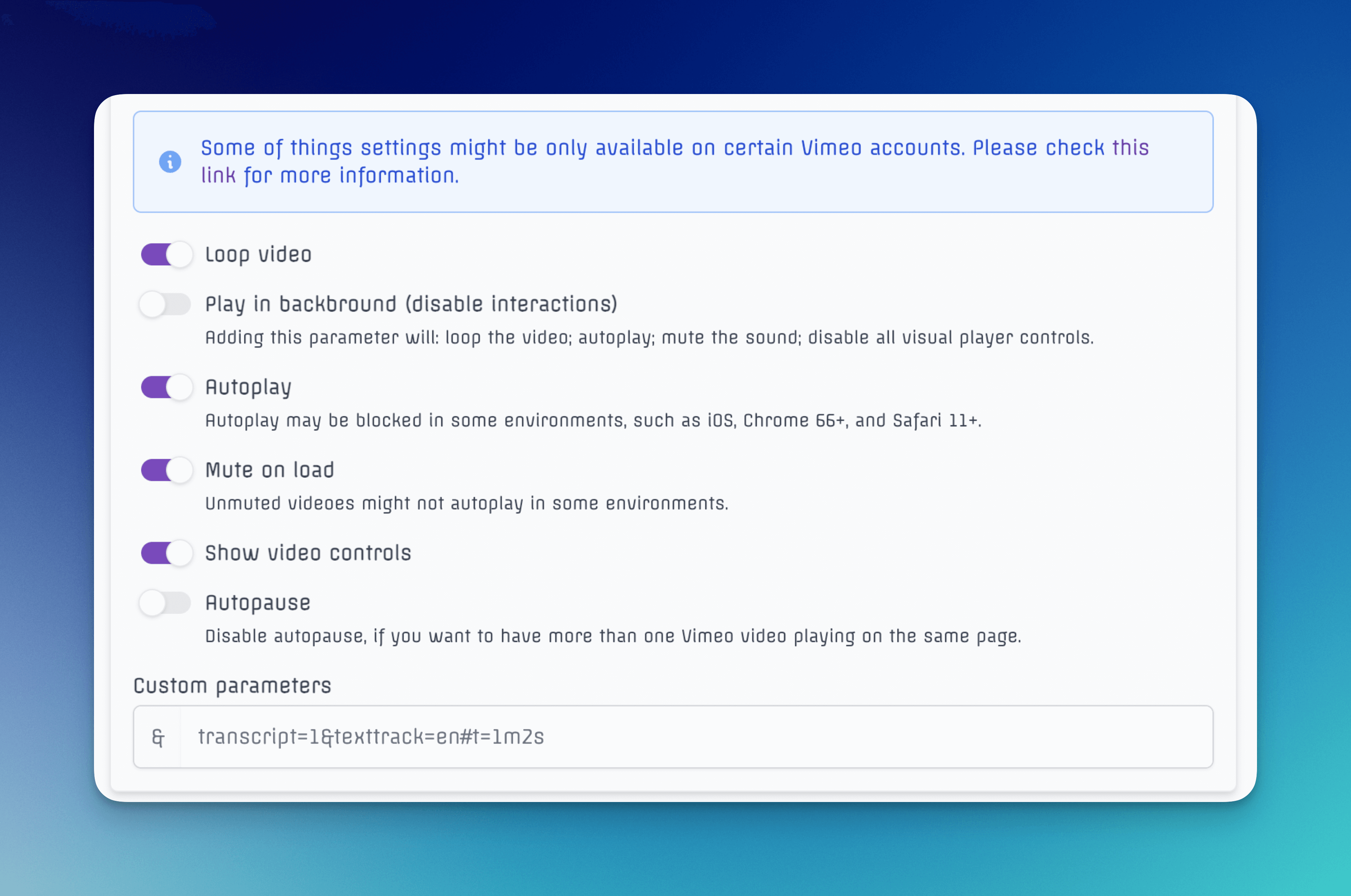
- Loop, autoplay, mute, video control and more settings have been added to all our video template blocks.
✨ Enhancements
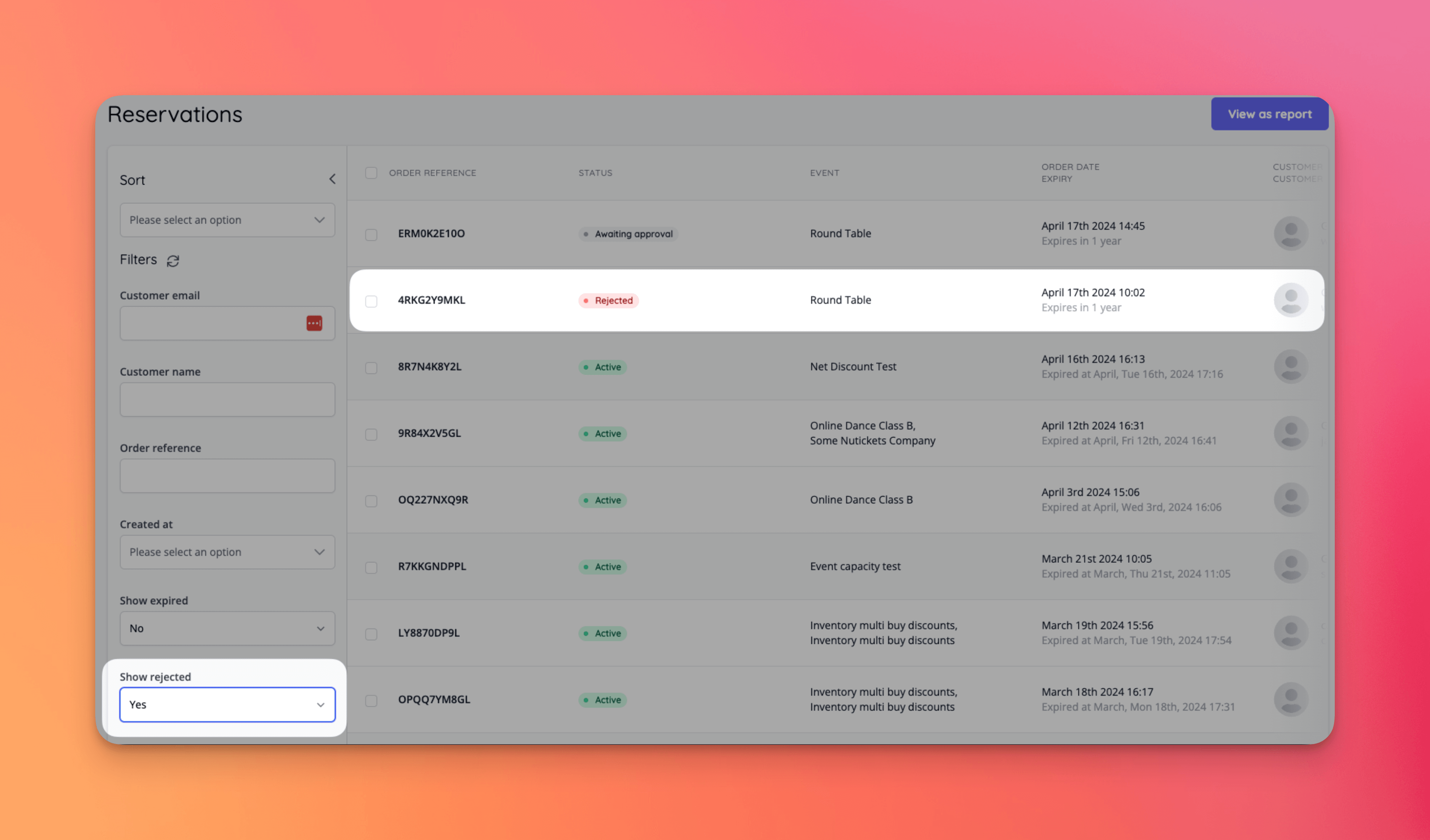
- Reservations can now be filtered to include rejected reservations. The rejected status is also now available on order reports [NG-5345]
- If there are default reseller fees set for a currency that is newly enabled on a company, apply the default reseller fees to the company [NG-5320]
- When creating an event, the uploaded header image can be used as the thumbnail and sharing image by default to speed up event creation [NG-5947]
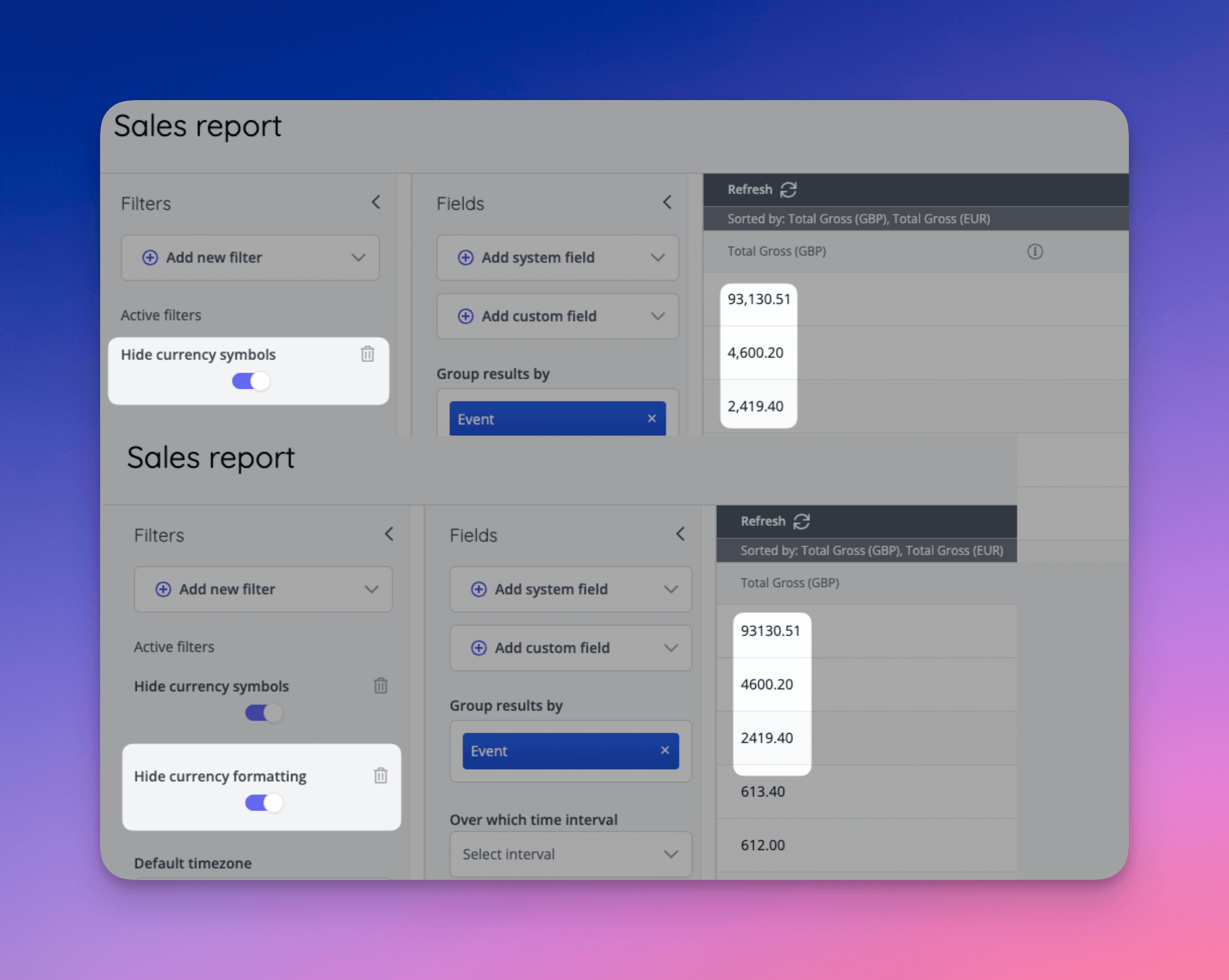
- Addition of a new Hide currency formatting filter to reports that contain monetary values to allow the localisation formatting to be toggled on and off [NG-5442]
- Report widgets will now display even when currency symbols and formatting are shown [NG-5738]
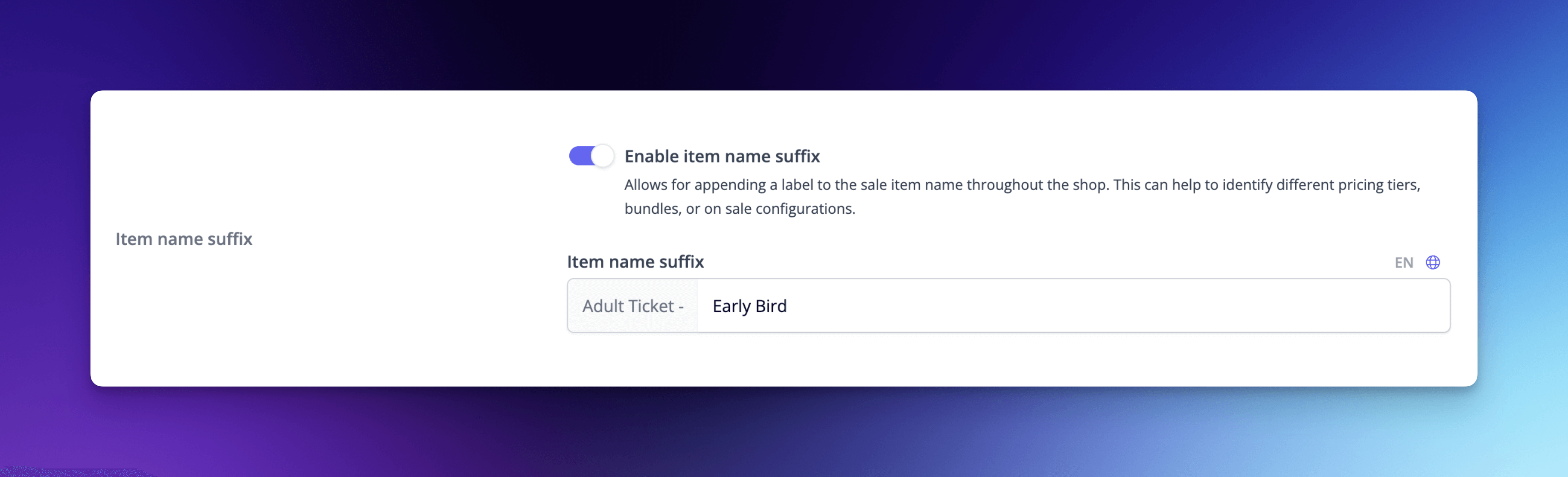
- It’s now possible to add a suffix to the name of an item as part of the sale item settings, allowing you better customer naming conventions when offering multi-tier pricing or similar-but-different groups of tickets matching identical inventory items [NG-5313 & NG-5990]
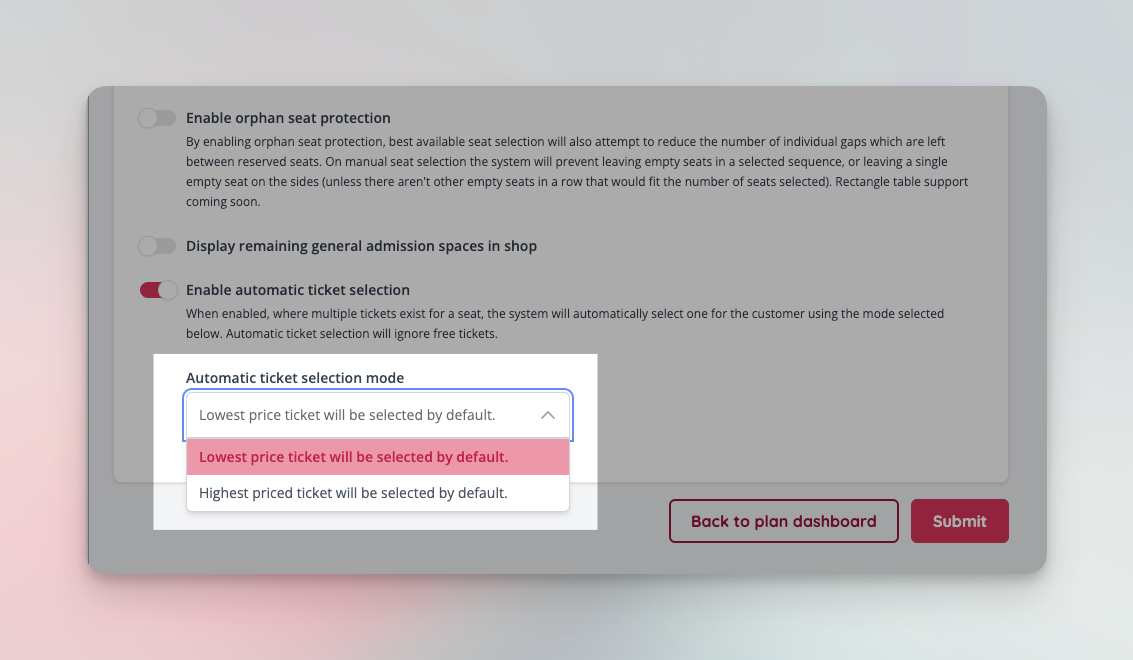
- Seated events now have a new setting available which can automatically select the highest or lowest priced ticket available when selecting a seat in the shop [NG-5948]
- It’s now possible to change the sale items inside a group from within the sale item group form, allowing for much faster updating of sale item groups [NG-5920]
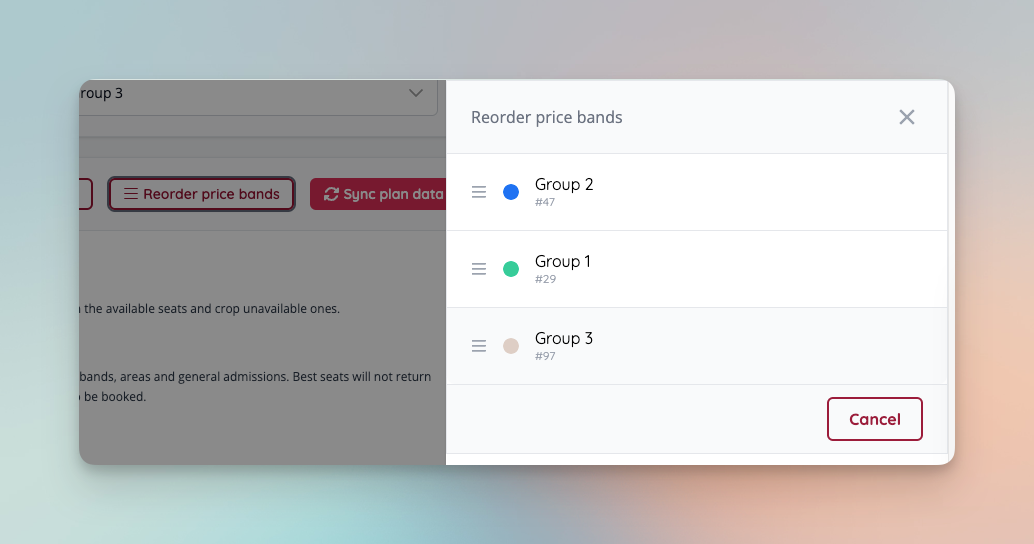
- Added the ability to re-order price bands on a seated event, such that the same order is respected in the ticket shop when presenting price bands to customers [NG-5949]
- Add toggle to turn off confirmation emails in the shop [NG-5939]
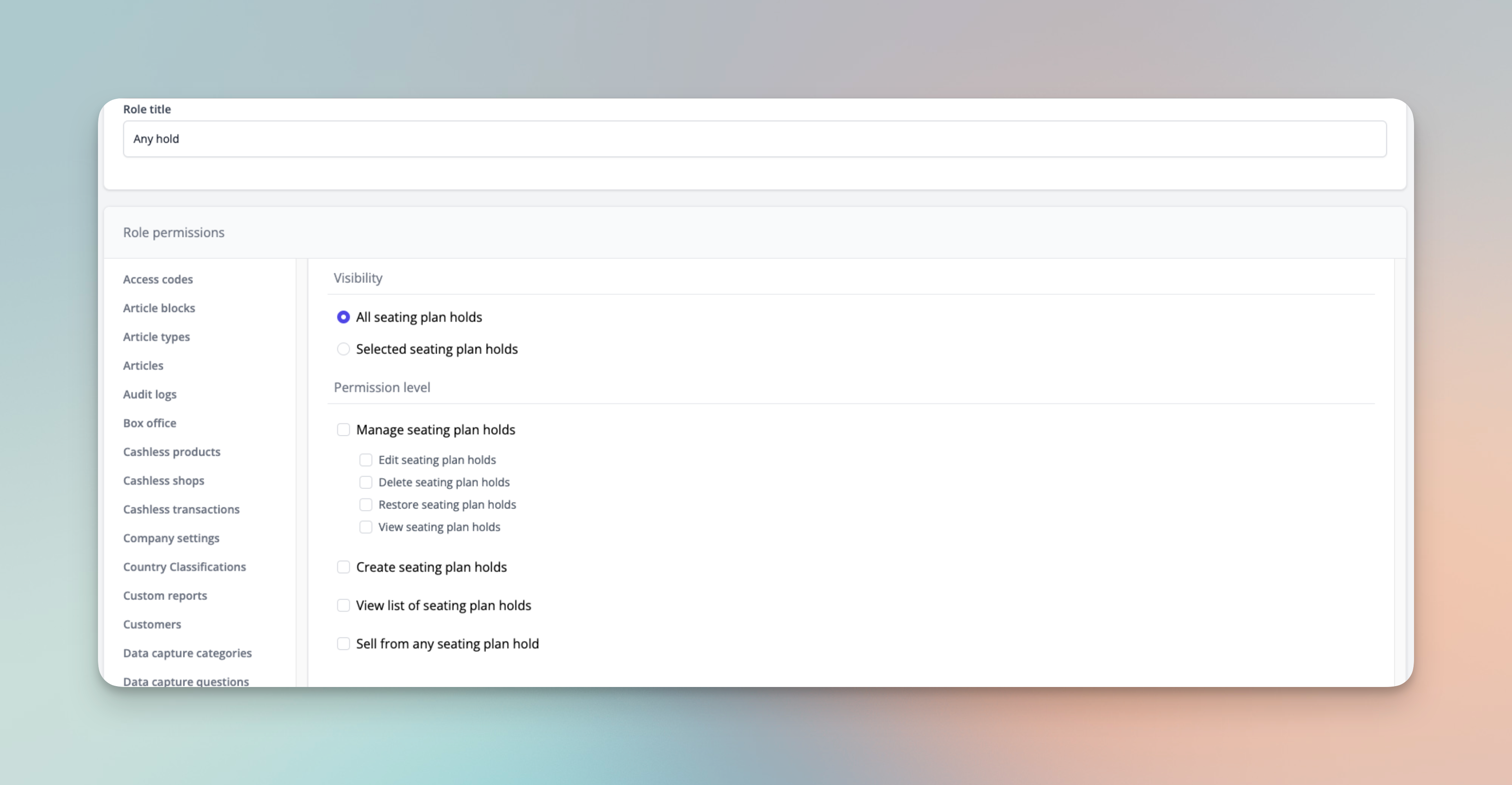
- Add permission within seating plan holds to allow users to sell from any hold in box office [NG-5311]
- Added the ability to send manual payment reminders from the reservation page for discounts, payment links, and invoice payments.
- Improved error handling of failed network requests when exporting large seating plans with large numbers of areas and objects; the requests will be retried to ensure success [NG-5462]
- Added the option of creating a new inventory item when assigning existing inventory items to an event - this creates a replicate of the inventory item and the current settings [NG-5854]
- Added a new company setting - to allow prices to be input as tax exclusive prices.
- Fixed an issue with multi-locale display of customised buy now texts [NG-6071]
- Disallow deposit payments when absorbed fees aren’t covered [NG-6020]
- Provided clear outcome messaging for seating plans that fail to synchronise [NG-4846]
- Added the ability to specify a discount code as applicable to net price rather than gross price [NG-4613]
🎨 User Interface (UI/UX)
- Passwords fields can now be made to show the password [NG-5266]
- Added a link directly from the sale item list on a schedule dashboard through to the sale edit page [NG-5923]
- When exporting a seating plan image from the manage seating plan page, if an area wasn’t loaded because of connection issues, the export will retry again [NG-5462]
- Added date and time of events to the event selector to the sale item prerequisite selector [NG-6081]
- The shop’s website menu will scale better on smaller screens, when there is a wide logo uploaded with multiple menus [NG-5976]
- Added copy buttons to discount code and access code UIs to make copying the codes much easier for admins [NG-5887]
- Added a prominent warning about the potential to oversell events when using the move dates feature [NG-5366]
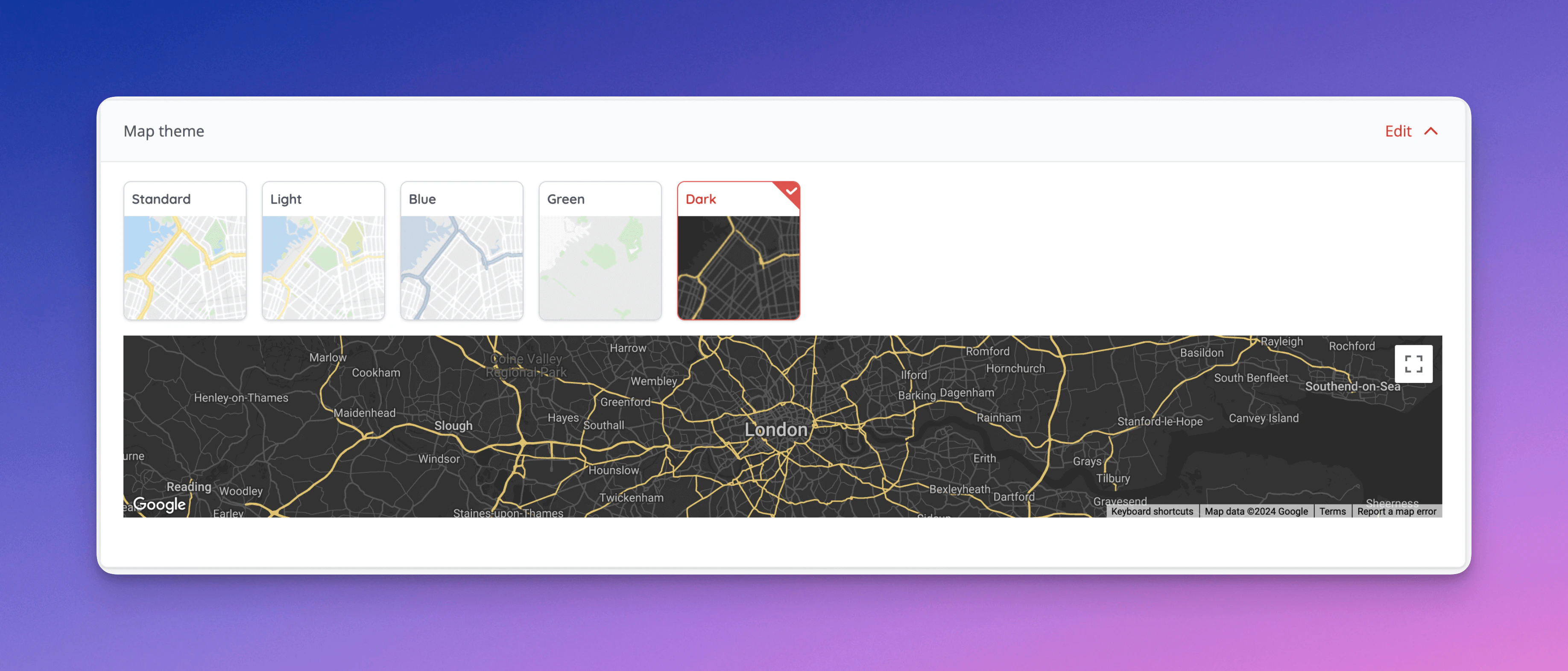
- Improved display of alternate map styles in theme settings [NG-6056]
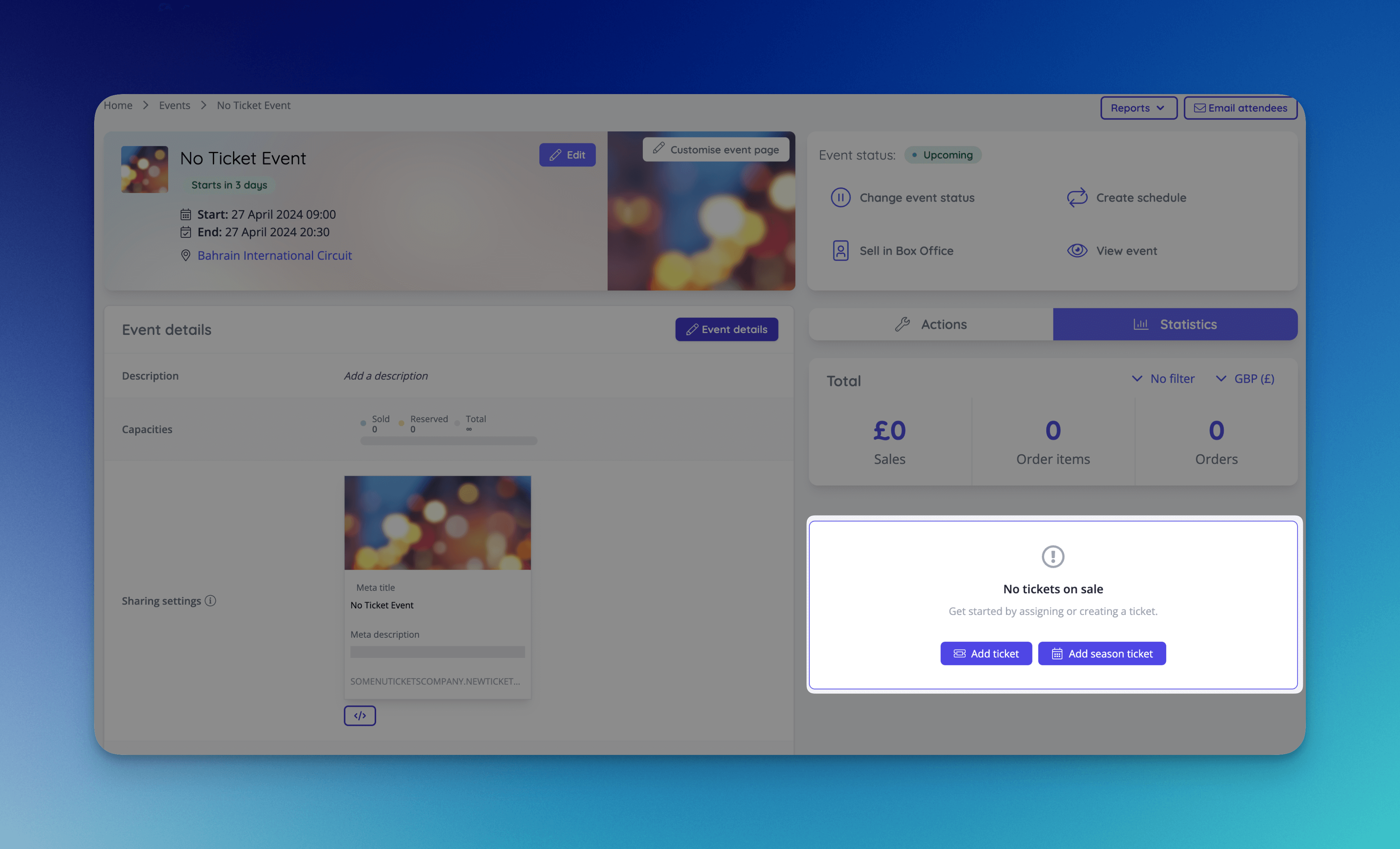
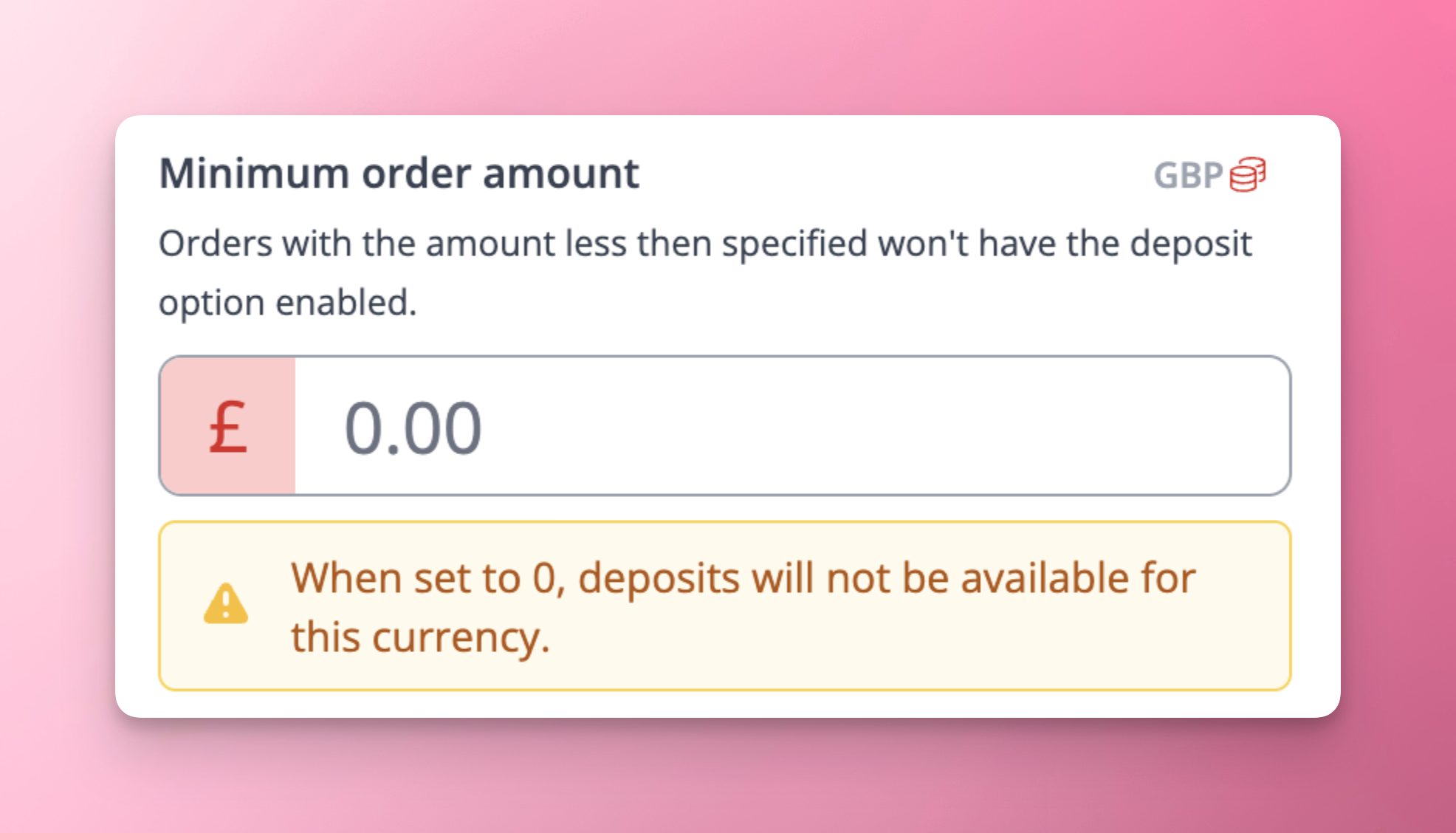
- Added a warning for deposit minimum order amounts when the value is set to 0 in a given currency [NG-6140]
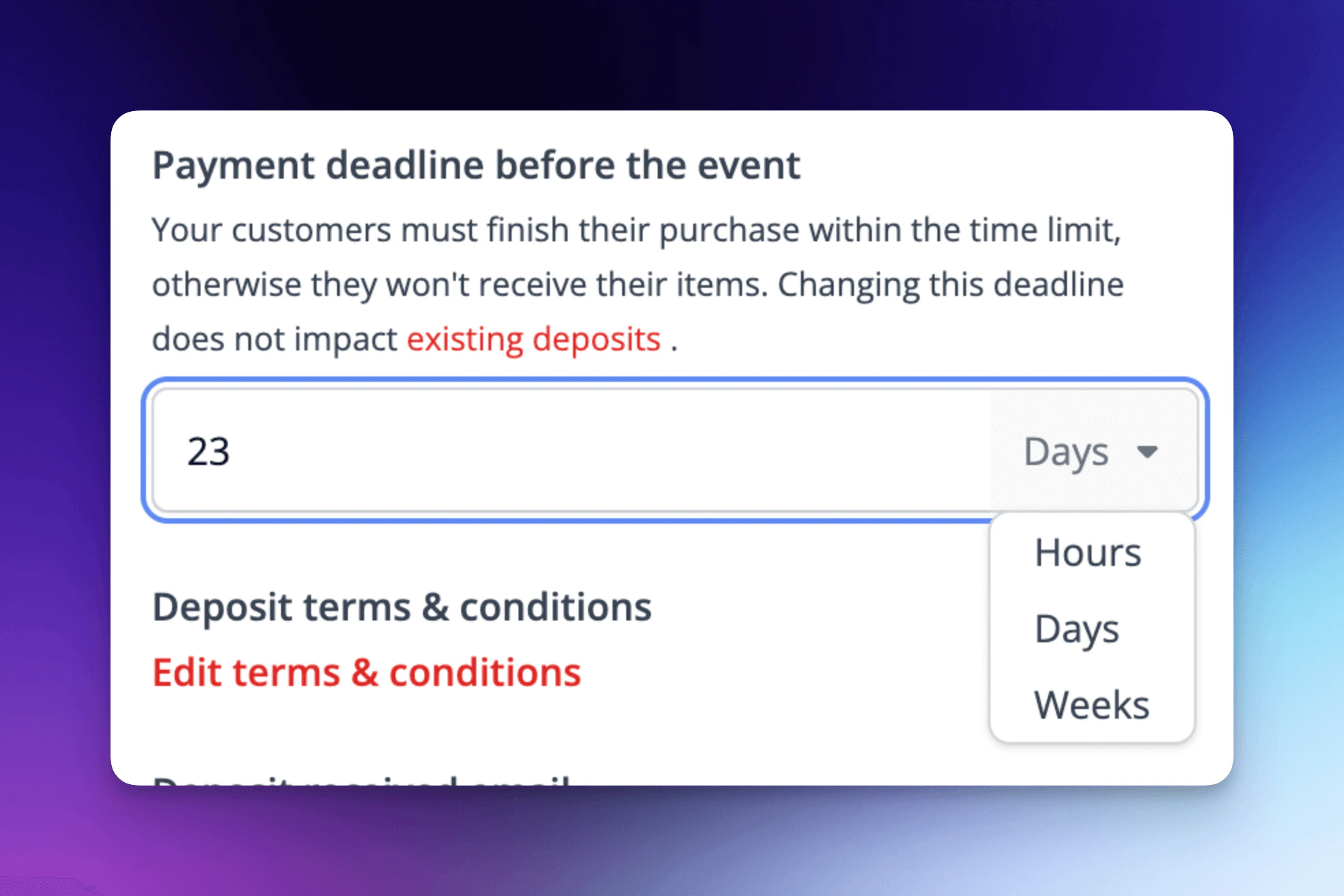
- Updated time period selector for payment link lengths and deposit payment deadlines to be able to select time period length instead of only hours [NG-6158]
🧹 Housekeeping
- Ensure the totals row shows correctly on the first load of a custom report [NG-5750]
- Allow filtering by name on the cashless topups page [NG-5957]
- Removed the ‘Hide when out of stock’ toggle for Charity donation sale items [NG-5329]
- Schedule description no longer strips empty newlines from the description in Shop [NG-5967]
- Prevented password managers autocompleting unnecessarily [NG-5492]
- Browse page now honors tag theme settings [NG-5777]
- Automatically check to refund processing fee for summary fee items [NG-5921]
- Ensure orders can be completed when Szamlazz is undergoing maintenance, is offline, or responds with an error. These orders will be synchronised when the service resumes. [NG-6025]
- Ensure that fees display correctly in Seating Plan Sales Reports [NG-5994]
- Using event block calendar pagination no longer scrolls you to the top of the page [NG-5927]
- When all items in an order are transferred, we no longer show the download button in the shop as this was confusing and resulted in no tickets being returned [NG-3414]
- Allowed customers to search their orders using their order reference (or external ID, in the case of imported orders) [NG-6150]
- Added the event time to the event filter on the order index page, to easily see the difference between repeating events on the same day [NG-5295]
- Sale item group availability calculations are run on every modification of a sale item group, ensuring accurate stock totals [NG-5920]
- Prevented the related items modal showing unnecessarily when only 1 item exists and it’s the one being edited [NG-6089]
- Made some general improvements to the seating plan edit page, ensuring that it’s no longer possible to change a seating plan and the settings in the same request [NG-6144]
- Allow searching of all events when pinning events in an event block [NG-5962]
- New global data capture questions page [NG-5872]
- Fixed an issue with payment method filters not always rendering correctly in certain situations [NG-6133]
- Ensured that if sale items go off sale during a customer’s checkout, the customer isn’t left with a checkout basket that only contains fees [NG-5124 & NG-6115]
- Ensure that contact details is not shown during guest checkout if there are no questions to display [NG-6015]
- Updated Szamlazz SDK to the latest version - v2.10.18 [NG-6194]
- Allow updating of a reservation expiry time [NG-5852]
- Timezone transformation of ‘Order completed at’ and ‘Payment link expiry’ dates on Order Item data import [NG-5293]
- Ensure that Szamlazz documents are correctly cancelled and regenerated when the editing a customer with no VAT number assigned [NG-5955]
- Removed ‘Rebooking’ transactions from split payment refund tool [NG-6087]
- Tied access code actions to user permissions [NG-5363]
- Ensured that badges in the shop have padding between multiple badges for easier reading [NG-6232]
- Enhanced the ‘Also available in a bundle’ link to scroll to the bundle [NG-6206]
- Prevented the schedule listing page from stripping out line breaks [NG-5967]
- Fixed issue where removing user access to a company via hub also removes role [NG-5394]
- Prevented autofills from mis-filling based on a browser’s misinterpretation of the field’s purpose[NG-5760]
- Fixed issues with date selector in zones [NG-5981]
- New toggle to prevent duplicates in the the related sale items modal [NG-6001]
- Allow multiple selection of fields in reports [NG-5360]
- Added the ability to prevent creating duplicate items when mass assigning tickets across scheduled events [NG-6016]
- Added additional help text and guidance on event listing pages that have no items for sale due to access code restrictions [NG-5933]
- Updated the URL in purchase notification emails sent to admins, ensuring that the order URL points at admin and not the ticket shop [NG-3352]
- Updated the capacity bar on event index page to remove cancelled tickets from the counts [NG-6029]
- ‘First seat / row starts on’ and ‘Skip every other’ labelling options in seating plans now have improved setups [NG-6097]
- When editing a template block that’s added two multiple listing pages, on save you will be redirected to the previous listing page, rather than the first one [NG-5354]
- Reseller Google Maps API keys will be respected in shop & admin [NG-6056]
- Item specific data capture questions have been improved in shop, and now they save in all scenarios [NG-6068]
- Multilingual events’ default blocks titles sometimes loaded in the company’s default language, rather than the customer’s selected one [NG-5708]
- On multilingual events the Buy now button customisations always appeared in the shop’s default language, rather than the customer’s selected one [NG-6071]
- Disabled image uploads in footer imprint WYSIWYG editor [NG-6080]
- Sorted a problem in template block ‘List images B’, where you couldn’t replace the uploaded image, if a link was set [NG-5958]
- Certain footer customisation options (like footer custom text and footer text following the menu) couldn’t be edited in some scenarios in certain browsers. This now has been resolved [NG-6131]
- Fixed an issue where event browse options default filter settings weren’t saving [NG-5982]
- Prevented the data capture question form from emptying the category on creation [NG-3275]
- Ensured that timeslot sold out labels are updated when sale items within the timeslot go off-sale [NG-3277]
- Cashless topup listing page will now display the selected sales channel icons correctly [NG-5956]
- Create Order button on Manage seating plan page will now select the seats after opening box office [NG-6086]
- In reports where Guest list registrations filter is required we removed the Remove option [NG-5359]
- When searching in dropdown selectors, empty headings won’t be displayed anymore [NG-5361]
- Fixed seating labels, when the seat’s custom label was removed [NG-5966]
💻 Technical
- Improved performance of the ticket selector in shop and in box office for events with a variety of items on sale [NG-4415]
- Increased server responsiveness across API and web components [NG-6199]
🧑💻 API
Changes to the API have been documented in the changelog on the API documentation homepage.Below you will find the summary notes for the 31st release of the Nuweb core platform.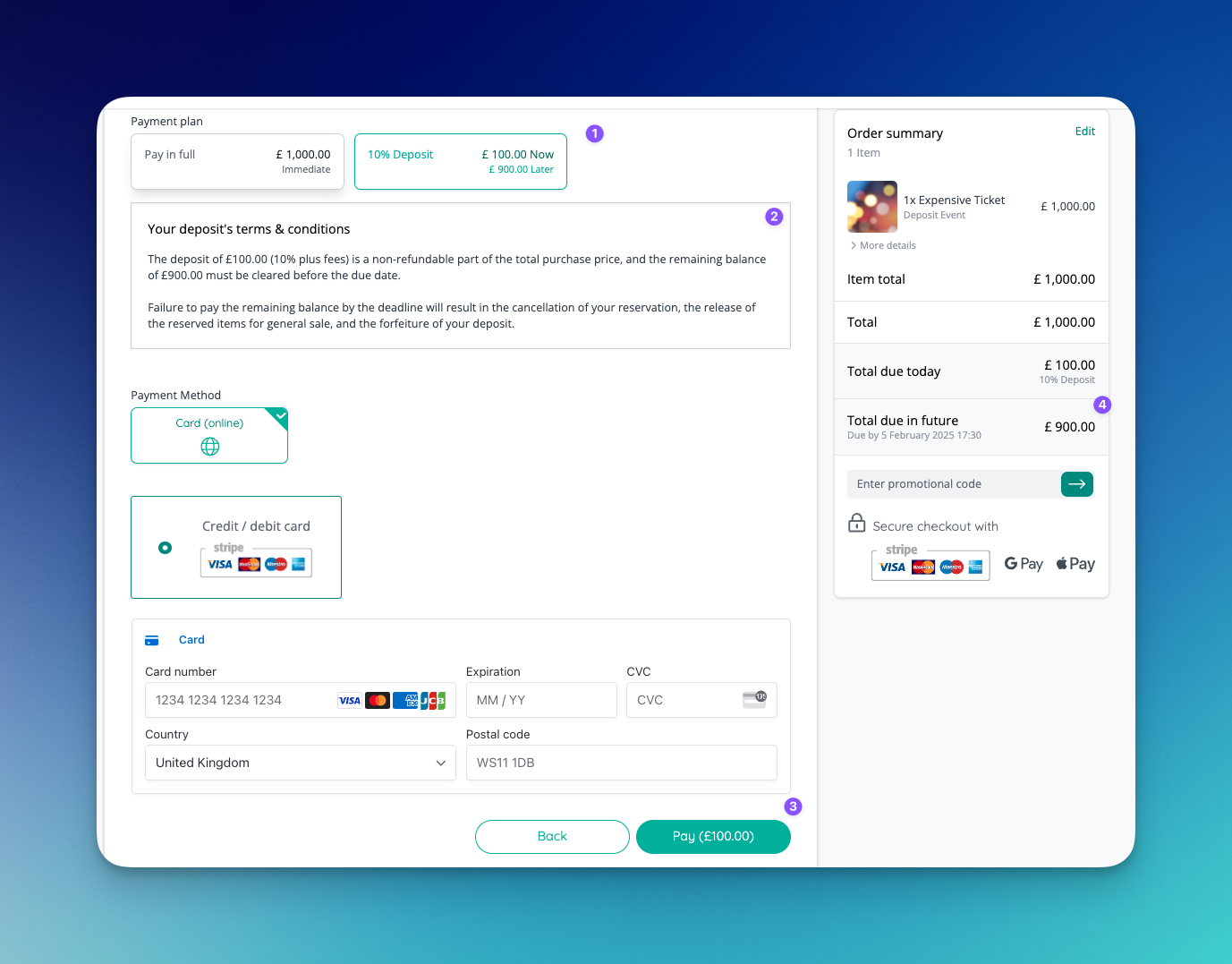
🚀 New Features
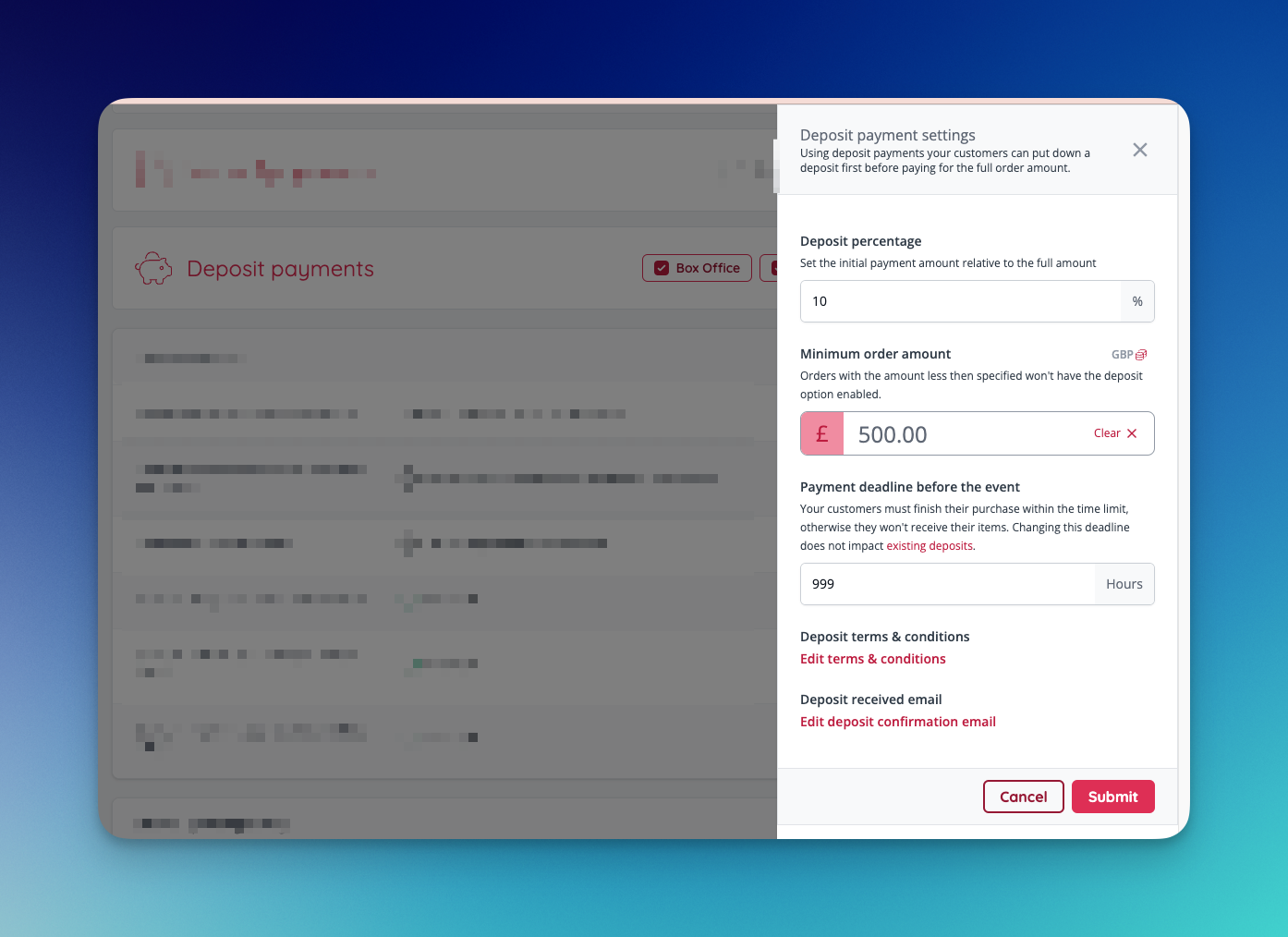
Deposit Payments- Organisers can now accept non-refundable deposit payments for reservations [NG-5601]
- Deposit payment terms & conditions, eligibility, amounts, deadlines and receipts are fully customisable
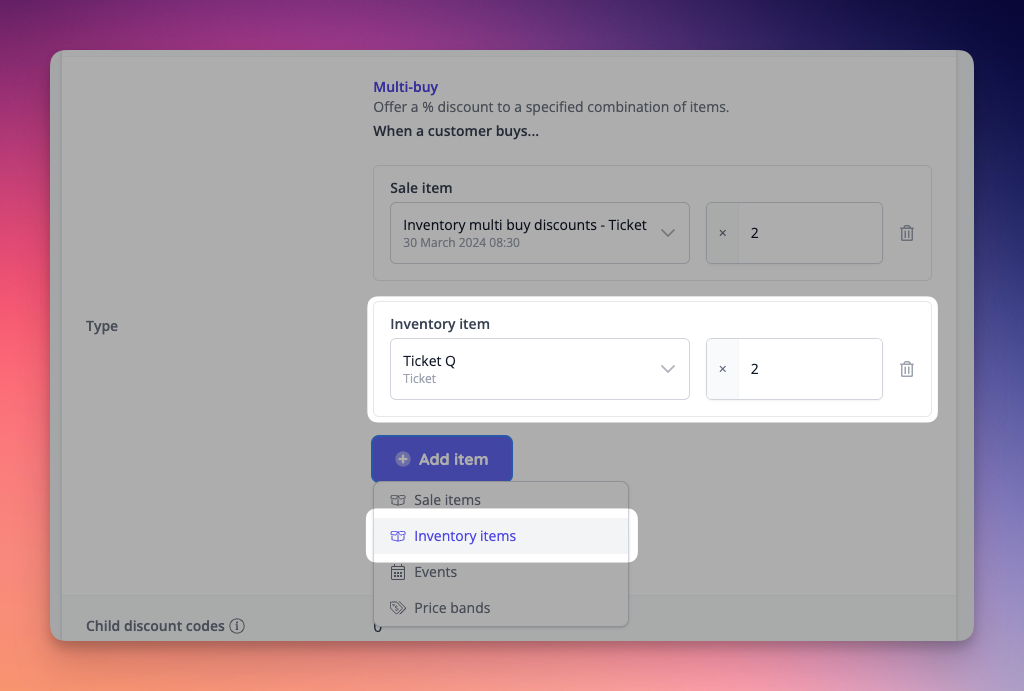
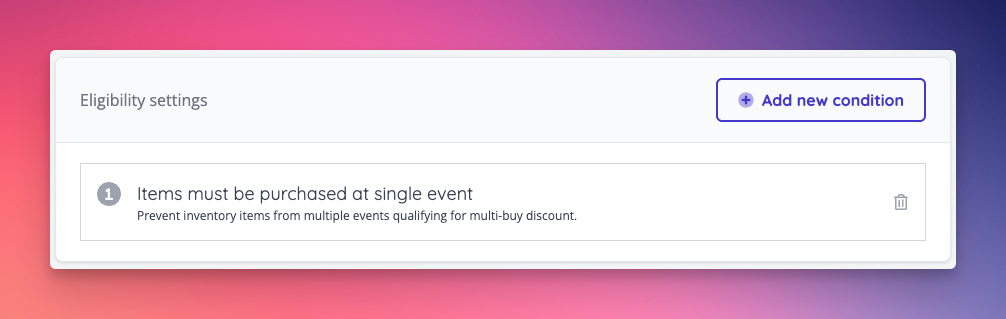
- Multi buy discount codes can now be configured using inventory items, meaning that multi buy discounts can be applied across schedules as well as stand alone events [NG-5261]
- These can also be restricted to purchases of the same inventory item from a single event
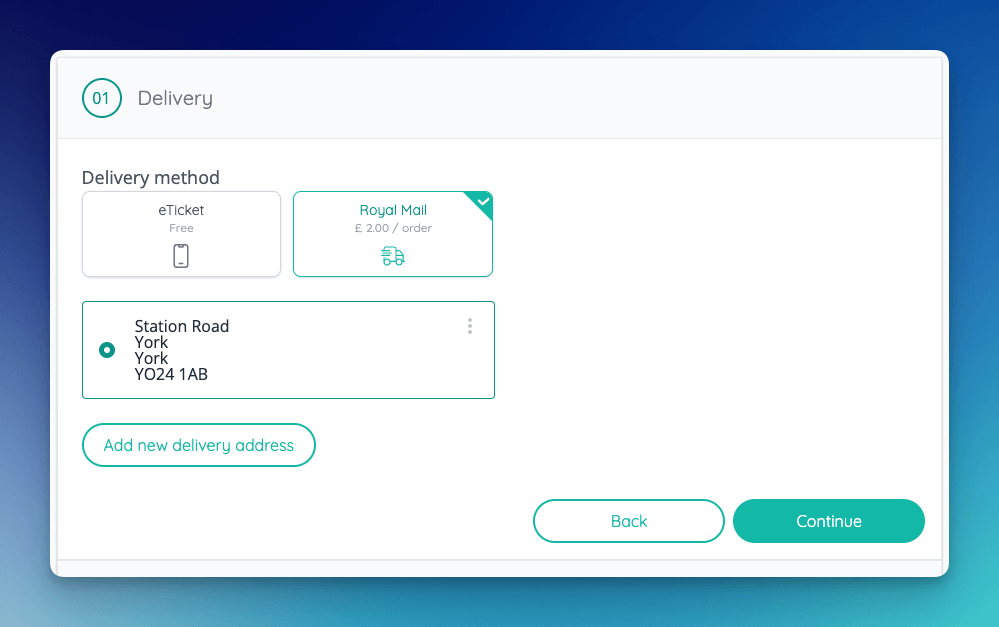
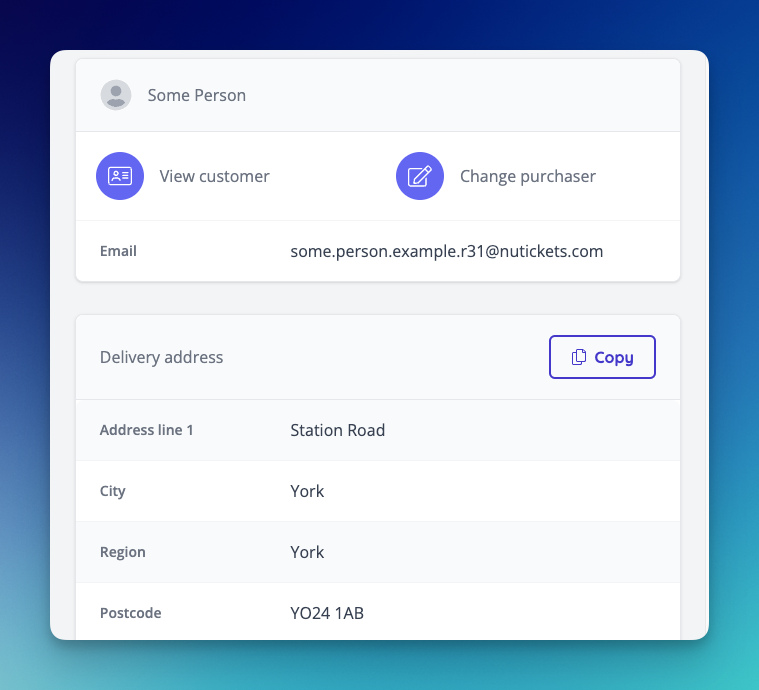
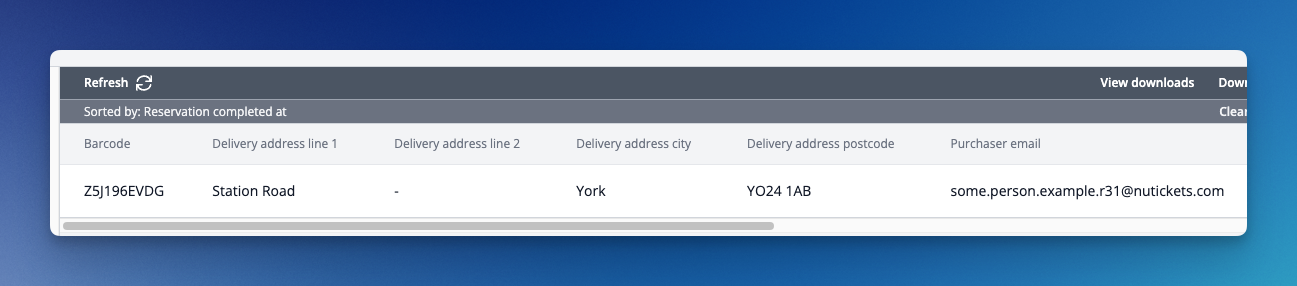
- When fulfilment fees are enabled, there is a new delivery address data capture question, which asks for the customer’s delivery address if they select a physically shipped fulfilment method [NG-5489]
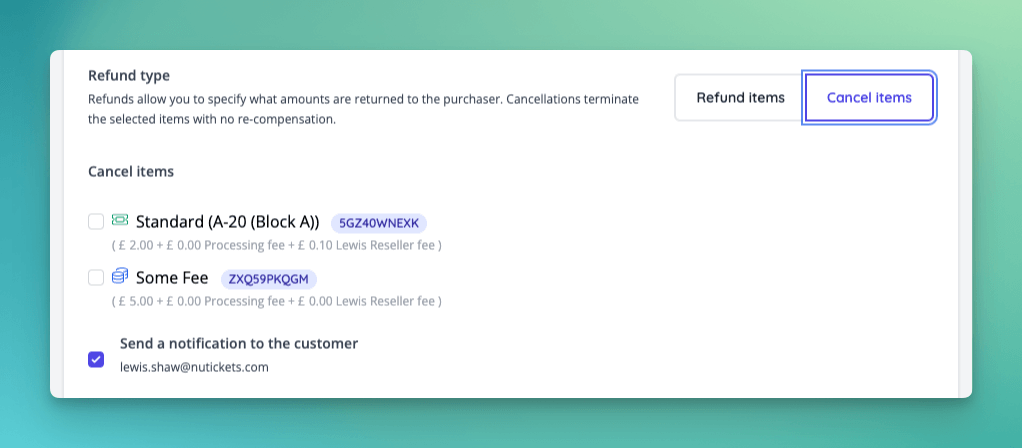
- Orders can now be cancelled, terminating the items with no re-compensation.
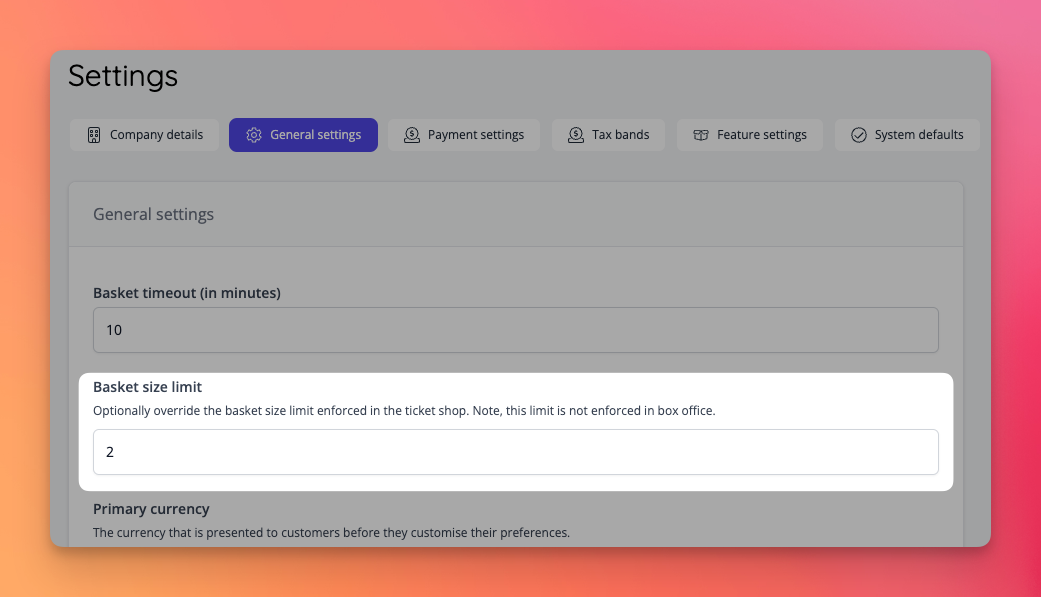
- Basket limits can now be set to exclusively apply to the ticket shop without affecting box office sales. This setting can be found within admin company general settings [NG-5765]
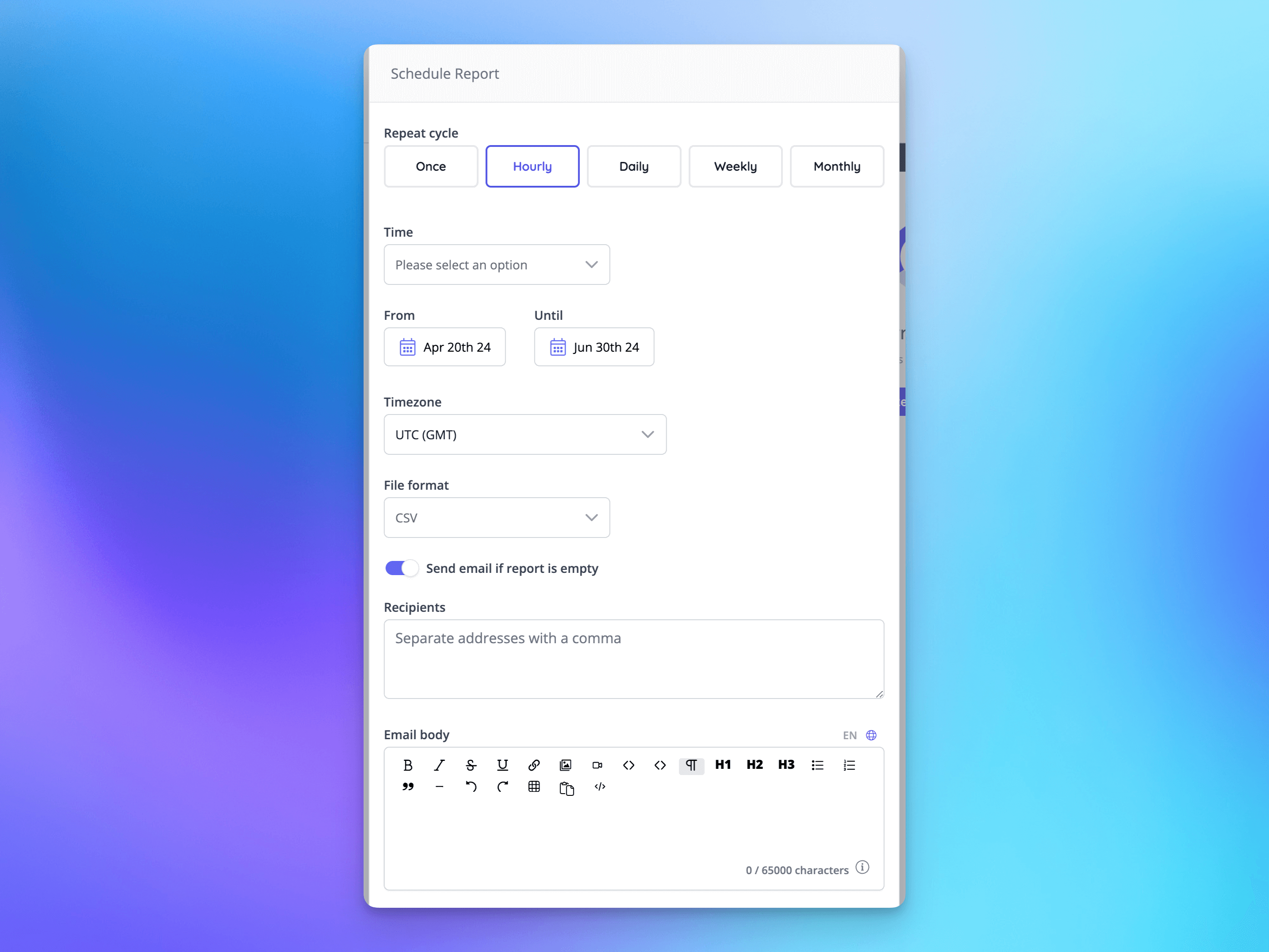
- Report schedules now have far greater flexibility in when the reports can be generated, and at what intervals [NG-5658]
- For business and enterprise customers, we can facilitate high frequency reporting allowing reports to be provided every hour [NG-5622]
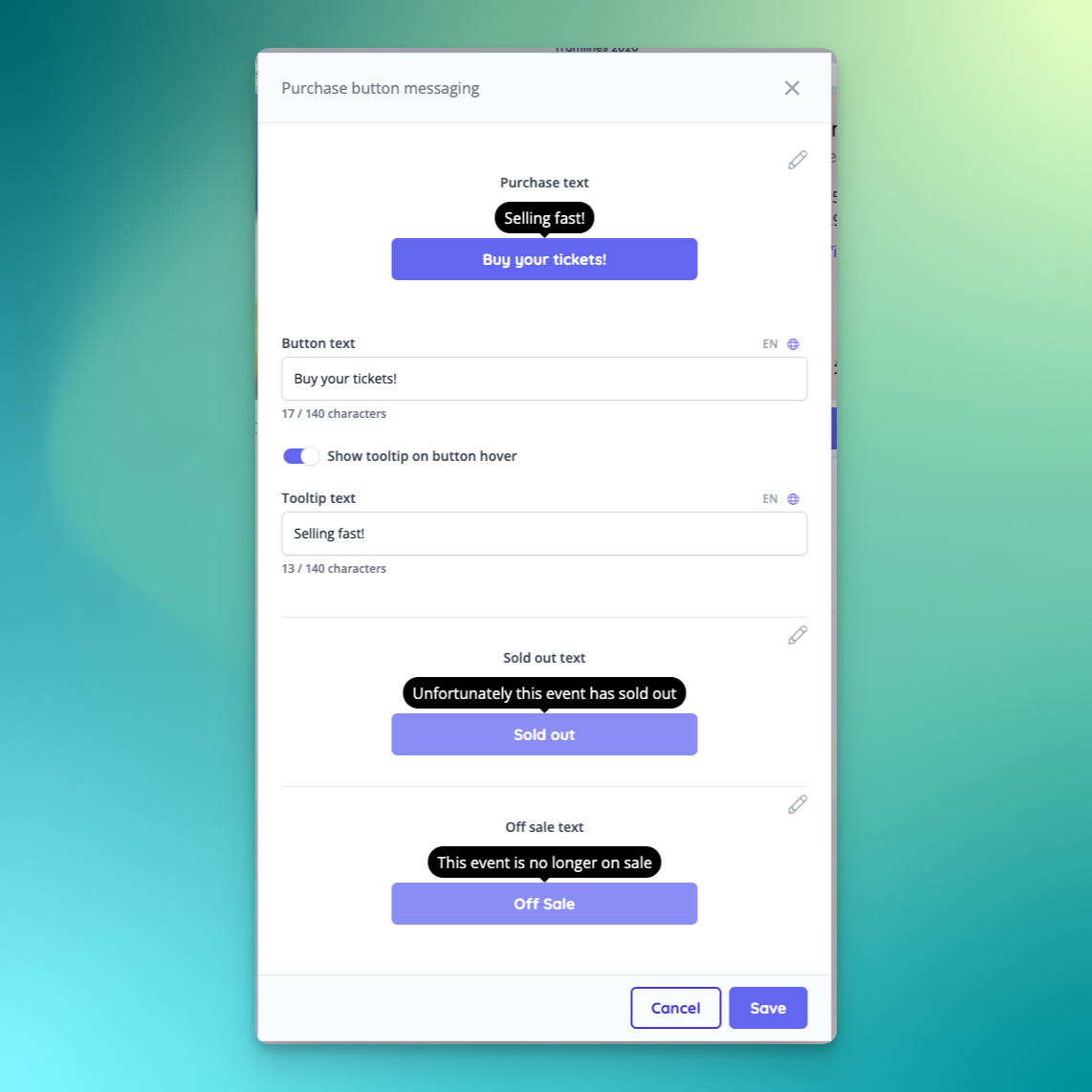
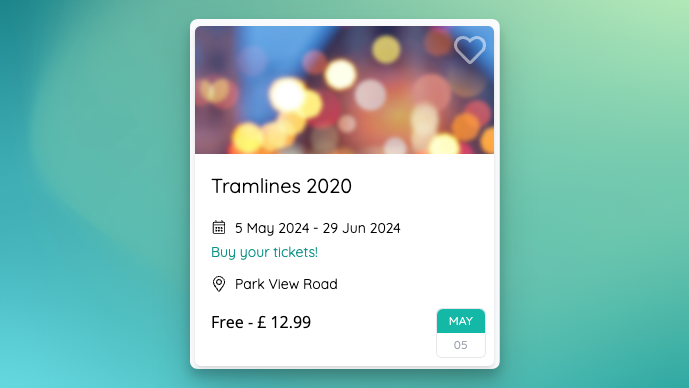
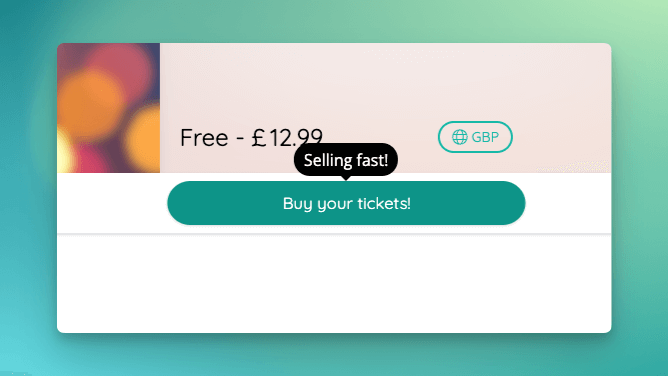
- Add a new purchase button text customisation option on the customise event page [NG-5623 & 5751]
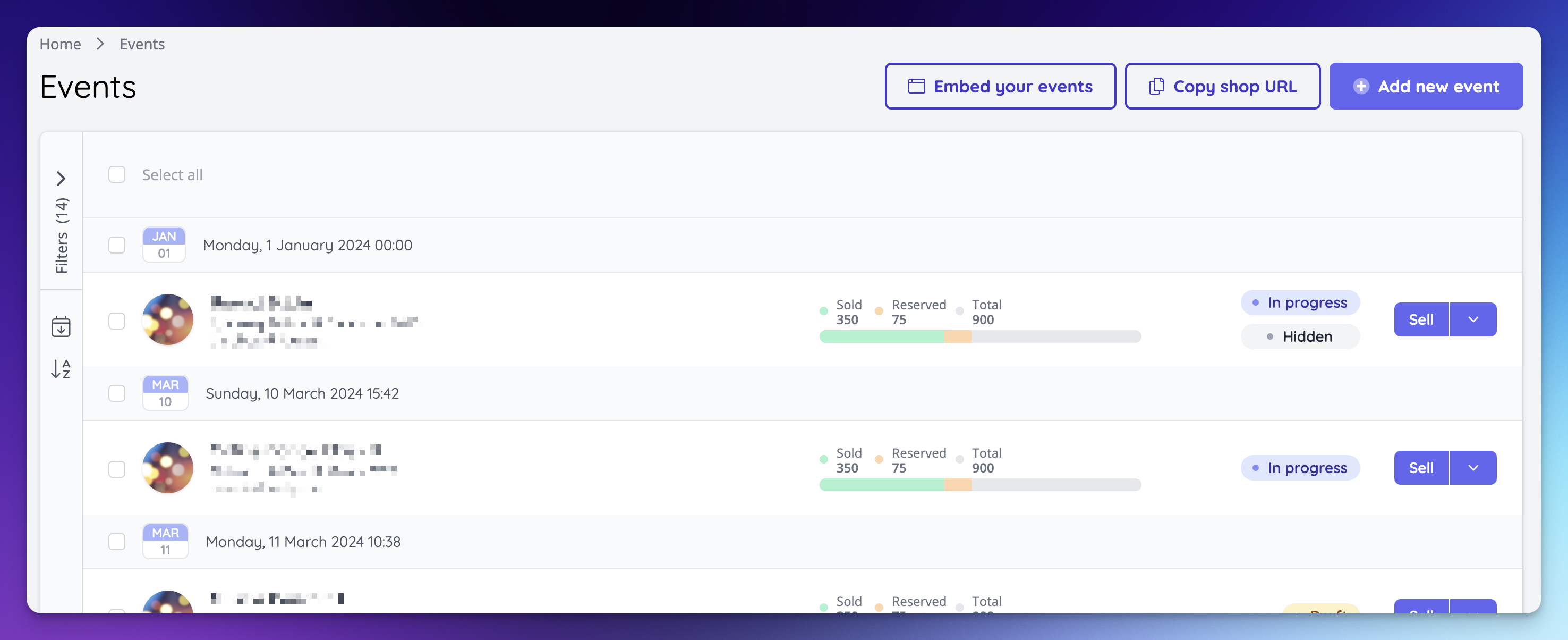
- The sales statistics capacity bars are now provided on event listing and schedule listing index UIs [NG-5319 & NG-5600 & NG-5623]
- Season ticket sales are now included in capacity bars on all listing pages and the event dashboard, even when those season tickets weren’t sold in that event [NG-5319 & NG-5600 & NG-5623]
✨ Enhancements
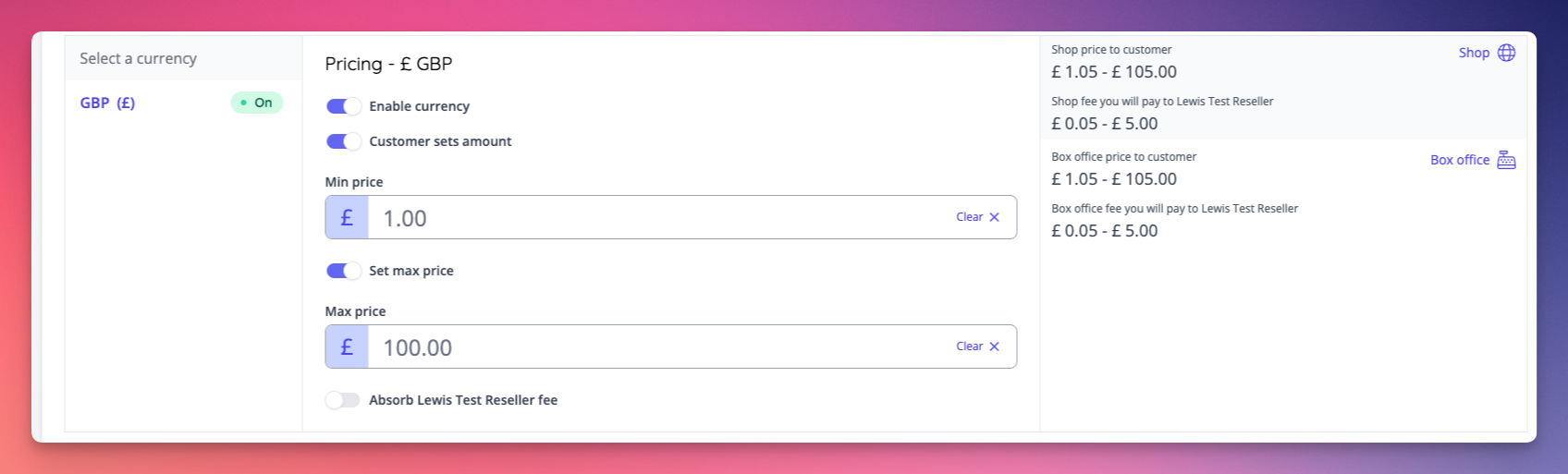
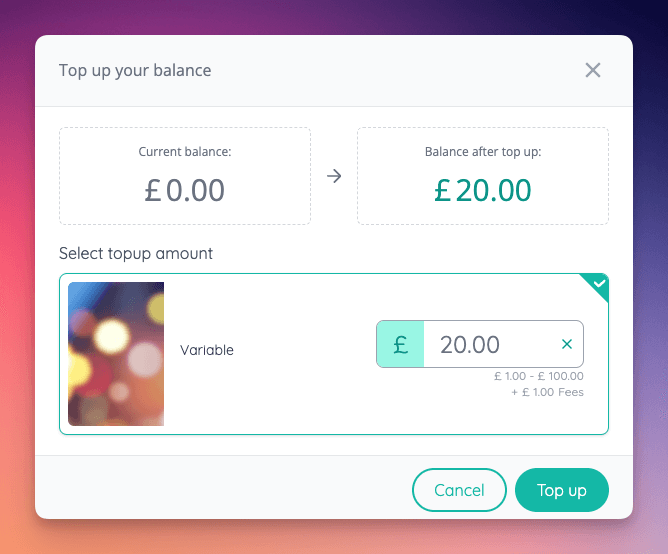
Cashless Topup Reseller Fees- Allow reseller fees to be passed to customer on cashless topup items [NG-5617]
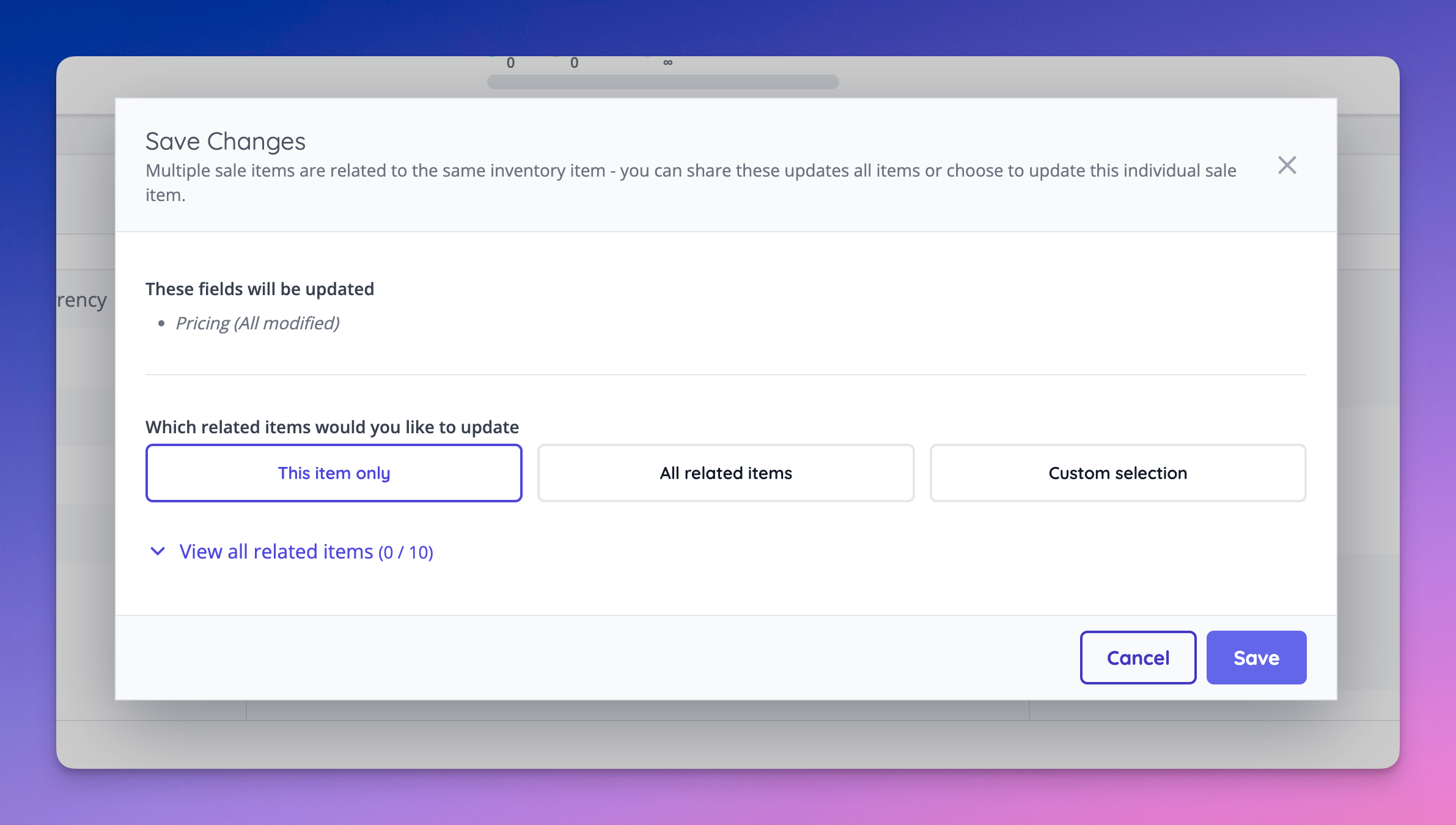
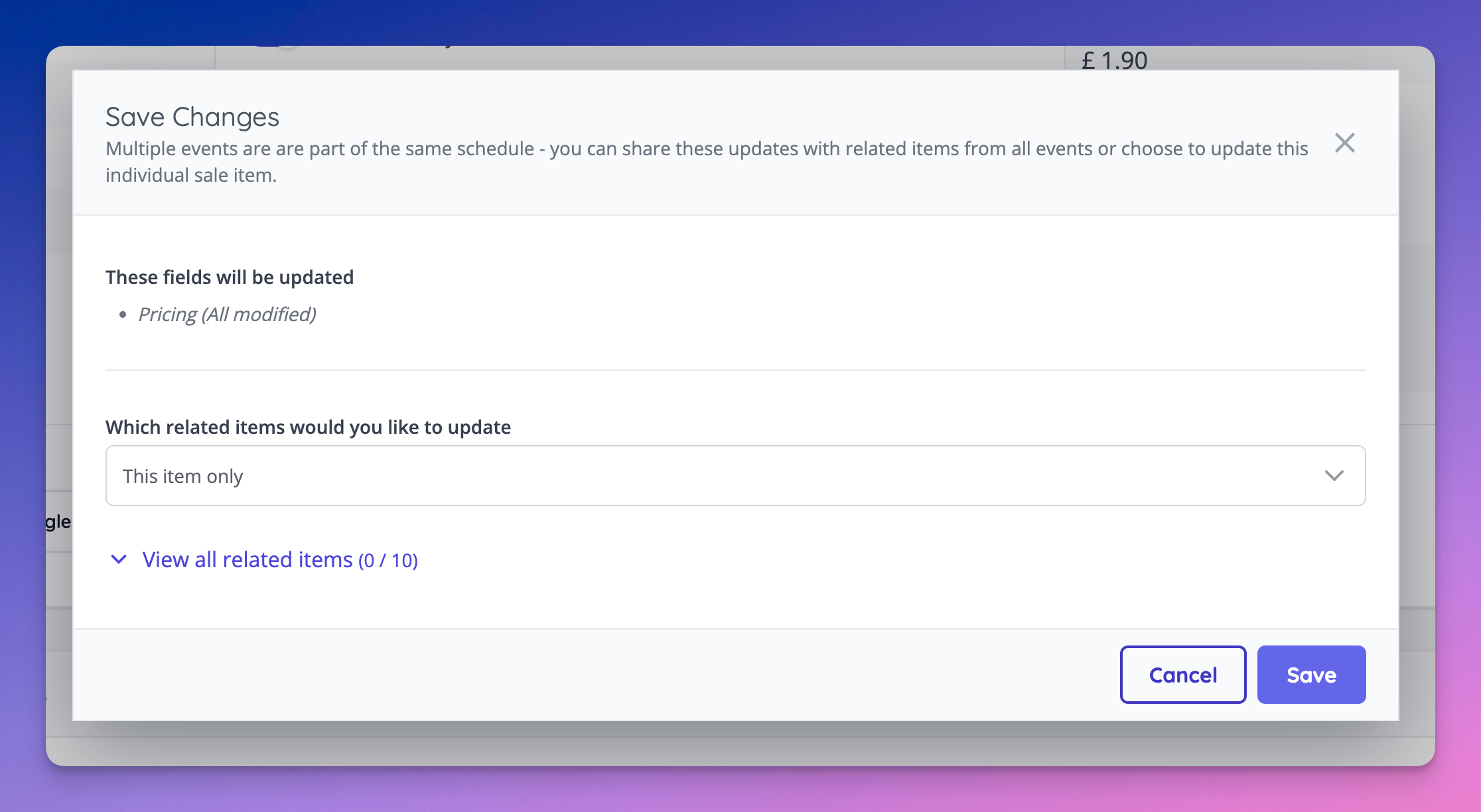
- Related sale items can now be updated with a more simplified UI
- It is now possible to view and change reseller level settings using a new settings link within hub [NG-5605]
- Ensure the display of the totals row works correctly with showing complimentary orders as zero on the orders report, and add a new header to display the complimentary value of an order [NG-5632]
- Allow hidden off sale item to be excluded from the price range shown when viewing an event in the shop [NG-5368]
- Add missing permissions around tax bands to allow reseller admins to edit tax bands [NG-5685]
- Allow decimal percentage based discounts instead of only fixed numbers [NG-5618]
- Show line item order level fees in order confirmation emails [NG-5305]
- Reseller invoices now show tax rate and tax band information within Hub and Admin invoicing screens [NG-5681]
- Reseller fee invoices will now only be generated once the sum of reseller fees included within that invoice exceed Stripe’s minimum charge value. This helps to prevent uncollectible invoices from being generated. [NG-5541].
- Added a permission to allow box office users to opt an order out of Szamlazz document generation [NG-5312]
- Significant performance improvement when retrieving entry tickets via the API for large events with data capture [NG-4766]
- Variable cashless topups no longer get created with absorb reseller fees enabled by default [NG-5811]
- Added a Fulfilment method filter to the admin orders page [NG-5778]
- Allow multi-grouping on the seating plan sales reports [NG-5307]
- Allow grouping by hold, and display hold names on the seating plan sales report [NG-5308]
- Removed some unnecessary basket validation restrictions which were being enforced, specifically in combination with the use of fulfilment fees [NG-5862]
- Performance optimisations on the admin order item transfer screen, specifically in relation to large orders [NG-5789]
- Allow filtering of Sales Reports by Admin User [NG-5610]
- Group sale items which don’t belong to a ‘sale item group’ in sales reports [NG-5753]
- Allowed filtering of fulfilment fees in admin based on their deleted status [NG-5893]
- Added a warning about leaving the page unsaved to Customise event / Article pages and template block editing pages [NG-5230]
- Companies with unicode characters in their name are now supported to use our embed settings [NG-5628]
- Provided a new theme setting that hides inventory item images during the purchase flow [NG-5608]
- Provided new ‘admin user’ filters and groupings on sales reports allowing for fine-grained analysis of individual admin user sales performance [NG-5610]
- Surfaced paired NFC details on orders and order items UI [NG-5624]
- Introduced a new NFC filter for searching for orders and order items based on paired NFC ID [NG-5624]
- It’s now possible to create repeating event schedules from the event creation wizard [NG-4908]
- Added a new UI component when editing a sale item allowing for a sale item to be moved between inventory items [NG-5621]
🔌 Integrations
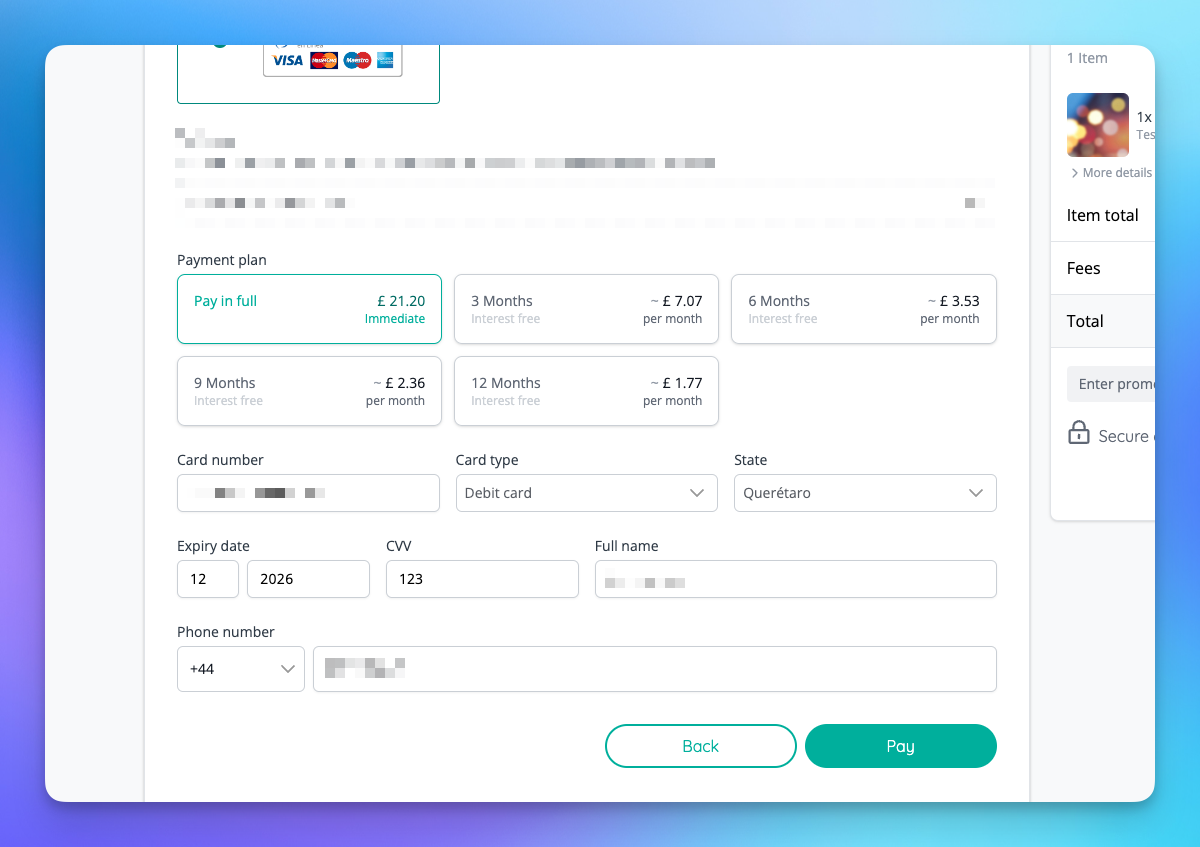
- Integrated with Bloomin Payment Gateway for payment & interest-free instalment processing in Mexico [NG-2751]
🎨 User Interface (UI/UX)
- Report downloads now show in a panel, allowing you to return to the current working report more easily [NG-5226 & NG-5678]
- Made sale item group UI more explicit throughout checkout [NG-5270]
- Cleaned up various mobile inconsistencies in the shop [NG-5626]
🧹 Housekeeping
- Display the event date range in tax emails [NG-5615]
- Display an order’s billing address in admin order view [NG-5392]
- Ensure that corrective Szamlazz invoices are issued as an E-Invoice [NG-5578]
- Display the event start time in reports filter [NG-5620]
- Fixed fulfilment and sharing steps both being labelled ‘01’ during checkout [NG-5675]
- Fixed issue where ‘on’ and ‘off’ badges were overlapping currency codes when creating sale items [NG-5677]
- Fixed being unable to select every event media option on the sale item form [NG-5673]
- Fixed failed language entry for page width dropdown option in template blocks [NG-5707]
- Filtered out order and fulfilment fees from ‘set fulfilment’ panel in admin order page [NG-5653]
- Fixed instances of text overflowing in event blocks [NG-5674]
- Fixed long webhook URLs going off the side of the screen [NG-5676]
- Improved efficiency and speed of discount code use [NG-5679]
- Significant performance improvements made to the Seating plan allocation reports. In some cases reports load up to 60x faster [NG-5436]
- Ensure no reseller related name fields are exposed in admin reports [NG-5317]
- Fixed default tax band option not saving in company edit [NG-5809]
- Fix issues around the footer imprint field when editing a reseller [NG-5790]
- Ensure accurate filtering of same day events in schedule listing pages [NG-5788]
- Respect time filters in the Event page statistics [NG-5713]
- Display custom season ticket labels in shop basket [NG-5733]
- Fix some issues around the event description locale [NG-5113]
- Improved reliability of large (30k+ rows) report exports [NG-5718]
- Fixed a validation issue when using the ‘Quick sell same items’ option in Box Office, on orders with a total item count > ½ the basket limit [NG-5833]
- Updated Apple passes to always show the event date based on the event local timezone, regardless of the users device’s timezone [NG-5812]
- Fix issue with incorrectly tooltip being displayed on hub roles [NG-5823]
- Provide help texts in edge cases where no timeslots are available (due to the times being in the past) but the event is still in progress [NG-4898]
- Fixed default country order in data capture settings not ordering correctly on account details page and whilst checking out in a company that does not have an extended countries list for address fields [NG-5689]
- Fixed issue where swapping to generating timeslots hourly and then back to not repeating still generated the hourly timeslots [NG-5873]
- Modified ‘Event Pass’ messaging for repeat schedule events that contain no timeslots [NG-5721]
- Fix issue with forced checkout combined with fulfilment fees [NG-5886]
- Fixed date filters not working in combination with calendar on mixed schedule pages [NG-5885]
- Hidden fields in payment settings for child companies where they are being controlled by parent when global transactions is enabled [NG-5929]
- Updated iframe integration to correctly utilise the space available for modals and full screen embeds [NG-5699]
- Allow the custom HTML blocks to be used on article pages [NG-5703]
- Provide suitable text explanations on delete modals to avoid confusion as to what is being deleted [NG-5592]
- Standardised the ordering of options on modal confirmations, ensuring the affirmative action is always presented on the left hand side [NG-5589]
- Removed any type of sale fees from the fulfilment management slide over [NG-5653]
- Provided the start and end dates of an event on tax receipt emails [NG-5615]
- Resolved inconsistent alignment of option cards on webhook creation form [NG-5743]
- Provided a default UI icon for fulfilment fees on the refunds UI [NG-5726]
- Prevented fulfilment fees counting towards the overall basket item limit [NG-5862]
- Updated default hold colours to not include colours that are similar to other legends [NG-5306]
- Removed all references to ‘reseller’ in any company facing reports [NG-5317]
- Provided the start time of an event in the item assignment selector, in addition to the event start date to allow easier searching of related event sale items [NG-5672]
- Resolved an issue with Apple Wallet timezones ingesting tickets with incorrect dates [NG-5631]
- Prevent the event dashboard sales stats and capacity bars from counting fulfilment fees or order/basket fees towards those counts [NG-5786]
- Replaced ‘VAT’ with ‘Taxes’ on any invoicing tables/UIs in reseller hub [NG-5681]
- Deleted an unused ‘seating plan block description’ field on event media designs [NG-5095]
- Added a new filter to orders index to search by fulfilment types [NG-5778]
- Updated the logic for determining whether an event is off-sale, ensuring that we don’t incorrect label an event as ‘off sale in selected currency’ when it’s actually just off sale [NG-5440]
- Improved more robust error handling when processing refunds where the outcome is unknown [NG-5004]
💻 Technical
- Clean up duplicated internal question responses in the background on submission of new responses [NG-5143]
- Resolved an intermittent issue with some webhooks not being attempted [NG-5683]
- Implemented an ‘upgrade’ path for legacy seating plans that do not contain the latest seating plan data, such that importing these plans ensures their data matches the latest expected formats [NG-5652]
- We’ve made a number of changes to our access control API endpoints providing a greater level of performance on large events utilising zones [NG-5853]
- Payments that aren’t processed immediately now have a lower impact on resource utilisation [NG-5723] [NG-4941]
🧑💻 API
Changes to the API have been documented in the changelog on the API documentation homepage.Below you will find the summary notes for the 30th release of the Nuweb core platform.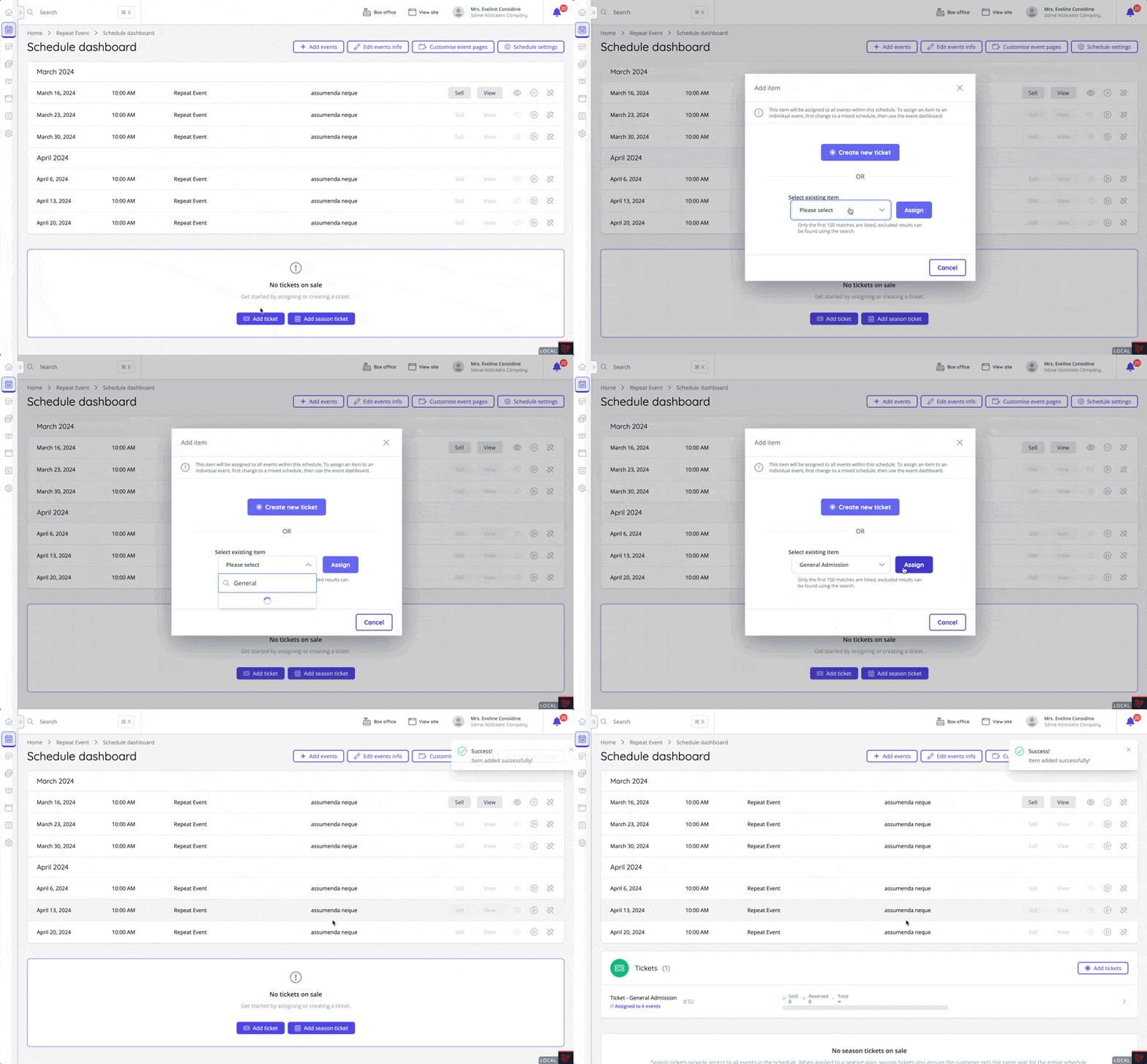
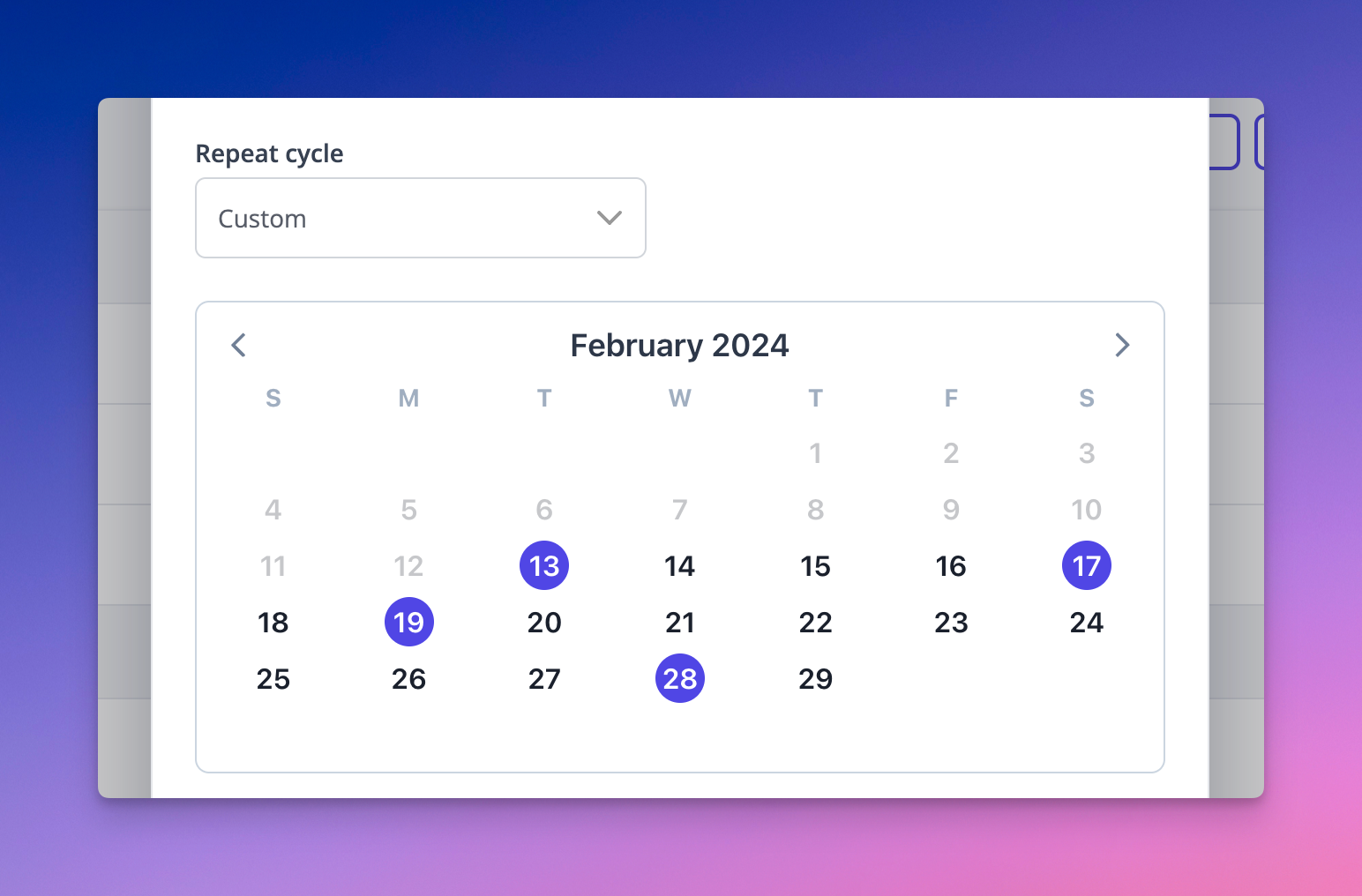
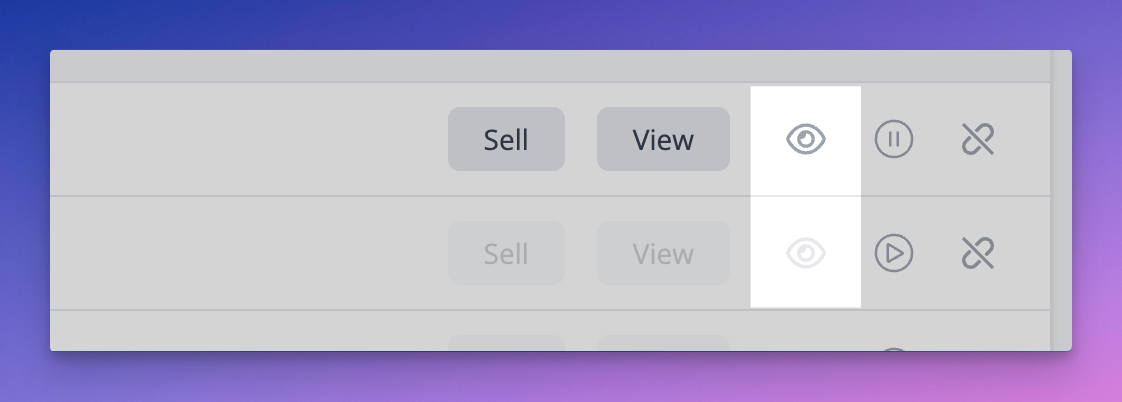
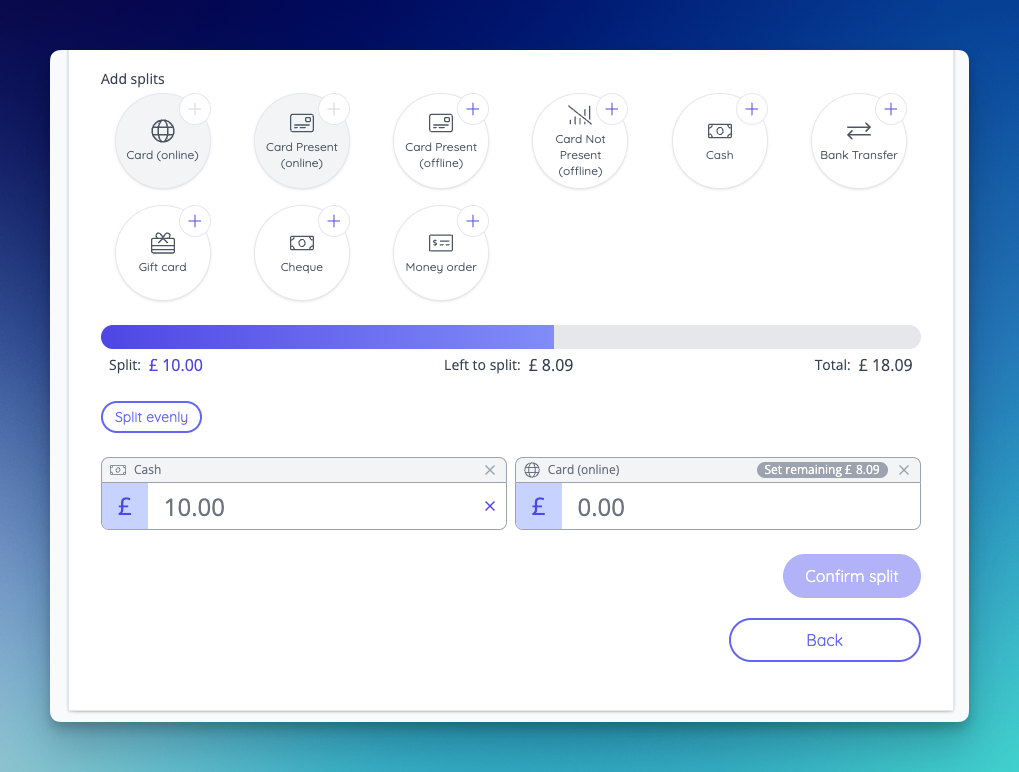
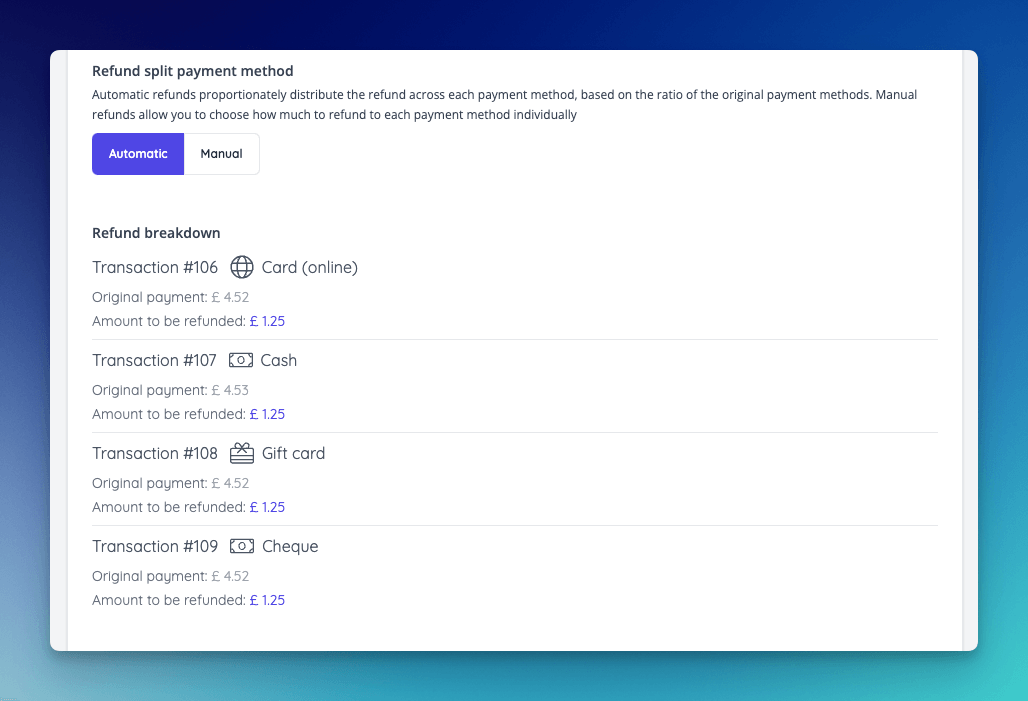
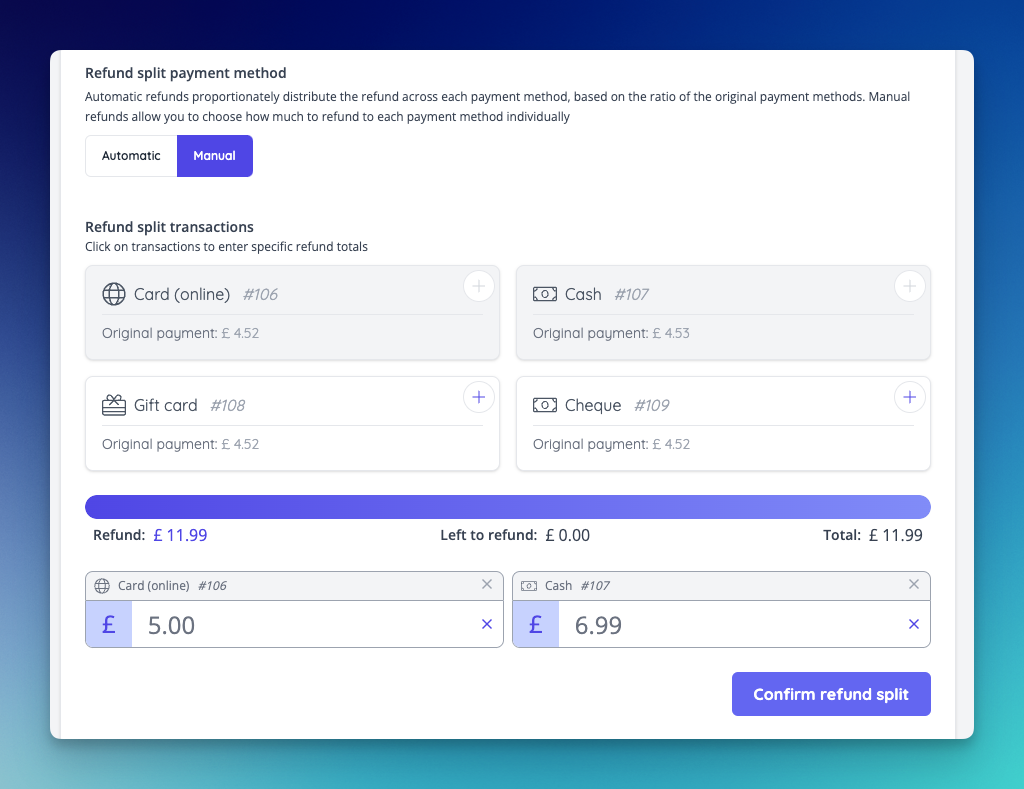
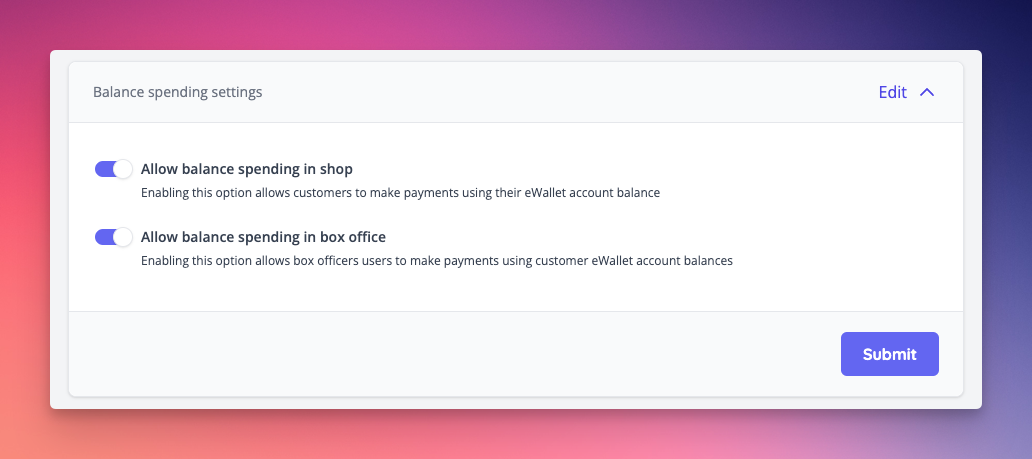
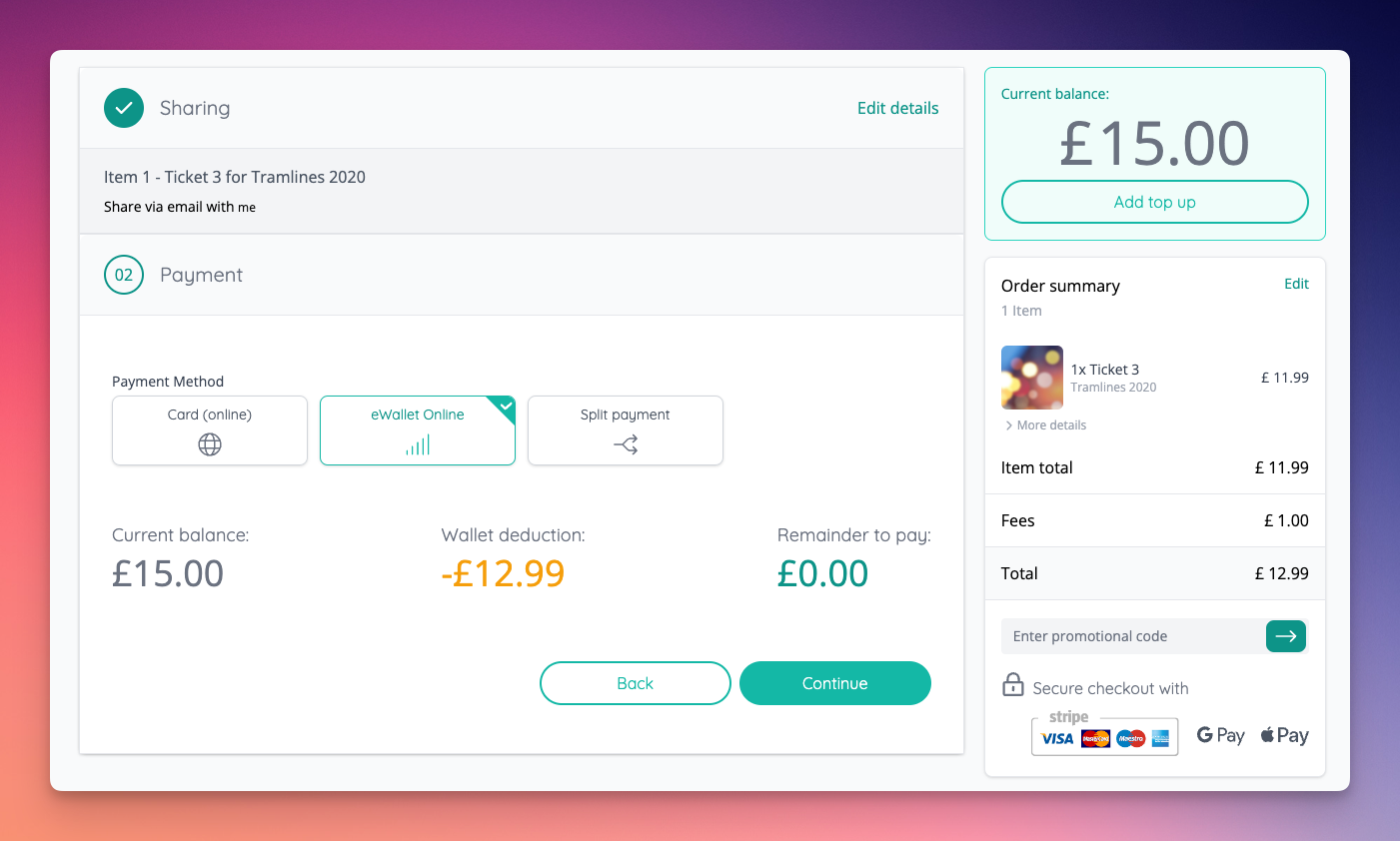
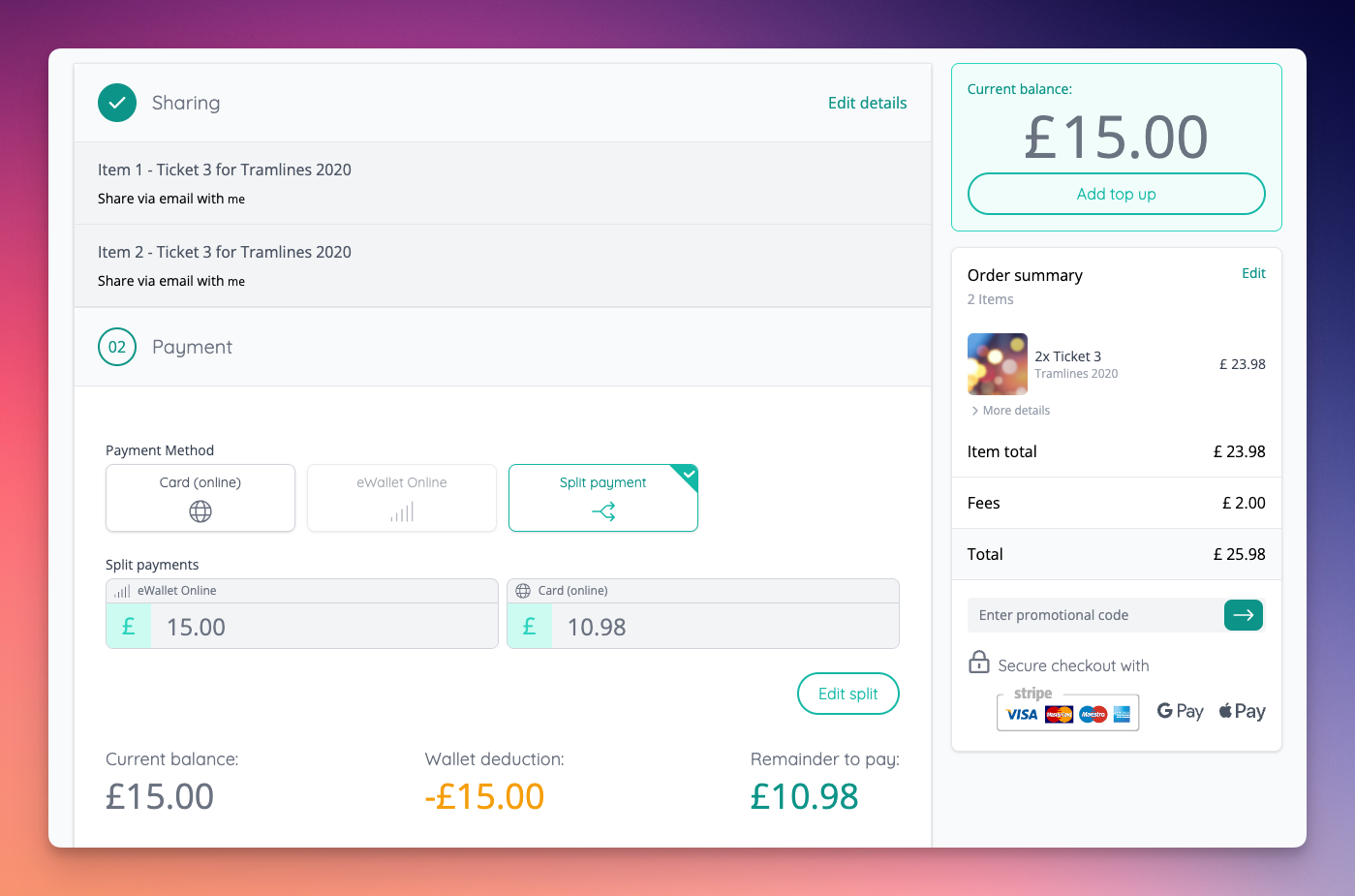
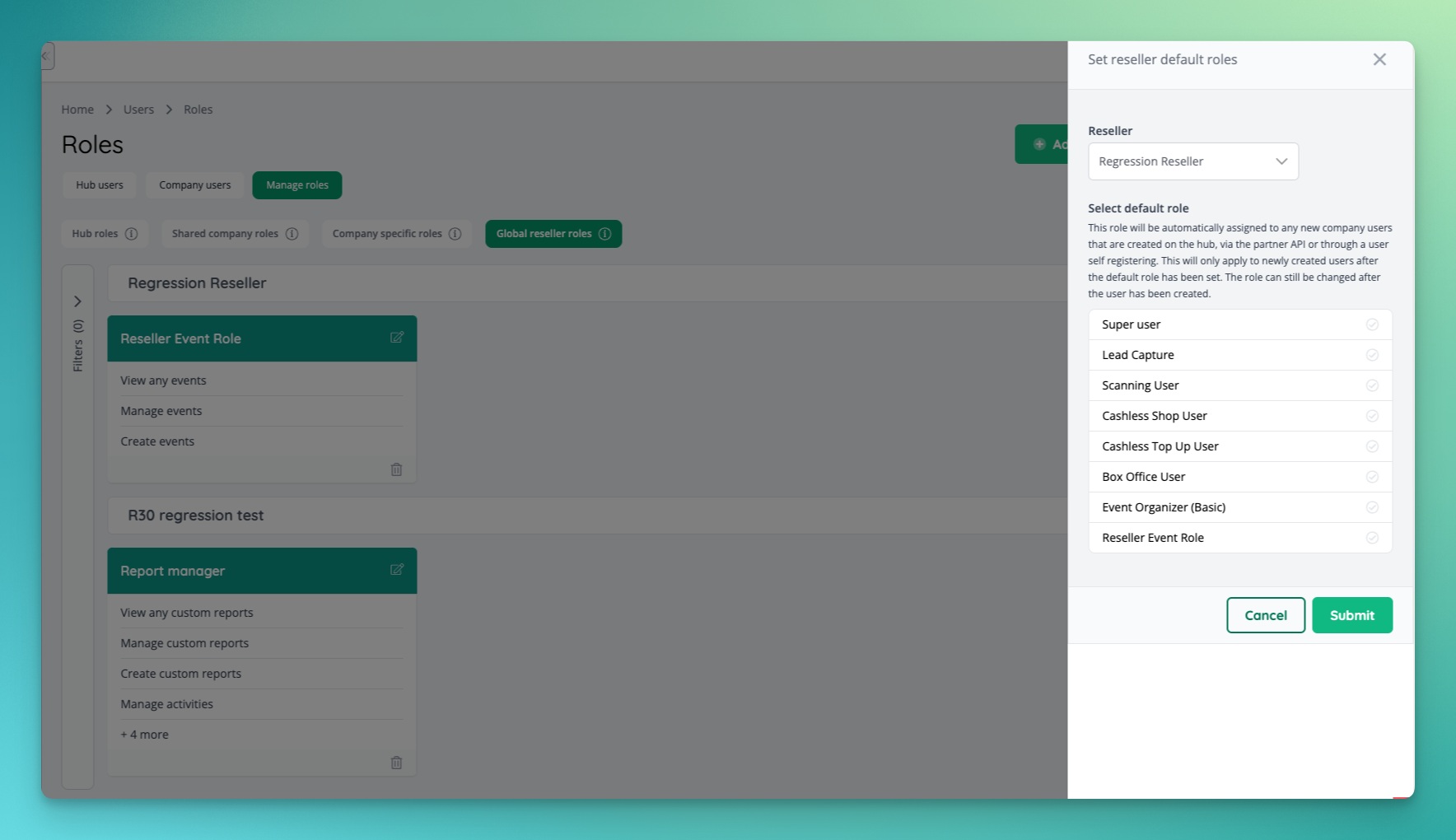
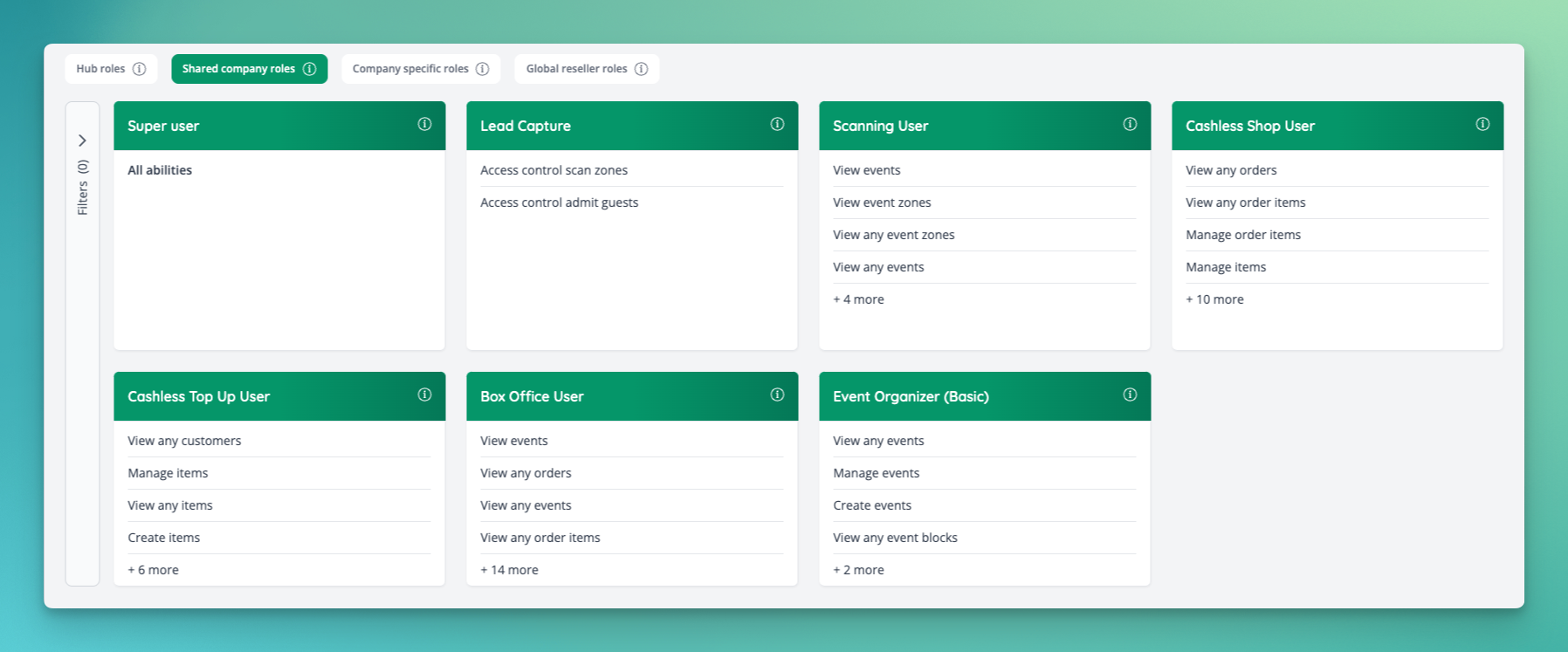
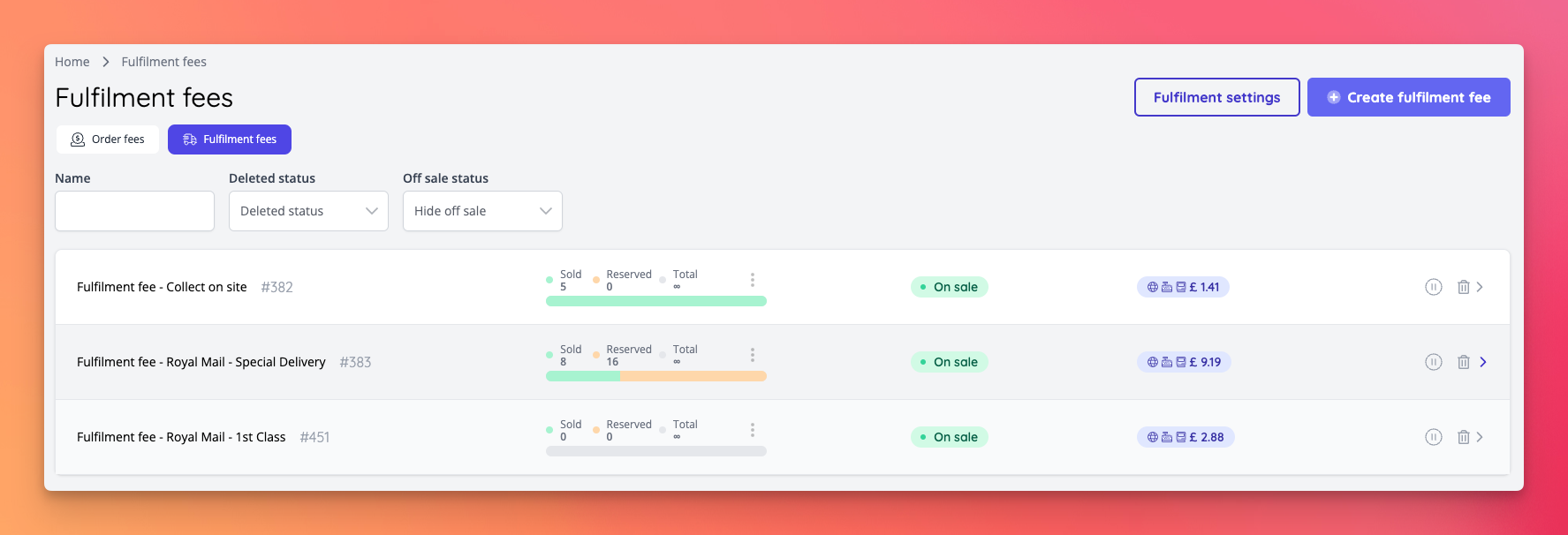
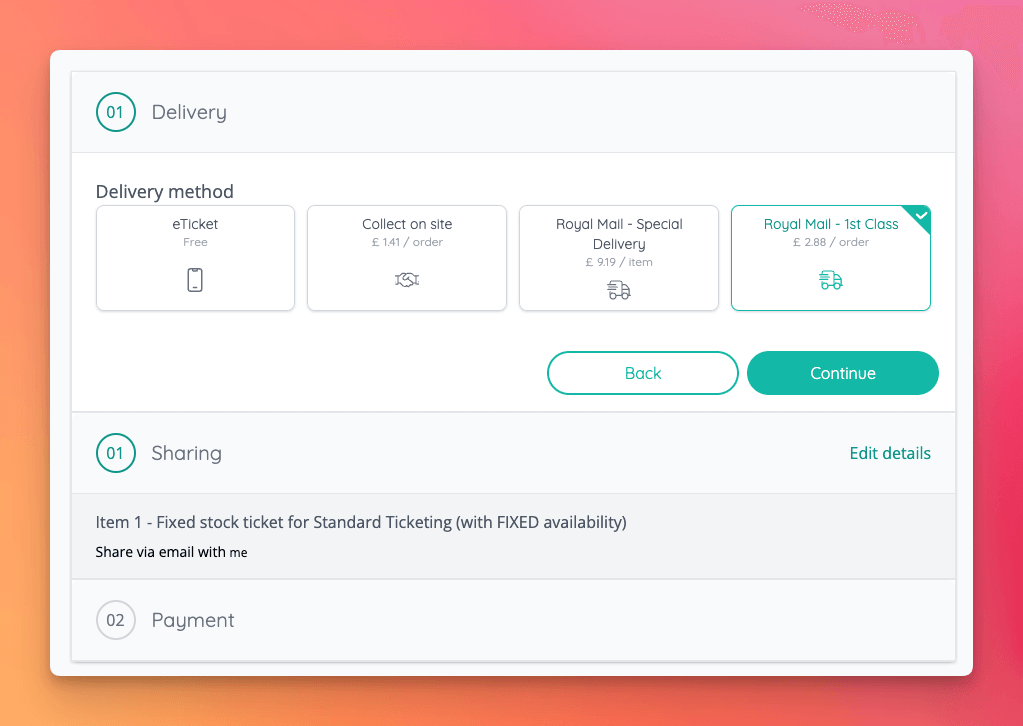
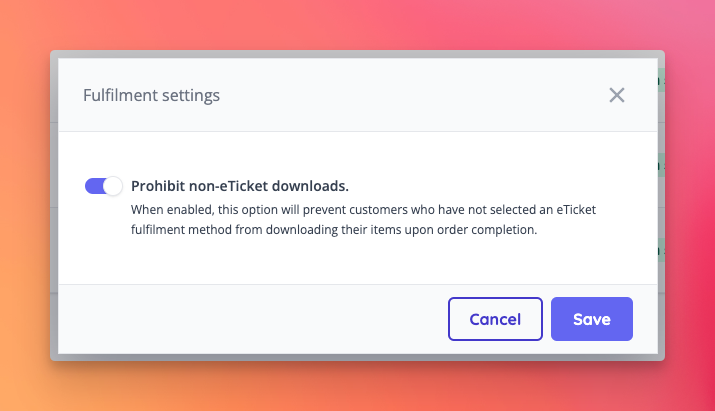
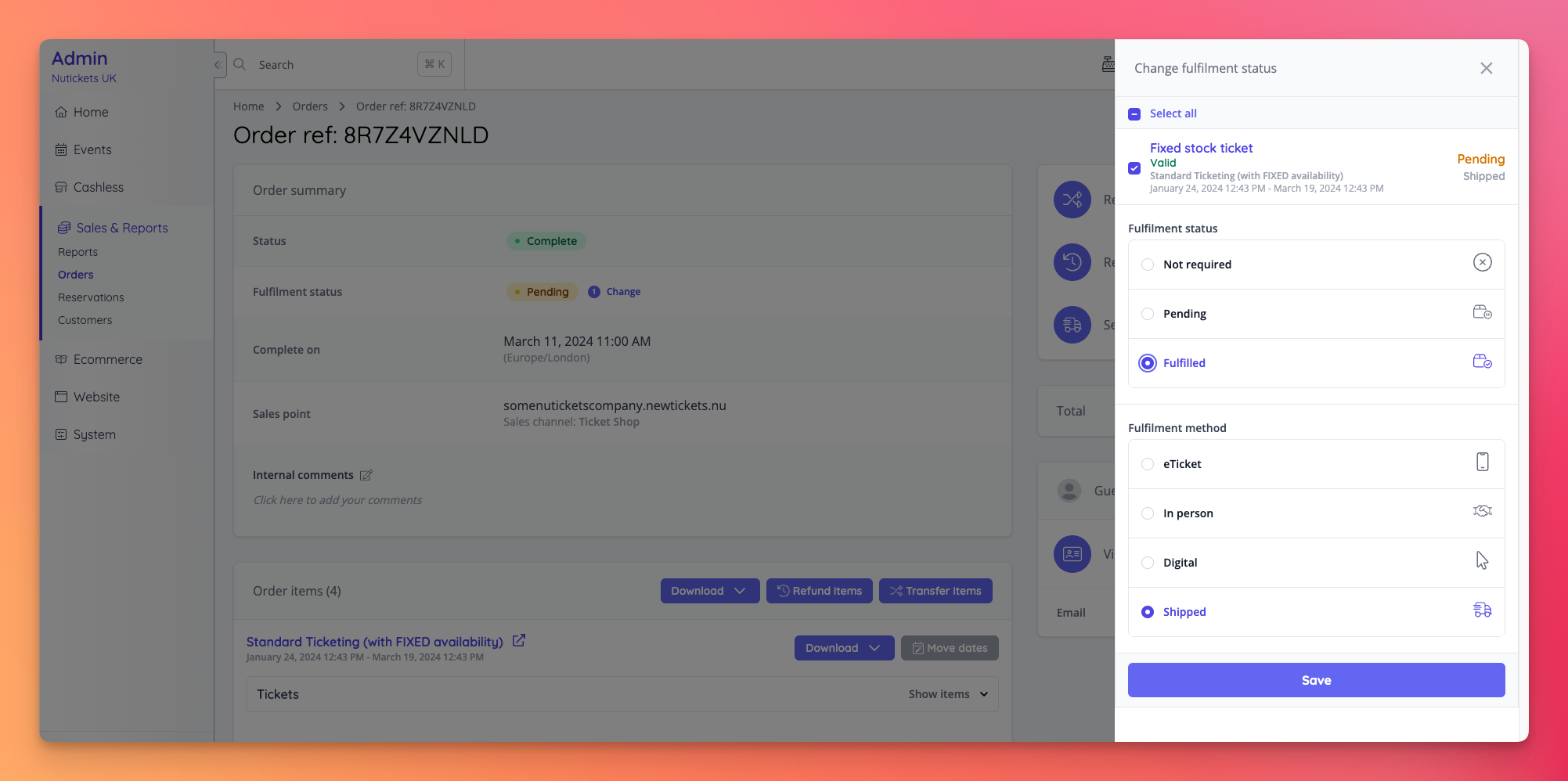
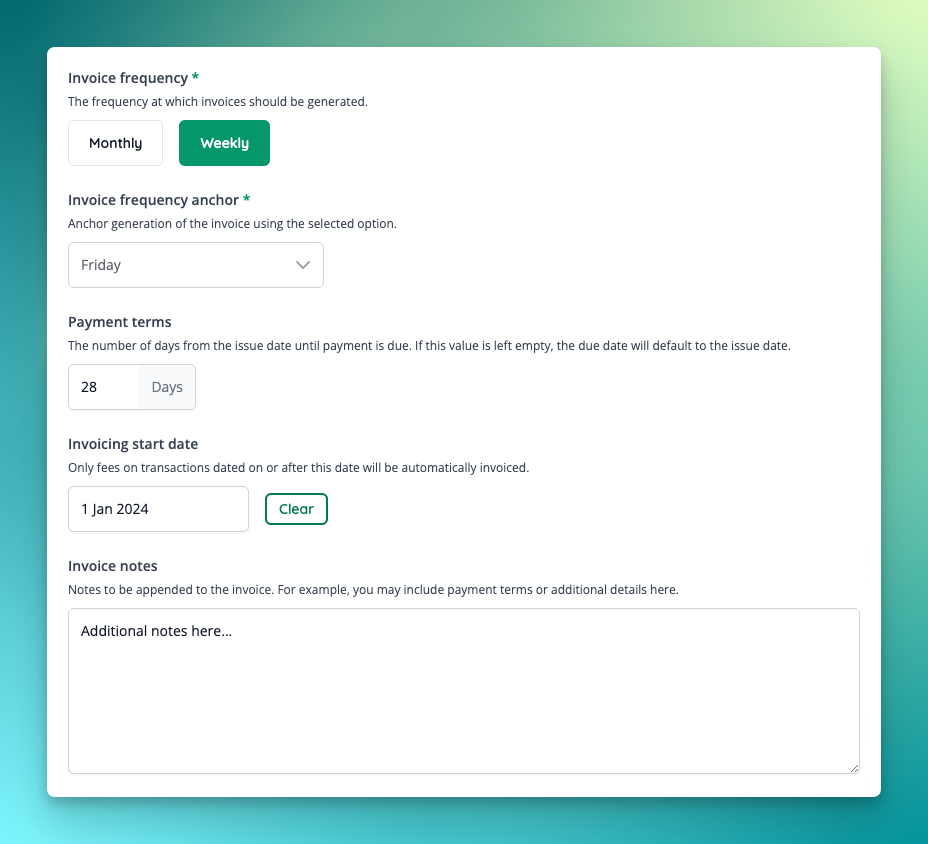
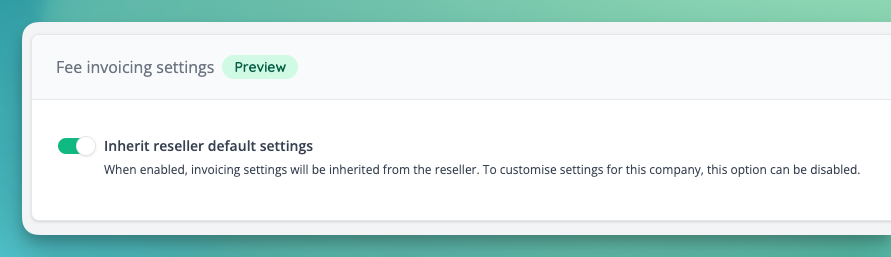
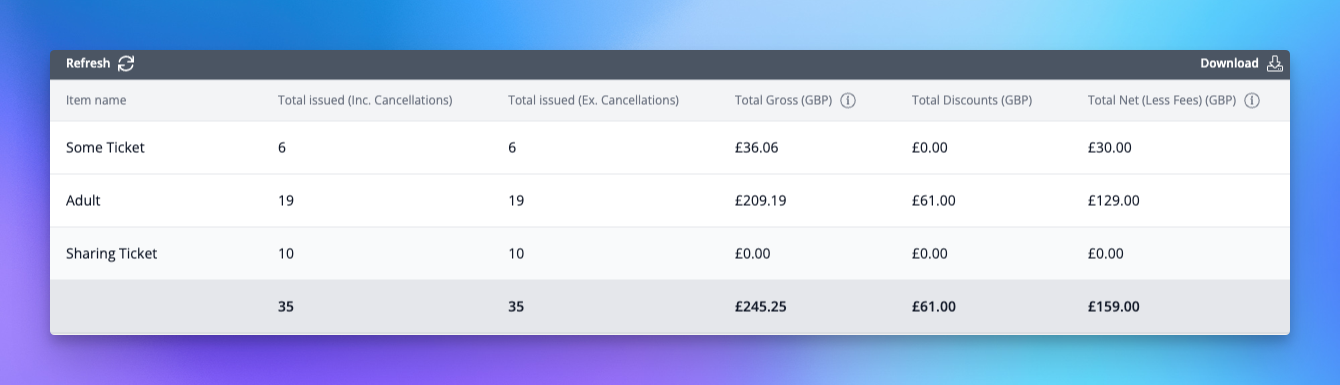
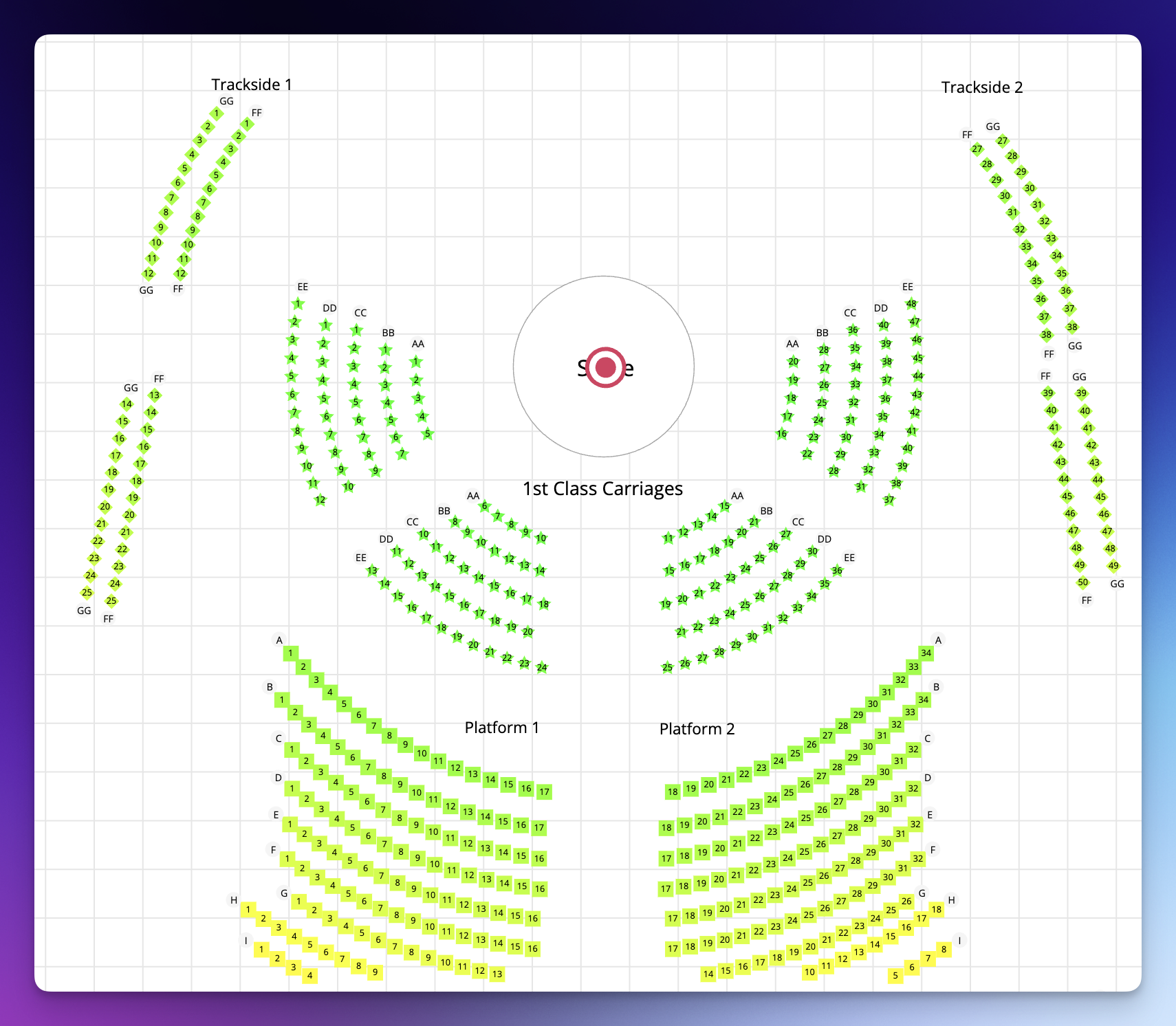
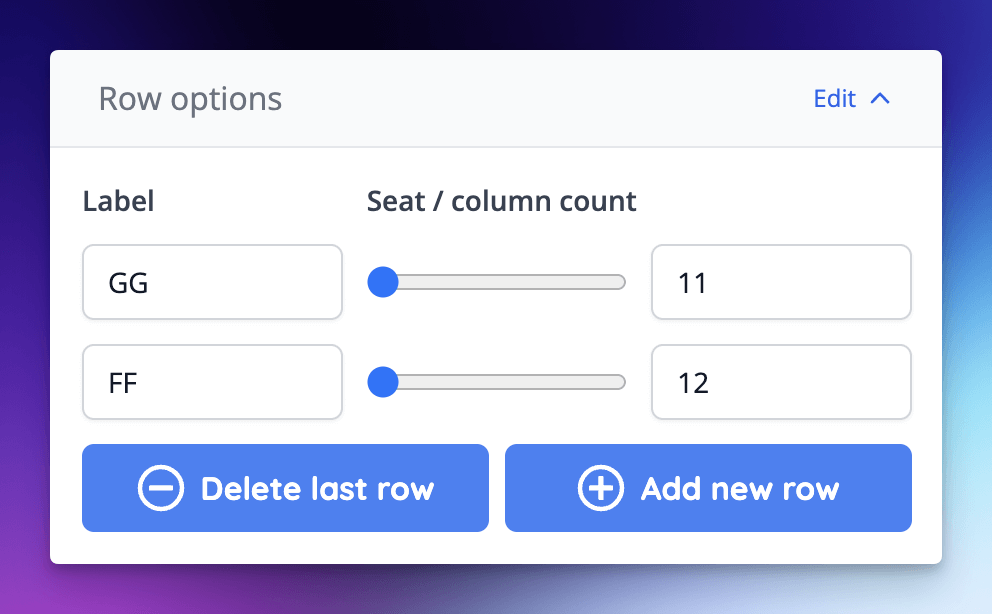
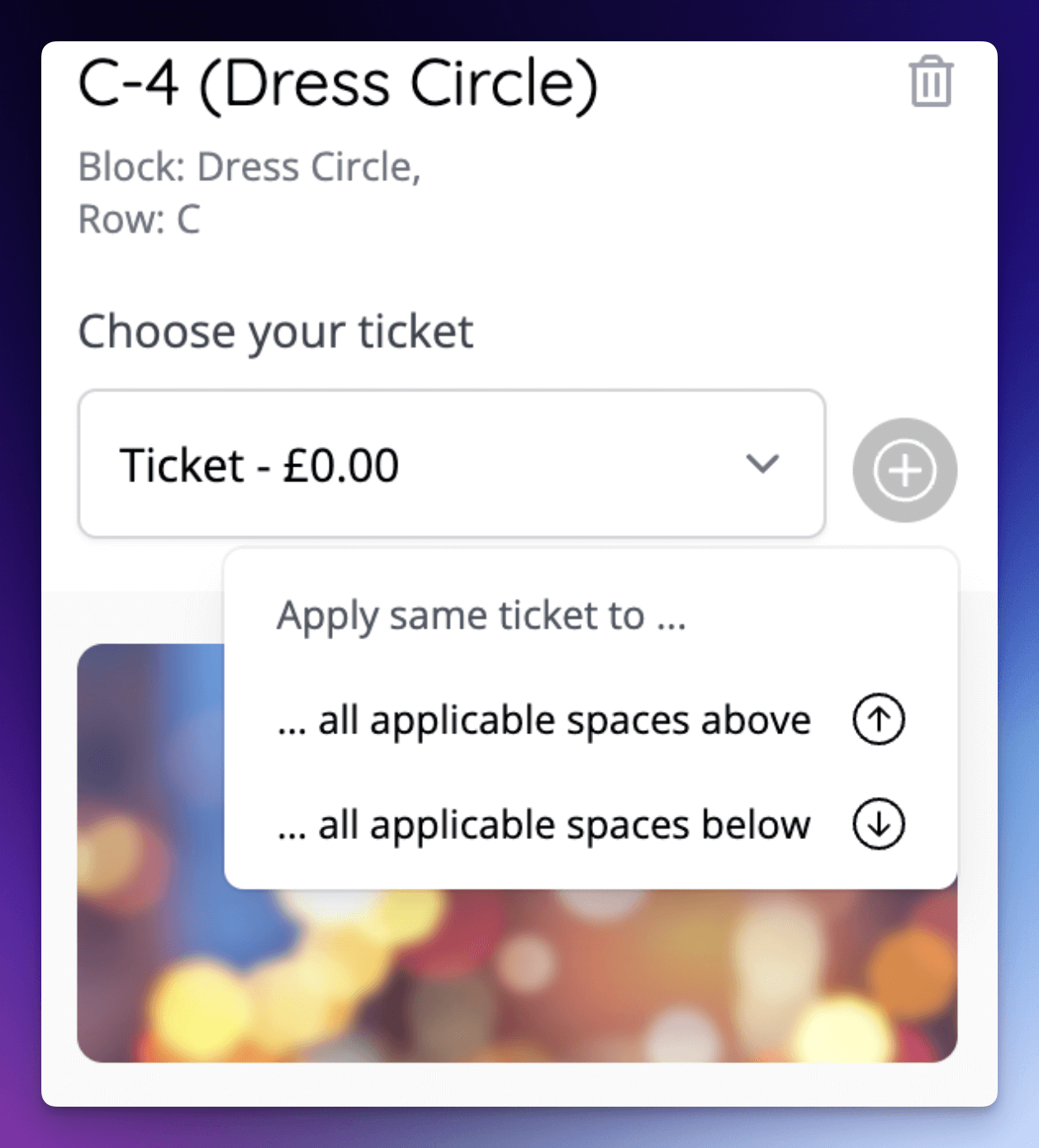
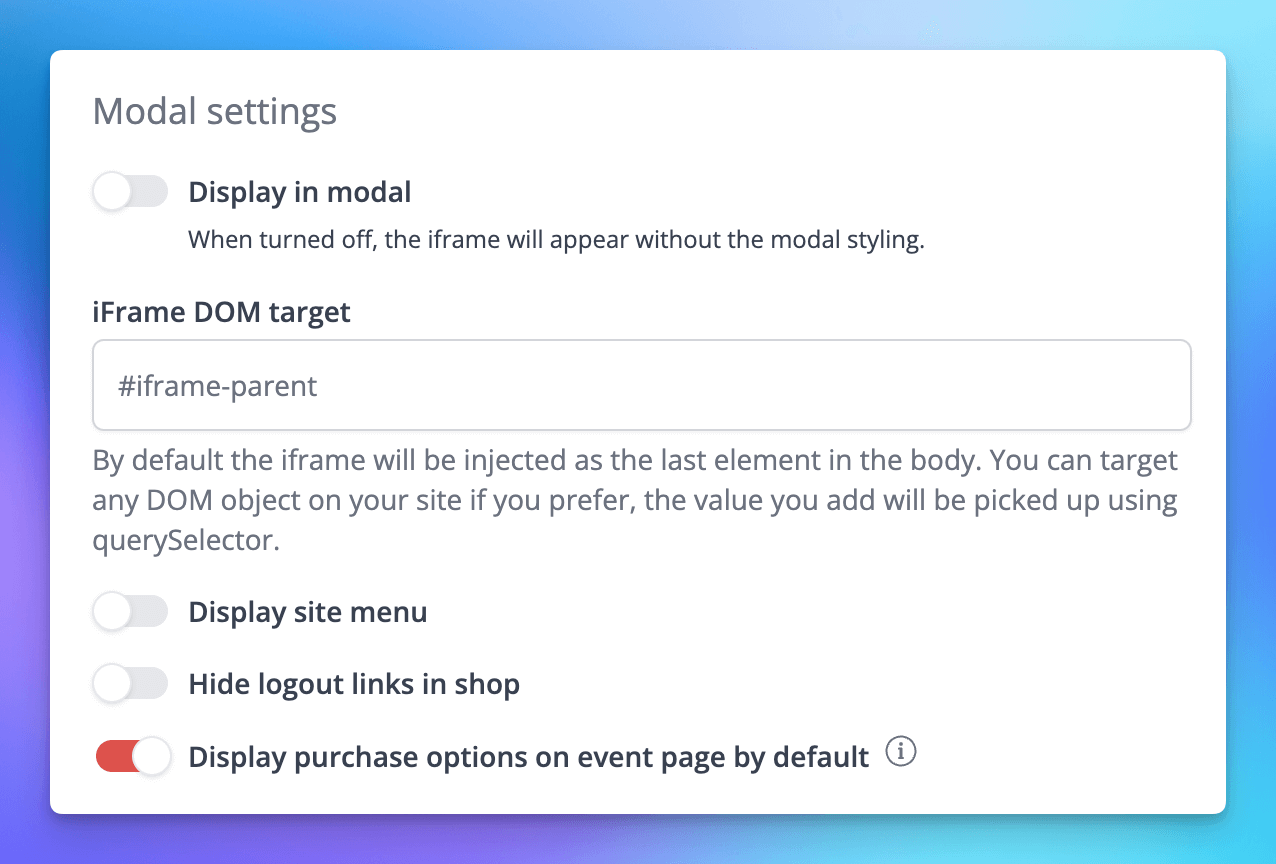
🚀 New Features
SchedulesAs part of our 3 part series of work re-iminaging how scheduled events can work across larger series of events, we’ve released the second phase of work on event schedules. This replaces multiple legacy concepts whilst delivering an improvement over mass assignment of tickets to events.- You can now manage tickets and season tickets on the schedule dashboard [NG-5282]
- Custom cycles can now be used to create repeat schedules [NG-5262]
- Added visibility controls to the schedule dashboard [NG-5432]
- Event organisers now have the ability to use the ‘listing’ view for repeat schedules, instead of this always defaulting to the calendar view [NG-5283]
- \
- Split payments can be defined manually when using box office mode [NG-4151]
- Added the ability to refund split payments both automatically matching the original transaction proportions, as well as manually allowing the user to set custom amounts for each transaction refund [NG-5334]
- Introduced account balance / e-wallet spending functionality within the ticket shop. eWallets can now be used to pay for an entire order or if used in combination with split payments, a portion of the order [NG-5325]
- Added the ability to add reseller level roles that apply to all companies of a reseller [NG-5257]
- Allow a default company role to be set per reseller that will apply to any new company users created for that reseller via the hub self-registration or the partner API
- Define some new global user roles so that they don’t need to be set up for each company: Scanning User, Cashless Shop User, Cashless Top Up user, Box Office User and Event Organizer (Basic) [NG-5273]
- Order fulfilment fees may now be created for each fulfilment method at the company level. These fees may be applied on a per item, or per order basis [NG-5241]
- A new delivery step has been introduced to checkout, where customers can select their preferred fulfilment method.
- By default, only eTicket orders will be downloadable after checkout, but you may opt out of this restriction
- Admin users can then manage the fulfilment method and status of each item within the order
- Attendance based reports can now be filtered based on fulfilment methods and status.
- Reseller fee invoicing receives additional configuration options to allow invoice generation frequency to be adjusted, as well as payment terms and additional notes [NG-5249]
- Reseller fee invoice settings can also now be managed at the reseller level for all companies, whilst retaining the option to customise the configuration on a per-company basis. [NG-5276]
- Add a totals row reports, summing the values of each numeric column both on reports in the browser and exported/scheduled reports [NG-4827]
- Added the ability to set default values for some event filters [NG-5272]
- Added a setting at the company level to allow an order confirmation email to be dispatched per inventory source on the order, rather than one email for all sources, allowing any customised text set per event to still be used. [NG-5259]
- Add a setting at the event level to allow an event to show as “Sold Out” if there is no ticket capacity remaining, rather than if there are is no capacity on all item types [NG-5122]
- When copying an event, the event is now prefixed with ‘Copy of’ to indicate that the event was the replica [NG-5265]
- Added circular allocated blocks [NG-4945]
- Added shortcuts to row settings when editing a block [NG-4945]
- Improved line editing UI in editor, and fixed issues in shop where a diagonal line would block seat selections [NG-5126]
- In box office added multi-select tools to be able to select multiple seats and assign tickets en masse.
- Added more informative seating plan integration error pages, with added custom event handlers [NG-5158]
- Added a setting under event seating plan settings to change if a seating plan in the shop focuses on only the available seats or the whole plan [NG-5272]
- When editing the seating plan, added an option to download an image of the seating plan in Plan Stats [NG-5408]
- Display space & price band ID information on manage seating page in events [NG-5168]
- While an area is saving, entering areas is disabled from now, to protect data being lost on save [NG-5408]
- Added advanced embed settings where you can specify where the modal UI can be disabled, and where to render our shop on your page [NG-5205]
- Added more settings to be used in our embed seating plan integration with new events to highlight specific areas or price bands, and with new options to be able to disable seating plan interactivity for best available seats usage [NG-5156]
✨ Enhancements
- Added a new date & time formatting setting (“Localised”) which should consistently provided a more localised experience for users, based on their chosen language settings. This replaces the default “little endian” date formatting, however endian formatting options remain available in the short term [NG-4202]
- Allowed repeating schedules to enable the schedule listing page rather than the items-modal calendar [NG-5264]
- Show complimentary transaction values in payment gateway analysis report when grouping by payment gateway [NG-5288]
- Allow fully opting out of Szamlazz document creation for orders during box office checkout, speeding up the box office flow [NG-4808]
- Mixed schedules now show which event is to be repeated when adding repeat events [NG-5406]
- Made Reseller and Companies UI in Hub more consistent [NG-5297]
- Surfaced the VAT Number for a customer in the Admin Customer view and for the customer in Customer Account Details [NG-4955]
- Allow filtering of ‘Suspended Status’ in Admin Users Report. Added a link from the Users view to create a report based on the displayed data. [NG-5255]
- Display Item Type and Timeslot name when assigning Data Capture questions on specific items on an event [NG-5477]
- When using ticket data in custom event media texts, render HTML in the downloaded PDF for sale item descriptions [NG-5326]
🎨 User Interface (UI/UX)
- Removed all sales tax inputs where an item is free [NG-5357]
- Added event date, time slot, price band information to Multi-buy discount sale item selector [NG-5299]
🧹 Housekeeping
- Ensured only required fields are retrieved for child and parent companies on the create and edit company pages [NG-4760]
- Removed legacy transactions and attendance data imports following the decommissioning of the old Nutickets platform [NG-5148]
- The ordering of template blocks on a page is now correctly maintained after editing a template block [NG-5052]
- Standardised the labelling of the ‘Group recurring events’ filter on the Event browse page [NG-5269]
- Fix to total uses value on access code usage report which in some cases was counting orders multiple times [NG-5080]
- Include payment method in Order Confirmation Emails for orders pending future payment [NG-5217]
- Improve validation on the external ID field when editing a venue [NG-5094]
- Removed duplicate venue names in default printables and order confirmation emails [NG-4847]
- Fix issue with access code not attaching to a sale item when using “Save and add another” [NG-5238]
- Updated ‘Total’ label in the basket to read ‘Item total’ to match the order summary [NG-5183]
- Fixed an issue where the event listing delete modal did not clarify what was being deleted [NG-5297]
- Prevented the price-input from resetting to zero when using the backspace key on larger values [NG-5228]
- Ensure that all orders are included in event statistics, event if they were completed before event creation and imported via a data import [NG-5125]
- Pruning of least recently used company user records when a user is associated with over 200 companies [NG-2850]
- Update to ensure Reseller fees table is formatted correctly in Hub [NG-5416]
- Optimisation of Data Capture view [NG-4886]
- Fix for rendering holds on a seating plan [NG-5275]
- Ensure that tax details are flushed after Shop orders to maintain subsequent orders’ accuracy [NG-4955]
- Prevented a potential scenario where multiple Szamlazz Documents could be generated [NG-5475]
- Fixed issue which was preventing tags from being pre-populated within the form when editing a tag category [NG-5543]
- Resolved an issue where tags were not being displayed correctly whilst editing a tag category [NG-5543]
- Code 39 barcodes will respect their correct aspect ratio when they are resized using the UI in event media editor [NG-4953]
- Fixed an issue when custom row labels have been removed and were displayed as empty text [NG-4756]
- Resolved a bug where price bands with seats could be removed in seating plans [NG-5479]
- Ensured table labels display in shop when ‘Show table/row names in the shop plan’ is checked [NG-5110]
- The first excluded label couldn’t have been removed in seating plans, this now has been fixed [NG-4821]
- Event media ‘Empty data’ field is now editable and displays in downloaded PDFs correctly [NG-5088]
- Provided correct localisation of dates and times across the platform, respecting the user’s choice of locale rather than the company’s [NG-4202]
- Added a new ‘disable view shop’ limitation for our technical integrators, allowing the ‘view shop’ buttons to be hidden/removed right across the admin interface [NG-5365]
- Allowed bundles to be recreated when assigning the parent item to timeslots, removing the need to manually re-bundle items after creation [NG-5127]
- When re-assigning items from one event to another, the system now respects the sales channel assignments from the source event [NG-5560]
💻 Technical
- Improved log visibility of failed outgoing webhook requests [NG-5371]
- Improved efficiency of permission lookups resulting in better performance for non-super users [NG-5478]
- Offloaded the overhead of barcode generation from our primary database, to improve performance and stability during large on-sale events [NG-3618]
- Improved the performance of timeslot creation by offloading the request to the queue to be processed in the background [NG-5060]
🧑💻 API
Changes to the API have been documented in the changelog on the API documentation homepage.Below you will find the summary notes for the 29th release of the Nuweb core platform.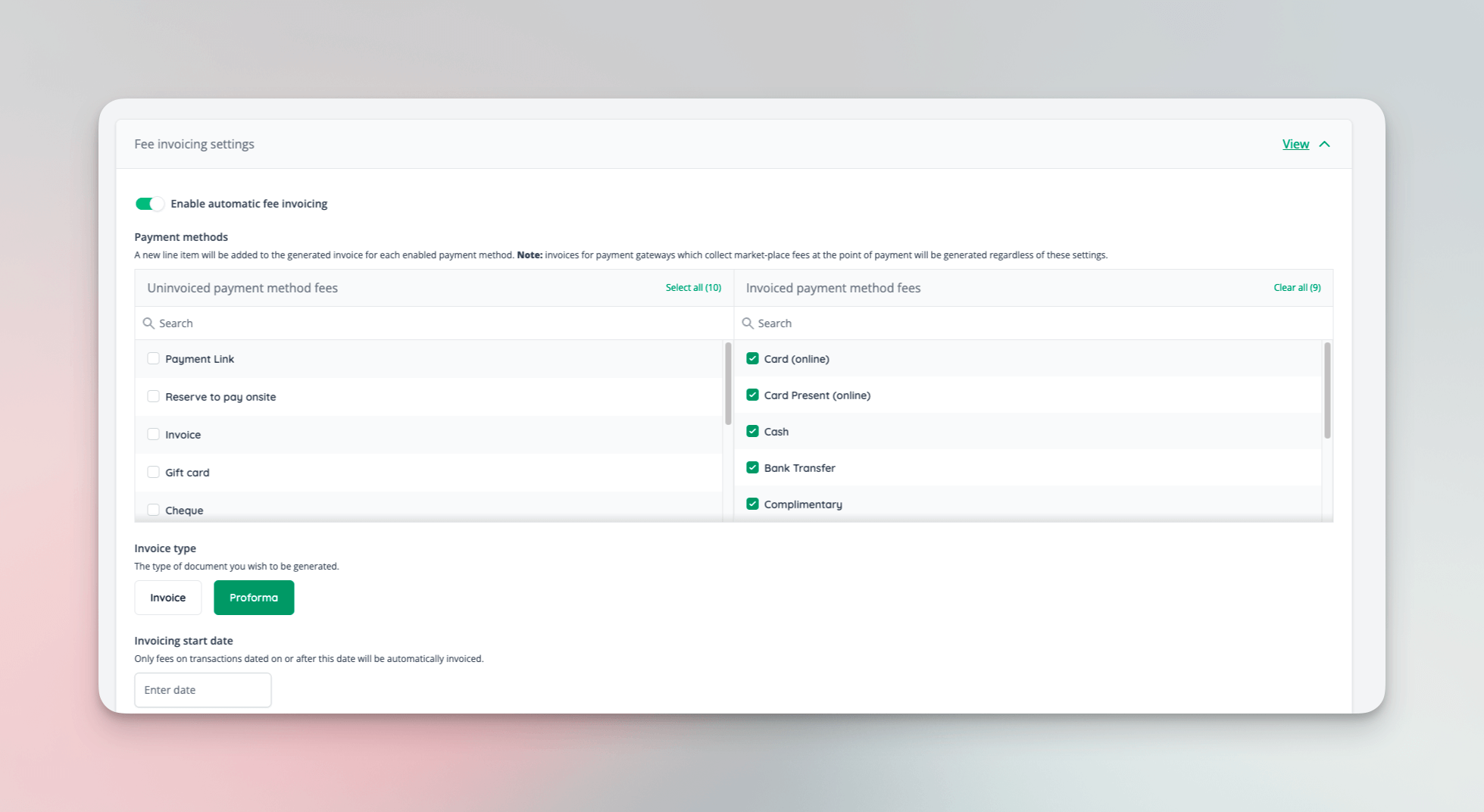
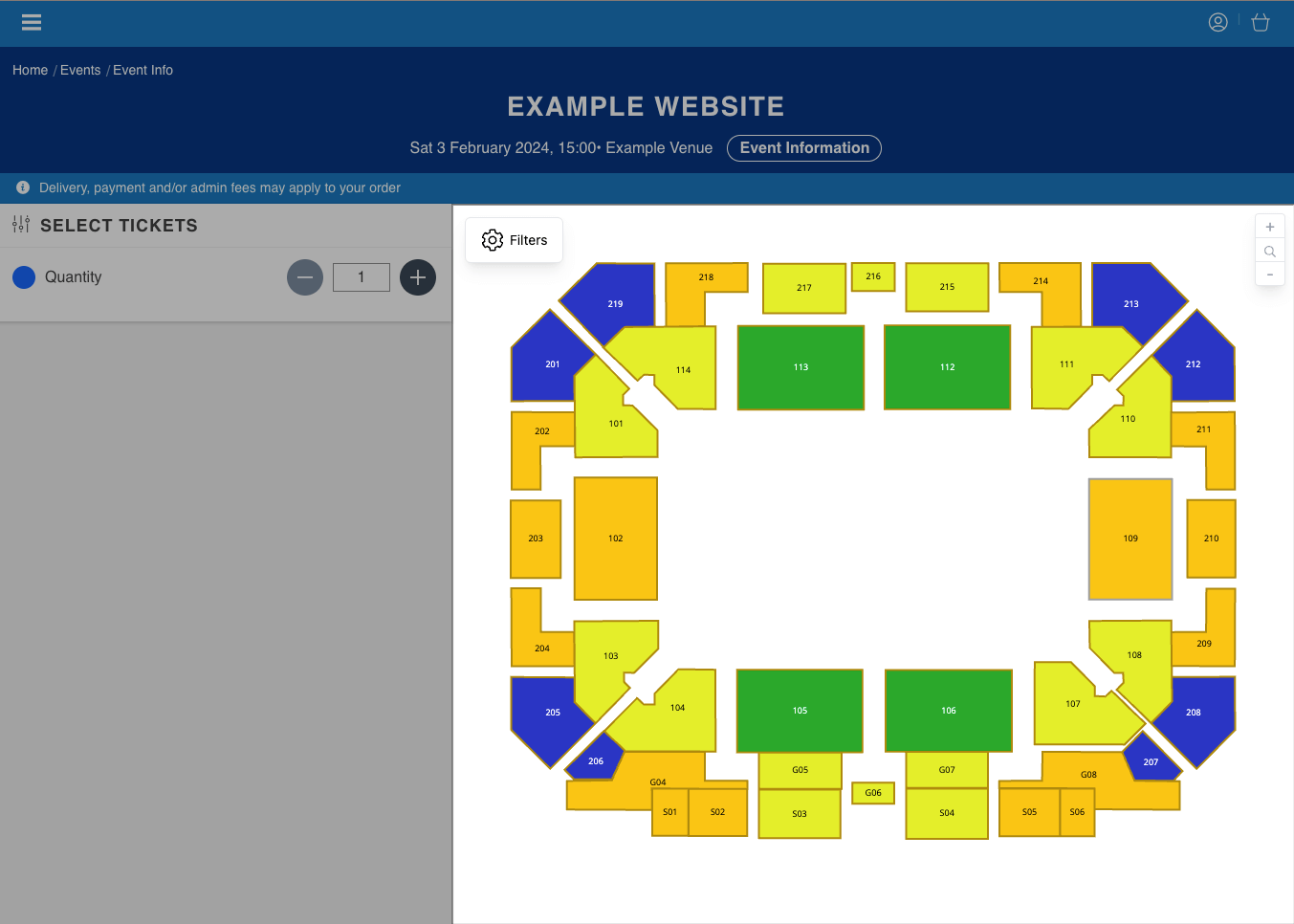
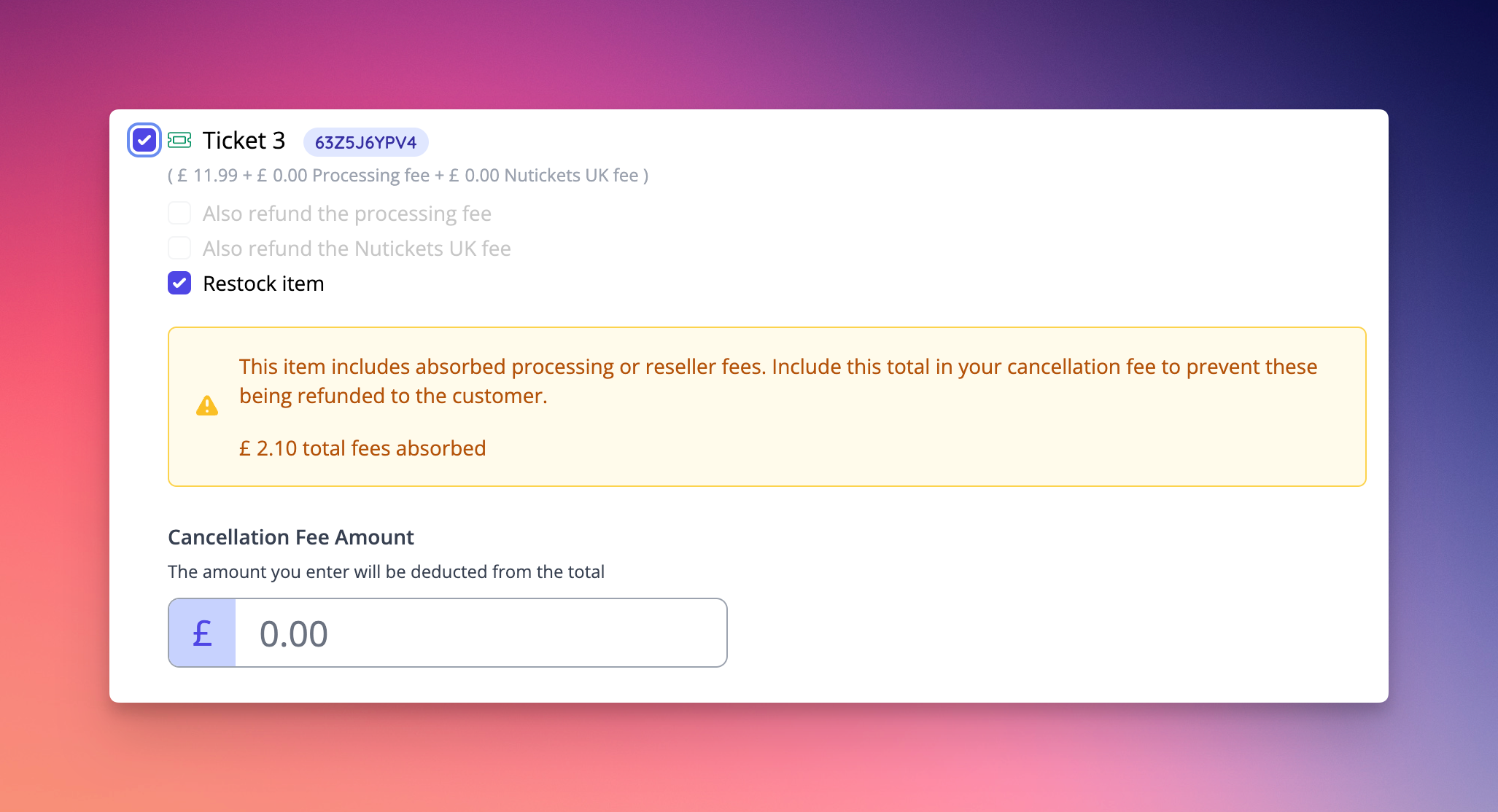
🚀 New Features
- Introduced automatic invoice generation enabling resellers to raise invoices for their companies [NG-5032]
- Enables split payment invoice generation (for those payment gateways that support this functionality) with automated reconciliation/settlement
- Allows the generation of invoices to recover the unpaid (“offline”) reseller fees when companies transact using payment methods such as cash, cheque or bank transfer
- Facilitates the recovery of unpaid reseller fees when companies use non-marketplace gateways that do not allow for the automated collection of fees during the transaction
- When invoices remain unpaid, access to a company’s admin can be restricted
- Implemented a standalone embeddable seating plan widget which will later facilitate system integrators and external development teams to integrate directly with our seating plan engine [NG-5160]
- When editing seating plans, the system will now detect when/if two users attempt to modify the same seating plan at the same time, and prevent such a collision causing any data loss by rejecting the update from the user who submits their request to save the plan, last [NG-5106]
✨ Enhancements
- Added the option to include ‘order notes’ in order item data imports [NG-5049]
- Data capture questions set to be asked “On specific items across the schedule” can now be re-ordered as expected, like other data capture questions.
- Added new/existing customer fields to order, attendance and sales reports [NG-4809]
- Full width as background image template blocks now have advanced dimension settings [NG-4757]
- A message is now displayed to the user to explain why items have been removed if their basket no longer met certain conditions, such as a minimum team size [NG-4901]
- Enhance best available seat selection to work across sale items within the same price band [NG-4968]
- Szamlazz invoice will no longer include a zero value line where there are order level fees applied to the order [NG-5112]
- Enriched customer confirmation emails can now be enabled to include address data and data capture responses in the order confirmation email [NG-5048]
- Added protection to avoid multiple users editing the same seating plan [NG-5106]
- Tightened validation rules around assignment of venues to events in parent/child company setups. Venues assigned to events must now reside in the same company as the event itself [NG-4878]
- When editing a child company event and creating a new venue, the venue will now be created inside the child company by default [NG-4878]
🎨 User Interface (UI/UX)
- Increased visibility/awareness of the presence of fees on orders when processing refunds [NG-4706]
🧹 Housekeeping
- Fixed sub-menus not opening links in new tabs if that setting is enabled [NG-5020]
- Restricted time date and time inputs to prevent entering details that fall outside of the event times [NG-5019]
- Updated order item importer to respect the company’s live mode flag in all circumstances [NG-4995]
- Updated calculation of available dates in event blocks to remove deleted events from the total [NG-4957]
- Invoice payment is no longer shown in the case where there are multiple events in the basket, some of which have manual payments enabled and some don’t [NG-4946]
- Updated property visibility to ensure accurate hydration of cached models/classes [NG-4927]
- Fixed multi-buy discount code options being de-selected [NG-4858]
- Ensure fees are always displayed to the user during checkout [NG-5047]
- Fixed usage of once per order restriction on BXGY discount codes [NG-5212]
- Moved warning message about disabled javascript to the bottom of the page to avoid Google indexing it [NG-5030]
- Texts in event media that don’t fit into its container won’t start with a line break [NG-5024]
- Numerous fixes to fix seating plans with errors caused by multiple users editing it [NG-5174, NG-5038]
- Admin users with permission to edit customers can now edit the email address as well as the other fields [NG-4950]
- Allowed items requiring approval to be used alongside order fees [NG-4758]
- Tidied up the error messaging presenting to users when attempting to access parent venues from a child company [NG-4915]
💻 Technical
- Engine work to support split/multiple payments for a single order began, paving the way for upcoming payment developments such as split payments in box office, gift card payments, account balances and more. [NG-4001]
- Upgraded SumUp to the latest version of the integration, with full support for 3DS Checks in all scenarios [NG-5083]
🧑💻 API
Changes to the API have been documented in the changelog on the API documentation homepage.Below you will find the summary notes for the 28th release of the Nuweb core platform.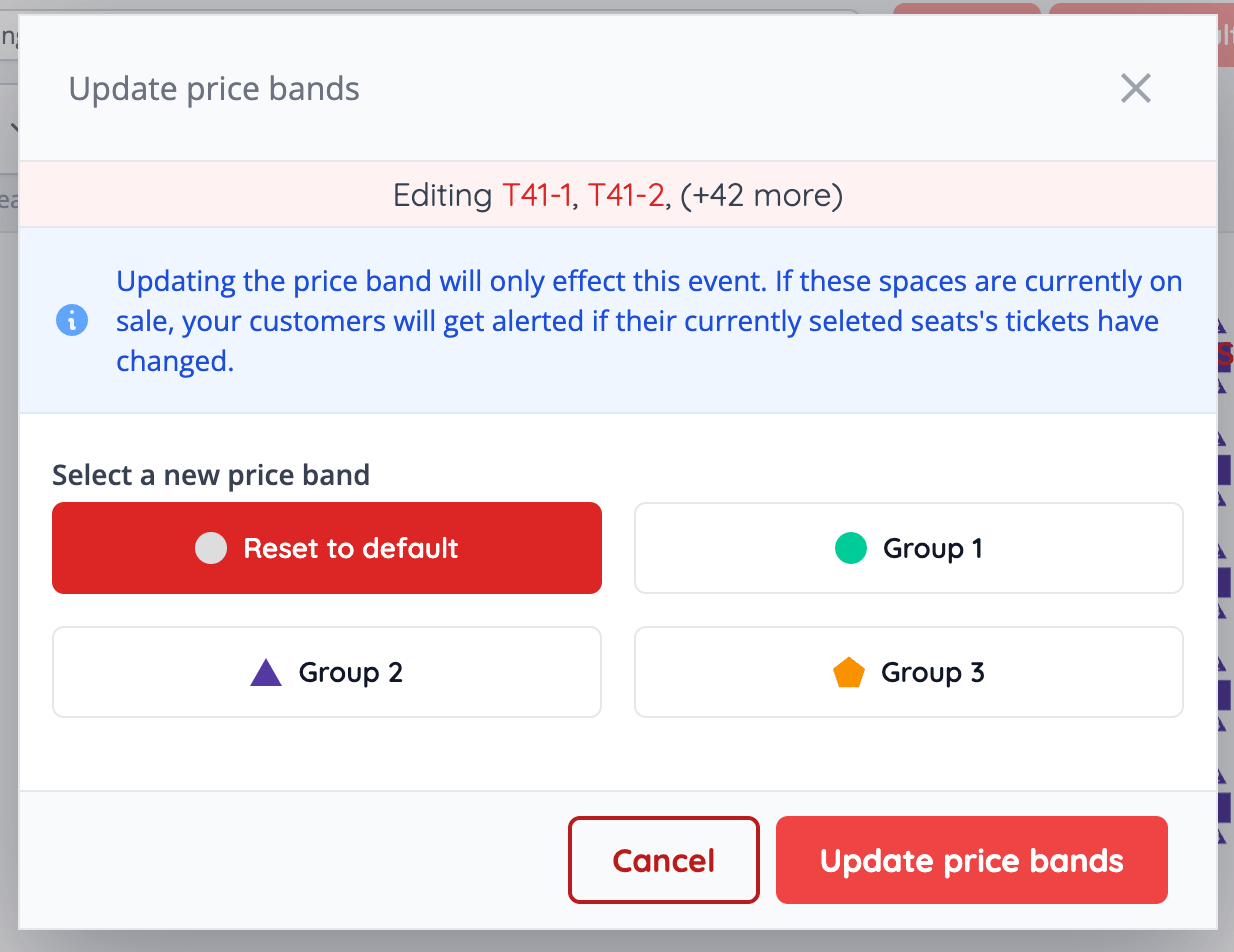
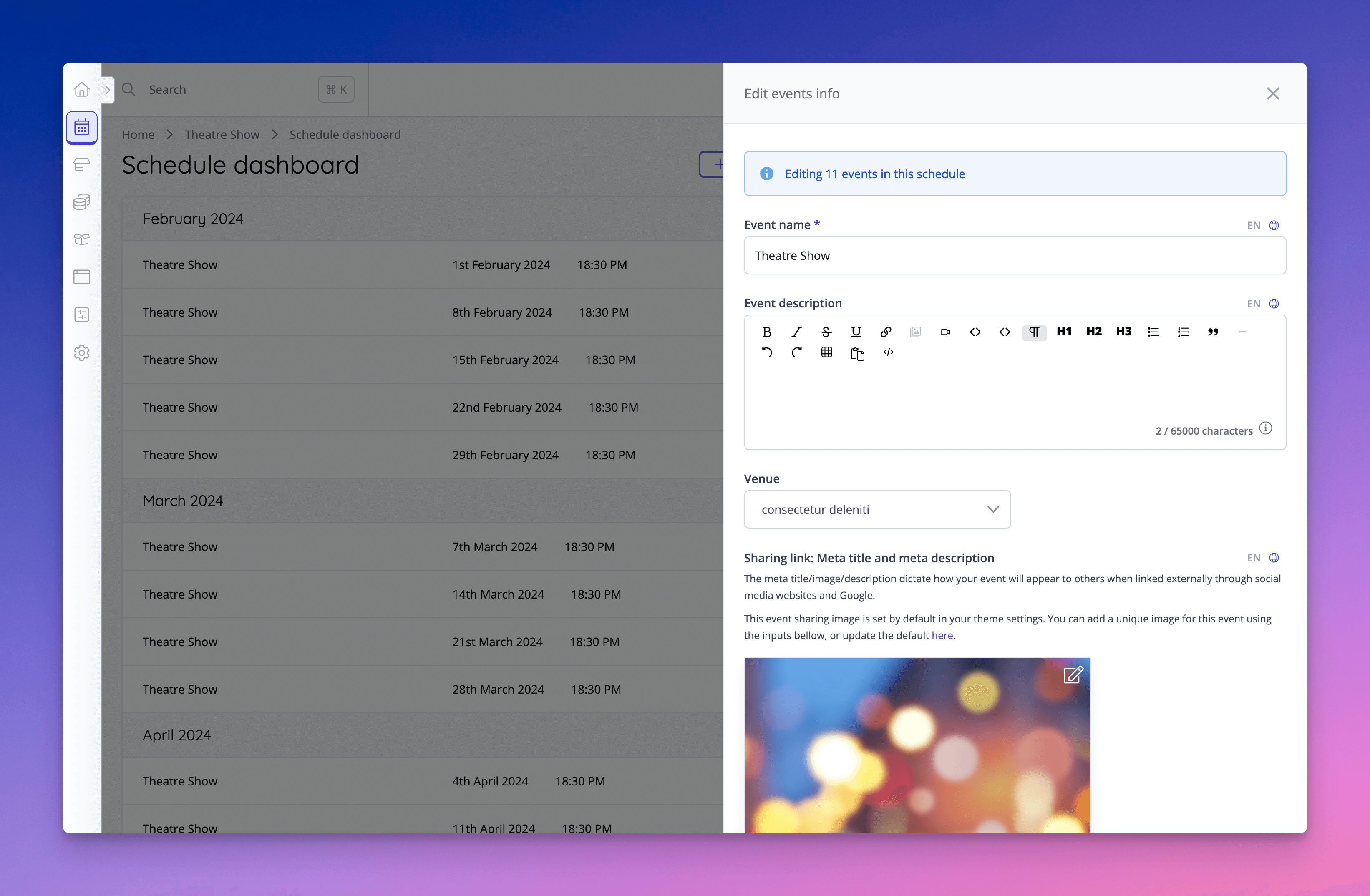
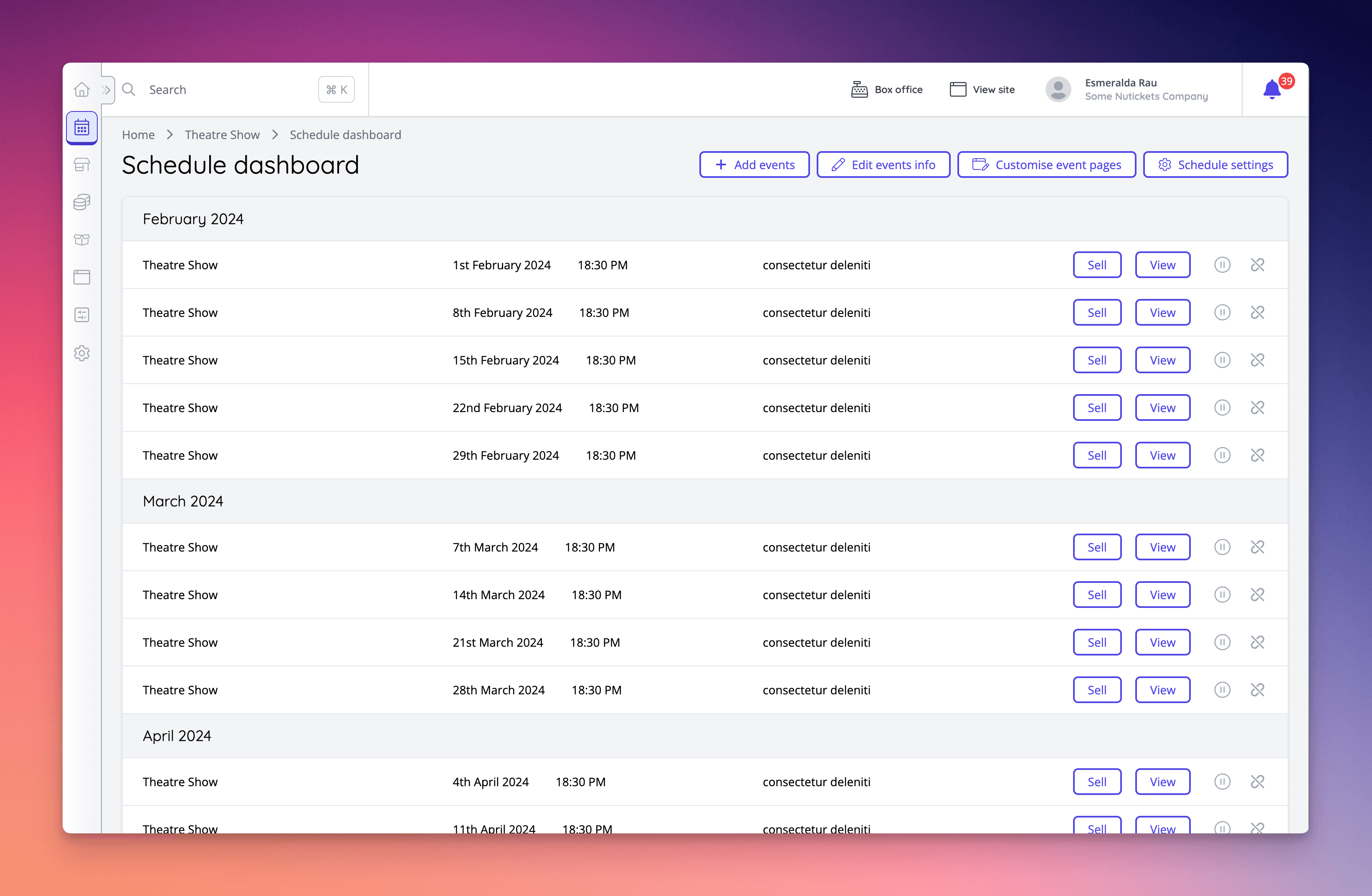
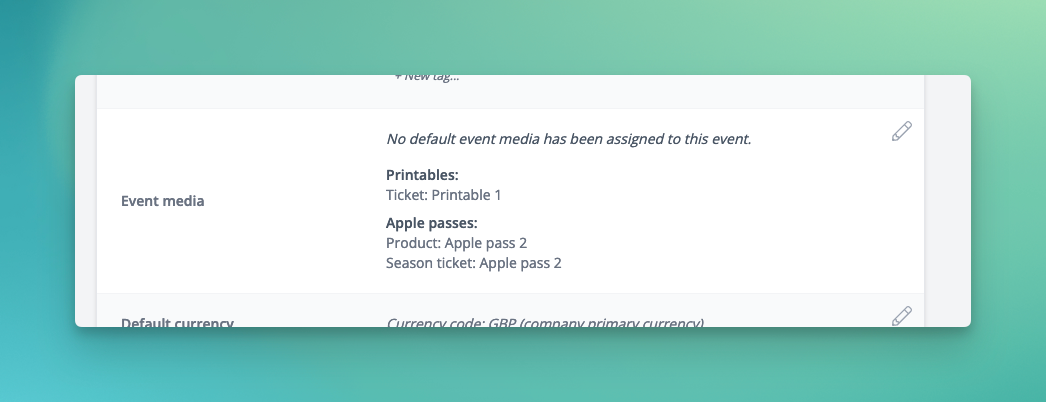
🚀 New Features
- A new setting is available at the company level, “Enabled Enriched Purchase Notifications” which when enabled means that the purchase notifications sent for an event will include the billing address of the order and data capture [NG-4817]
- Added an option to enable automatic logout of guest users after checkout, or when a guest customer abandons checkout, to facilitate kiosk / self-service environments [NG-4812]
- Page imports and exports have now been expanded to handle multiple pages at the same time [NG-4223]
- Added functionality to re-price seated events real-time, during an on-sale:
- Added a new ability to reprice seats en-mass via the seating plan display page in the event dashboard [NG-4860]
- Added “live” updating of price bands to the ticket shop, for seated events. When a seat is re-priced, customers on the ticket shop will see the seat re-priced whilst viewing it (with no need for a refresh) [NG-4907]
✨ Enhancements
- Scheduled event details can now be changed directly from the improved schedule dashboard [NG-4884]
- Changes to an event listing page apply to all events in the schedule if the schedule is repeating [NG-4885]
- An option has now been added to not send scheduled report emails if there is no data in the report [NG-4492]
- The edit sale item group form on the event page now displays the correct information in the form. Also some issues around copying sale items groups between events in a schedule have been fixed [NG-4794]
- The number of results to return can now be sent to the retrieve custom report API endpoint, to allow for returning more than the default 25 [NG-4807]
- New permission checks have been added to box office mode to control whether a box office user can ignore validation around having to book an entire table, and around min/max team sizes for team events [NG-4410]
- New permissions have been added for box office users which allow them the ability to use custom one-off discount codes, or external voucher codes, without also having the ability to create global discount codes in admin [NG-4856]
- Added the ability to define which type of seat adjacency should be respected when using best available seating for an event. The choices are “Any” - the seats could be together, “Preferred” - the seats should be together, and “Enforced” - the seats must be together.
- Event dashboard stats now include instant access orders [NG-4813]
- The report headers “Order Net” and “Total Net” have been renamed to “Order Net (Less Fees)” and “Total Net (Less Fees) to make it clear they are deducting fees, not taxes. [NG-4811]
- A reservation created webhook has been added [NG-4815]
- Added internal notes for companies in hub [NG-4606]
- Added the ‘show complimentary as zero’ filter to the attendance reports [NG-4696]
- Added price-band context when assigning sale items to discount codes [NG-4859]
🎨 User Interface (UI/UX)
- Improved the schedule dashboard [NG-4820]
- Added previews for specific item type event media in the event dashboard [NG-4829]
🧹 Housekeeping
- Resolved edge case where it was possible for event fees to be removed from the basket [NG-4835]
- Email attendees on an event no longer includes customers who only have a fee item linked to the event, but not an actual ticket [NG-4788]
- Add-ons now respect the ‘hide when off sale’ and ‘hide when out of stock’ options [NG-4745]
- An issue causing addresses to be duplicated on each checkout has been resolved [NG-4497]
- Resolved issue where tag categories were no longer showing on the tags index page [NG-4746]
- Resolved issue where content blocks were duplicating on event customise page [NG-4834]
- Prevent auto applied discounts from being applied to free orders [NG-4897]
- Prevent previous payment method fields being shown in box office when creating subsequent free orders [NG-4719]
- Seating plan labelling offset now consider excluded labels [NG-4828]
- Resolved issue where only data capture questions were not showing for all items in the basket [NG-4956]
- Fixed ‘create your first page’ button presenting a 404 [NG-4994]
- Fixed rendering double linebreaks in beginning of sale item descriptions in event media [NG-4869]
- Fixed issue where timeslots ending at midnight were not always appearing on repeat schedules [NG-4520]
- Fixed some ‘featured’ article blocks not appearing [NG4632]
- Export seating plan image is now works better with different pixel density screens with different zoom settings [NG-4951]
- Resolved issue where clearing a %-based fee input resulted in an incorrect value [NG-5023]
- Resolved end of week timeslot display issues for non UTC timezones [NG-5015]
- Reserve to pay onsite orders now correctly report the point-of-sale payment gateway [NG-4674]
💻 Technical
- Improved performance in the buying process for seated events, most notably those with timeslots and best available functionality enabled [NG-4850] [NG-4861] [NG-4762]
- Added support for version 2.10.17 of the Szamlazz Agent ahead of deprecation of previous versions [NG-4489]